


Happy BSC Portal
Gioca su PC con BlueStacks: la piattaforma di gioco Android, considerata affidabile da oltre 500 milioni di giocatori.

Pagina modificata il: Apr 17, 2025
Run Happy BSC on PC or Mac
Let BlueStacks turn your PC, Mac, or laptop into the perfect home for Happy BSC, a fun News & Magazines app from Happytv.
About the App
Happy BSC brings all the latest happenings and hot topics right to your fingertips. Whether you’re catching up on breaking news or following your favorite reality shows, this app from Happytv makes sure you’re always in the loop. It’s a handy pocket companion for anyone who loves to stay connected with stories from around the world and, of course, the buzz from your favorite TV moments.
App Features
-
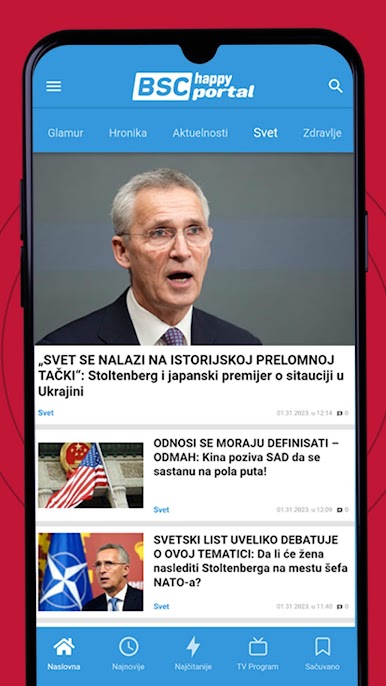
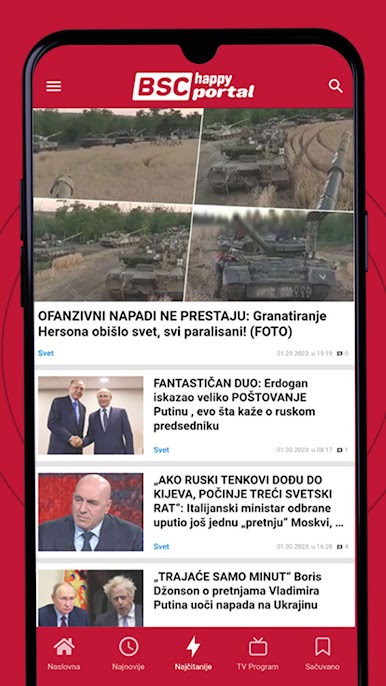
Fresh News Feed
Get updates on national and international news, served up fast—the important stuff, the quirky stories, and everything in between. -
Reality Show Highlights
Can’t get enough of that reality TV drama? Check in for the latest episodes, recaps, and trending moments. -
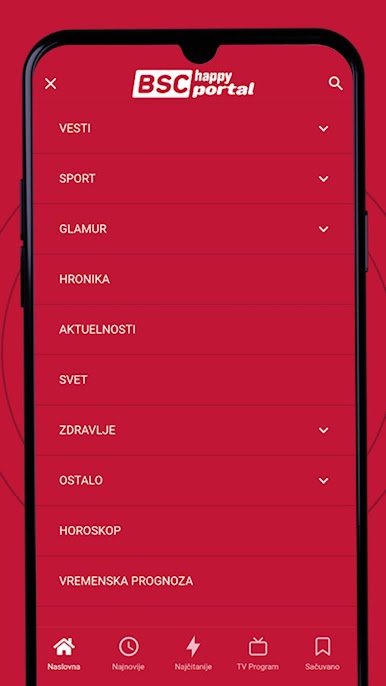
Simple, Intuitive Navigation
Everything’s laid out clearly. Find what you’re looking for without endless scrolling. -
Personalized Content
Not into one kind of story? Tailor your newsfeed to match your interests and see more of the topics you care about. -
Stay Notified
Enable push notifications and you’ll get an instant heads-up when there’s something you just can’t miss. -
Optimized for Different Screens
Works great on your phone or tablet—and yes, checking the latest with BlueStacks on your PC is pretty smooth, too.
Happy BSC by Happytv covers news & magazines in a way that fits your schedule—just tap, scroll, and stay informed.
BlueStacks brings your apps to life on a bigger screen—seamless and straightforward.



Gioca Happy BSC Portal su PC. È facile iniziare.
-
Scarica e installa BlueStacks sul tuo PC
-
Completa l'accesso a Google per accedere al Play Store o eseguilo in un secondo momento
-
Cerca Happy BSC Portal nella barra di ricerca nell'angolo in alto a destra
-
Fai clic per installare Happy BSC Portal dai risultati della ricerca
-
Completa l'accesso a Google (se hai saltato il passaggio 2) per installare Happy BSC Portal
-
Fai clic sull'icona Happy BSC Portal nella schermata principale per iniziare a giocare

