


Modelo de un cono
Juega en PC con BlueStacks: la plataforma de juegos Android, en la que confían más de 500 millones de jugadores.

Página modificada el: Nov 15, 2025
Run Flat pattern cone. on PC or Mac
What’s better than using Flat pattern cone. by S.E.? Well, try it on a big screen, on your PC or Mac, with BlueStacks to see the difference.
About the App
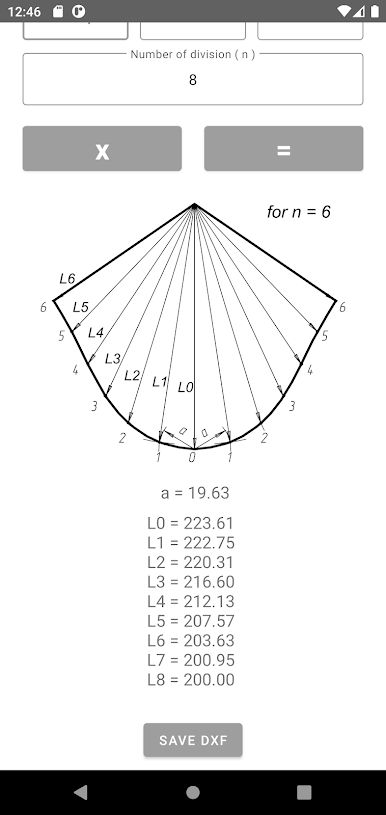
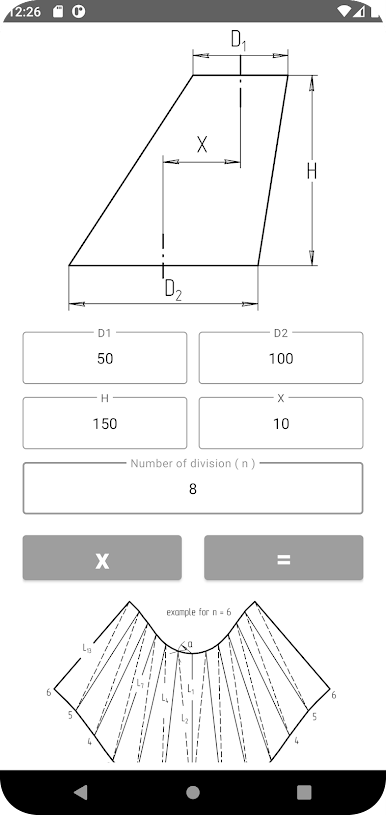
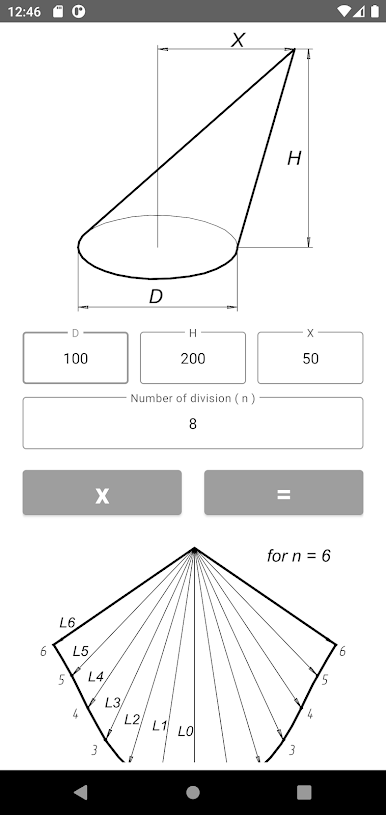
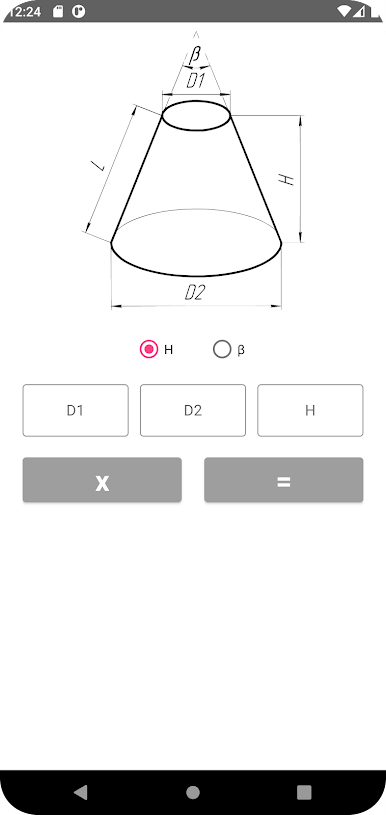
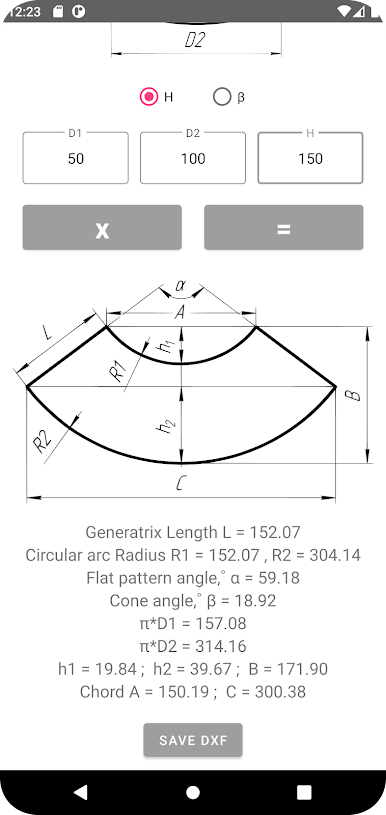
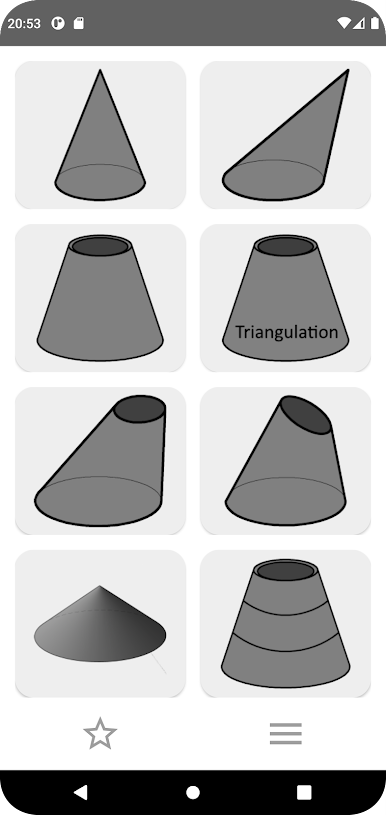
Flat pattern cone. is a handy tool that takes the hassle out of cone calculations, whether you’re working with sheet metal or any other flat material. Designed by S.E. in the Tools genre, this app helps you work out all the shapes and sizes you need for right, oblique, or truncated cones—without all the usual guesswork. If you’re looking to save time and want more accuracy when creating cones, this is a solid place to start.
App Features
-
Instant Cone Calculations
Punch in your measurements and get the parameters for right, oblique, or truncated cones in seconds. Forget about confusing math and let the app handle the details for you. -
DXF Export for Easy Sharing
Need a flat pattern of your cone design? You can save straight and truncated cone layouts as DXF files right onto your device. Super handy for jumping straight into your design work, especially if you want to use them with drafting apps. -
Works with Popular Viewers
The DXF files live in your Download/DXF/ folder and can be opened using tools like AutoCAD, DWG FastView, SchemataCAD viewer DWG/DFX, or AutoDWG DWGSee, so you’ve got plenty of options to check and tweak your designs. -
Great for Fabrication Pros
Whether you’re crafting for fun or doing professional metalwork, Flat pattern cone. delivers the info you need to cut materials right the first time. It’s especially helpful for sheet metal projects and similar builds. -
Seamless Experience Across Devices
Want to work on a bigger screen? You can use the app with BlueStacks to get all features on your desktop, combining convenience with that extra workspace.
Ready to experience Flat pattern cone. on a bigger screen, in all its glory? Download BlueStacks now.
Juega Modelo de un cono en la PC. Es fácil comenzar.
-
Descargue e instale BlueStacks en su PC
-
Complete el inicio de sesión de Google para acceder a Play Store, o hágalo más tarde
-
Busque Modelo de un cono en la barra de búsqueda en la esquina superior derecha
-
Haga clic para instalar Modelo de un cono desde los resultados de búsqueda
-
Complete el inicio de sesión de Google (si omitió el paso 2) para instalar Modelo de un cono
-
Haz clic en el ícono Modelo de un cono en la pantalla de inicio para comenzar a jugar

