


ZArchiver Cloud Plugin
Mainkan di PC dengan BlueStacks – platform Game-Game Android, dipercaya oleh lebih dari 500 juta gamer.

Run ZArchiver Cloud Plugin on PC or Mac
Let BlueStacks turn your PC, Mac, or laptop into the perfect home for ZArchiver Cloud Plugin, a fun Tools app from ZDevs.
About the App
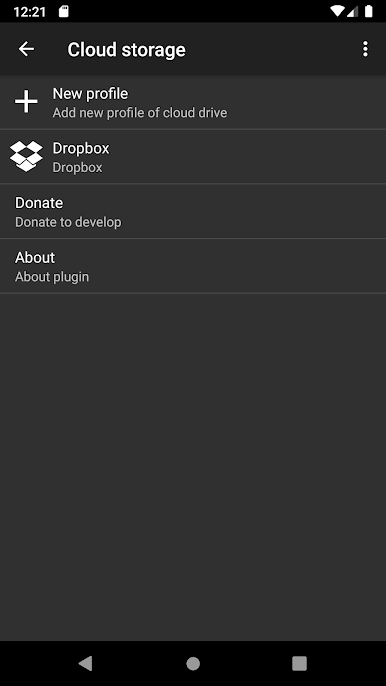
Say hello to ZArchiver Cloud Plugin, your go-to sidekick for managing cloud storage right from your device. Built by ZDevs, this handy add-on for the ZArchiver app helps you connect all your favorite cloud services in one place. If you deal with a lot of files spread out across different platforms and wish switching between them felt effortless, this plugin’s about to make life a lot simpler.
App Features
-
Connect Popular Cloud Services
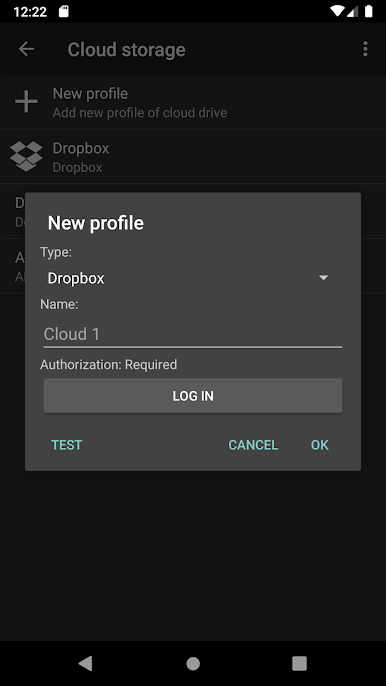
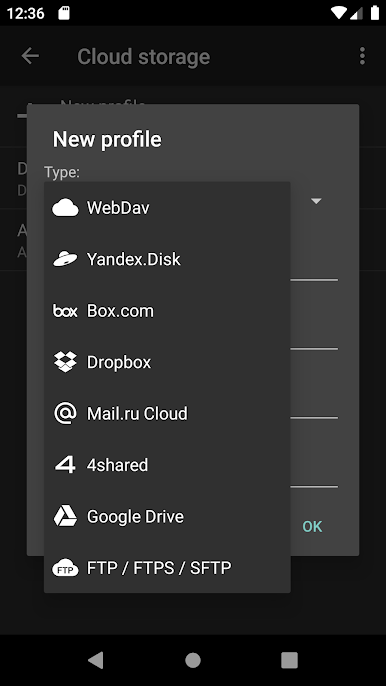
Link up with top cloud providers like Dropbox, 4shared.com, box.com, Yandex Disk, and Mail.ru Cloud. Jumping between accounts? Now it’s all in one spot within the ZArchiver app. -
WebDAV Support
Got a custom cloud server? The WebDAV protocol support means you can add a bunch of other storage solutions that aren’t on the standard list. -
Upload and Download Files
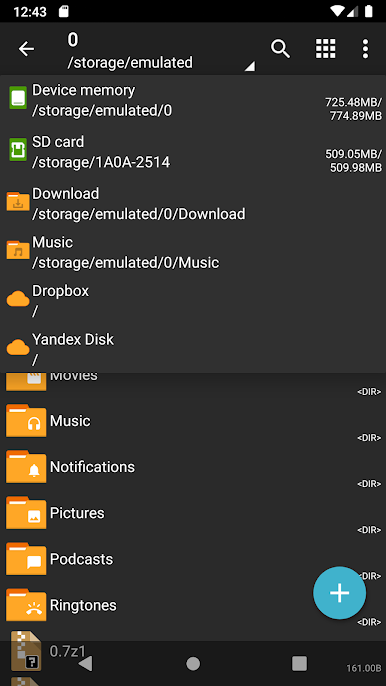
Moving stuff around is a breeze—you can upload or grab documents, music, photos, or any type of file straight from your connected cloud accounts, all from within one simple interface. -
Requires ZArchiver App
Heads-up: you’ll need the ZArchiver app already installed since this is a plugin and not a full app on its own. -
Smooth File Management on Any Device
Keep things running smoothly whether you’re organizing files on your Android phone or, for a totally different feel, try managing your storage using BlueStacks on your desktop.
This one’s tucked under the Tools genre and is all about making your cloud file transfers less of a headache.
Big screen. Bigger performance. Use BlueStacks on your PC or Mac to run your favorite apps.
Mainkan ZArchiver Cloud Plugin di PC Mudah saja memulainya.
-
Unduh dan pasang BlueStacks di PC kamu
-
Selesaikan proses masuk Google untuk mengakses Playstore atau lakukan nanti
-
Cari ZArchiver Cloud Plugin di bilah pencarian di pojok kanan atas
-
Klik untuk menginstal ZArchiver Cloud Plugin dari hasil pencarian
-
Selesaikan proses masuk Google (jika kamu melewati langkah 2) untuk menginstal ZArchiver Cloud Plugin
-
Klik ikon ZArchiver Cloud Plugin di layar home untuk membuka gamenya

