

KHL
Mainkan di PC dengan BlueStacks – platform Game-Game Android, dipercaya oleh lebih dari 500 juta gamer.

Run KHL on PC or Mac
Multitask effortlessly on your PC or Mac as you try out KHL, a Sports app by Kontinental Hockey League on BlueStacks.
About the App
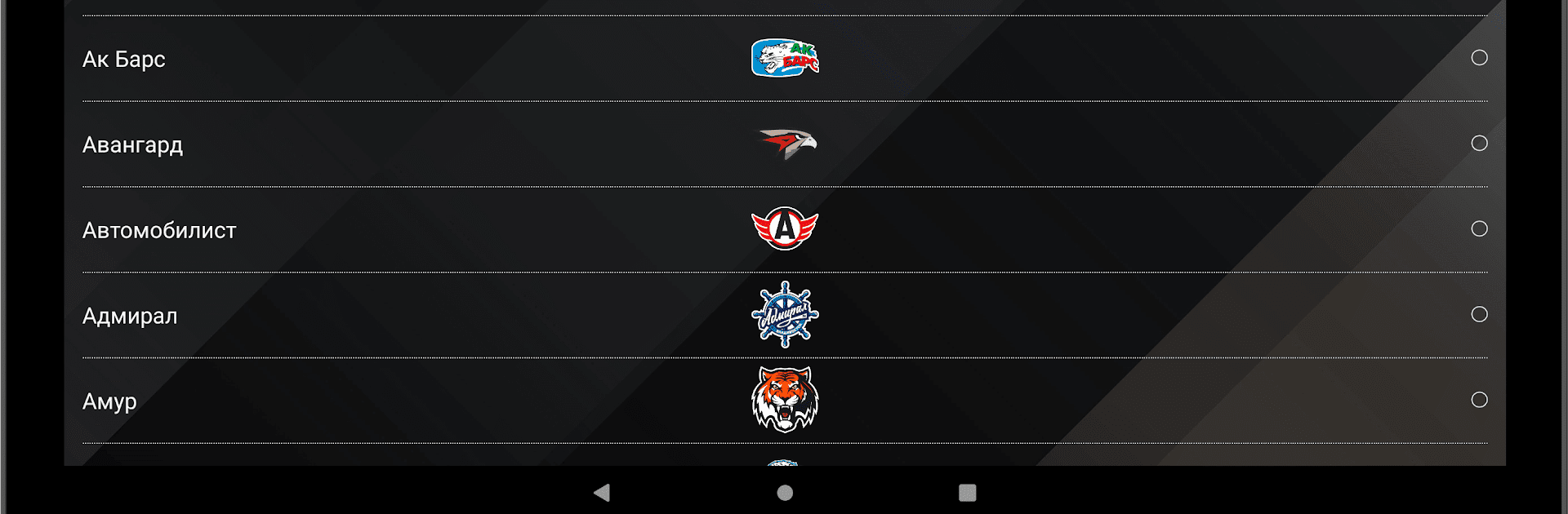
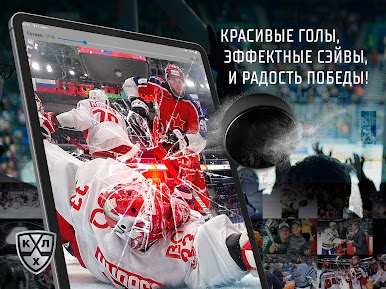
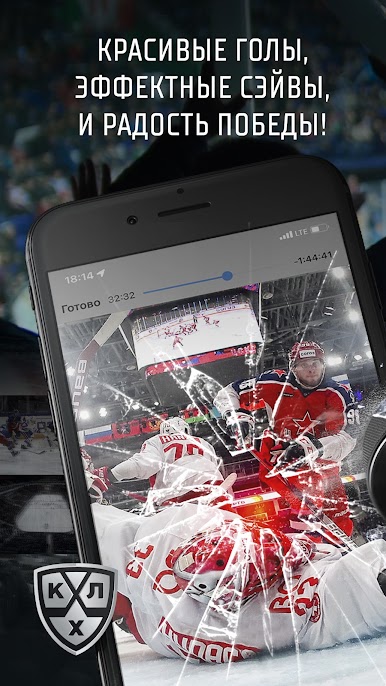
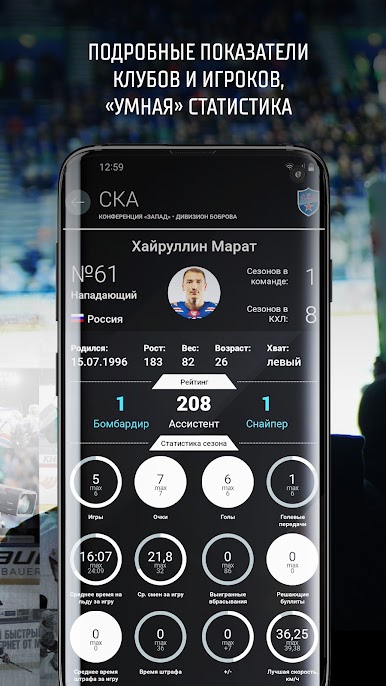
Love keeping up with the Kontinental Hockey League? With the KHL app, it’s easier than ever to follow the league you can’t get enough of. Whether you want real-time score updates, game highlights, or just a sleek way to browse the latest news, this app’s got you covered. It brings the energy of professional hockey right to your fingertips—so you’ll never miss any of those nail-biting moments again.
App Features
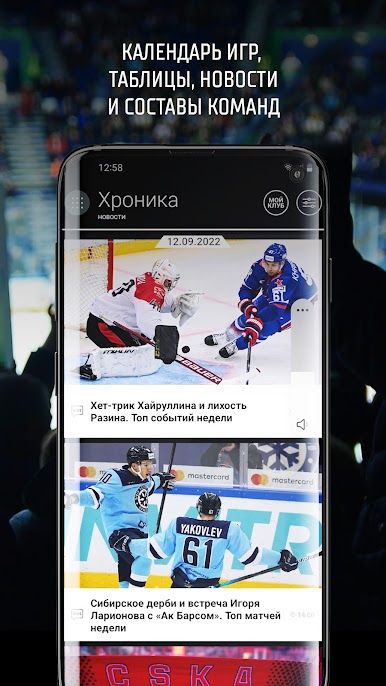
- Fresh, Intuitive Design
Get around the app with ease thanks to its updated look and smoother navigation. Finding what you want feels almost effortless. - Lightning-Fast Updates
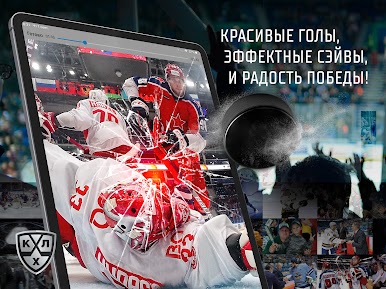
Don’t just hear about big plays after the fact—catch every critical update and result as it happens on your feed. - Live Highlights
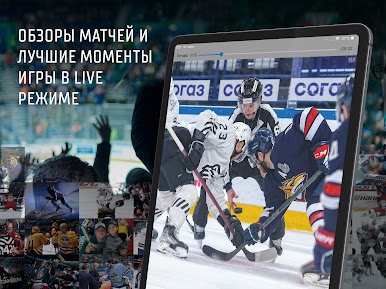
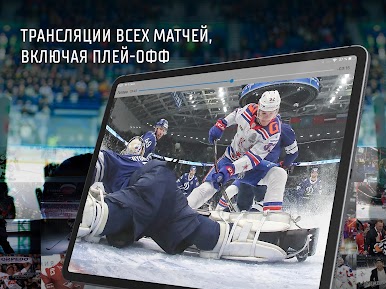
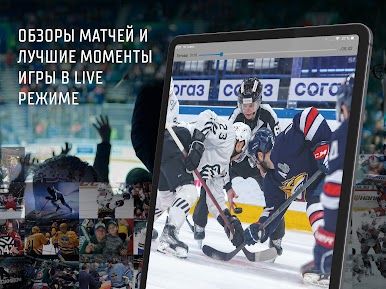
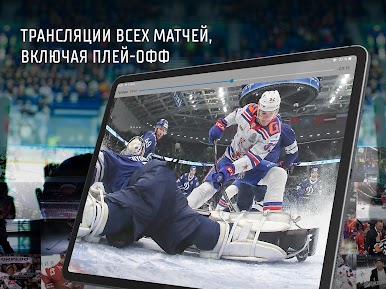
Missed the start of a game? No sweat. Watch live broadcasts of the best moments so you’re always in the loop, even on a busy day. - Latest News & Stories
Stay plugged into team news, trades, and inside stories. Everything you care about in the world of KHL lands right here first. - Smooth Experience Anywhere
Whether you’re on your phone or trying out BlueStacks on PC, the KHL app adapts so you’ll get the same slick experience everywhere.
Ready to experience KHL on a bigger screen, in all its glory? Download BlueStacks now.



Mainkan KHL di PC Mudah saja memulainya.
-
Unduh dan pasang BlueStacks di PC kamu
-
Selesaikan proses masuk Google untuk mengakses Playstore atau lakukan nanti
-
Cari KHL di bilah pencarian di pojok kanan atas
-
Klik untuk menginstal KHL dari hasil pencarian
-
Selesaikan proses masuk Google (jika kamu melewati langkah 2) untuk menginstal KHL
-
Klik ikon KHL di layar home untuk membuka gamenya

