


The Wolf's Stash - An e621/e926 browser
Juega en PC con BlueStacks: la plataforma de juegos Android, en la que confían más de 500 millones de jugadores.

Página modificada el: Nov 13, 2025
Visión general
Features:
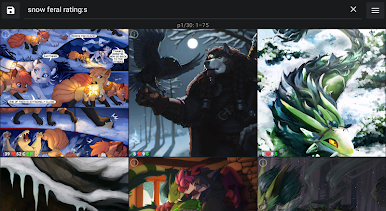
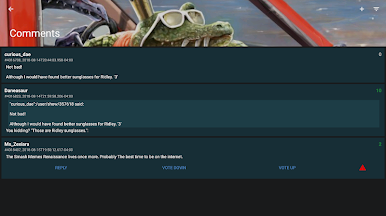
- Easily view the latest posts and pools from e926/e621, their stats, details and comments
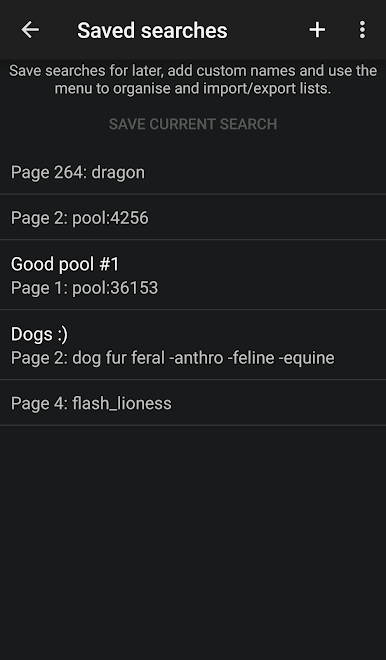
- Save searches for later use and continue where you left off
- Login to vote and favourite posts and create and vote on comments
- Download or share the things you like
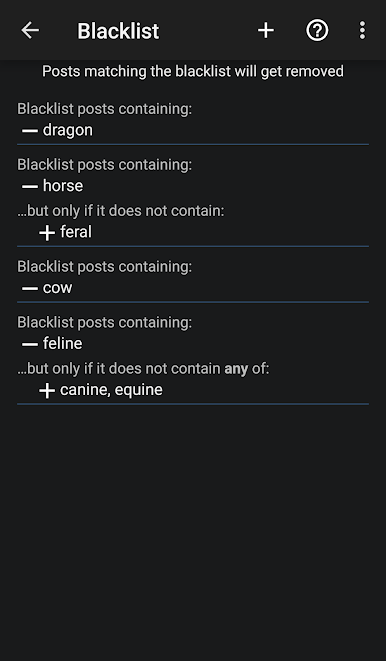
- Create a blacklist to hide the content you don't want to see
- View and browse pools
- Follow tags and get notified for new posts

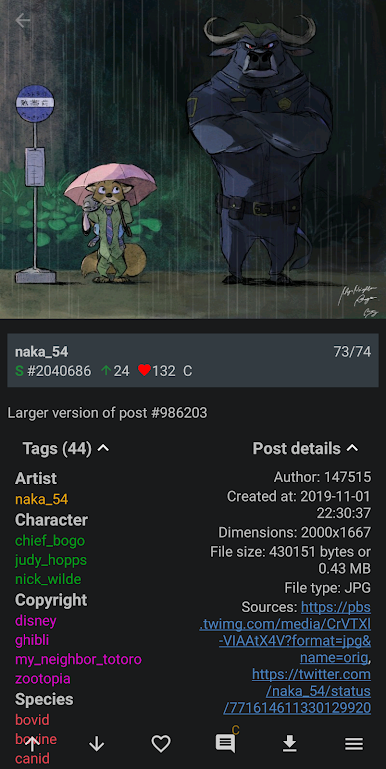
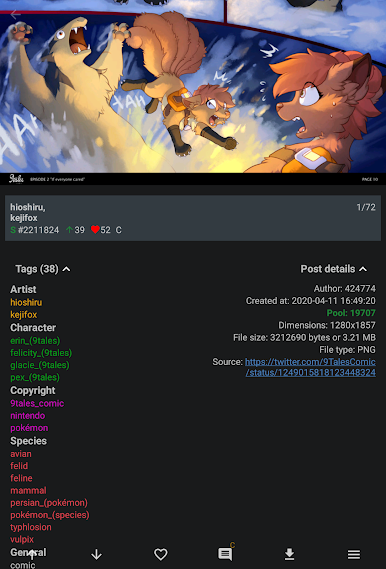
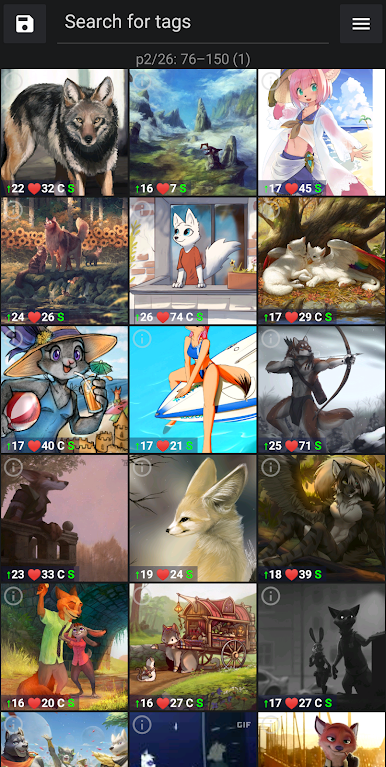

Juega The Wolf's Stash - An e621/e926 browser en la PC. Es fácil comenzar.
-
Descargue e instale BlueStacks en su PC
-
Complete el inicio de sesión de Google para acceder a Play Store, o hágalo más tarde
-
Busque The Wolf's Stash - An e621/e926 browser en la barra de búsqueda en la esquina superior derecha
-
Haga clic para instalar The Wolf's Stash - An e621/e926 browser desde los resultados de búsqueda
-
Complete el inicio de sesión de Google (si omitió el paso 2) para instalar The Wolf's Stash - An e621/e926 browser
-
Haz clic en el ícono The Wolf's Stash - An e621/e926 browser en la pantalla de inicio para comenzar a jugar

