


Pic Grid: Collage Maker
Gioca su PC con BlueStacks: la piattaforma di gioco Android, considerata affidabile da oltre 500 milioni di giocatori.

Pagina modificata il: Aug 28, 2024
Play Pic Grid: Collage Maker on PC
Features:
- Collage maker with many grids and layouts.
- No crop photo editor.
- No crop video editor.
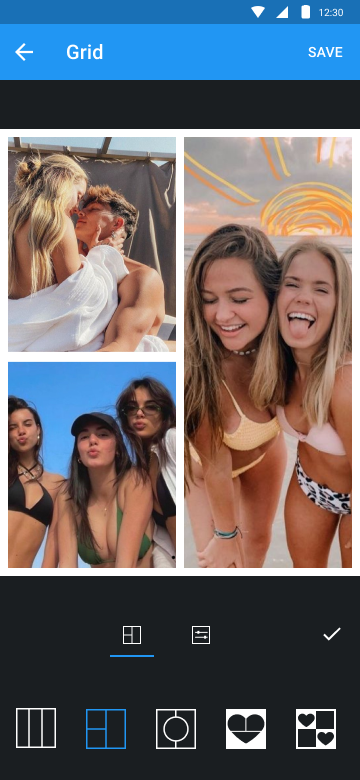
- Grid photo with many layouts and size.
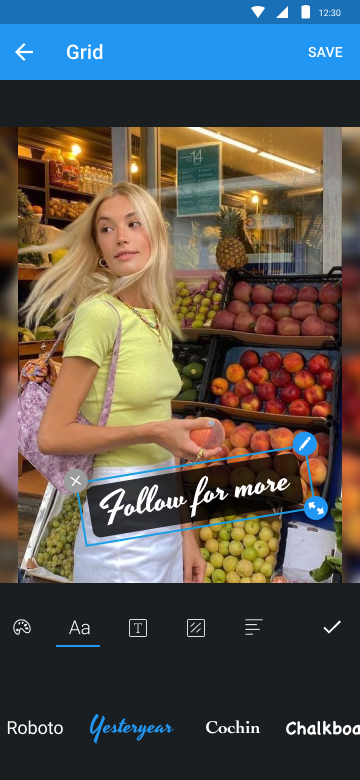
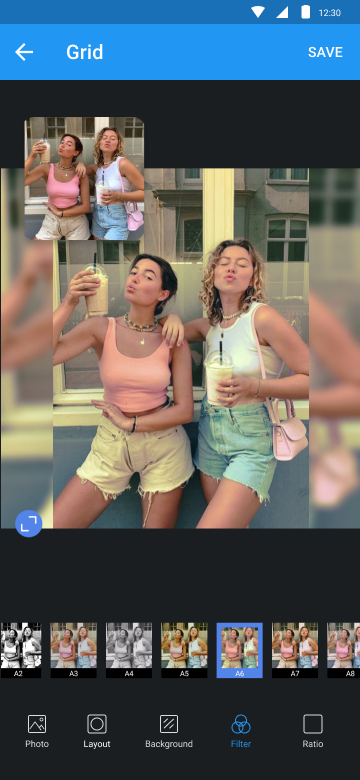
- Edit photo with filter, sticker, text, etc.
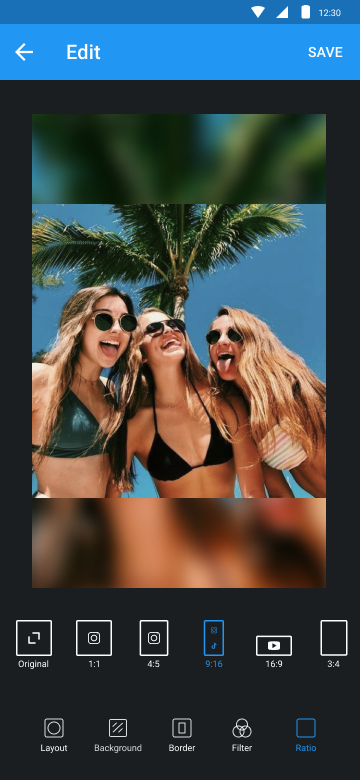
- Rotate, flip and resize photos.
Edit
Edit photo with filter, sticker, text, etc. Post no crop photo on Instagram. Square grid for Instagram.
Video
Post no crop video on Instagram. Cut video & square video in one tap.
Grid
Turn several photos into photo collage. Make photo collage with many grids and layouts. It’s the best photo collage maker.
Camera
With Camera, you can take selfie, then edit photo as you want with Pic Grid. Square photo, add filter, sticker, text and much more.
Try Pic Grid and make your photos shine.


Gioca Pic Grid: Collage Maker su PC. È facile iniziare.
-
Scarica e installa BlueStacks sul tuo PC
-
Completa l'accesso a Google per accedere al Play Store o eseguilo in un secondo momento
-
Cerca Pic Grid: Collage Maker nella barra di ricerca nell'angolo in alto a destra
-
Fai clic per installare Pic Grid: Collage Maker dai risultati della ricerca
-
Completa l'accesso a Google (se hai saltato il passaggio 2) per installare Pic Grid: Collage Maker
-
Fai clic sull'icona Pic Grid: Collage Maker nella schermata principale per iniziare a giocare

