


Sticky Memo Notepad *Dots* 4
Gioca su PC con BlueStacks: la piattaforma di gioco Android, considerata affidabile da oltre 500 milioni di giocatori.

Pagina modificata il: Jul 13, 2025
Play Sticky Memo Notepad *Dots* 4 on PC
Please tab HERE to view the details of our new app 'Memo Cats and Dogs'
Please tab HERE to view the details of our new app 'Memo Seasons'
FREE Sticky Notes widget of different sizes and designs for your home screen!
[Features]
- Write notes with your voice without typing (of course, you can input by typing)
- Alarm
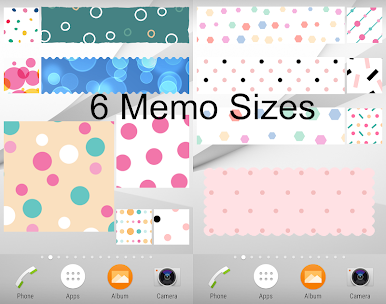
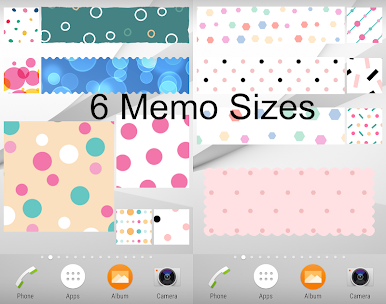
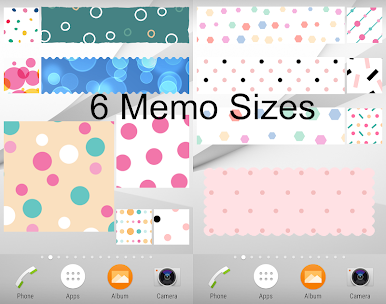
- 6 memo sizes
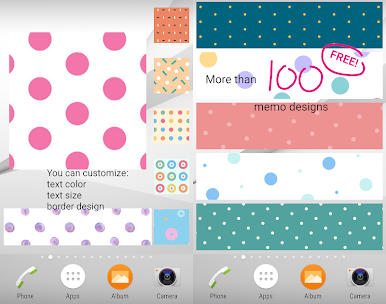
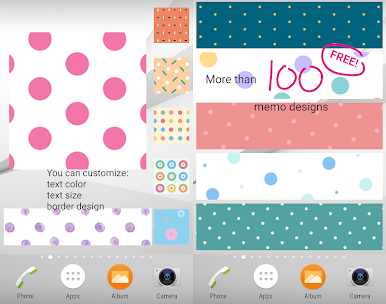
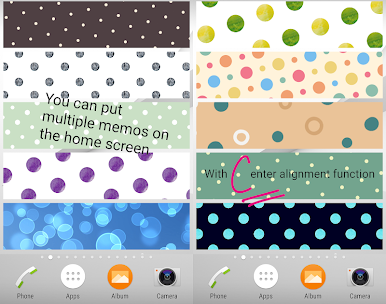
- More than 100 beautiful background images (all FREE!)
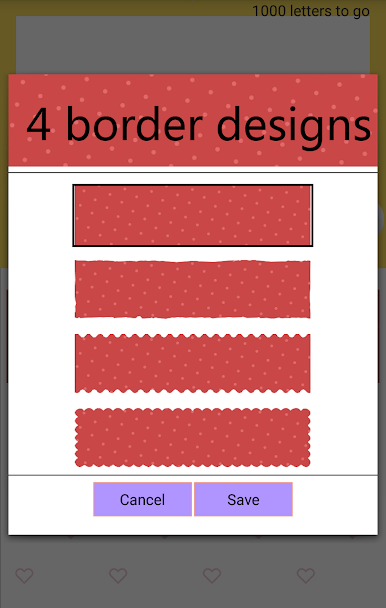
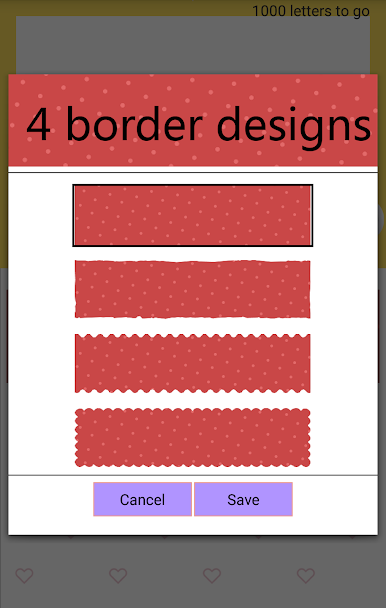
- 4 kinds of edge designs
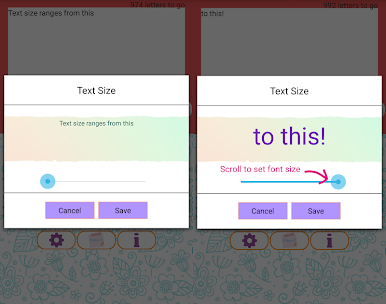
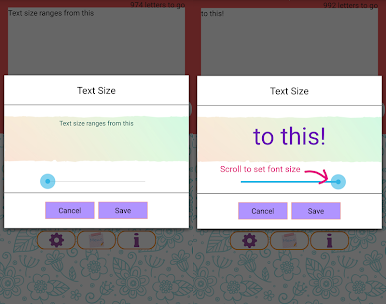
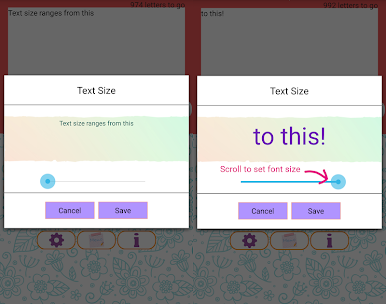
- Different font sizes and colors
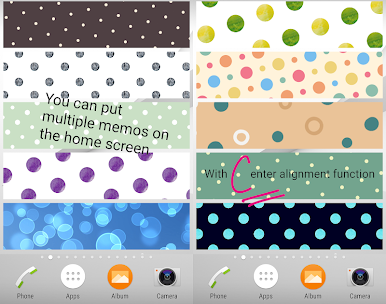
- Center alignment function
- 1 tap to share your notes
- Multiple notes can be stuck on home screen
- Language support: English, Chinese, Japanese, French and Korean
[How to unlock background images]
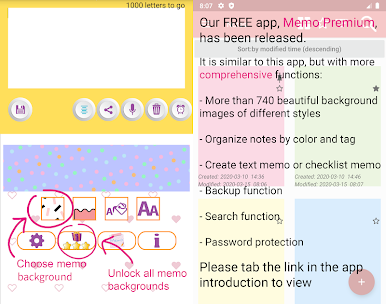
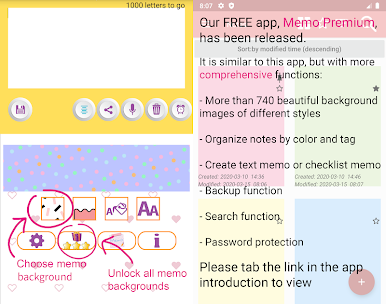
Tap the Lucky Draw (present box with stars) icon (with ad)
or
Get paid version to unlock ALL background images IMMEDIATELY!
https://goo.gl/52QLtC
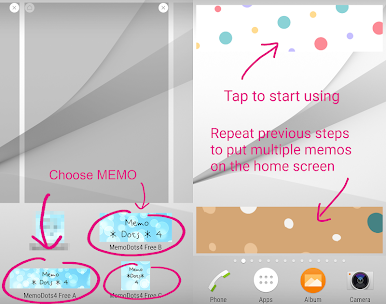
[How to add this Sticky Notes widget to your Home screen]
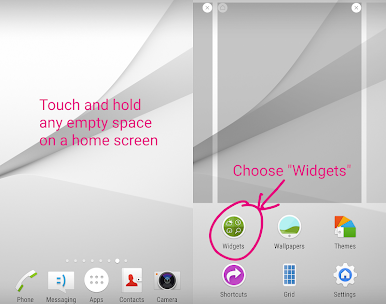
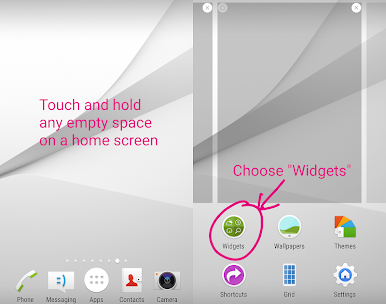
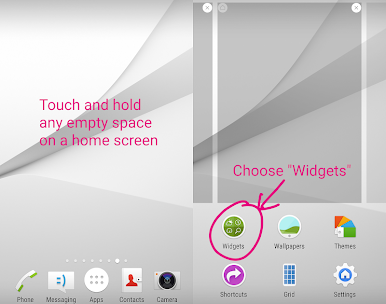
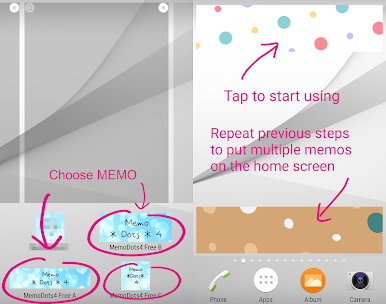
1. Touch and hold any empty space on a Home screen.
2. Touch Widgets.
3. Touch and hold the widget "Memo Dots 4 Free". You'll see images of each Home screen.
4. Slide the widget to a Home screen image, then lift your finger.
- The display of memo may differ among devices.
- Not compatible with some Oppo phone models.
Some graphics are designed by Freepik (www.freepik.com).




Gioca Sticky Memo Notepad *Dots* 4 su PC. È facile iniziare.
-
Scarica e installa BlueStacks sul tuo PC
-
Completa l'accesso a Google per accedere al Play Store o eseguilo in un secondo momento
-
Cerca Sticky Memo Notepad *Dots* 4 nella barra di ricerca nell'angolo in alto a destra
-
Fai clic per installare Sticky Memo Notepad *Dots* 4 dai risultati della ricerca
-
Completa l'accesso a Google (se hai saltato il passaggio 2) per installare Sticky Memo Notepad *Dots* 4
-
Fai clic sull'icona Sticky Memo Notepad *Dots* 4 nella schermata principale per iniziare a giocare

