


ElectroMaster Electrical Calc
Mainkan di PC dengan BlueStacks – platform Game-Game Android, dipercaya oleh lebih dari 500 juta gamer.

Run ElectroMaster App - Electrical Engineering Calc. on PC or Mac
Get freedom from your phone’s obvious limitations. Use ElectroMaster App – Electrical Engineering Calc., made by Carlo Terracciano, a Productivity app on your PC or Mac with BlueStacks, and level up your experience.
About the App
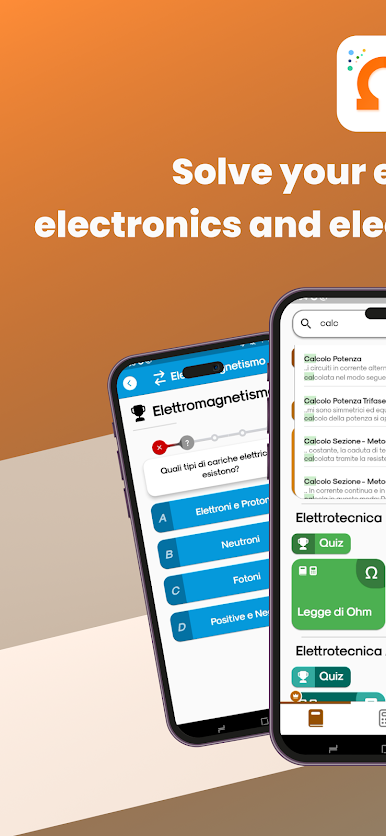
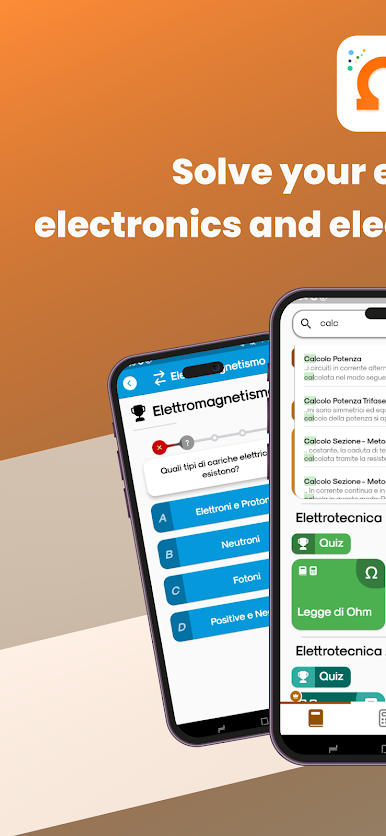
Whether you’re just starting out with circuits or you’ve been wiring things up for years, ElectroMaster App – Electrical Engineering Calc. is here to help you breeze through all kinds of electrical problems. Built by Carlo Terracciano, this Productivity tool puts a whole toolkit of calculators and guides right in your pocket. If you’ve ever wished you had a quick way to double-check your math or brush up on concepts, this one’s built exactly for those moments.
App Features
-
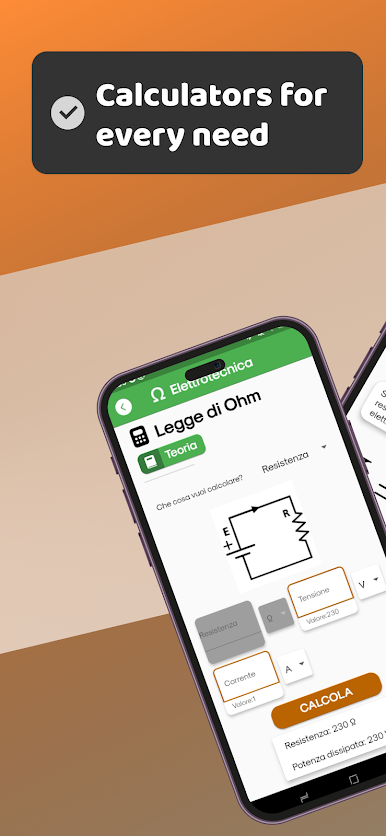
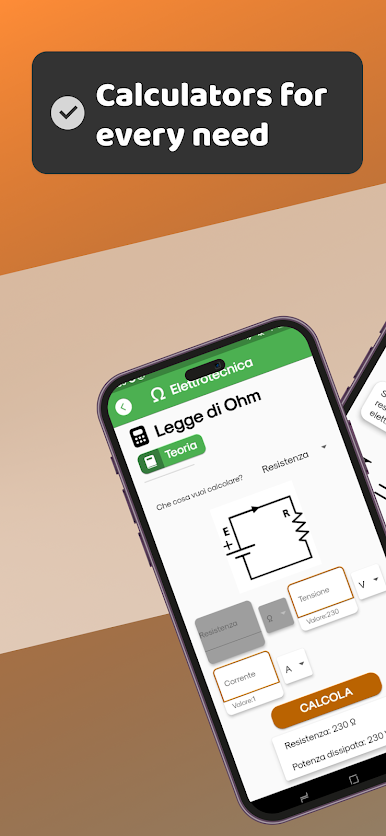
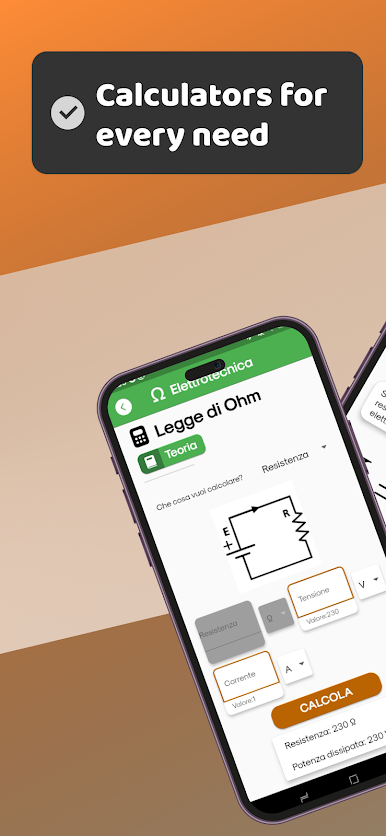
Handy Electrical Calculators
Need Ohm’s Law in a hurry? Want to make sense of resistors or capacitors in series or parallel? You’ll find ready-to-go calculators for all sorts of everyday electrical tasks. -
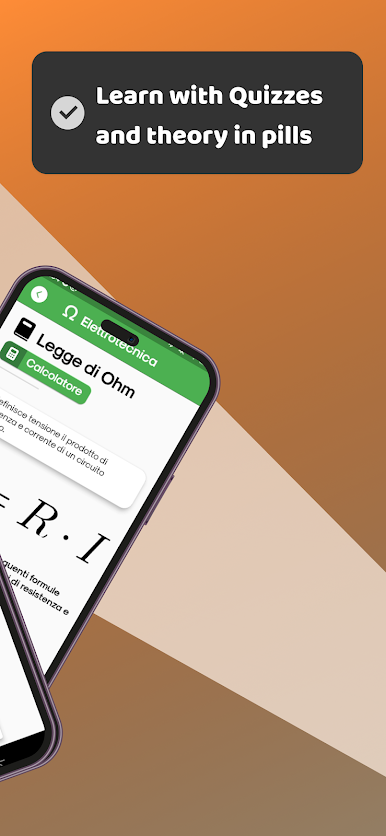
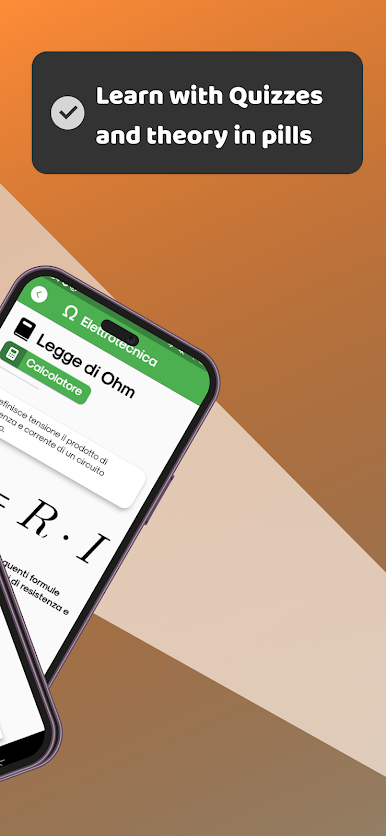
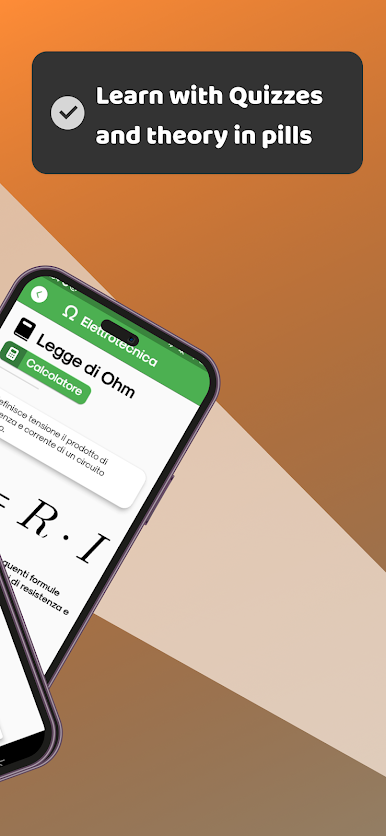
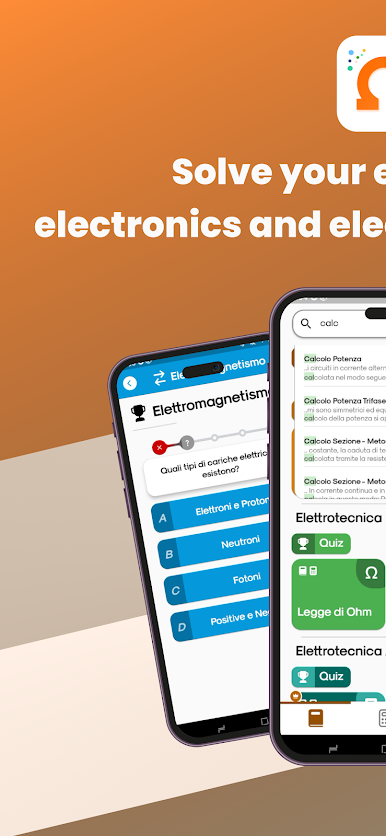
Basic Knowledge Section
Stuck on a concept like voltage, resistance, or the quirks of AC vs. DC? There’s a section packed with clear explanations and definitions for fundamentals like transformers, relays, circuit breakers, semiconductors, even the tricky bits like IP protections or logic gates. -
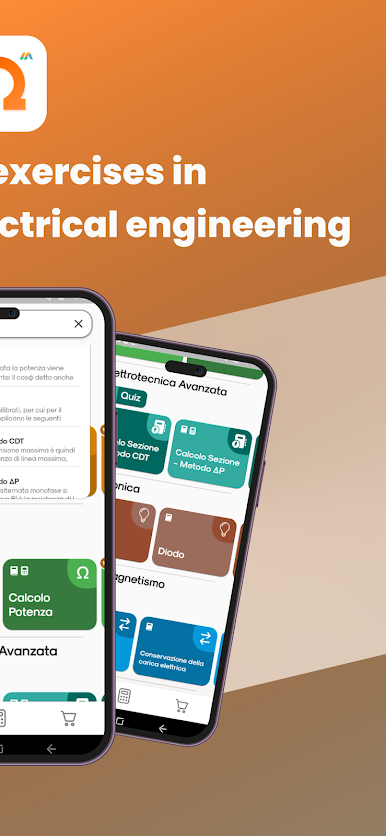
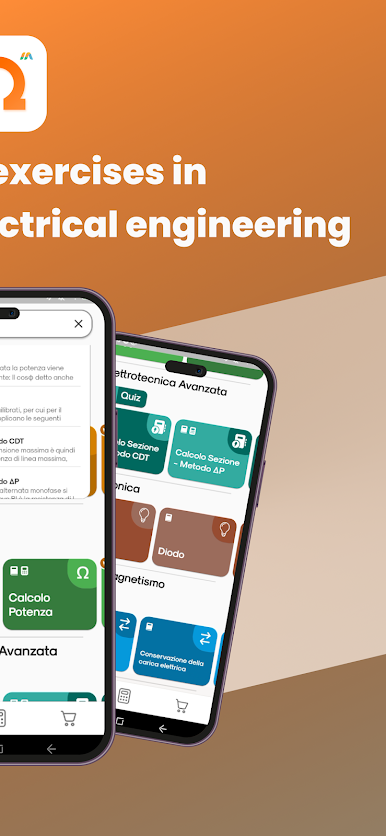
Advanced Electrical Tools
Tackle more complex scenarios—like working out wire size based on voltage drop or power loss, figuring out power factor correction, or checking fuse sizing. Everything’s laid out so even tricky calculations feel a little less intimidating. -
Circuit Theorems & Conversions
If you’re wrestling with Thevenin’s or Norton’s theorems, or have to swap between star and delta transformations, you’ll find tools to walk you through every step. -
Motor & Component Tools
Got motors on your mind? The app doesn’t forget you: it covers synchronous and asynchronous motors, DC motors, and even helps with three-phase to single-phase conversions. -
Quick Reference for Color Codes
Stop guessing resistor values—there’s a handy color code reader so you can get it right the first time.
Want a bigger screen to work on? ElectroMaster App – Electrical Engineering Calc. works seamlessly with BlueStacks, making those calculations and explanations even easier to read and use.
BlueStacks brings your apps to life on a bigger screen—seamless and straightforward.
Mainkan ElectroMaster Electrical Calc di PC Mudah saja memulainya.
-
Unduh dan pasang BlueStacks di PC kamu
-
Selesaikan proses masuk Google untuk mengakses Playstore atau lakukan nanti
-
Cari ElectroMaster Electrical Calc di bilah pencarian di pojok kanan atas
-
Klik untuk menginstal ElectroMaster Electrical Calc dari hasil pencarian
-
Selesaikan proses masuk Google (jika kamu melewati langkah 2) untuk menginstal ElectroMaster Electrical Calc
-
Klik ikon ElectroMaster Electrical Calc di layar home untuk membuka gamenya

