


MyStory.today - Write A Book
Mainkan di PC dengan BlueStacks – platform Game-Game Android, dipercaya oleh lebih dari 500 juta gamer.

Run MyStory.today - Write your own book on PC or Mac
What’s better than using MyStory.today – Write your own book by Richard Nespithal? Well, try it on a big screen, on your PC or Mac, with BlueStacks to see the difference.
About the App
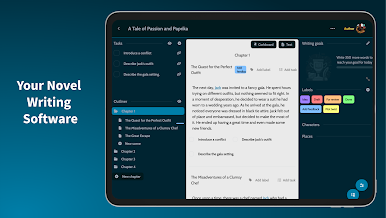
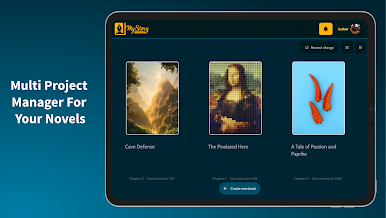
Ever dreamed of writing your own novel or short story but didn’t know where to begin? MyStory.today – Write your own book makes it easy (and honestly, pretty fun) to get your ideas organized and out of your head—no matter where you are. Whether you’re on your couch, out for coffee, or sitting on a train, this app helps you keep writing and shaping your story at your own pace. You’ll find a bunch of tools here for planning, organizing, and actually typing up your chapters, all in one spot.
App Features
-
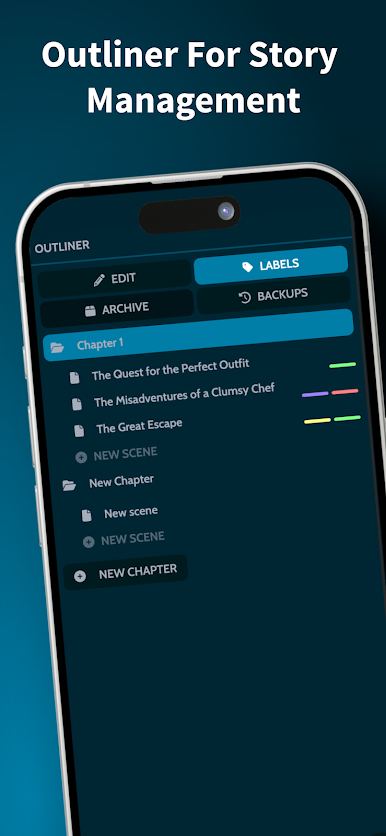
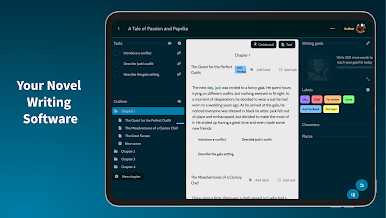
Chapters & Scenes Organizer
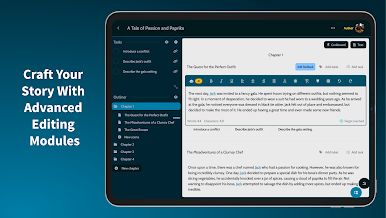
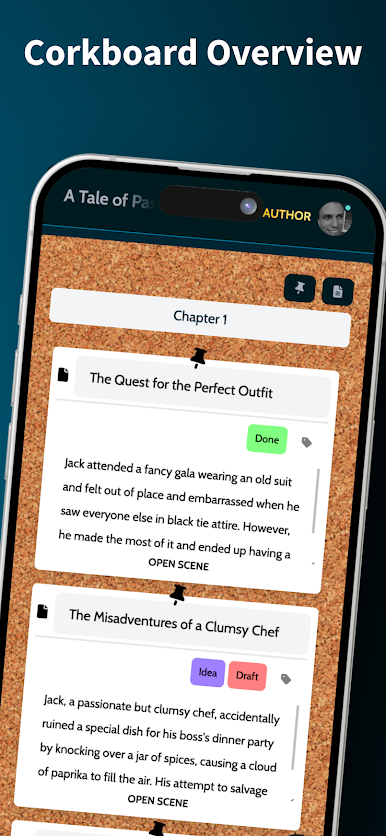
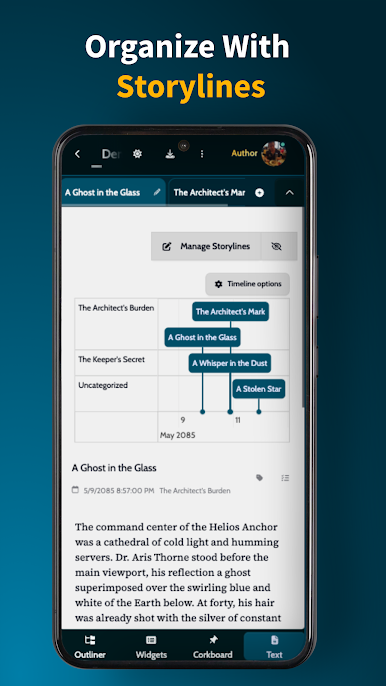
Quickly jot down chapters and break them into scenes. Move stuff around as your story grows or as inspiration strikes. There’s even a virtual corkboard where you can shuffle ideas, add quick notes, and get a visual outline without the mess. -
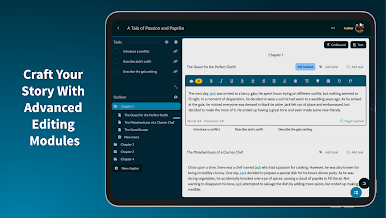
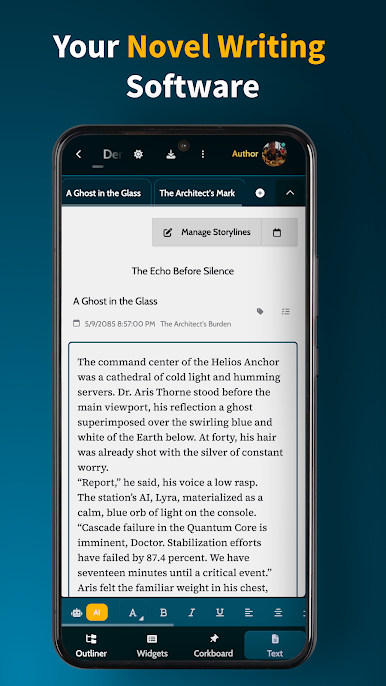
Flexible Rich Text Editor
Type away with formatting options that keep your writing neat—or bold, or italicized, or however you want it to look. There’s easy linking for characters and places, plus spell check and grammar tools to keep things polished. -
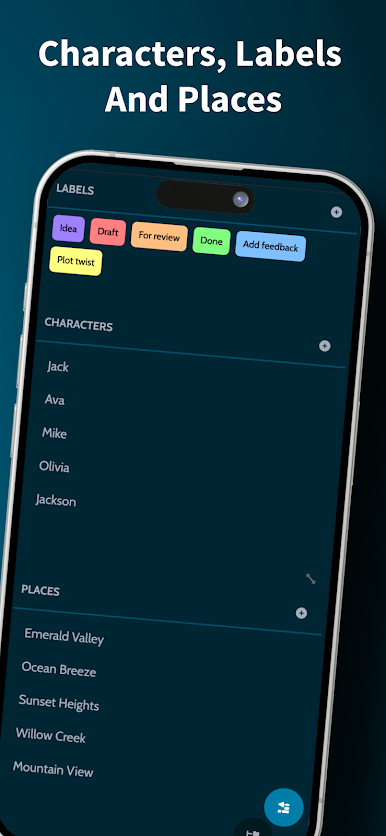
Instant Character and Place Linking
Need to add a new hero or setting? Create them on the fly and connect them right in your text. If you change a character’s name later, those updates show up everywhere, saving you from tedious edits. -
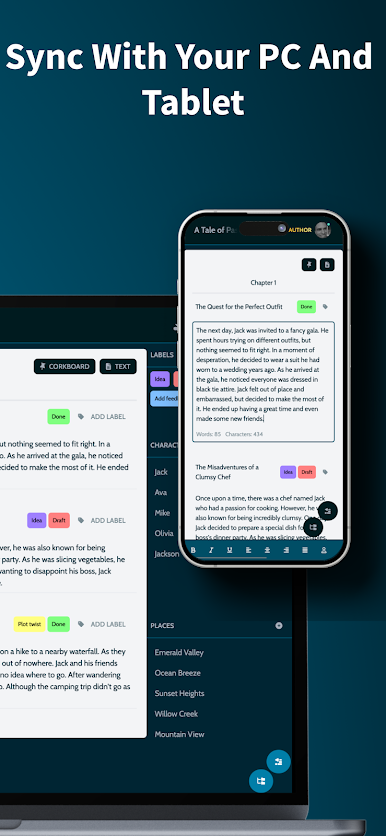
Autosync Across Devices
Start drafting on your Android phone, pick up later on your tablet, or switch to your PC with BlueStacks—your writing stays synced automatically. No more worrying about moving files around or losing progress. -
Export to Popular Word Processors
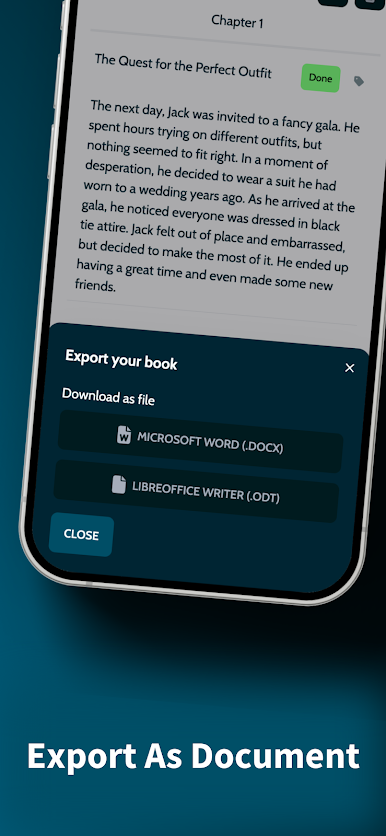
When you’re ready to share your story or just want to back it up, export everything to MS Word or LibreOffice Writer. All your scenes and chapters go with it, keeping your structure intact.
MyStory.today – Write your own book by Richard Nespithal gives you the freedom and flexibility to bring your stories to life, wherever (and whenever) inspiration hits.
Switch to BlueStacks and make the most of your apps on your PC or Mac.
Mainkan MyStory.today - Write A Book di PC Mudah saja memulainya.
-
Unduh dan pasang BlueStacks di PC kamu
-
Selesaikan proses masuk Google untuk mengakses Playstore atau lakukan nanti
-
Cari MyStory.today - Write A Book di bilah pencarian di pojok kanan atas
-
Klik untuk menginstal MyStory.today - Write A Book dari hasil pencarian
-
Selesaikan proses masuk Google (jika kamu melewati langkah 2) untuk menginstal MyStory.today - Write A Book
-
Klik ikon MyStory.today - Write A Book di layar home untuk membuka gamenya

