

Пазлы животные
Gioca su PC con BlueStacks: la piattaforma di gioco Android, considerata affidabile da oltre 500 milioni di giocatori.

Pagina modificata il: Nov 15, 2023
Play Сказки Чуковского аудио детям on PC or Mac
From the innovators and creators at Family Kids Studio, Сказки Чуковского аудио детям is another fun addition to the World of Educational games. Go beyond your mobile screen and play it bigger and better on your PC or Mac. An immersive experience awaits you.
About the Game
Сказки Чуковского аудио детям is a warm, simple way to share classic Kornei Chukovsky tales with your child. This Educational release from Family Kids Studio offers gentle story time you can play at night or explore together during the day. No fuss—just familiar rhymes and cozy bedtime moments.
Game Features
- Offline listening: Works without an internet connection, so you can play stories anywhere—on trips, in the park, or right before lights out.
- Ad-free and fully free: No ads, no paywalls. The entire library is open for your family from the start.
- Easy bedtime player: A straightforward audio player makes it simple to start a tale, pause, or switch to another without waking a sleepy kid.
- Listen or read: Prefer to read during the day and listen at night? You can do both, depending on your routine.
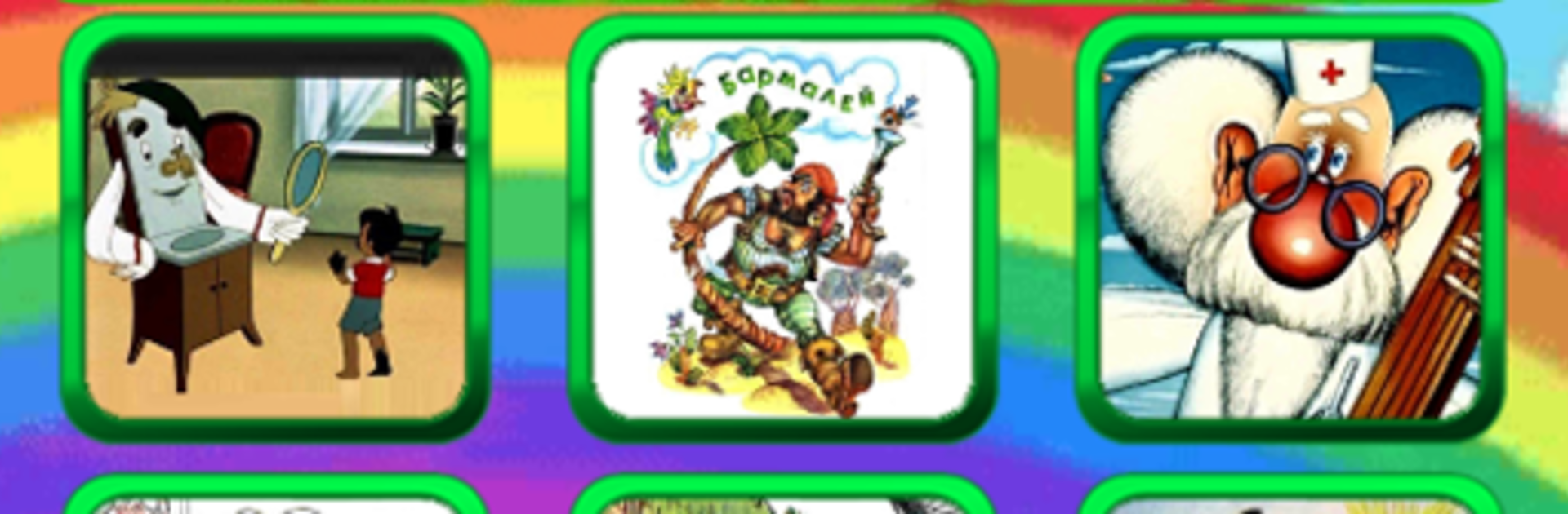
- Classic tales included: Enjoy favorites like Мойдодыр, Бармалей, Айболит, Телефон, Федорина Горе, Краденое солнце, Муха-Цокотуха, Топтыгин и Луна, Чудо-дерево, Путаница, Закаляка, and Котауси и Мауси.
- Gentle learning: Chukovsky’s playful rhymes and stories encourage kindness and curiosity, a nice fit for early learning moments.
- Kid-friendly layout: Clean, intuitive navigation helps little listeners (and tired parents) find the next story fast.
- Plays nicely on PC: Prefer a bigger screen for easier controls? You can run it on your computer with BlueStacks when that’s more convenient.
Make your gaming sessions memorable with precise controls that give you an edge in close combats and visuals that pop up, bringing every character to life.





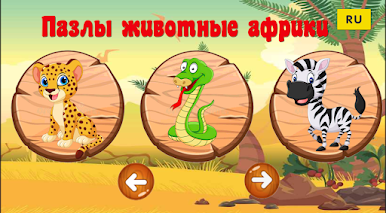
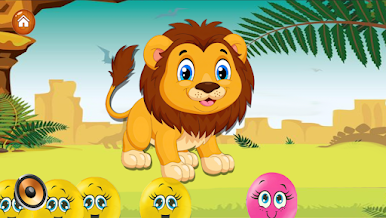


Gioca Пазлы животные su PC. È facile iniziare.
-
Scarica e installa BlueStacks sul tuo PC
-
Completa l'accesso a Google per accedere al Play Store o eseguilo in un secondo momento
-
Cerca Пазлы животные nella barra di ricerca nell'angolo in alto a destra
-
Fai clic per installare Пазлы животные dai risultati della ricerca
-
Completa l'accesso a Google (se hai saltato il passaggio 2) per installare Пазлы животные
-
Fai clic sull'icona Пазлы животные nella schermata principale per iniziare a giocare

