


簡單日曆
Juega en PC con BlueStacks: la plataforma de juegos Android, en la que confían más de 500 millones de jugadores.

Página modificada el: Jul 20, 2025
Play 簡單日曆 on PC
If you just want to check the lunar date occasionally and don't want to see a bunch of auspicious days or fancy pictures, then this set is what you need.
If you want more and more flexible custom date reminder functions, then this set is what you are looking for.
Features :
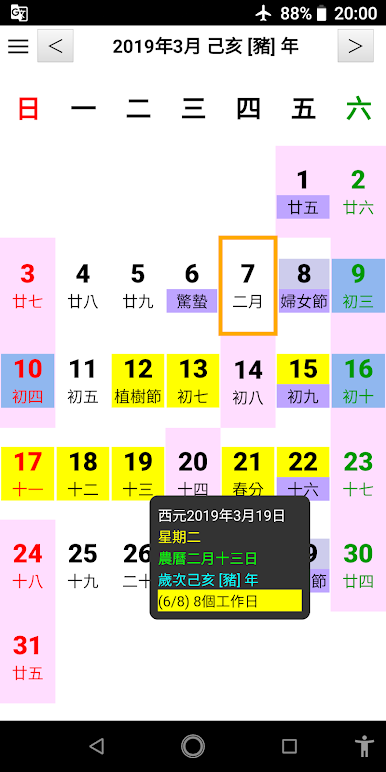
1. National and lunar calendar query
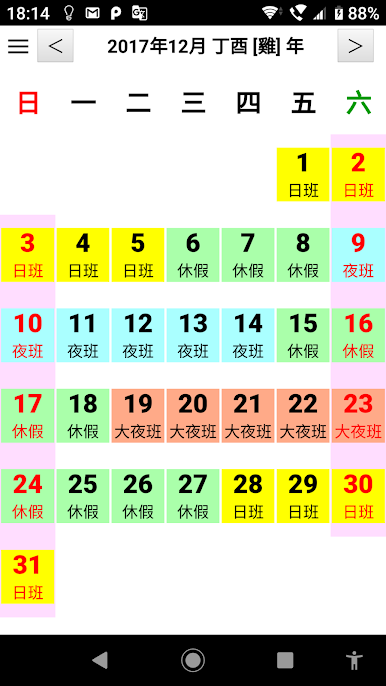
2. Customize the reminder function of different colors for the national calendar or lunar calendar
3. Integrate the system calendar, you can view the system calendar directly in the simple calendar
4. The calendar set by the user can be stored in the cloud space of the personal account and will not be lost when changing devices.
5. Fixed date interval reminder function
6. You can add special dates to the system calendar in the simple calendar, which will be distinguished by different colors when displayed. You can also hide other system calendars, which can be used to distinguish work and family schedules.
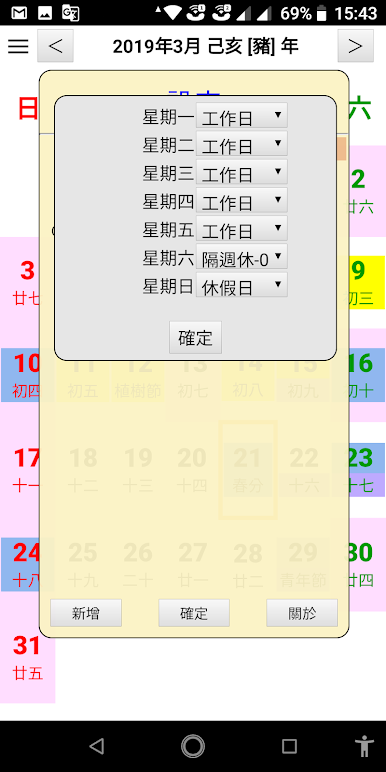
7. Reminder function on working days (excluding holidays)
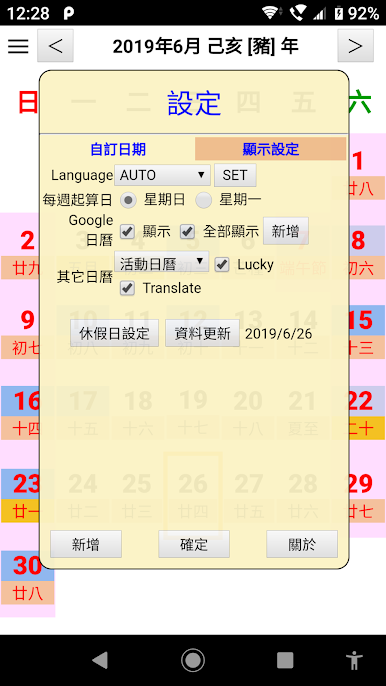
8. Function for users to customize holidays or non-holidays
9. Goodbye date calendar
10. Flower Picker Calendar
11. Horoscope Calendar
12. Taiwan sightseeing calendar
13. Event Calendar
14. Customize calendar
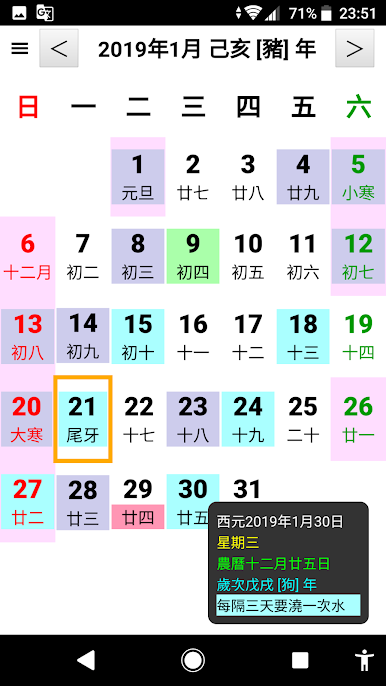
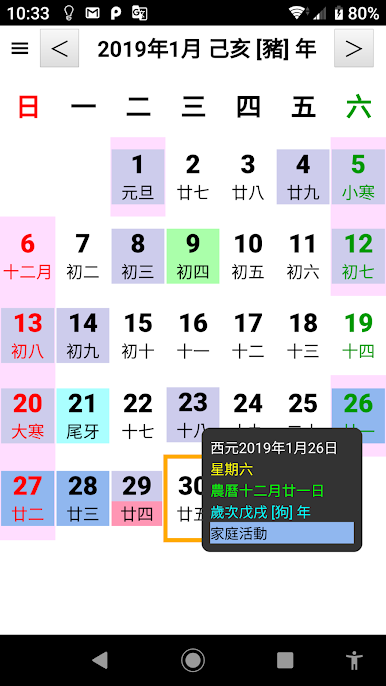
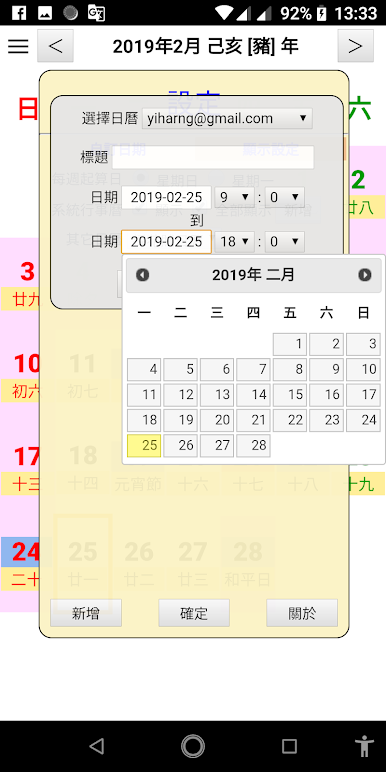
Juega 簡單日曆 en la PC. Es fácil comenzar.
-
Descargue e instale BlueStacks en su PC
-
Complete el inicio de sesión de Google para acceder a Play Store, o hágalo más tarde
-
Busque 簡單日曆 en la barra de búsqueda en la esquina superior derecha
-
Haga clic para instalar 簡單日曆 desde los resultados de búsqueda
-
Complete el inicio de sesión de Google (si omitió el paso 2) para instalar 簡單日曆
-
Haz clic en el ícono 簡單日曆 en la pantalla de inicio para comenzar a jugar

