



Pengunduh Video: Simpan Cerita
Mainkan di PC dengan BlueStacks – platform Game-Game Android, dipercaya oleh lebih dari 500 juta gamer.

Run Video Downloader & Story Saver on PC or Mac
Video Downloader & Story Saver is a Video Players & Editors app developed by Video Downloader & Fast Saver. BlueStacks app player is the best android emulator to use this android app on your PC or Mac for an immersive Android experience.
About the App
Looking to keep your favorite online videos at your fingertips? Video Downloader & Story Saver, developed by Video Downloader & Fast Saver, lets you easily save stories, videos, and highlights right to your device with just a few clicks. Perfect for storing your own content or grabbing something captivating from friends.
App Features
- Download videos: Capture any video directly to your phone or tablet for offline enjoyment.
- Save stories: Never miss a moment—download and relive stories from your social media.
- Download private content: Access even those videos with privacy settings, securely.
- No watermark: Enjoy clean, watermark-free downloads for a polished look.
- Multi-download: Queue multiple files simultaneously to save time.
- Auto-sync to gallery: Organize downloads effortlessly as they auto-sync with your gallery.
- High-speed download: Get your videos instantly without the wait.
Experience seamless downloading—try Video Downloader & Story Saver today!
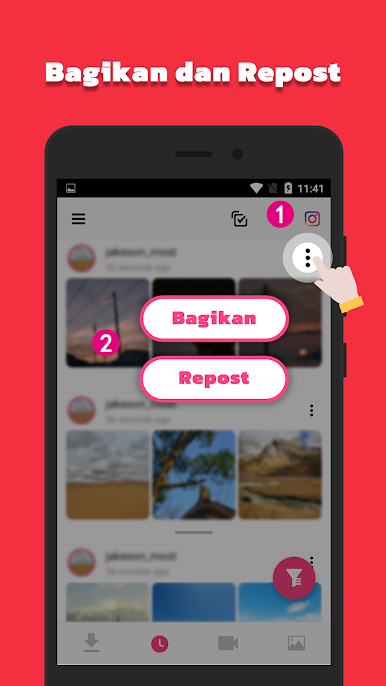
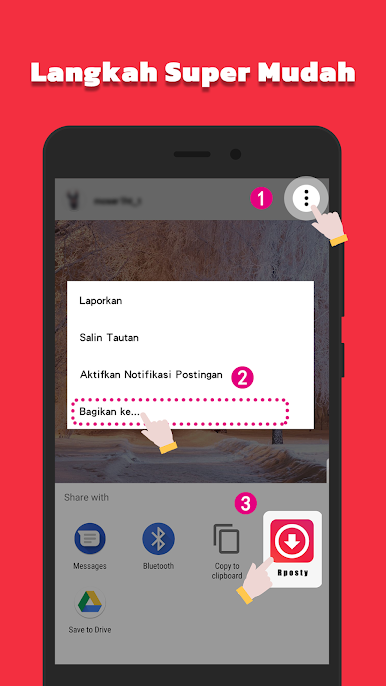

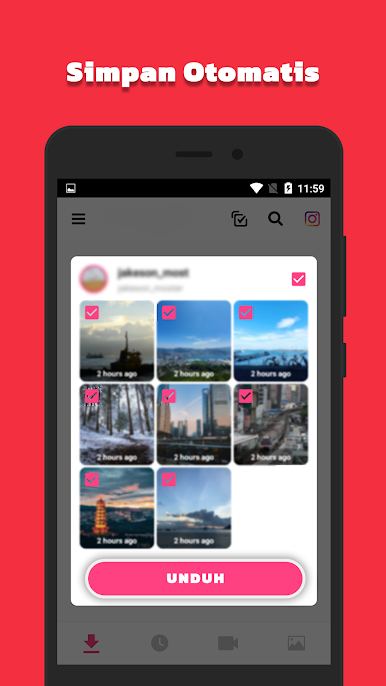
Mainkan Pengunduh Video: Simpan Cerita di PC Mudah saja memulainya.
-
Unduh dan pasang BlueStacks di PC kamu
-
Selesaikan proses masuk Google untuk mengakses Playstore atau lakukan nanti
-
Cari Pengunduh Video: Simpan Cerita di bilah pencarian di pojok kanan atas
-
Klik untuk menginstal Pengunduh Video: Simpan Cerita dari hasil pencarian
-
Selesaikan proses masuk Google (jika kamu melewati langkah 2) untuk menginstal Pengunduh Video: Simpan Cerita
-
Klik ikon Pengunduh Video: Simpan Cerita di layar home untuk membuka gamenya

