


Registra Schermo Telefone
Gioca su PC con BlueStacks: la piattaforma di gioco Android, considerata affidabile da oltre 500 milioni di giocatori.

Pagina modificata il: Aug 19, 2025
Run Screen Recorder - Vidma Record on PC or Mac
Multitask effortlessly on your PC or Mac as you try out Screen Recorder – Vidma Record, a Video Players & Editors app by Vidma Video Studio on BlueStacks.
About the App
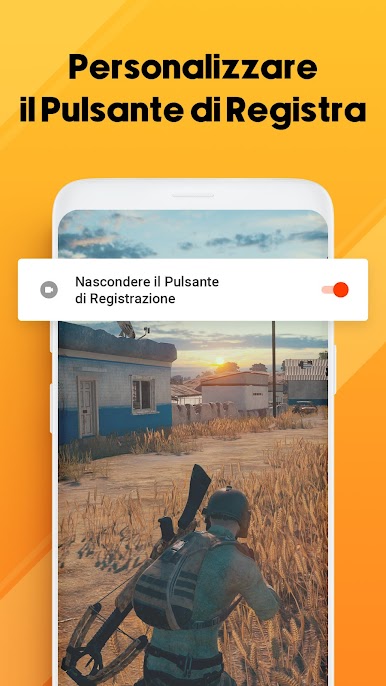
Screen Recorder – Vidma Record, crafted by Vidma Video Studio, is your ultimate tool for capturing everything on your screen effortlessly. Whether you’re grabbing a quick screenshot or documenting a live show, this app makes recording easy and smooth. Expect seamless video recording with just a tap of the handy record button—pause, resume, or snap a screenshot anytime without missing a beat.
App Features
Effortless Screen Recording
– No root required and no time limits, ever.
– Experience smooth recording without those pesky FPS drops.
– Include audio, whether it’s from your device or your voice, with no glitches.
Flexible Video Options
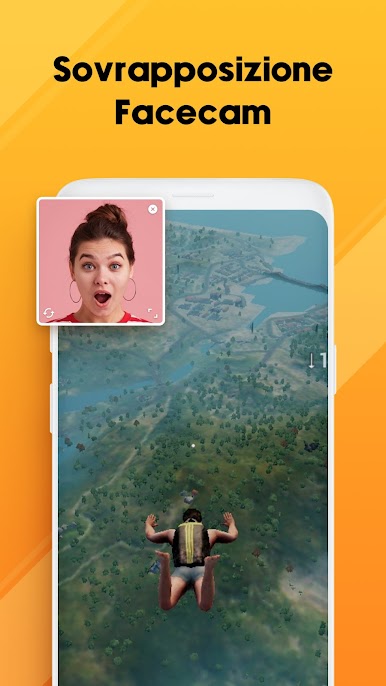
– Face camera feature lets you capture your reactions simultaneously.
– Adjust shortcuts to suit your needs for a personalized experience.
Advanced Recording Tools
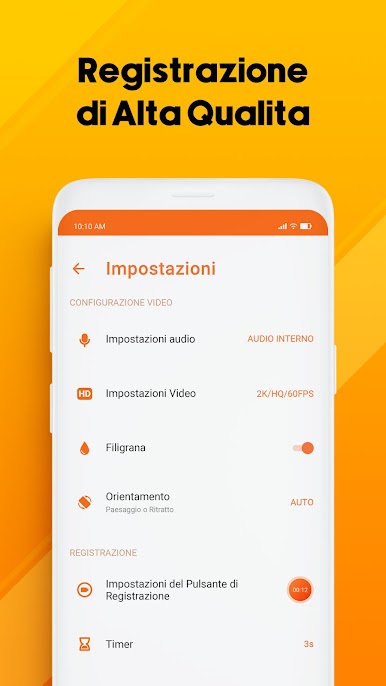
– Record up to 2K resolution at 60fps; professional quality at your fingertips.
– Use the brush tool to mark up your screen while recording.
Editing and Customization
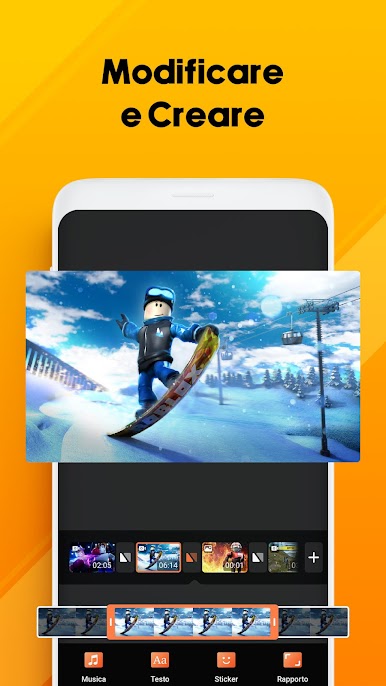
– Snip, rotate, and enhance videos quickly with built-in editing tools.
– Easily trim, change speeds, and add music for engaging videos.
Explore Screen Recorder – Vidma Record with BlueStacks for even more versatility!
BlueStacks brings your apps to life on a bigger screen—seamless and straightforward.



Gioca Registra Schermo Telefone su PC. È facile iniziare.
-
Scarica e installa BlueStacks sul tuo PC
-
Completa l'accesso a Google per accedere al Play Store o eseguilo in un secondo momento
-
Cerca Registra Schermo Telefone nella barra di ricerca nell'angolo in alto a destra
-
Fai clic per installare Registra Schermo Telefone dai risultati della ricerca
-
Completa l'accesso a Google (se hai saltato il passaggio 2) per installare Registra Schermo Telefone
-
Fai clic sull'icona Registra Schermo Telefone nella schermata principale per iniziare a giocare

