


Penghilang vokal, editor musik
Mainkan di PC dengan BlueStacks – platform Game-Game Android, dipercaya oleh lebih dari 500 juta gamer.

Run Vocal Remover, Cut Song Maker on PC or Mac
Get freedom from your phone’s obvious limitations. Use Vocal Remover, Cut Song Maker, made by Vocal Remover AI& Photo Enhancer & FM Radio Player, a Music & Audio app on your PC or Mac with BlueStacks, and level up your experience.
About the App
Curious about what your favorite songs sound like without the vocals? Or maybe you’re trying to practice your instrument along with just the backing track? With Vocal Remover, Cut Song Maker by Vocal Remover AI& Photo Enhancer & FM Radio Player, you’ve got the perfect toolkit for all things music-audio. This straightforward app makes splitting tracks, remixing tunes, and crafting karaoke versions easier than ever—even if you’re not a pro. Whether you’re a singer, musician, or just someone who loves tinkering with music, there’s a ton of creative potential packed in here.
App Features
-
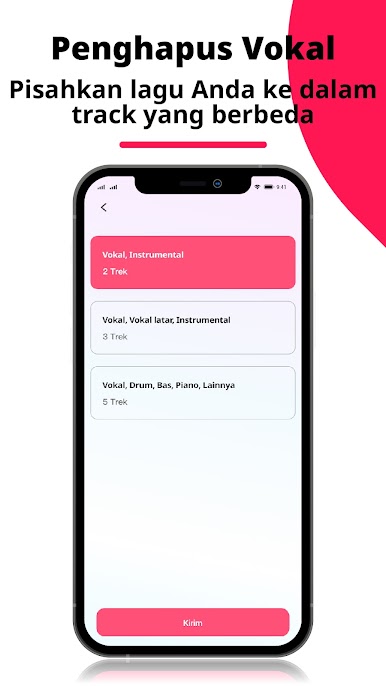
Smart Vocal & Instrument Separation
Ever wish you could instantly remove vocals or pull the piano out of a song? The app’s AI quickly picks apart vocals, bass, drums, piano—basically whatever you want—so you can isolate what you need for practice or remixing. -
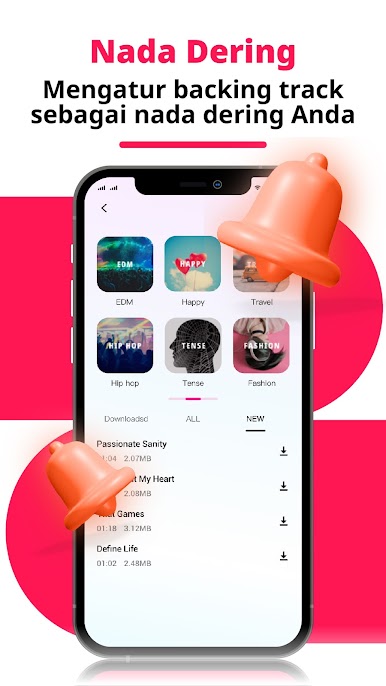
Karaoke & Backing Track Maker
Create your own karaoke tracks or practice singing with instantly generated backing tunes. Turn any song into a performance track with just a few taps. -
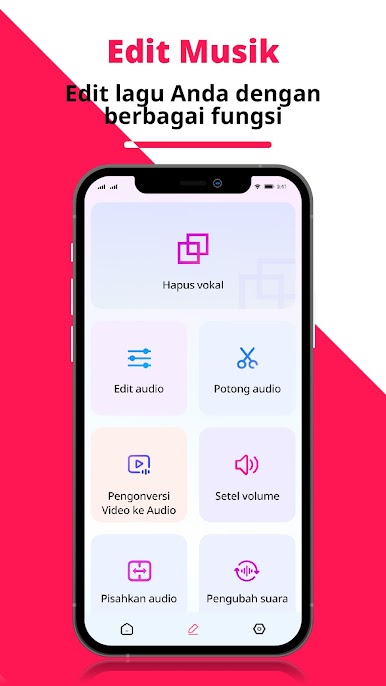
Intuitive Audio Cutting
Need just a snippet of a tune? Trim your favorite songs down to the millisecond. You can even clip out only the parts you want—start, middle, end, wherever. -
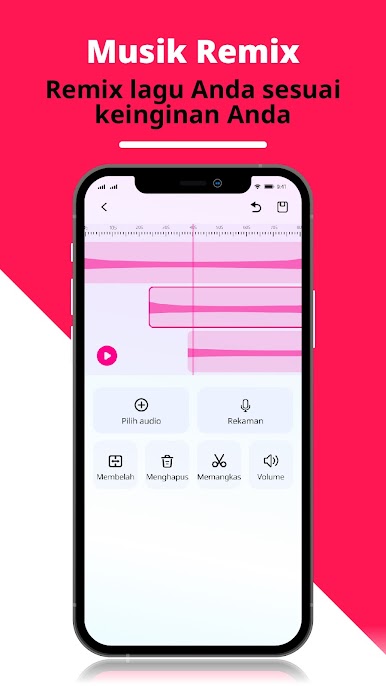
Creative Multitrack Mixing
Mix different instrument parts, add background music, or split one song into several editable layers. There are classic options like fade in/fade out, plus tools to adjust tempo and pitch for a personal touch. -
Voice Changing Fun
Feeling playful? Swap your voice for a robot, an older character, or even change your pitch and speed. It’s a handy feature for podcasts, covers, or just having some laughs. -
Volume Controls & Boosting
Pump up the volume or dial it down—every track’s sound level is adjustable so your mixes come out just right. -
Batch Processing & Music Materials
Work with multiple audio files at once thanks to batch features, and explore a growing library of 2000+ music materials for even more remixing power. -
All-in-One Format Converter
Trying to get your audio into a different format? This app handles a range of types like mp3, wav, and flac, so compatibility isn’t an issue. -
Convert Video to Audio
Easily pull audio out of video files—turn your favorite clips from mp4 to mp3 to enjoy anytime, anywhere.
You can get the most out of these music-audio features whether you’re on-the-go or using Vocal Remover, Cut Song Maker at home on BlueStacks. Enjoy discovering new ways to create and enjoy your favorite tracks.
Switch to BlueStacks and make the most of your apps on your PC or Mac.



Mainkan Penghilang vokal, editor musik di PC Mudah saja memulainya.
-
Unduh dan pasang BlueStacks di PC kamu
-
Selesaikan proses masuk Google untuk mengakses Playstore atau lakukan nanti
-
Cari Penghilang vokal, editor musik di bilah pencarian di pojok kanan atas
-
Klik untuk menginstal Penghilang vokal, editor musik dari hasil pencarian
-
Selesaikan proses masuk Google (jika kamu melewati langkah 2) untuk menginstal Penghilang vokal, editor musik
-
Klik ikon Penghilang vokal, editor musik di layar home untuk membuka gamenya

