


JUMPFLEX-ToGo
Gioca su PC con BlueStacks: la piattaforma di gioco Android, considerata affidabile da oltre 500 milioni di giocatori.

Pagina modificata il: Sep 04, 2025
Panoramica
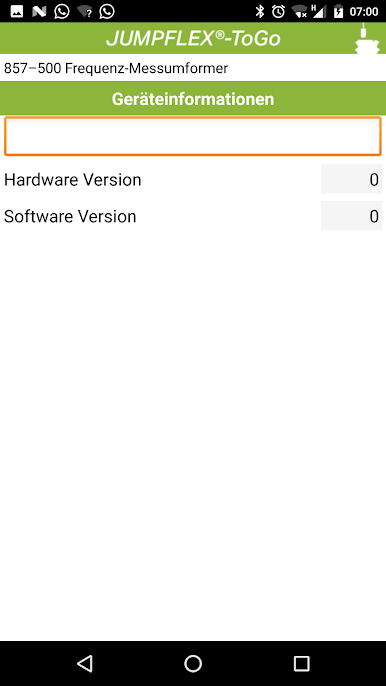
Apps were previously considered to be mere frivolities, they are currently developing more and more into really useful and productive tools. Particularly in light of the increasing decentralization - bringing automation components closer to the actual process – enormously simplify the serviceability of productive apps such as JUMPFLEX®-ToGo.
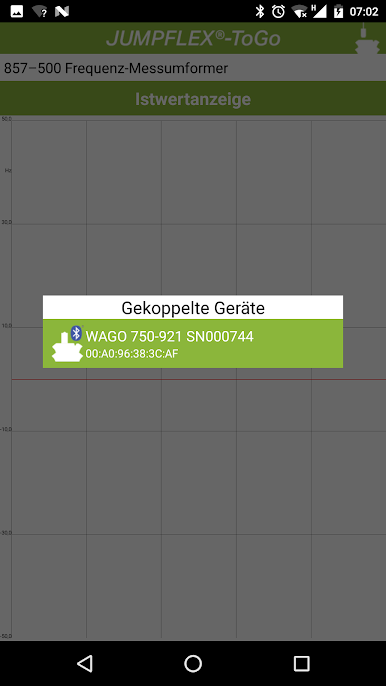
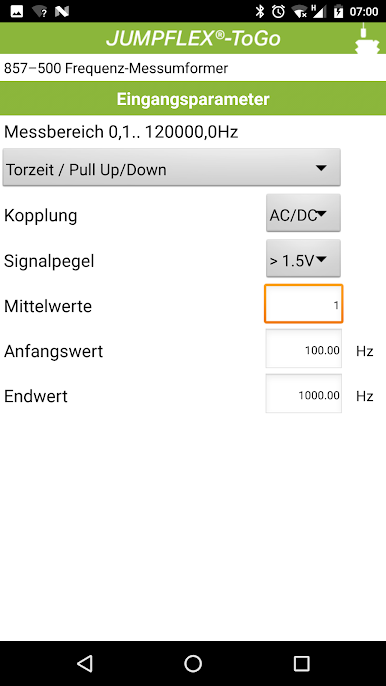
A key feature of the app is a clear and user-driven operation. Configuring is now very easy due to the automatic module detection. Configuration data can also be stored as project on the SD card of the smart phone. Data of a JUMPFLEX® module then can be easily transferred to other JUMPFLEX® devices of the same type.
Briefly:
- Automatic module detection
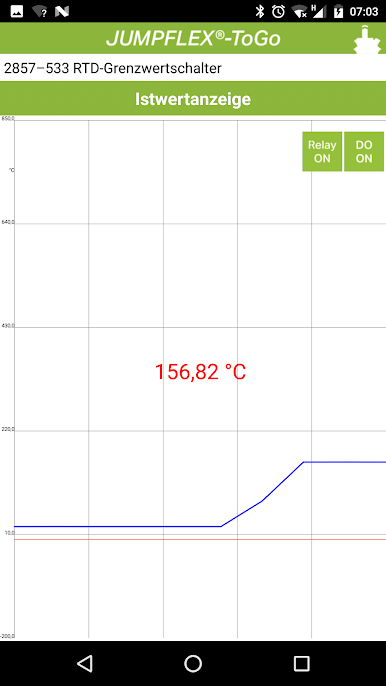
- Visualization of process values
- Uncomplicated communication via Bluetooth®
- Capability of storing the projects on an SD card
- For Android devices from version 2.3
Gioca JUMPFLEX-ToGo su PC. È facile iniziare.
-
Scarica e installa BlueStacks sul tuo PC
-
Completa l'accesso a Google per accedere al Play Store o eseguilo in un secondo momento
-
Cerca JUMPFLEX-ToGo nella barra di ricerca nell'angolo in alto a destra
-
Fai clic per installare JUMPFLEX-ToGo dai risultati della ricerca
-
Completa l'accesso a Google (se hai saltato il passaggio 2) per installare JUMPFLEX-ToGo
-
Fai clic sull'icona JUMPFLEX-ToGo nella schermata principale per iniziare a giocare

