


Lotus Lantern
Juega en PC con BlueStacks: la plataforma de juegos Android, en la que confían más de 500 millones de jugadores.

Página modificada el: Nov 28, 2025
Run Lotus Lantern on PC or Mac
Why limit yourself to your small screen on the phone? Run Lotus Lantern, an app by fstart, best experienced on your PC or Mac with BlueStacks, the world’s #1 Android emulator.
About the App
Lotus Lantern by fstart brings an easy way to play with light and color right from your phone. Whether you’re setting the mood for a chill night, a lively party, or just brightening up your space, this app puts control over your LED strips in your hands. Expect a straightforward, clutter-free experience where you call the shots—no complicated setups, just instant results.
App Features
-
Hands-On Color Control
Choose any shade you want for your LED strips. A quick slide or tap, and your room’s entire vibe shifts to match your mood. -
Adjust Brightness and Color Temperature
Got preferences for softer glows or bold, brilliant light? You can fine-tune both brightness and warmth, making it easy to shape the lighting just how you like. -
Dynamic Flash Modes
Bored with static lighting? Try out different flashing patterns—go subtle or crank it up for party mode. It’s all about variety. -
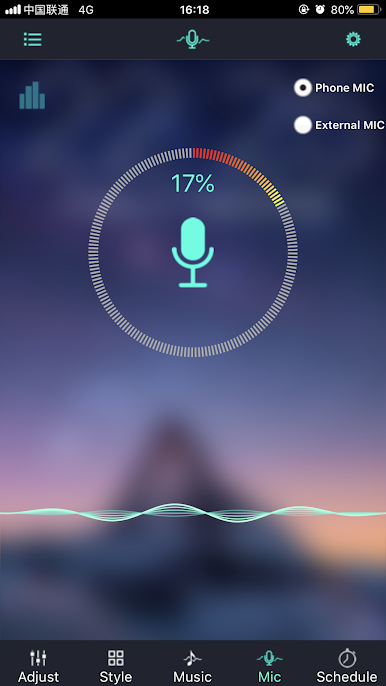
Syncs to Your Music
The lights react to whatever tunes you’re playing. Let your music set the pace as your LED strips pulse and change with every beat. -
Multi-Device Bluetooth Control
Manage as many LED strips as you need, all from one spot. Bluetooth makes the connection simple and quick, no special skills needed. -
User-Friendly Setup
No overthinking required here—jump right in and start controlling your lights without a steep learning curve.
If you want to run Lotus Lantern on a bigger screen, it’s smooth and simple using BlueStacks.
Ready to experience Lotus Lantern on a bigger screen, in all its glory? Download BlueStacks now.
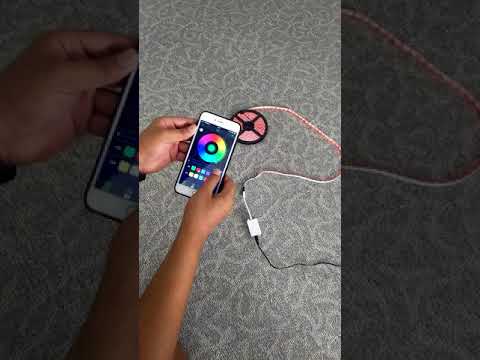
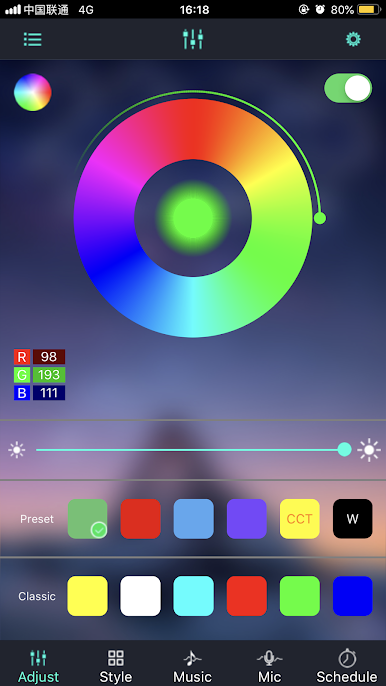
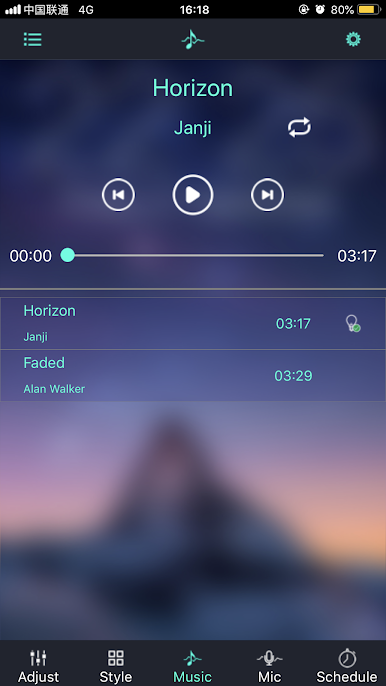

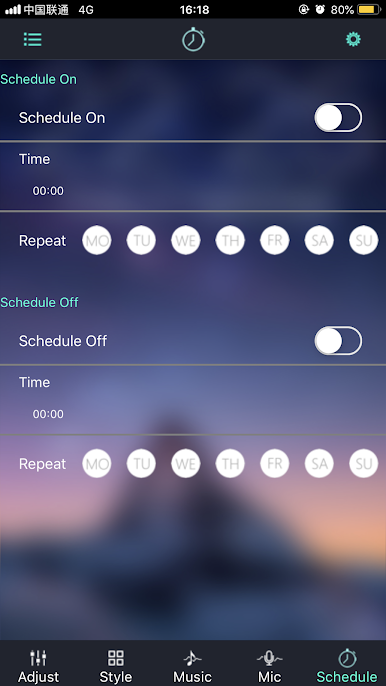

Juega Lotus Lantern en la PC. Es fácil comenzar.
-
Descargue e instale BlueStacks en su PC
-
Complete el inicio de sesión de Google para acceder a Play Store, o hágalo más tarde
-
Busque Lotus Lantern en la barra de búsqueda en la esquina superior derecha
-
Haga clic para instalar Lotus Lantern desde los resultados de búsqueda
-
Complete el inicio de sesión de Google (si omitió el paso 2) para instalar Lotus Lantern
-
Haz clic en el ícono Lotus Lantern en la pantalla de inicio para comenzar a jugar

