

Ler Música
Jogue no PC com BlueStacks - A Plataforma de Jogos Android, confiada por mais de 500 milhões de jogadores.

Página modificada em: Dec 14, 2024
Run READ MUSIC on PC or Mac
Get freedom from your phone’s obvious limitations. Use READ MUSIC, made by Musycom Apps, a Music & Audio app on your PC or Mac with BlueStacks, and level up your experience.
About the App
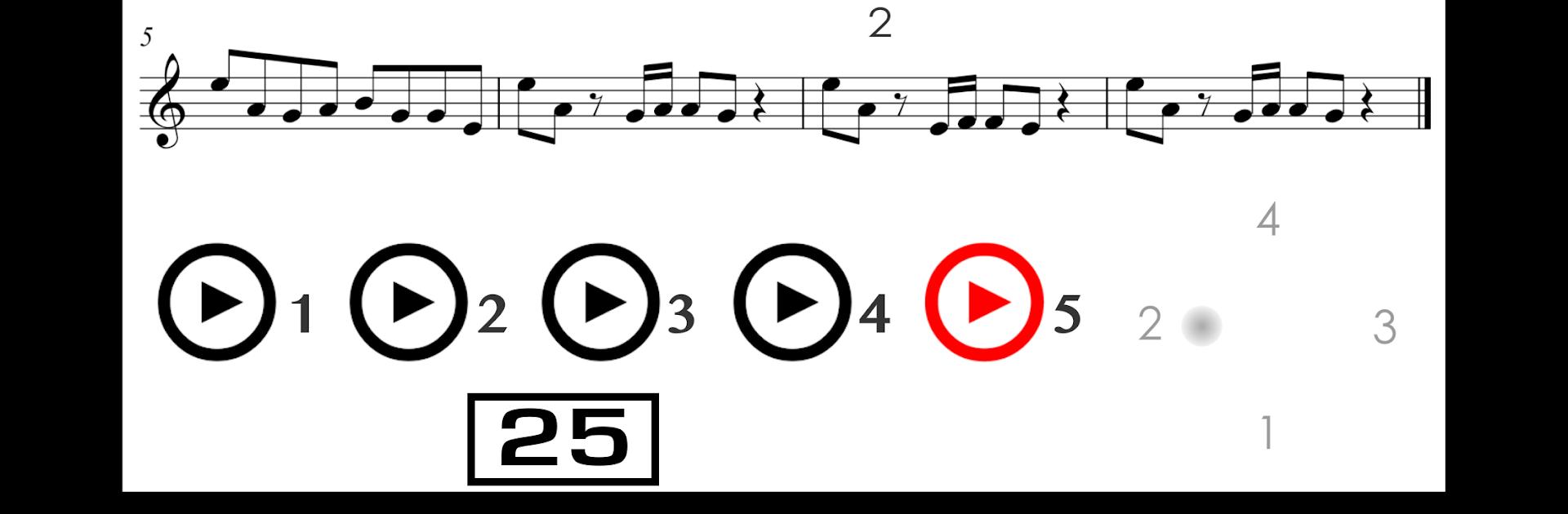
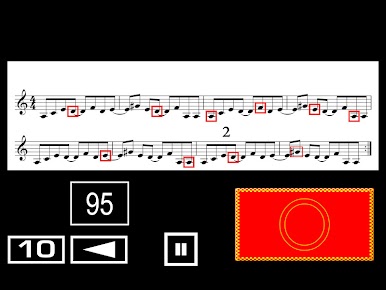
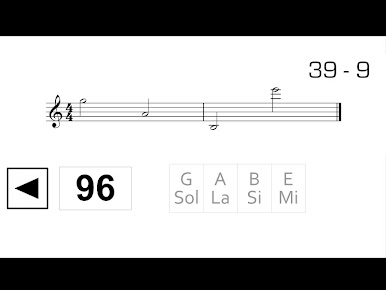
Getting comfortable with reading music can feel tricky, but READ MUSIC by Musycom Apps keeps things simple and approachable. If you’re looking to master sight reading—whether you play guitar, piano, or just want to get quicker at recognizing notes—this app guides you step by step through hands-on practice you can actually feel improving your skills. Designed for everyone from absolute beginners to those brushing up, it gives you plenty of focused exercises to tackle at your own pace in the Music & Audio world.
App Features
-
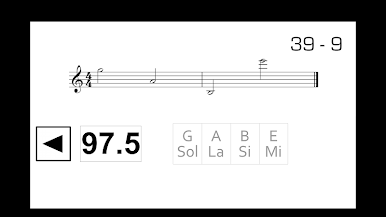
Step-by-Step Sight Reading Lessons
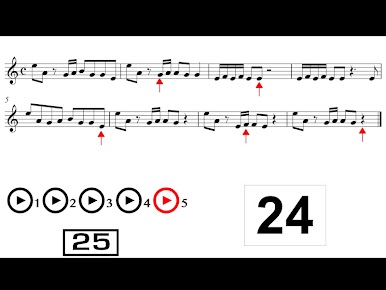
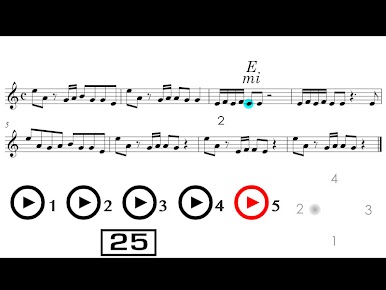
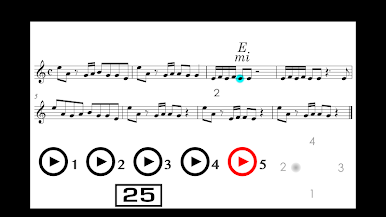
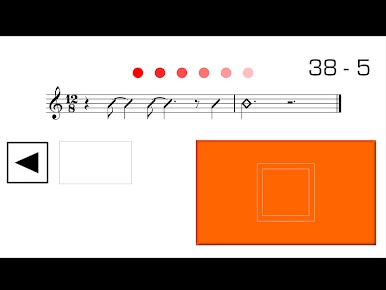
Work your way through 25 lessons, each packed with straightforward exercises designed to make reading sheet music start to feel like second nature. -
Engaging Quizzes
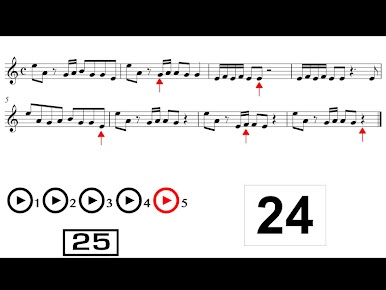
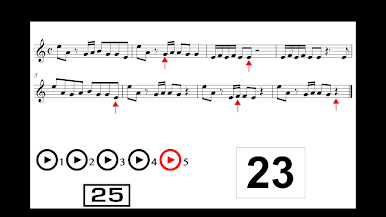
After you rehearse, check your progress with 25 quizzes full of practical challenges—you’ll see pretty quickly where you’re nailing it and what still needs work. -
Guitar Exercises
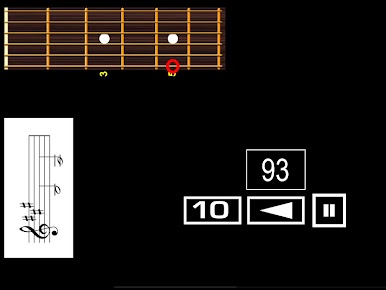
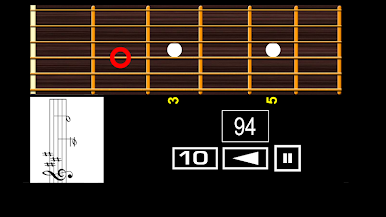
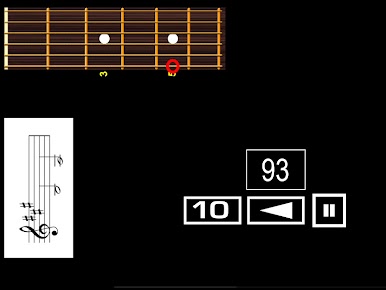
Explore melodic and rhythmic reading drills—there are 20 for melodies and 10 for rhythms, all tailored specifically for guitar players. -
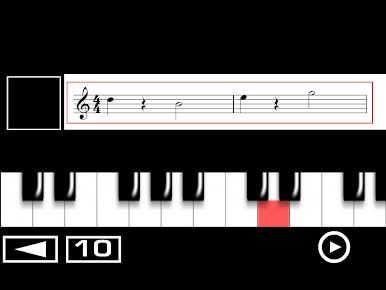
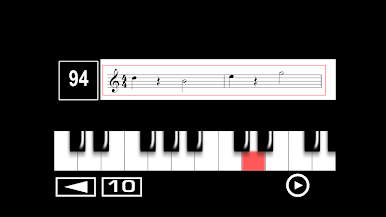
Piano and Keyboard Practice
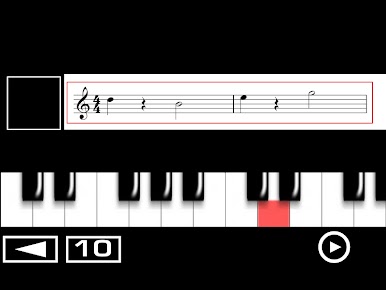
Dive into melodic routines crafted for both treble and bass clef. There are 20 exercises for treble and 10 for bass, covering a variety of piano and keyboard basics. -
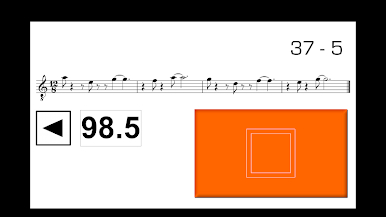
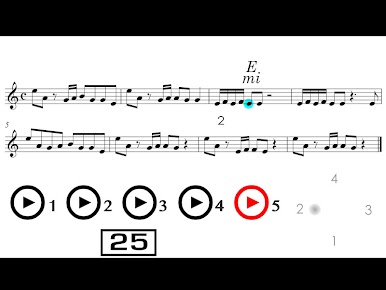
Sharpen Rhythms
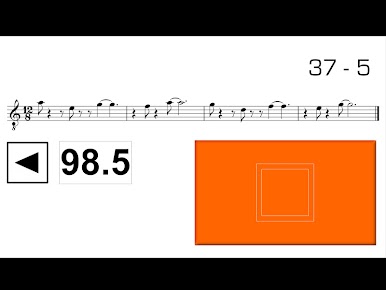
Practice reading different rhythm values within melodies, plus focused routines to recognize and remember all those tricky rhythmic patterns. -
Memory Boosters
Try out exercises dedicated to remembering rhythmic formulas and the names of notes in a series—ideal for getting those fundamentals locked in. -
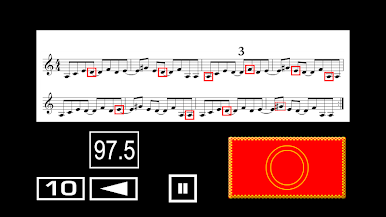
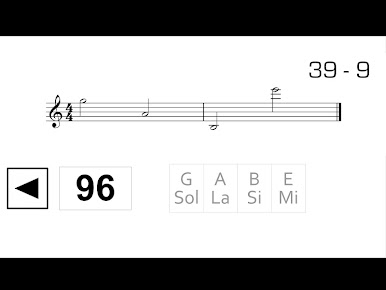
Speed Drills
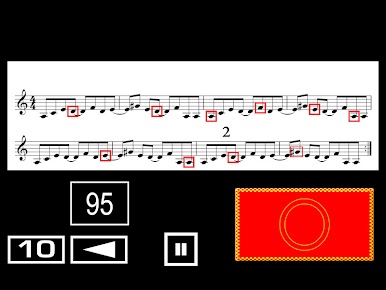
Fast-paced tasks help you spot notes on the staff with less hesitation over time, so you get quicker at reading real music.
If you’re using BlueStacks to run READ MUSIC, you’ll have an even easier time seeing all those tiny notes and practicing without straining your eyes.
Big screen. Bigger performance. Use BlueStacks on your PC or Mac to run your favorite apps.
Jogue Ler Música no PC. É fácil começar.
-
Baixe e instale o BlueStacks no seu PC
-
Conclua o login do Google para acessar a Play Store ou faça isso mais tarde
-
Procure por Ler Música na barra de pesquisa no canto superior direito
-
Clique para instalar Ler Música a partir dos resultados da pesquisa
-
Conclua o login do Google (caso você pulou a etapa 2) para instalar o Ler Música
-
Clique no ícone do Ler Música na tela inicial para começar a jogar

