


Calligraphy Calm Ink Brush Pro
Jogue no PC com BlueStacks - A Plataforma de Jogos Android, confiada por mais de 500 milhões de jogadores.

Página modificada em: May 31, 2023
Play Calligraphy Calm Ink Brush Pro on PC
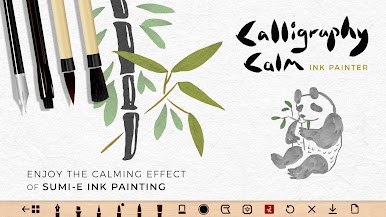
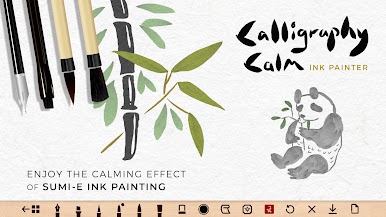
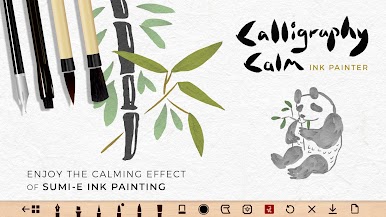
Create a realistic zen brush painting effect on your Android phone & tablet with ease.
Practice the art of simplicity and capture the essence of your subject.
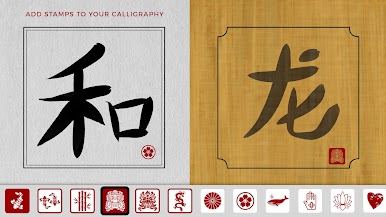
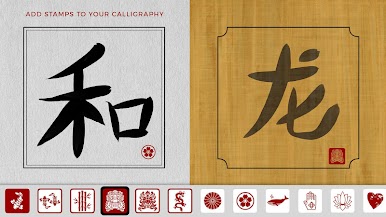
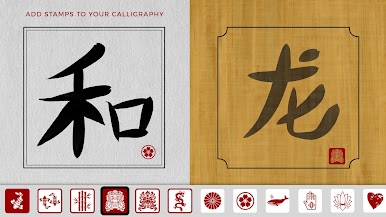
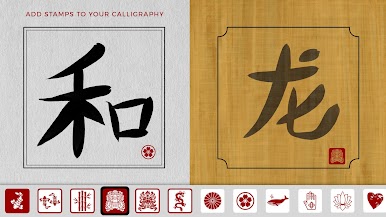
To complete your masterpiece - choose from a selection of red stamps inspired by traditional Chinese chops and Japanese print designs.
OUR BRUSHES
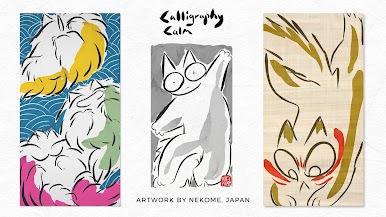
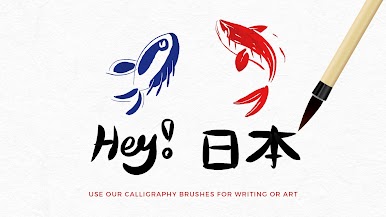
Our brushes create a dynamic 'tapered' line effect, which produces a beautifully organic feel for handwritten typography and drawing.
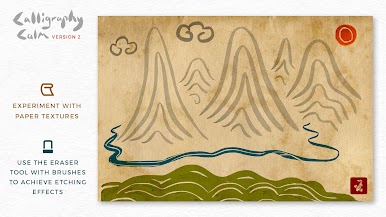
Try overlaying brush strokes and you will find the ink merging with the paper textures like real ink!
Move your finger quickly to increase the thickness of the line. Move your finger slowly to create a very thin line.
Bigger brushes produce a rougher line texture.
HOW TO ENJOY CALLIGRAPHY CALM
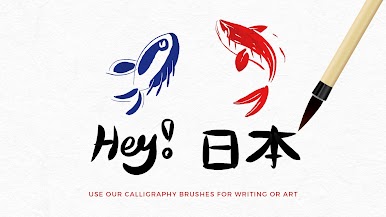
1) Use the painting tools for calligraphy writing, lettering or art.
2) Get into the flow of minimalist painting and feel calm.
3) Save your progress to the Calligraphy Calm Gallery *
4) Download your best designs to your device's photo gallery for safe keeping.
*Please note - Your paintings are saved to your device. Deleting the app will delete your saved artwork.
WHAT’S INCLUDED
• 34 inks (with gradient depth)
• 6 brushes
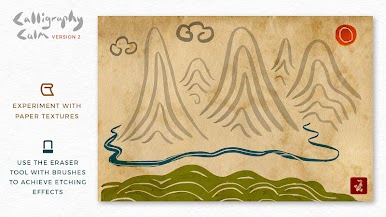
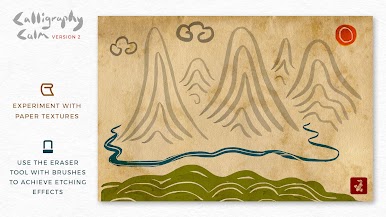
• Eraser tool (use it in combination with the brushes)
• Undo button
• 12 paper textures
• 13 border designs
• 22 print stamps
• Gallery: Save unlimited paintings to your device
• HD Image download
SAVING JPG IMAGES
To allow your Android device to save photos to the 'Pictures' folder you must press ALLOW when the permission popup appears.
If you pressed DENY - please browse your device settings > apps > allow Calligraphy Calm to save images.
Paint your way to calm :)















Jogue Calligraphy Calm Ink Brush Pro no PC. É fácil começar.
-
Baixe e instale o BlueStacks no seu PC
-
Conclua o login do Google para acessar a Play Store ou faça isso mais tarde
-
Procure por Calligraphy Calm Ink Brush Pro na barra de pesquisa no canto superior direito
-
Clique para instalar Calligraphy Calm Ink Brush Pro a partir dos resultados da pesquisa
-
Conclua o login do Google (caso você pulou a etapa 2) para instalar o Calligraphy Calm Ink Brush Pro
-
Clique no ícone do Calligraphy Calm Ink Brush Pro na tela inicial para começar a jogar

