NewBorn Twins Caring

NewBorn Twins Caring

Educativo | Chic World

Jogue no PC com BlueStacks - A Plataforma de Jogos Android, confiada por mais de 500 milhões de jogadores.

Página modificada em: Sep 28, 2025

Play NewBorn Twins Caring on PC or Mac

Explore a whole new adventure with NewBorn Twins Caring, a Educational game created by Chic World. Experience great gameplay with BlueStacks, the most popular gaming platform to play Android games on your PC or Mac.

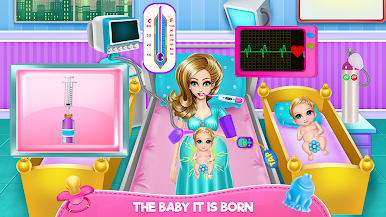
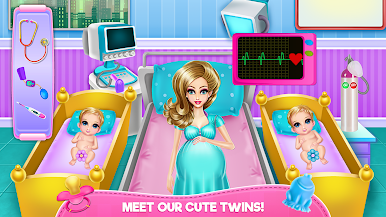
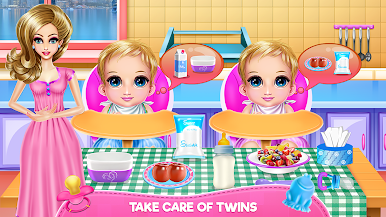
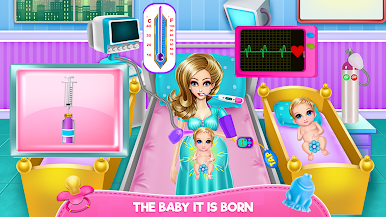
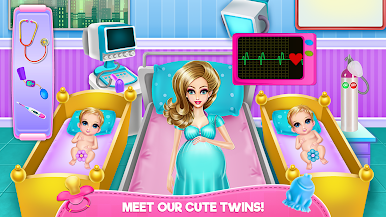
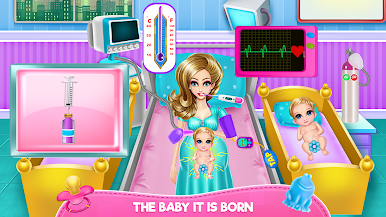
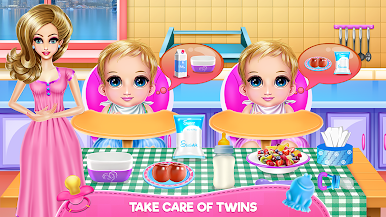
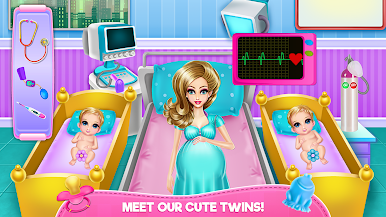
NewBorn Twins Caring plays like a calm babysitting routine with two tiny troublemakers who are mostly cute and a little messy. It starts with bath time, scrubbing off tummy-time dirt with soap and shampoo, then dropping a few toys in the tub because, yes, they will ask. After that it is towels, fresh diapers, and straight into feeding. Each twin has different tastes, so the player mixes bottles, warms up food, or brings the exact snack they want, and watches those little hunger meters go up. The game nudges the player with clear prompts and arrows, so nothing feels confusing, and the pace stays relaxed. There is a light learning angle here too, since it builds coordination and gives a tiny lesson in responsibility, keeping things clean, safe, and organized for the babies and their mom.

The look and sound are bright and friendly, with cheerful music and soft colors that make the chores feel cozy instead of hectic. Actions are simple drag, tap, and swap moves, which work nicely on PC with BlueStacks, since the mouse makes picking tools and food quicker and more precise. It is very much about the loop of wash, change, feed, repeat, and the routine is the charm. Great for younger players or anyone who likes tidy task lists, gentle guidance, and that little hit of satisfaction when both twins are clean, full, and ready for a nap. It is easy to pick up, free to try, and teaches a small bit of care without turning stressful.

Start your journey now. Download the game on BlueStacks, invite your friends, and march on a new adventure.

Jogue NewBorn Twins Caring no PC. É fácil começar.

  • Baixe e instale o BlueStacks no seu PC

  • Conclua o login do Google para acessar a Play Store ou faça isso mais tarde

  • Procure por NewBorn Twins Caring na barra de pesquisa no canto superior direito

  • Clique para instalar NewBorn Twins Caring a partir dos resultados da pesquisa

  • Conclua o login do Google (caso você pulou a etapa 2) para instalar o NewBorn Twins Caring

  • Clique no ícone do NewBorn Twins Caring na tela inicial para começar a jogar

Assistir o Vídeo