


AirMusic - stream your music!
5억명 이상의 게이머가 신뢰하는 안드로이드 게임 플랫폼 BlueStacks으로 PC에서 플레이하세요.

Run AirMusic - stream your music! on PC or Mac
What’s better than using AirMusic – stream your music! by AirMusic – stream all audio to everywhere? Well, try it on a big screen, on your PC or Mac, with BlueStacks to see the difference.
About the App
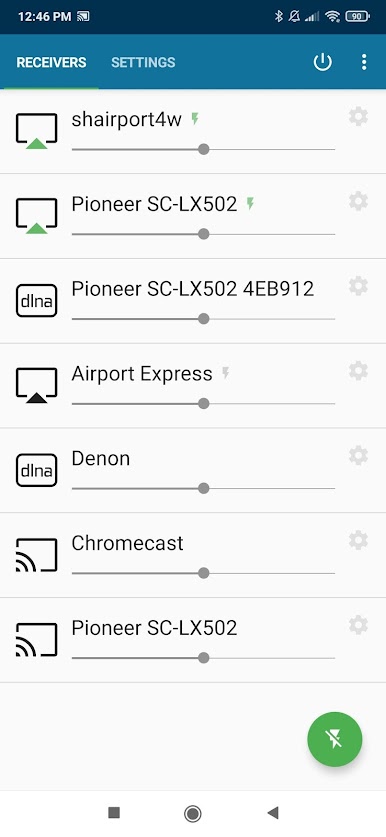
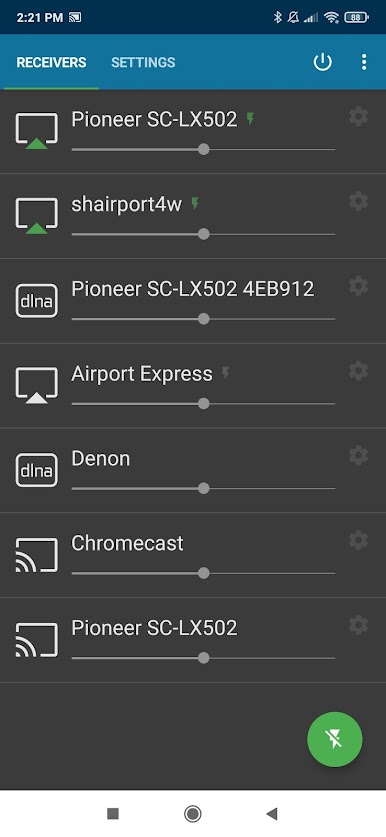
AirMusic – stream your music! lets you effortlessly stream audio from nearly any app to a wide range of receivers with just a single tap. Expect seamless audio streaming from your favorite platforms like YouTube Music, Spotify, and Apple Music to devices like SONOS, Chromecast, and Apple TV. It’s your go-to app for enjoying music across various systems at home.
App Features
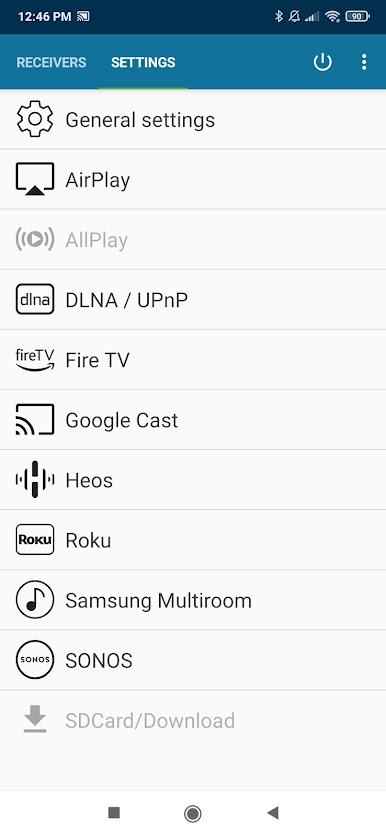
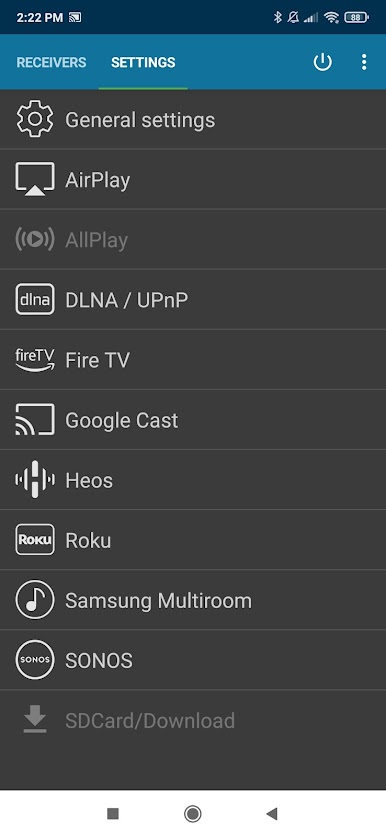
Wide Compatibility
– Stream audio to Apple AirPlay-enabled devices such as Apple TV and Homepod.
– Enjoy your tunes on SONOS speakers effortlessly.
– Connect with Google Cast for devices like Chromecast.
– Use DLNA for Smart TVs or AV-receivers like Samsung and Sony.
One-Click Streaming
– AirMusic runs in the background, enabling easy streaming with just a click.
– Automatically sends metadata and artwork to AirPlay and Google Cast receivers.
Advanced Integration
– Compatible with Tasker and MacroDroid for widget creation and music automation.
Technical Assistance
– Support available for troubleshooting via email at support@airmusic.app.
Limitations
– Some music apps require additional setup steps or newer Android versions.
Ready to experience AirMusic – stream your music! on a bigger screen, in all its glory? Download BlueStacks now.

PC에서 AirMusic - stream your music! 플레이해보세요.
-
BlueStacks 다운로드하고 설치
-
Google Play 스토어에 로그인 하기(나중에 진행가능)
-
오른쪽 상단 코너에 AirMusic - stream your music! 검색
-
검색 결과 중 AirMusic - stream your music! 선택하여 설치
-
구글 로그인 진행(만약 2단계를 지나갔을 경우) 후 AirMusic - stream your music! 설치
-
메인 홈화면에서 AirMusic - stream your music! 선택하여 실행

