


Auto Move To SD Card: Transfer
Jogue no PC com BlueStacks - A Plataforma de Jogos Android, confiada por mais de 500 milhões de jogadores.

Página modificada em: Jan 23, 2026
Visão Geral
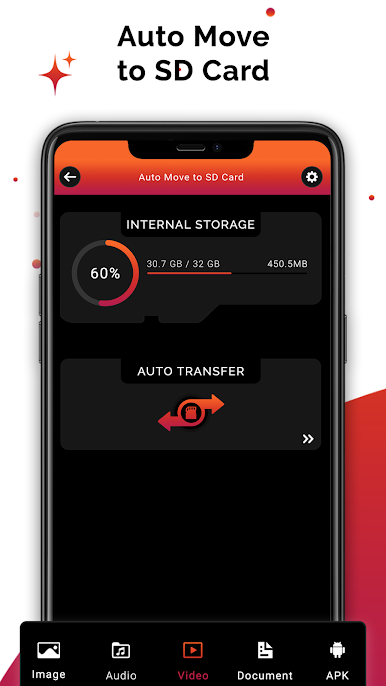
This app Auto Move To SD Card : Transfer files to SD card is used to quickly move, copy, files from internal memory to your phone's SD card. With this app, you can free up with one click your device internal memory or files to the SD card.
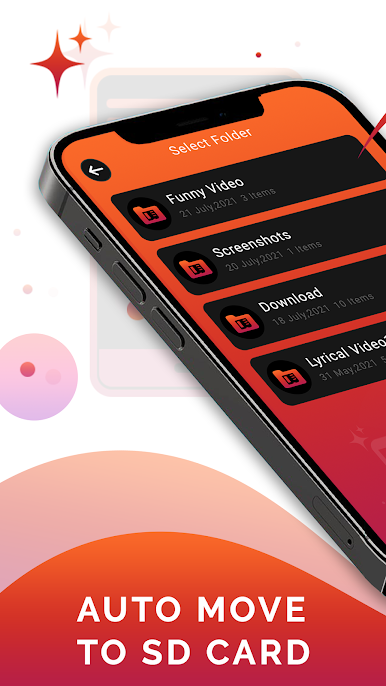
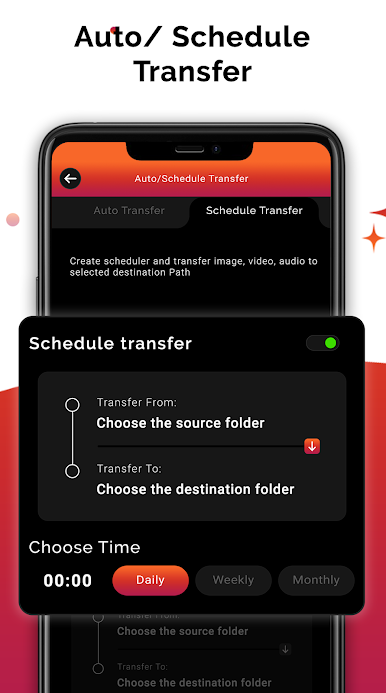
From this app Auto Move To SD Card : Transfer files to SD card you can transfer files automatically select the folder from it and transfer it from where you want you can transfer.
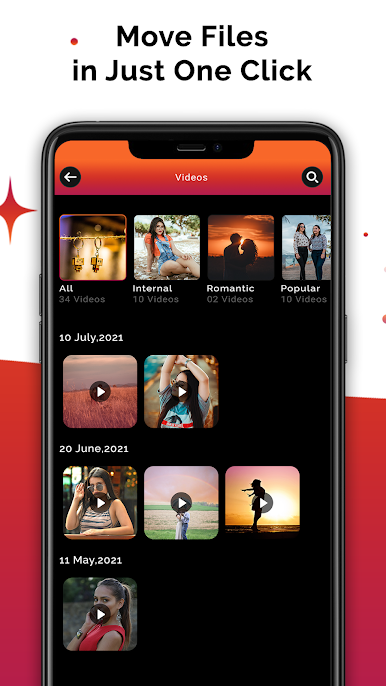
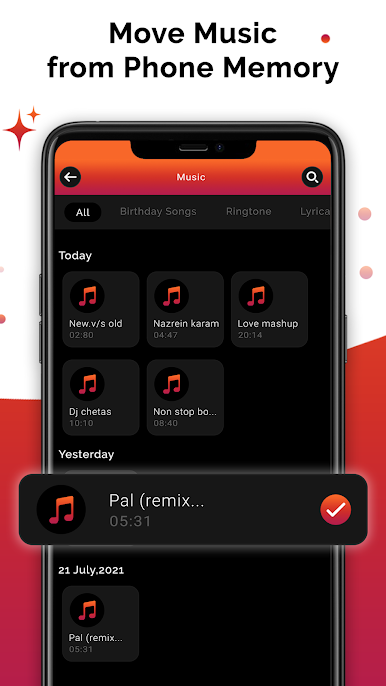
By using this app Auto Move To SD Card : Transfer files to SD card you can also transfer the Images, video, audio, document etc from this app you can transfer it easily without any issue.
Here you don't need to install a different application to transfer the app, you can also transfer the app from this Auto Move To SD Card : Transfer files to SD card app easily. And other files like large files you can transfer easily.
Auto Move To SD Card : Transfer files to SD card is a utility app to move apps from your phone to SD card. This Move Apps phone to SD Card is like an app manager you can manage your apps in the phone SD card. When your phone is running out of space you can move your apps to SD card. There are a lot more options when you click on the app name. You can also use these features for example Uninstall App, Clear Data, Clear Cache and see the app details like size, data etc
💥FEATURES :-
👉Transfer file automatically
👉Simple user interface.
👉Easy to access this app.
👉 Easy to Tap "COPY TO" or "MOVE TO" button
👉Transfer files & Folders to SD card
👉 Transfer large files.
👉 You can also transfer apps, audio, Images, documents etc.
⭐Benefits of this application :
👉 The app helps you automatically transfer files from internal to SD card saving efforts and time of yours
👉The app helps keep internal memory empty enough to make the phone work faster and efficiently.
If you find this app useful kindly Share this app with your friends and family.
Jogue Auto Move To SD Card: Transfer no PC. É fácil começar.
-
Baixe e instale o BlueStacks no seu PC
-
Conclua o login do Google para acessar a Play Store ou faça isso mais tarde
-
Procure por Auto Move To SD Card: Transfer na barra de pesquisa no canto superior direito
-
Clique para instalar Auto Move To SD Card: Transfer a partir dos resultados da pesquisa
-
Conclua o login do Google (caso você pulou a etapa 2) para instalar o Auto Move To SD Card: Transfer
-
Clique no ícone do Auto Move To SD Card: Transfer na tela inicial para começar a jogar

