

Quebra-cabeça zoológico
Jogue no PC com BlueStacks - A Plataforma de Jogos Android, confiada por mais de 500 milhões de jogadores.

Página modificada em: Jun 1, 2018
Play Kids Zoo Animal Jigsaw Puzzles on PC or Mac
Bring your A-game to Kids Zoo Animal Jigsaw Puzzles, the Educational game sensation from Espace Publishing. Give your gameplay the much-needed boost with precise game controls, high FPS graphics, and top-tier features on your PC or Mac with BlueStacks.
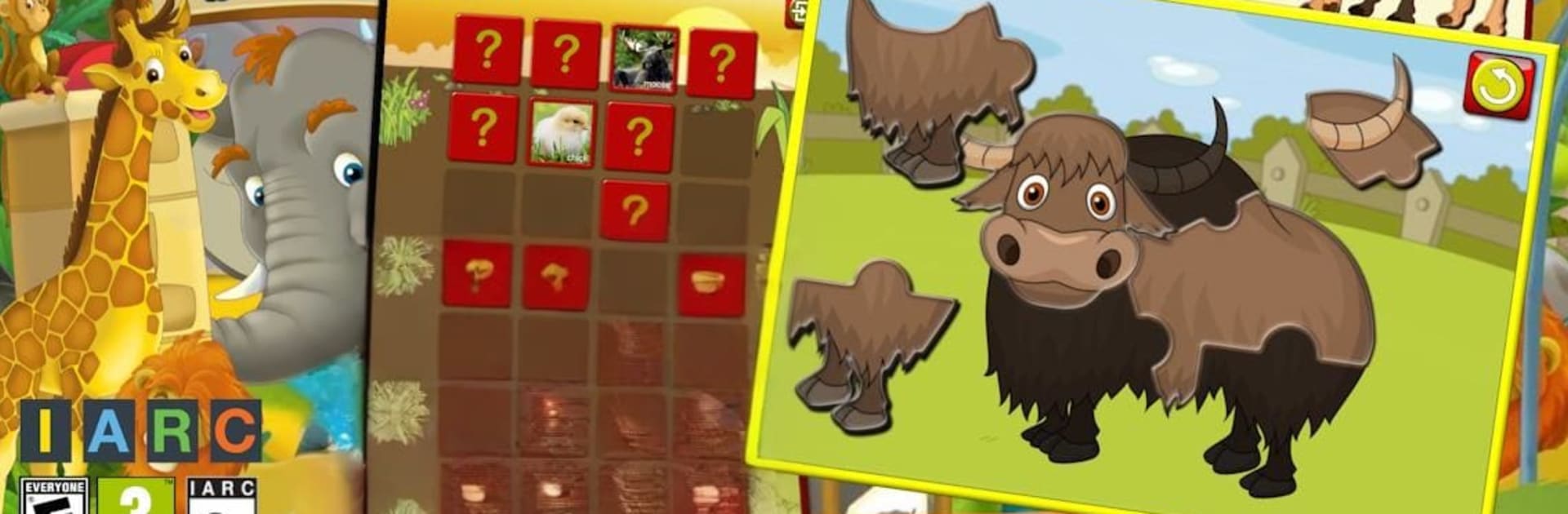
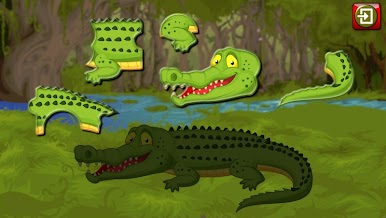
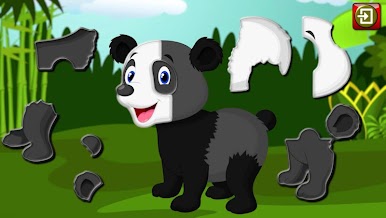
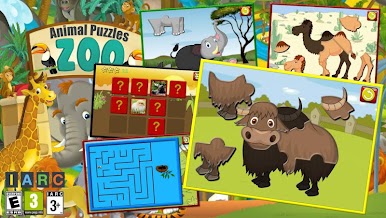
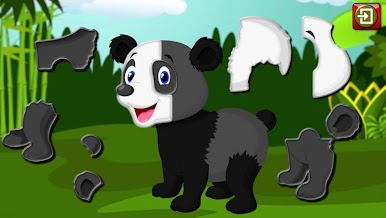
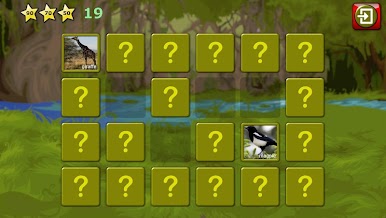
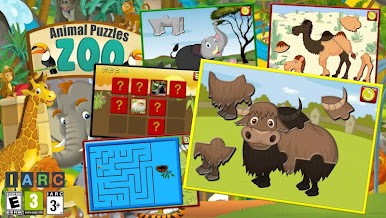
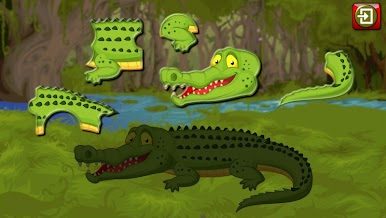
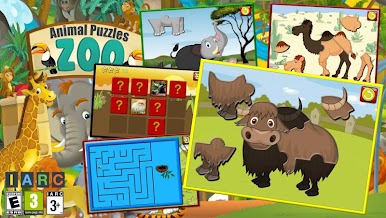
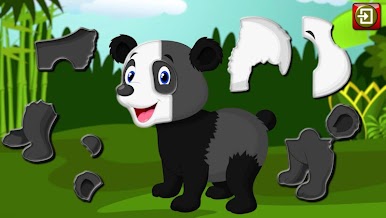
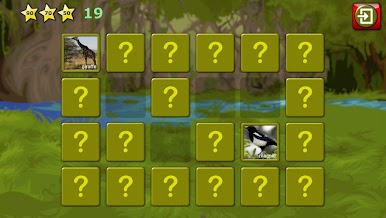
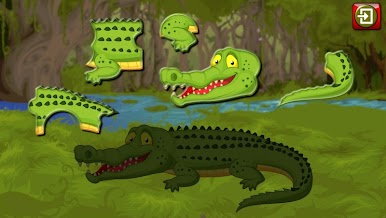
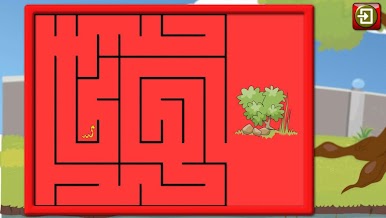
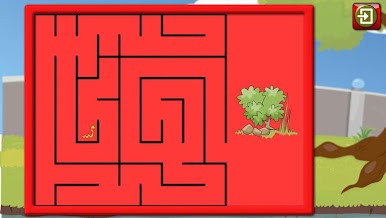
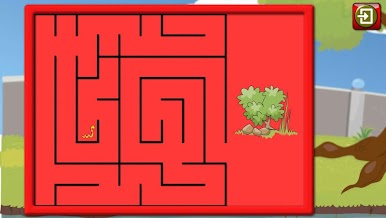
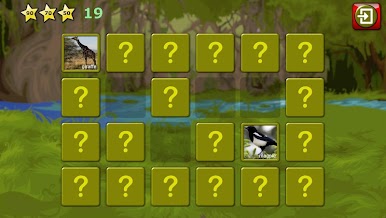
This is a mellow, kid friendly puzzle app that is all about zoo animals. The main thing is jigsaw puzzles with chunky pieces that slide into place, then the animal makes a real sound and the name is spoken in English. The pictures are bright cartoon style but crisp, so on a PC monitor through BlueStacks they look clean and colorful. Drag and drop with a mouse feels very natural, pieces snap in like they should, and the bigger screen makes it easier for small eyes to spot where things go. There is also a simple memory match mode for pairing animals, and a little maze challenge where the animal needs help getting to the goal. Nothing stressful, just gentle, steady puzzles.
What stands out is how clear everything is and how many animals show up, from lions and pandas to sea lions, crocodiles, yaks, and more. There are three difficulty levels, so it starts easy with big pieces and gets trickier as kids gain confidence. Puzzles can be replayed and finishing one gives a little star, which is a nice nudge without turning it into a grind. The interface is very intuitive, big buttons, easy for small hands, and there are no ads popping up. Audio is a big part of it, with proper animal sounds and name pronunciation in English, and the app supports a lot of languages for menus and text. There is a free set of puzzles, and if more is needed there is a one time unlock for the rest.
Get ready for a buttery smooth, high-performance gaming action only on BlueStacks.
Jogue Quebra-cabeça zoológico no PC. É fácil começar.
-
Baixe e instale o BlueStacks no seu PC
-
Conclua o login do Google para acessar a Play Store ou faça isso mais tarde
-
Procure por Quebra-cabeça zoológico na barra de pesquisa no canto superior direito
-
Clique para instalar Quebra-cabeça zoológico a partir dos resultados da pesquisa
-
Conclua o login do Google (caso você pulou a etapa 2) para instalar o Quebra-cabeça zoológico
-
Clique no ícone do Quebra-cabeça zoológico na tela inicial para começar a jogar

