

Música Jogador - Áudio Jogador
Jogue no PC com BlueStacks - A Plataforma de Jogos Android, confiada por mais de 500 milhões de jogadores.

Página modificada em: Nov 7, 2025
Run Music Player - 10 Bands Equalizer Audio Player on PC or Mac
Get freedom from your phone’s obvious limitations. Use Music Player – 10 Bands Equalizer Audio Player, made by Leopard V7, a Music & Audio app on your PC or Mac with BlueStacks, and level up your experience.
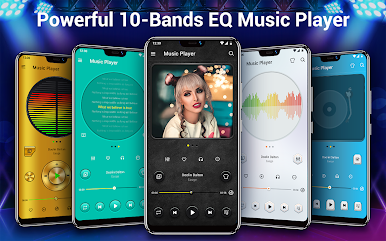
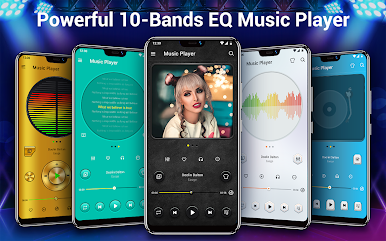
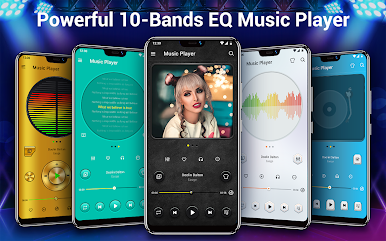
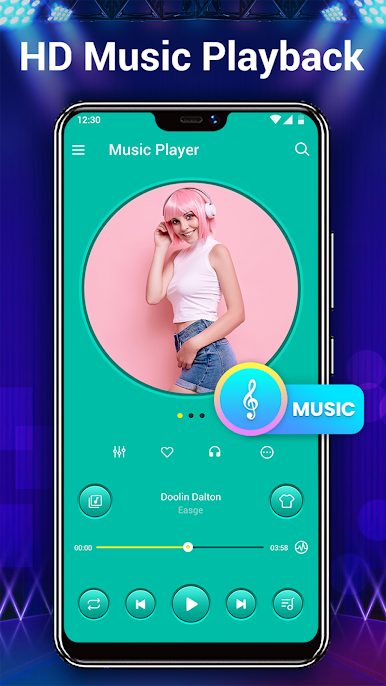
So this Music Player with the 10 band equalizer feels like one of those apps that just gives a lot of control without making things complicated. When running it on a PC with BlueStacks, it’s surprisingly smooth. What stands out right away is how it’s way more than just an ordinary music player. It supports a bunch of file types — mp3, wav, flac, and so on — so it handles pretty much any music thrown at it, even big lossless files.
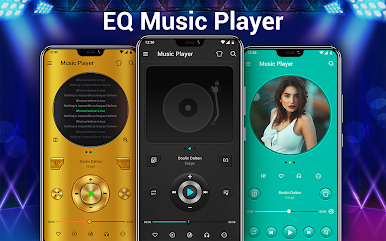
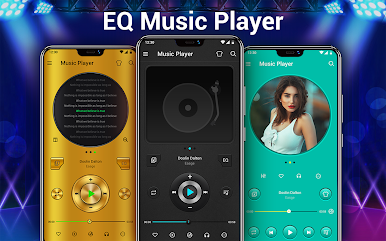
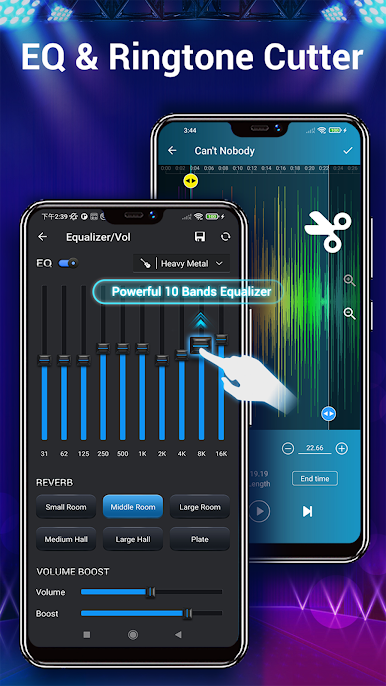
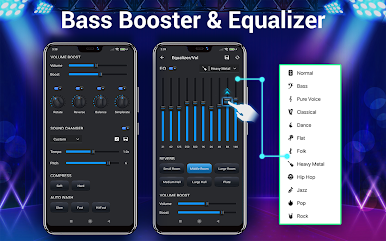
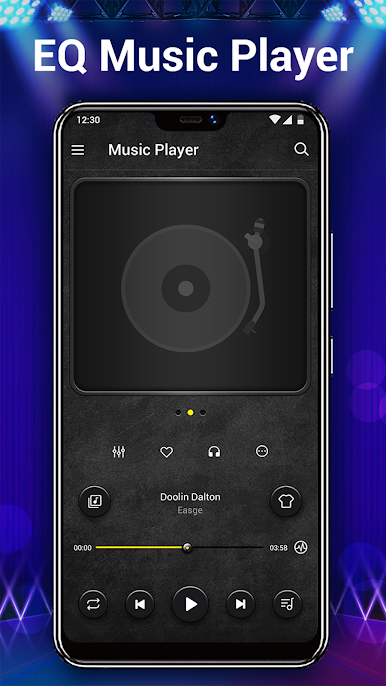
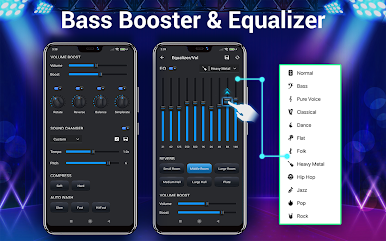
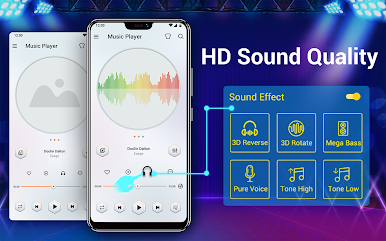
The sound tweaking options are actually quite detailed. There’s a 10 band equalizer, which is more than the usual five or six, plus a bunch of pre-set profiles for different music genres if someone doesn’t want to mess with sliders. There are even options to mess with reverb — like different room sizes, for people who care about that sort of thing — and the bass boost is easy to find. There’s also some fun stuff, like being able to adjust the pitch and speed of a track, or swipe to change songs.
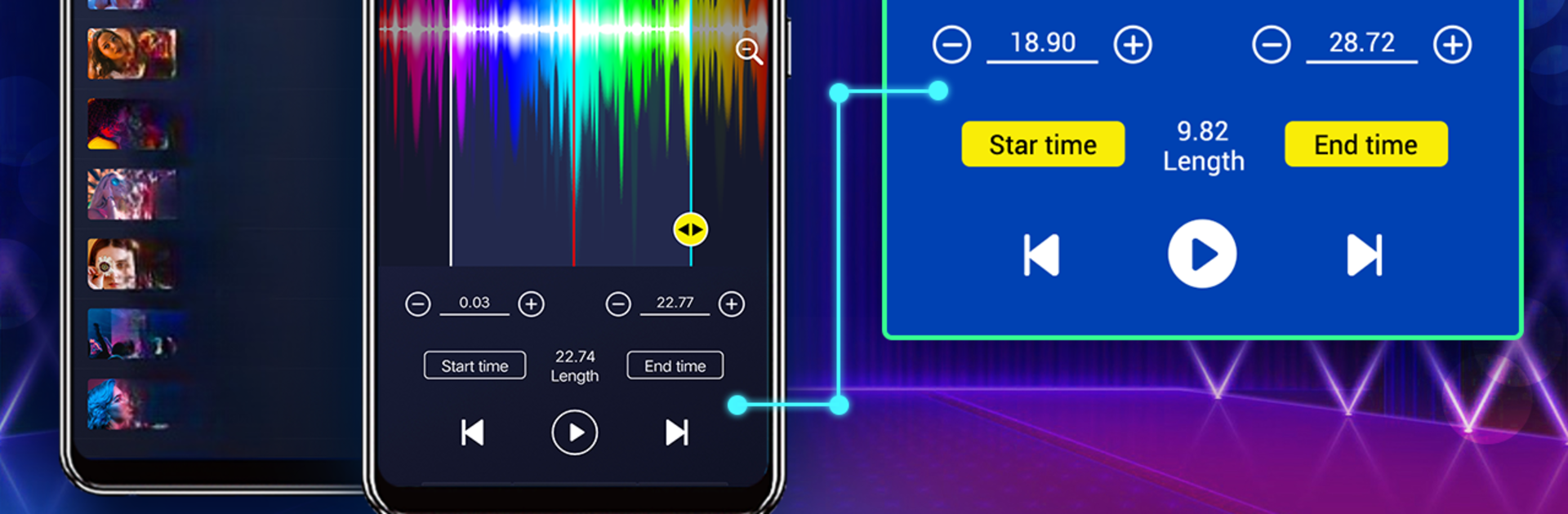
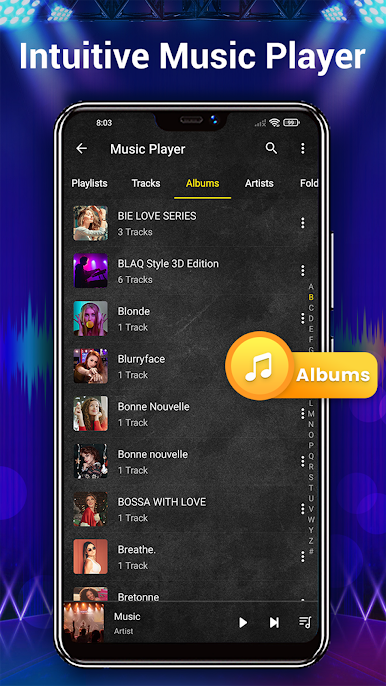
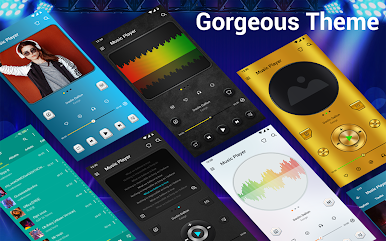
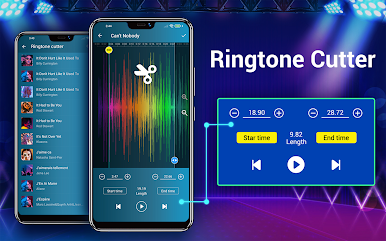
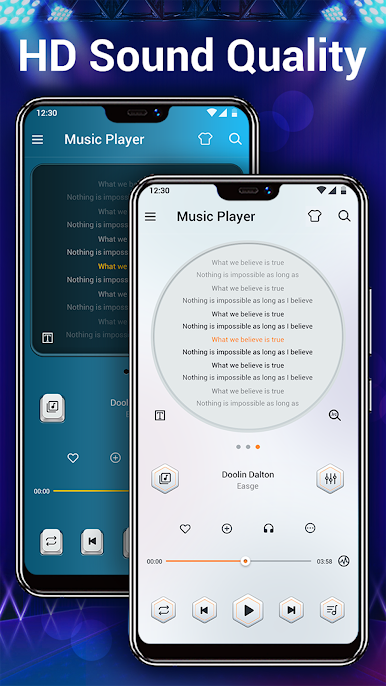
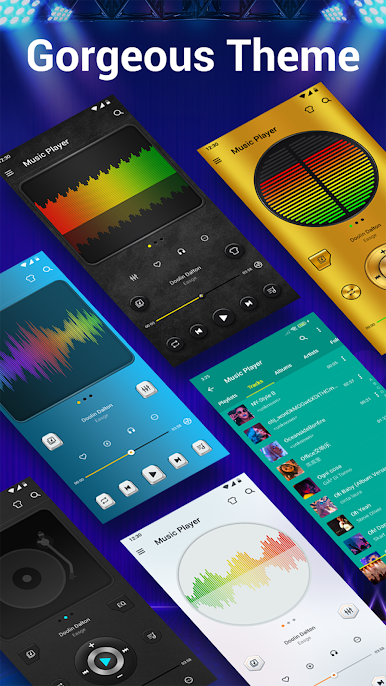
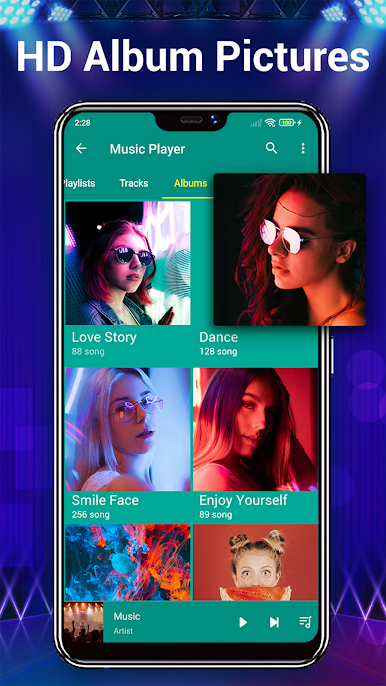
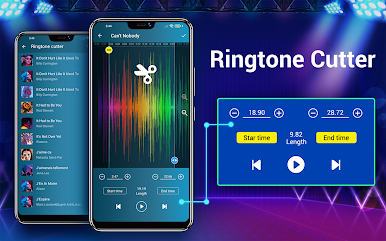
It’s easy to find tracks too, either by album, artist, folder, or even genre, which is nice for folks with messy libraries. Visual customization is there, with different themes, and desktop lyrics if lyrics are a thing. There are widgets and a sleep timer, so it fits into daily routines pretty well. There’s even a ringtone cutter, which isn’t something every music player includes. Overall, it’s got enough settings and features to satisfy people who like to tinker, but stays simple enough that it doesn’t feel overwhelming, especially running on a bigger PC screen with BlueStacks.
Big screen. Bigger performance. Use BlueStacks on your PC or Mac to run your favorite apps.


Jogue Música Jogador - Áudio Jogador no PC. É fácil começar.
-
Baixe e instale o BlueStacks no seu PC
-
Conclua o login do Google para acessar a Play Store ou faça isso mais tarde
-
Procure por Música Jogador - Áudio Jogador na barra de pesquisa no canto superior direito
-
Clique para instalar Música Jogador - Áudio Jogador a partir dos resultados da pesquisa
-
Conclua o login do Google (caso você pulou a etapa 2) para instalar o Música Jogador - Áudio Jogador
-
Clique no ícone do Música Jogador - Áudio Jogador na tela inicial para começar a jogar

