


Network Info II
Jogue no PC com BlueStacks - A Plataforma de Jogos Android, confiada por mais de 500 milhões de jogadores.

Página modificada em: Apr 2, 2013
Run Network Info II on PC or Mac
Get freedom from your phone’s obvious limitations. Use Network Info II, made by Alexandros Schillings, a Communication app on your PC or Mac with BlueStacks, and level up your experience.
About the App
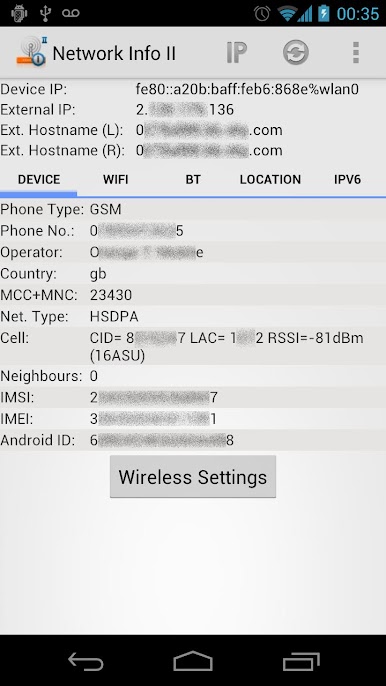
Ever wondered what’s really going on with your phone’s network connections? Network Info II, brought to you by Alexandros Schillings, gives you an inside look at everything from your WiFi and cell connections to Bluetooth pairing history. If you like knowing exactly how your phone connects to the world—without digging through endless settings—this Communication app puts all the details right where you want them.
App Features
-
Device & Network Identity
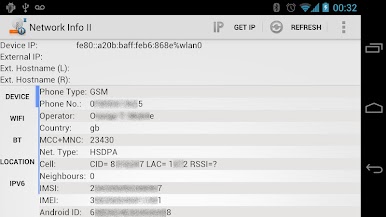
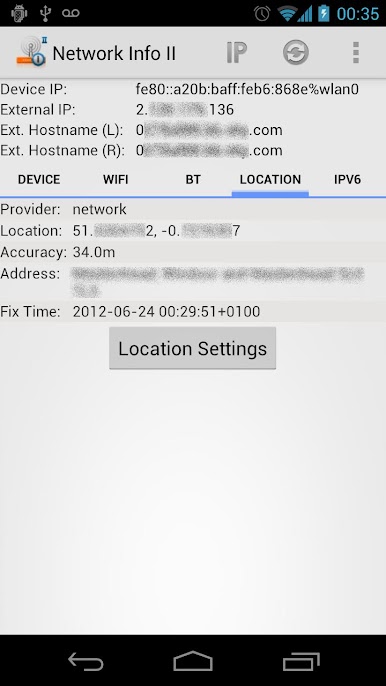
Instantly check both your private (local) and public IP addresses, plus hostnames. It’s like a quick snapshot of where your device sits online. -
Mobile Network Details
See not only your current cell provider and connection info, but also nearby cell towers, signal strength, and even some location info—all without needing GPS to be turned on. -
WiFi Insights
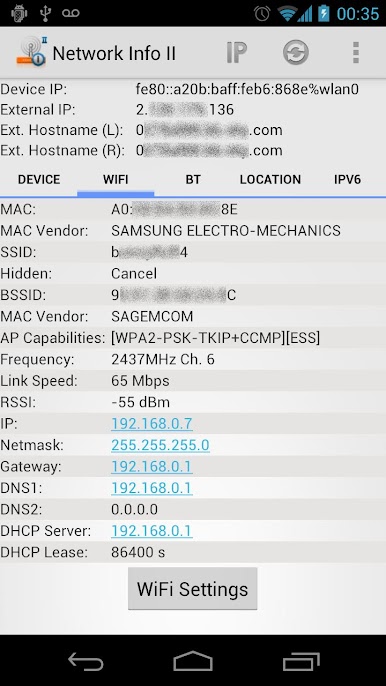
Get all the nerdy (or just practical) info on your wireless setup: current connection, MAC address, SSID, BSSID, link speed, DHCP details, DNS, and more. -
Bluetooth Connections
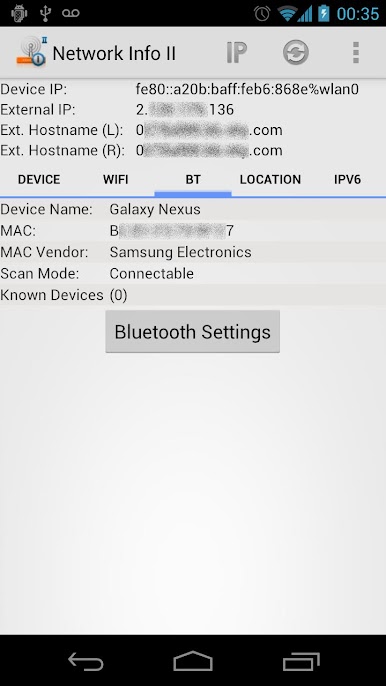
Keep track of whether Bluetooth is on, what’s connected right now, and even which devices you’ve paired with before. -
IPv6 Support
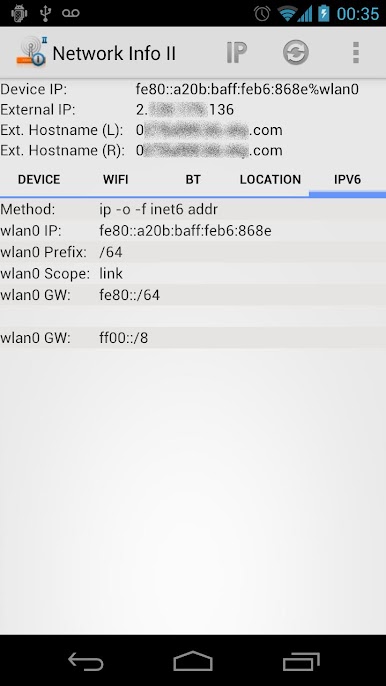
Check IPv6 addresses for every available interface, so you’re up to speed with the latest network protocols. -
Device Identifiers
Find technical details like your IMEI or IMSI, your device’s unique Android ID, and more, all in one spot. -
Privacy First
The app only connects online to fetch your external IP and hostname—your personal info stays secure. No ads, no nonsense. -
Simple, Direct Interface
Everything is laid out in a clear, organized way, so you can get the details you want fast—whether you’re a networking pro or just curious.
Network Info II works smoothly on phones and can be experienced on a larger screen using BlueStacks if you want even more visibility into your connections.
BlueStacks brings your apps to life on a bigger screen—seamless and straightforward.

Jogue Network Info II no PC. É fácil começar.
-
Baixe e instale o BlueStacks no seu PC
-
Conclua o login do Google para acessar a Play Store ou faça isso mais tarde
-
Procure por Network Info II na barra de pesquisa no canto superior direito
-
Clique para instalar Network Info II a partir dos resultados da pesquisa
-
Conclua o login do Google (caso você pulou a etapa 2) para instalar o Network Info II
-
Clique no ícone do Network Info II na tela inicial para começar a jogar

