


المعادل: باس معززة، حجم معززة
العب على الكمبيوتر الشخصي مع BlueStacks - نظام أندرويد للألعاب ، موثوق به من قبل أكثر من 500 مليون لاعب.

Play Equalizer & Bass Booster on PC
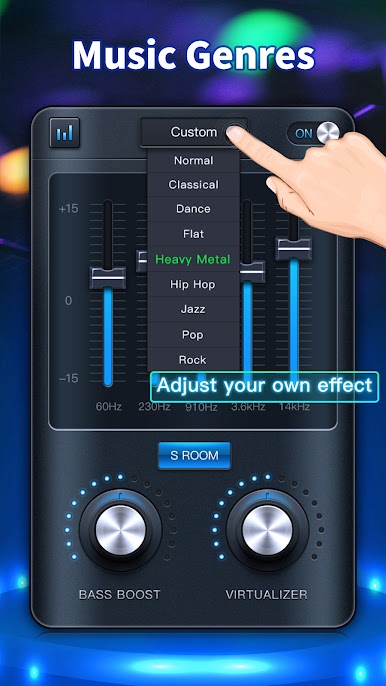
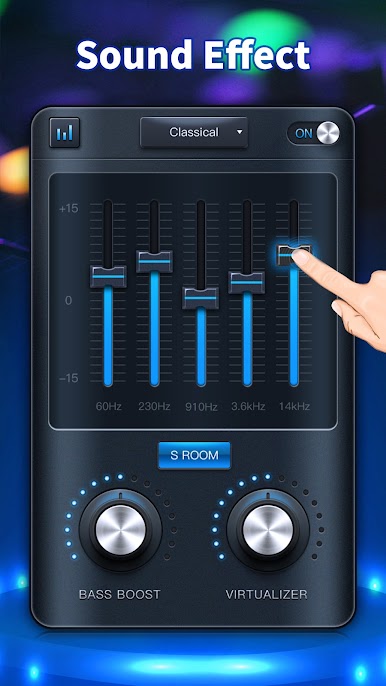
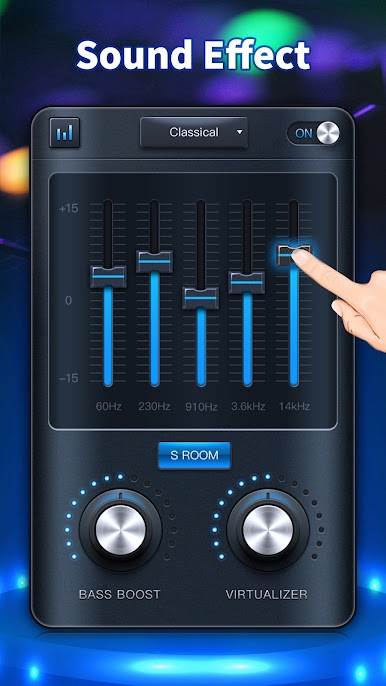
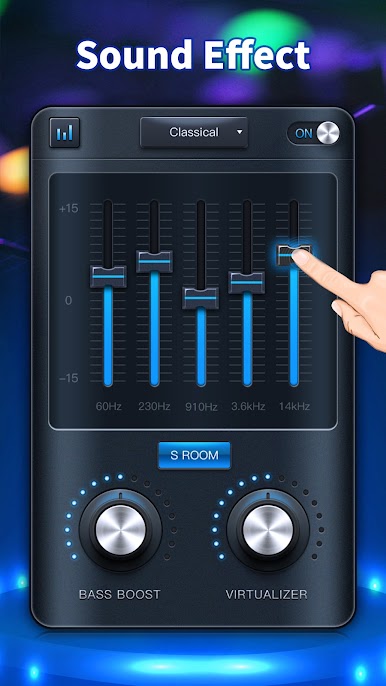
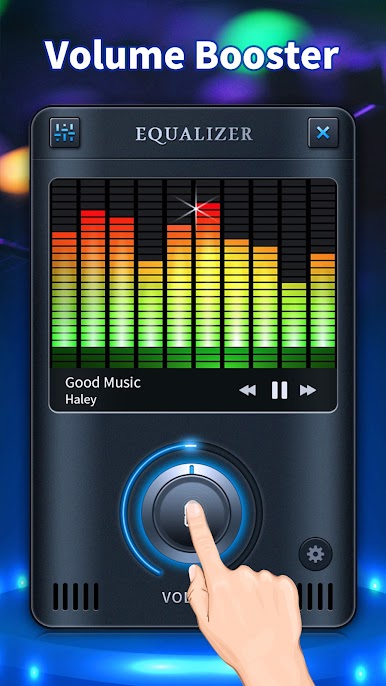
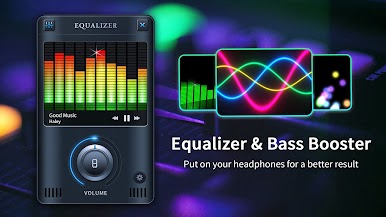
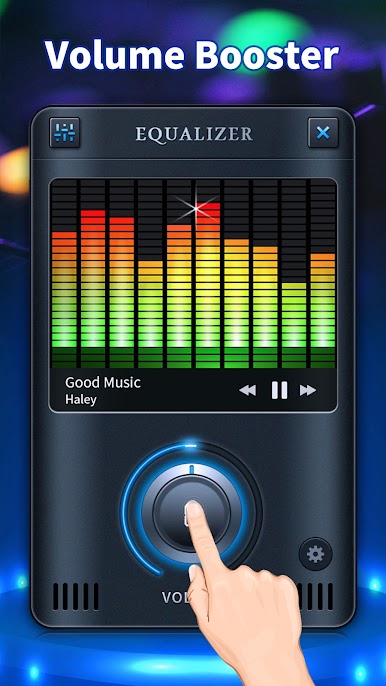
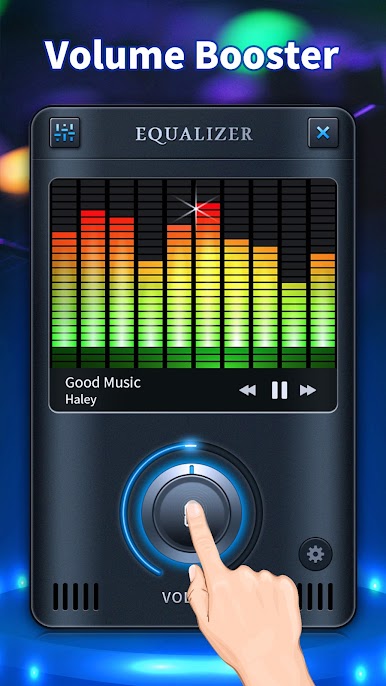
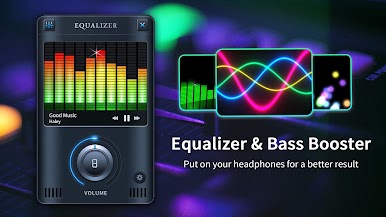
Use our EQUALIZER, you can listen to all songs in lossless sound. It can nicely control the equalizer effects, bass booster, sound booster, and virtualizer . Start to use the EQ, make your music like never before.
🎶Volume Booster
Loudness enhancer, volume amplifier to boost volume
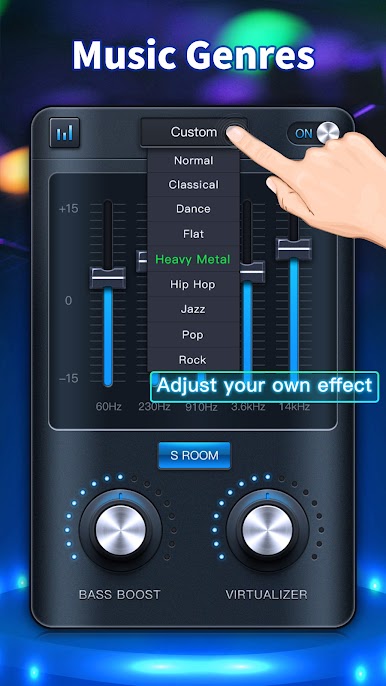
🎶5-Band Equalizer
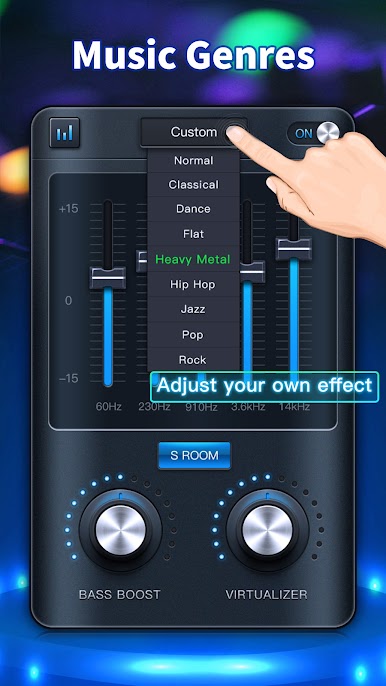
Multiple presets for your choice: R&B, Piano, Lounge, Loud, Latin, Electronic, Deep, HeadPhones, Vocal Boost, Treble Boost, Bass Boost, Acoustic, Rock, Pop, Jazz, Hip Hop, Heavy, Metal, Folk, Flat, Dance, Classical, Normal
You can also save your own preset
🎶Homescreen Widgets
Stylish widgets for your choice to use a better music equalizer
Other Features:
-Bass booster
-Virtualizer
-Edge lighting
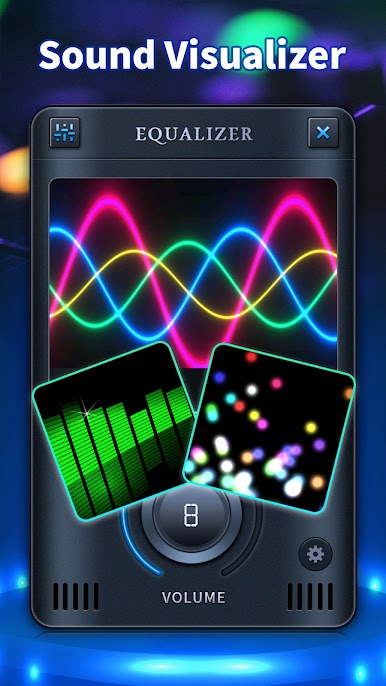
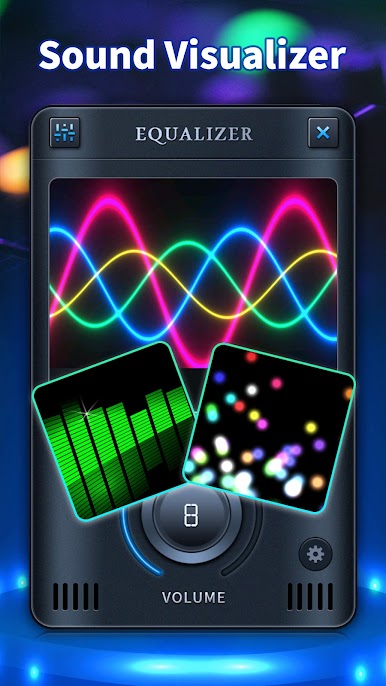
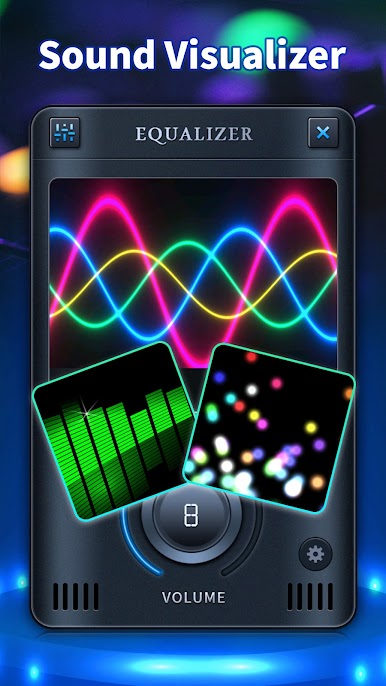
-Music visualization spectrum
-Stereo led VU meter
-Home screen widget
Ξ How to use
1. Put on your headphones for a better result
2. Turn on your Android music player to play songs from your music library.
3. Open Equalizer and adjust sound level and frequency.
4. Select your preferred preset.
5. You can switch to full-screen visualization and enjoy in a stereo sound booster.
6. To close the application and remove from Status Bar, long press app power button.
Just download Equalizer now for FREE and start your new way of music! You won't regret it.❤️
P.S. if you have trouble with Equalizer stopping continuously, try going to App Info, click 'data usage', then turn 'Unrestricted Data' ON, then go back to settings and click 'battery', you should see an option to turn 'battery optimization' OFF. This way your phone won't shut Equalizer down.
العب المعادل: باس معززة، حجم معززة على جهاز الكمبيوتر. من السهل البدء.
-
قم بتنزيل BlueStacks وتثبيته على جهاز الكمبيوتر الخاص بك
-
أكمل تسجيل الدخول إلى Google للوصول إلى متجر Play ، أو قم بذلك لاحقًا
-
ابحث عن المعادل: باس معززة، حجم معززة في شريط البحث أعلى الزاوية اليمنى
-
انقر لتثبيت المعادل: باس معززة، حجم معززة من نتائج البحث
-
أكمل تسجيل الدخول إلى Google (إذا تخطيت الخطوة 2) لتثبيت المعادل: باس معززة، حجم معززة
-
انقر على أيقونة المعادل: باس معززة، حجم معززة على الشاشة الرئيسية لبدء اللعب

