


Learn Music Notes Sight Read
在電腦上使用BlueStacks –受到5億以上的遊戲玩家所信任的Android遊戲平台。

Run Learn Music Notes Sight Read. Music Flash Cards on PC or Mac
Upgrade your experience. Try Learn Music Notes Sight Read. Music Flash Cards, the fantastic Education app from B Orama, from the comfort of your laptop, PC, or Mac, only on BlueStacks.
About the App
If you’ve ever wanted a friendly and interactive way to brush up on music note reading, Learn Music Notes Sight Read. Music Flash Cards is here for you. Designed by B Orama in the Education genre, this app brings music learning right to your fingertips—no matter if you’re tinkering on the piano, strumming the guitar, playing the violin, or putting your voice to work. The experience is playful, ideal for beginners or kids, and you can pick up the basics (and a lot more) just by playing around a few minutes each day.
App Features
-
Play with Real Instruments or Your Voice
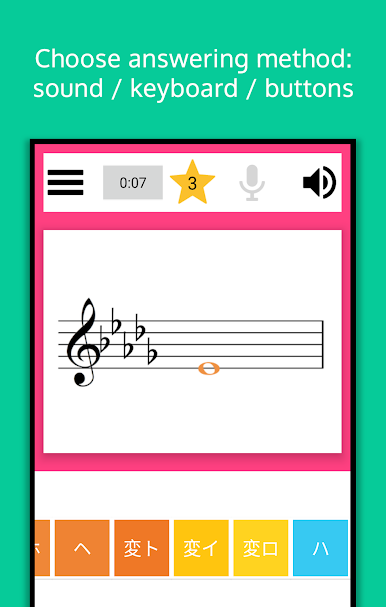
Use your device’s microphone to have the app listen as you play notes on your piano, guitar, violin, or even when you sing. It picks up your pitch and helps you learn by doing. -
Virtual Piano & On-Screen Buttons
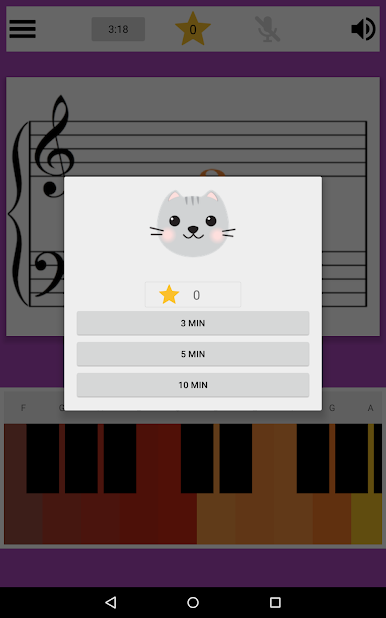
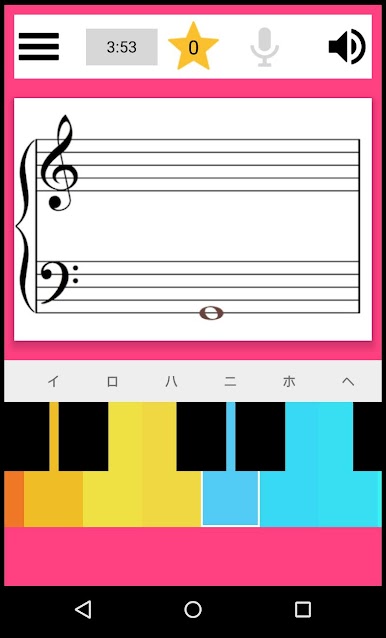
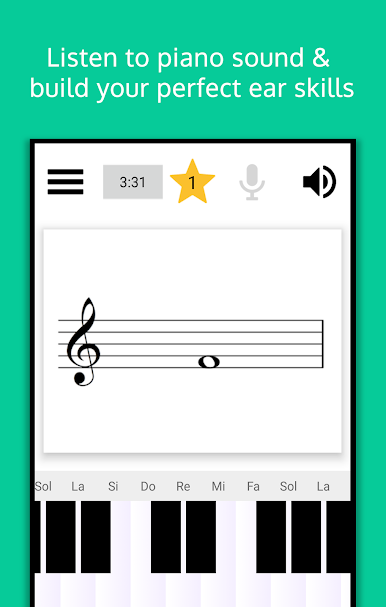
Not near a real instrument? No problem. Tap out tunes using a colorful virtual piano keyboard or button notes—hear real piano sounds for instant feedback. -
Kid-Friendly Rewards and Colors
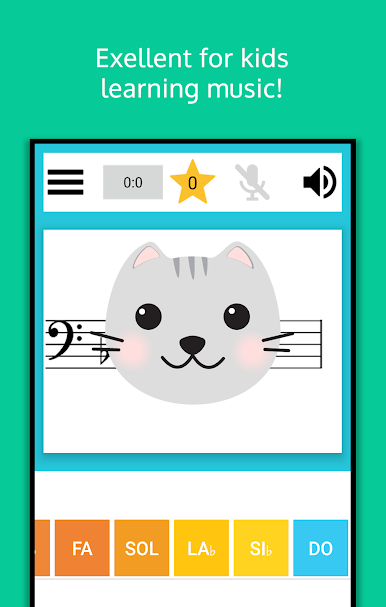
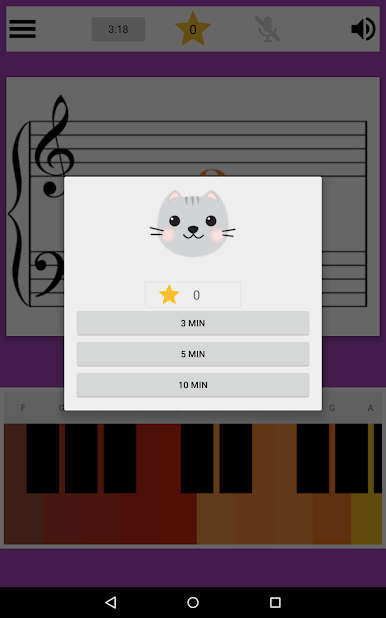
Colorful notes and playful feedback (think smiling kittens!) keep things light and motivating, especially for young learners. -
Music Flash Cards on Demand
Stuck on a note? Just swipe to peek at a handy music flash card that shows you the answer. Simple, visual, and perfect for when you get a little stumped. -
Customize Your Practice
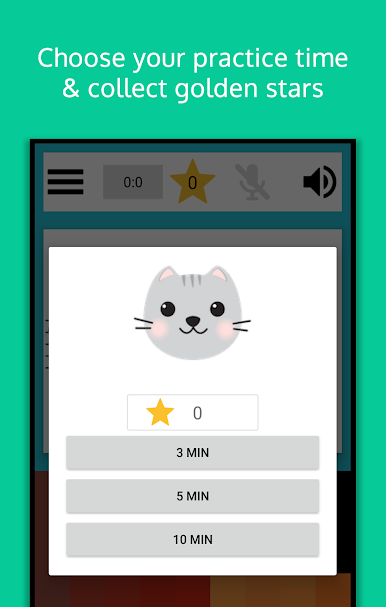
Focus only on the notes you find tricky, set daily goals, and use the built-in timer to keep practice sessions on track. Tweak things however it works best for you. -
Progress Tracking for Parents
After each session, you’ll see a summary that helps you monitor progress—really helpful if you want to keep an eye on how a child is doing. -
Hints and Gentle Guidance
Enable hints if you want to see which note was just played or entered. There’s plenty of support for learners who get discouraged easily. -
Multiple Note Names and Scales
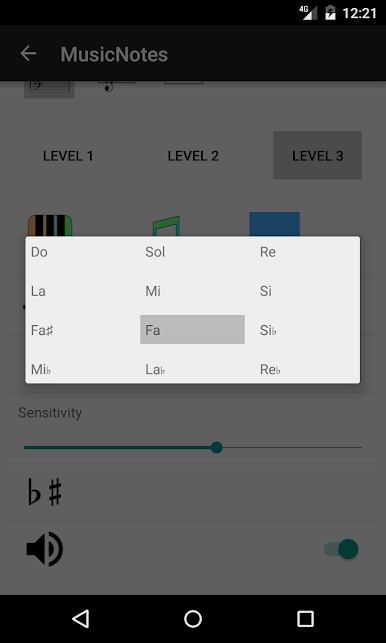
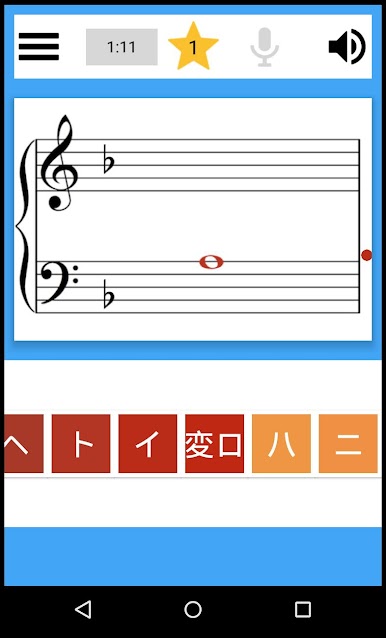
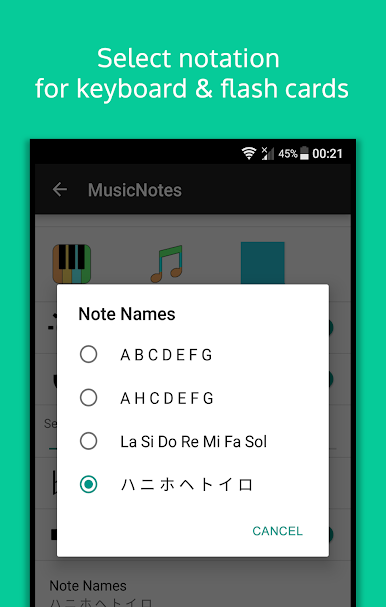
Choose your favorite note naming system—CDEFGABC, Do Re Mi, or even Japanese note names. Plus, practice reading notes in different keys with sharps or flats. -
Flexible Staff and Hand Options
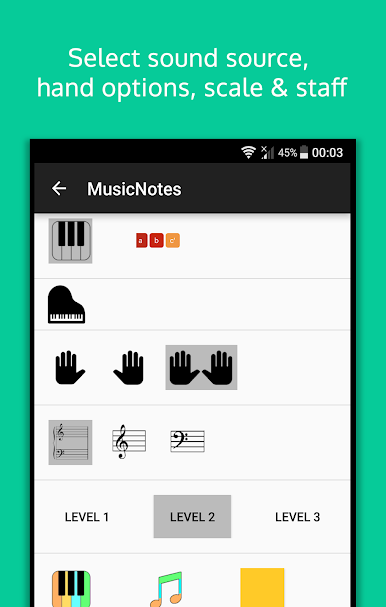
Switch between treble or bass clefs, and if you’re on piano, practice with left hand, right hand, or both together. -
Adjustable Settings for Any Environment
Tweak microphone sensitivity to help block out background noise, especially handy if the room isn’t perfectly quiet. -
Sound Source and Transposition
If you’re practicing with guitar or different vocal ranges, select the appropriate sound icon so notes are recognized and transposed correctly. -
Make It Your Own
Pick colorful or classic note styles, and turn piano sounds on or off depending on how you like to practice.
And yes, if you want a larger screen or easier input, you can check it out with BlueStacks. That way, practicing sight reading or using those music flash cards feels even more natural.
Switch to BlueStacks and make the most of your apps on your PC or Mac.
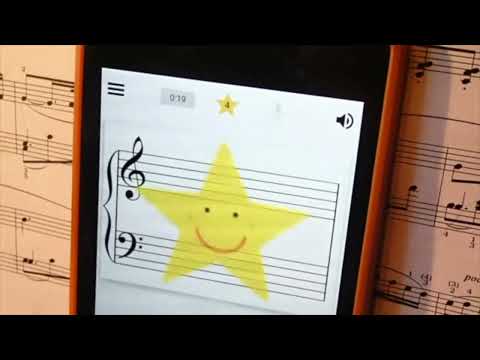
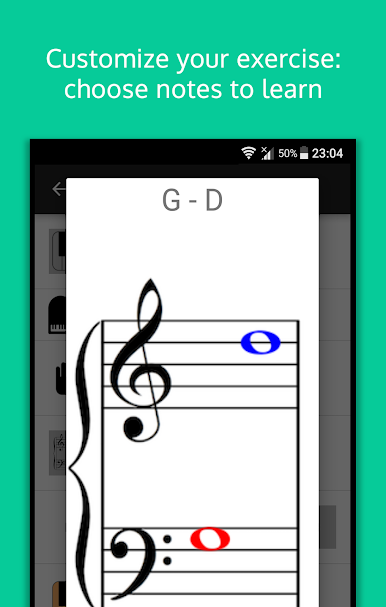
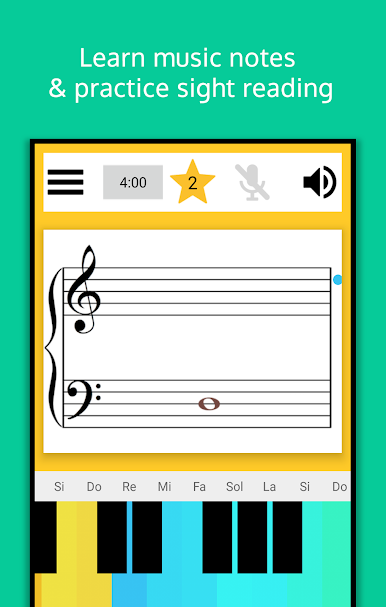
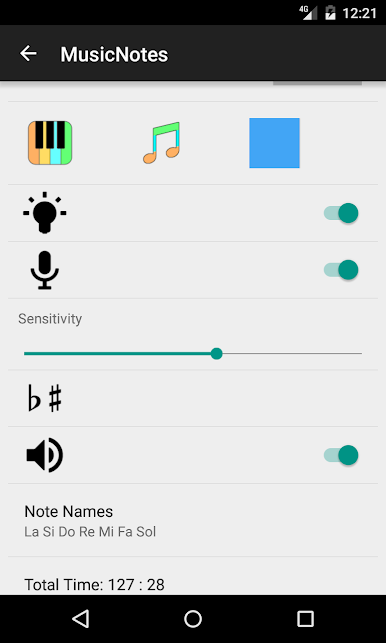
在電腦上遊玩Learn Music Notes Sight Read . 輕易上手.
-
在您的電腦上下載並安裝BlueStacks
-
完成Google登入後即可訪問Play商店,或等你需要訪問Play商店十再登入
-
在右上角的搜索欄中尋找 Learn Music Notes Sight Read
-
點擊以從搜索結果中安裝 Learn Music Notes Sight Read
-
完成Google登入(如果您跳過了步驟2),以安裝 Learn Music Notes Sight Read
-
在首頁畫面中點擊 Learn Music Notes Sight Read 圖標來啟動遊戲

