


Brew Tracker
生產力 | Callum Hill
在電腦上使用BlueStacks –受到5億以上的遊戲玩家所信任的Android遊戲平台。

Play Brew Tracker on PC
Brew Tracker is designed to record all the important information for your home brew beer.
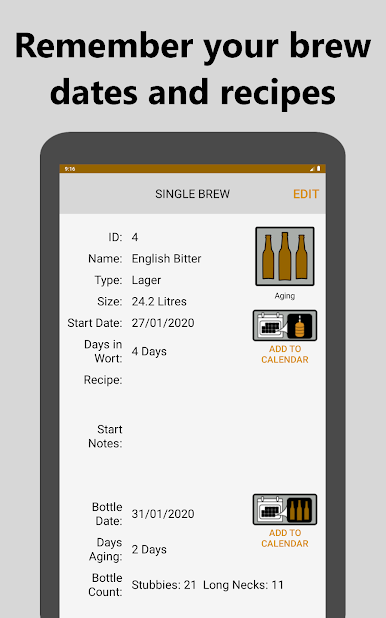
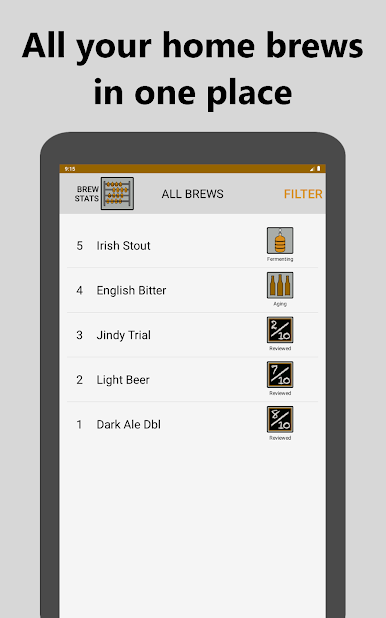
If your like me and can barely remember which day you put your last home brew on, let alone the ingredients that were used. Well Brew Tracker is for you. Simply fill in information on each of your brewing days. Then success or failure you will all ways have all the key information on hand.
Whether you're a meticulous home brewer looking to record every detail of your home brews or a casual home brewer looking to record merely your brew dates. Brew Tracker enables you to record as much or as little brew info as you please.
Features:
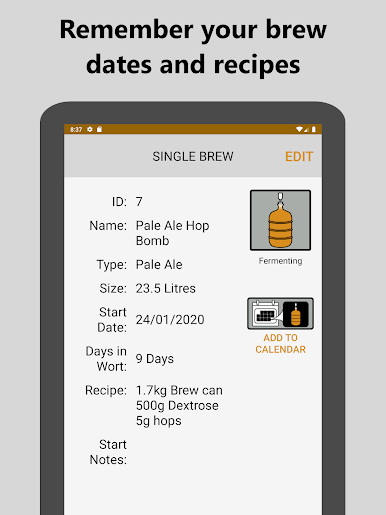
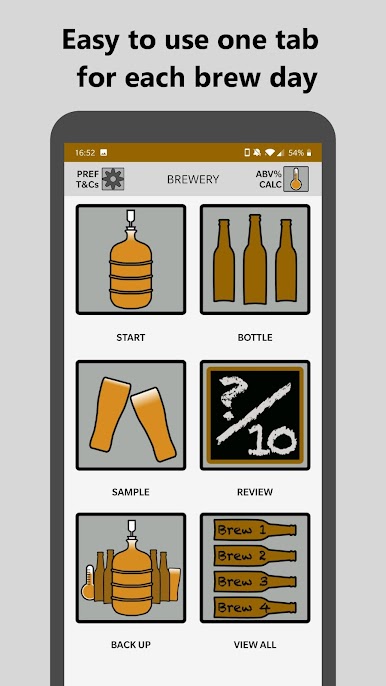
• Save brew dates
• Record recipes
• Record your thoughts on your home brew as you drink it
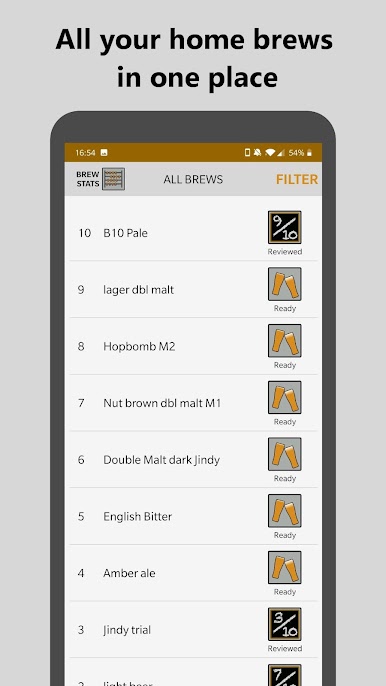
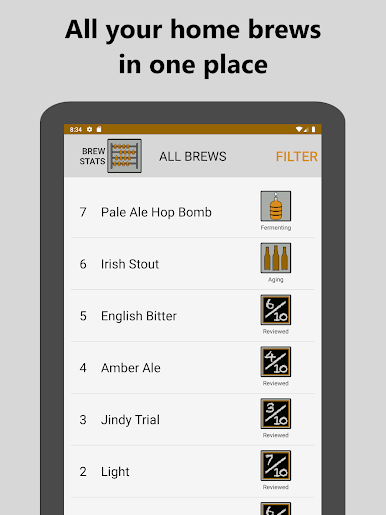
• Archive brews by giving them a rating and review
• Days fermenting and aging automatically calculated
• Save brew dates to your calendar
• Choose metric litres or gallons
• Choose date format
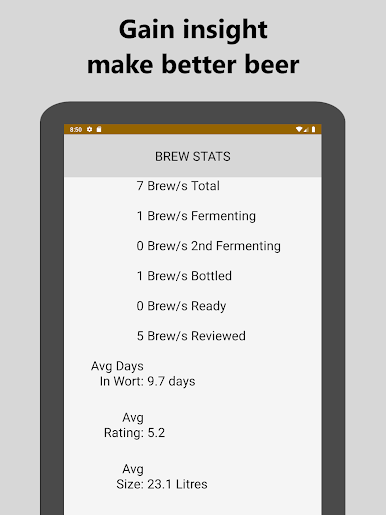
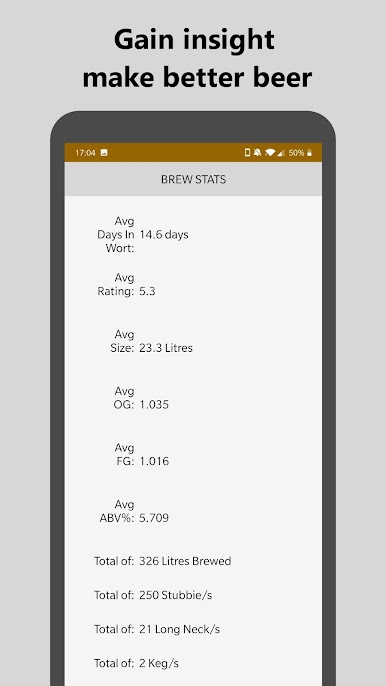
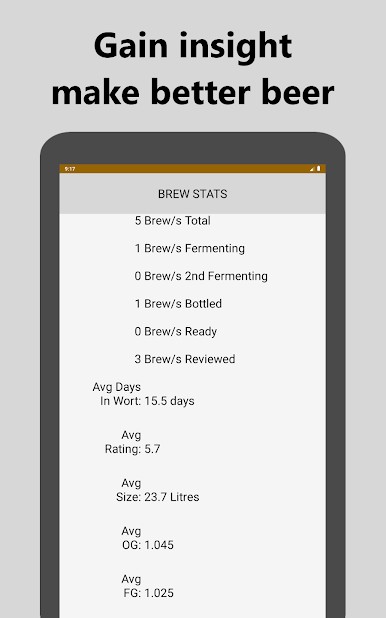
• Brew stats auto calculated
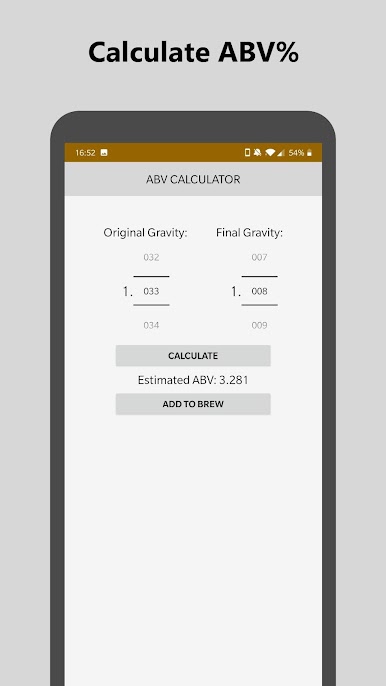
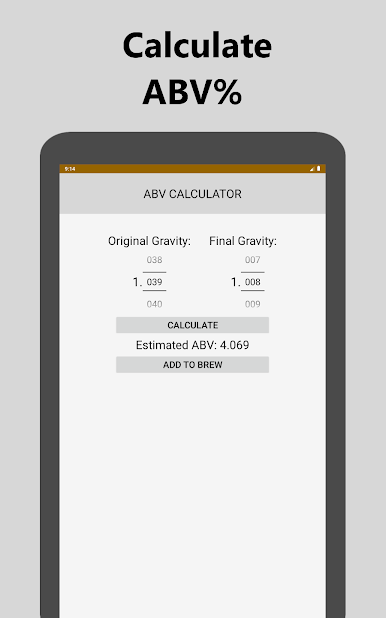
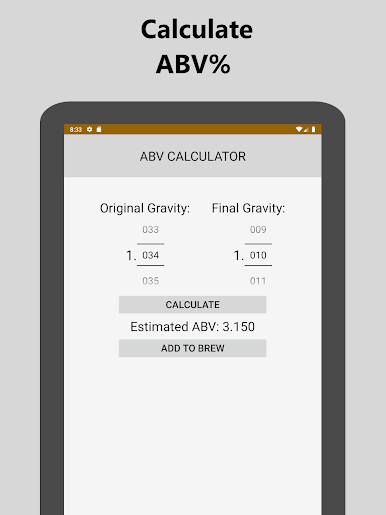
• ABV% calculator - calculate the alcohol content (ABV - alcohol by volume)
• Back up - export your brews to a CSV file
• Import brews - import your brews from Brew Tracker CSV file
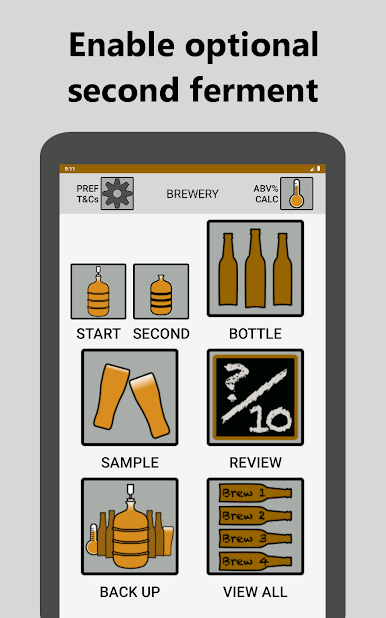
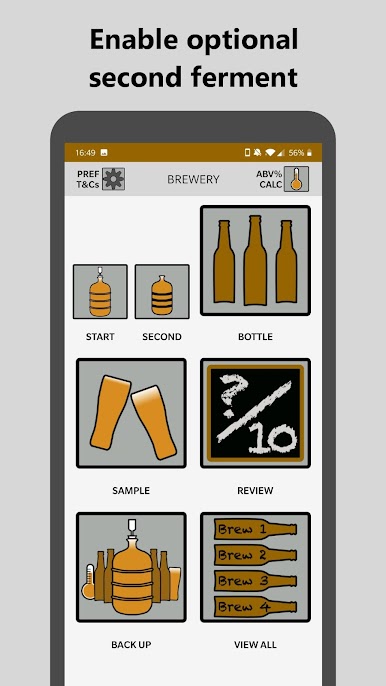
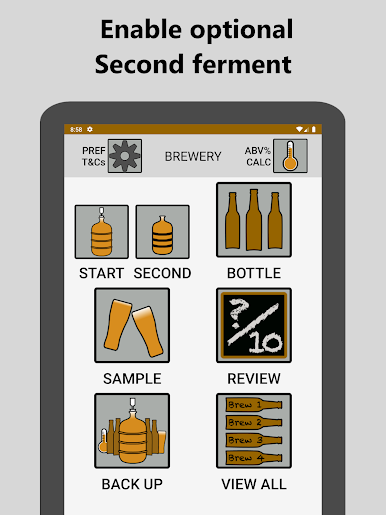
• Second ferment - save second ferment date, any additives and comments.
As this is an optional step in the home brewing process by default it is not enabled, but if you would like to see this step available simply enable it in preferences
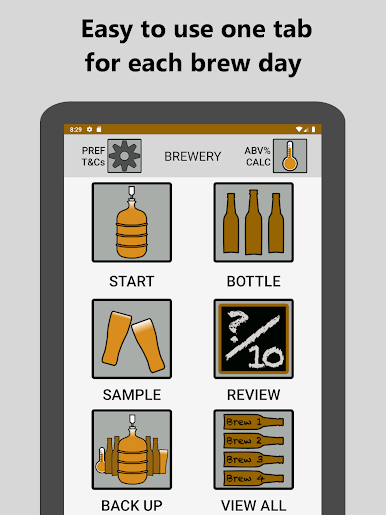
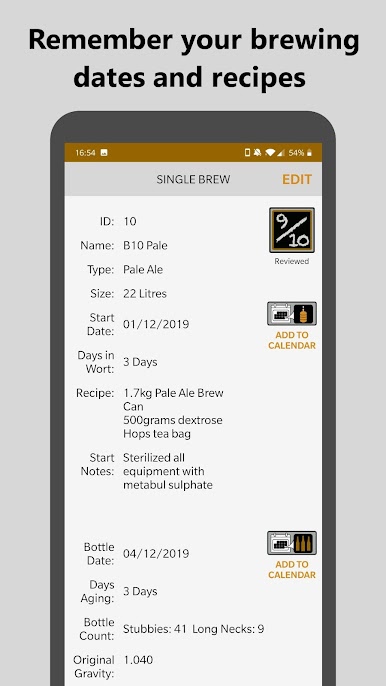
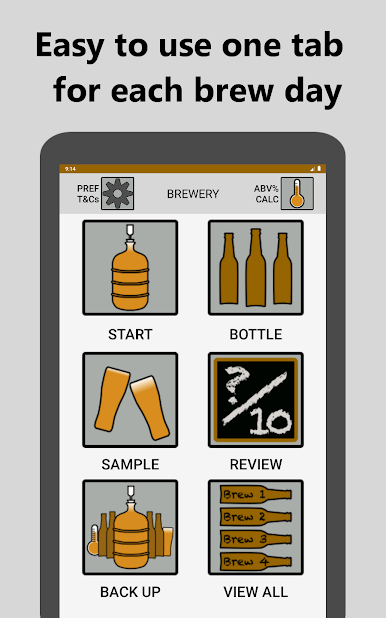
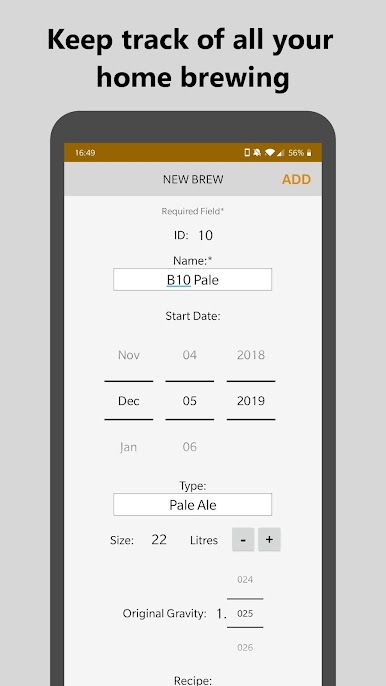
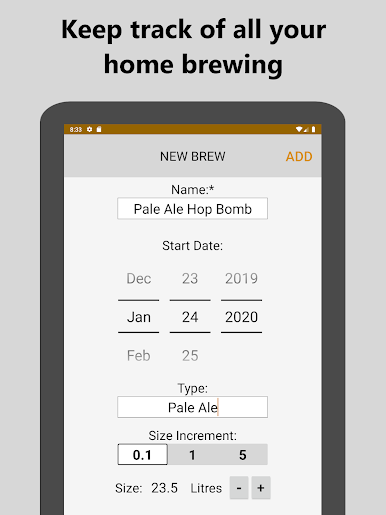
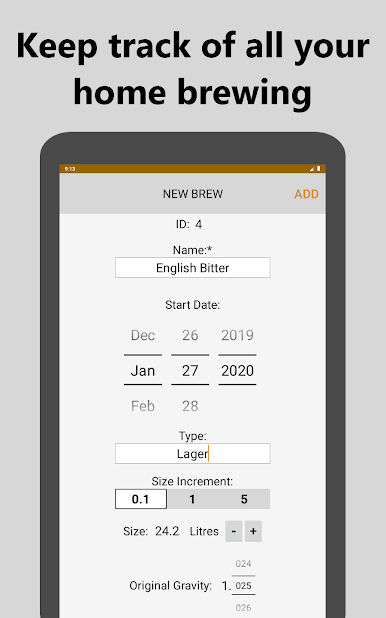
For each of your home brewing days the following fields are available:
Start brew:
• Home brew number
• Name
• Start date
• Type
• Size
• Recipe
• Brewer comments/notes
• Original gravity
Bottle brew:
• Bottle date
• Bottle count
• Brewer comments/notes
• Final gravity
Sample brew:
• Sample notes
• Ready status.
Review brew:
• Rating
• Review
If your like me and can barely remember which day you put your last home brew on, let alone the ingredients that were used. Well Brew Tracker is for you. Simply fill in information on each of your brewing days. Then success or failure you will all ways have all the key information on hand.
Whether you're a meticulous home brewer looking to record every detail of your home brews or a casual home brewer looking to record merely your brew dates. Brew Tracker enables you to record as much or as little brew info as you please.
Features:
• Save brew dates
• Record recipes
• Record your thoughts on your home brew as you drink it
• Archive brews by giving them a rating and review
• Days fermenting and aging automatically calculated
• Save brew dates to your calendar
• Choose metric litres or gallons
• Choose date format
• Brew stats auto calculated
• ABV% calculator - calculate the alcohol content (ABV - alcohol by volume)
• Back up - export your brews to a CSV file
• Import brews - import your brews from Brew Tracker CSV file
• Second ferment - save second ferment date, any additives and comments.
As this is an optional step in the home brewing process by default it is not enabled, but if you would like to see this step available simply enable it in preferences
For each of your home brewing days the following fields are available:
Start brew:
• Home brew number
• Name
• Start date
• Type
• Size
• Recipe
• Brewer comments/notes
• Original gravity
Bottle brew:
• Bottle date
• Bottle count
• Brewer comments/notes
• Final gravity
Sample brew:
• Sample notes
• Ready status.
Review brew:
• Rating
• Review

在電腦上遊玩Brew Tracker . 輕易上手.
-
在您的電腦上下載並安裝BlueStacks
-
完成Google登入後即可訪問Play商店,或等你需要訪問Play商店十再登入
-
在右上角的搜索欄中尋找 Brew Tracker
-
點擊以從搜索結果中安裝 Brew Tracker
-
完成Google登入(如果您跳過了步驟2),以安裝 Brew Tracker
-
在首頁畫面中點擊 Brew Tracker 圖標來啟動遊戲

