


Mobile Electrician
العب على الكمبيوتر الشخصي مع BlueStacks - نظام أندرويد للألعاب ، موثوق به من قبل أكثر من 500 مليون لاعب.

Run Mobile electrician on PC or Mac
Get freedom from your phone’s obvious limitations. Use Mobile electrician, made by Anatoliy Tarasenko, a Productivity app on your PC or Mac with BlueStacks, and level up your experience.
About the App
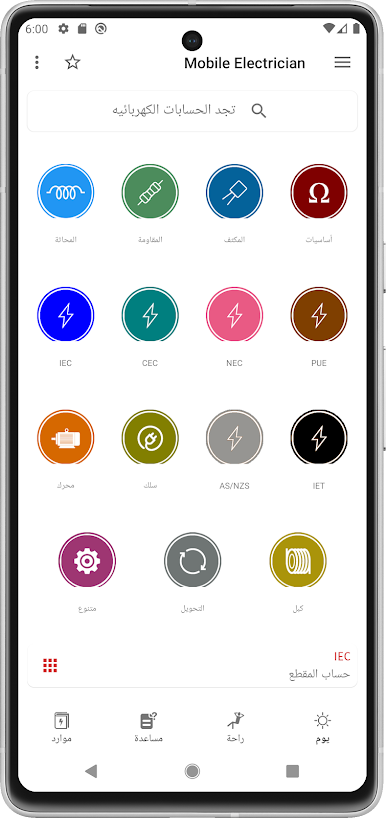
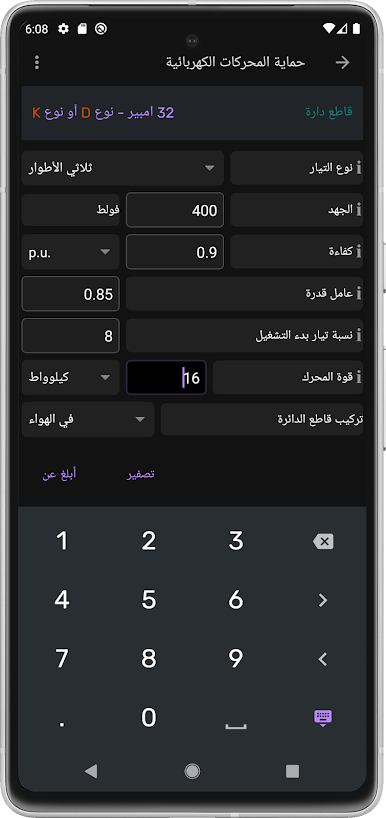
Mobile electrician is like having a toolbox in your pocket—an app built for folks who spend their days working with wires, circuits, or just love figuring out how things tick. Created by Anatoliy Tarasenko, this productivity app is perfect whether you’re a professional electrician, a student tackling a homework problem, or someone fixing things up around the house. Expect tons of calculators, handy references, and smart tools that help you solve everyday electrical issues without a headache.
App Features
-
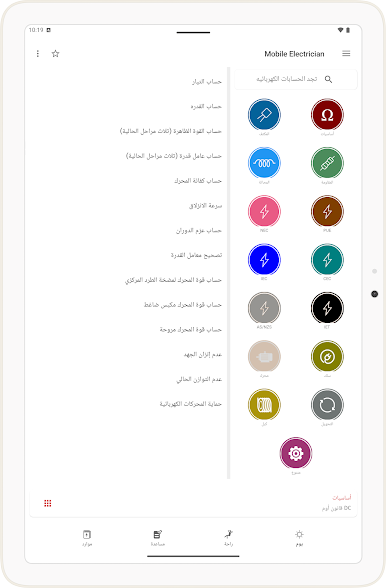
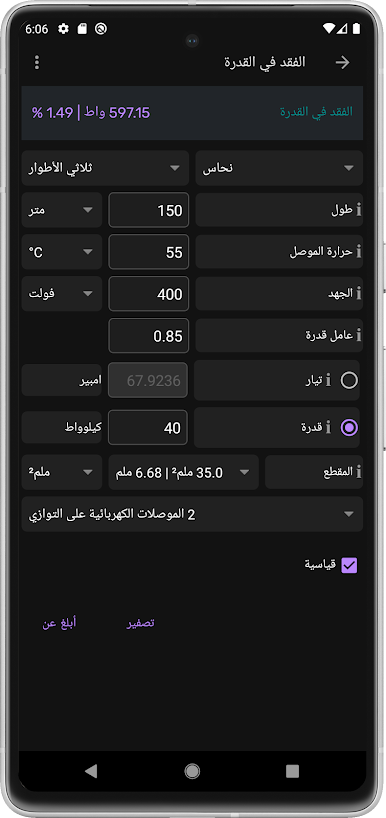
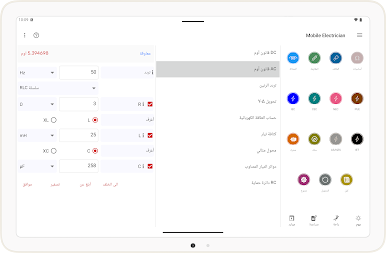
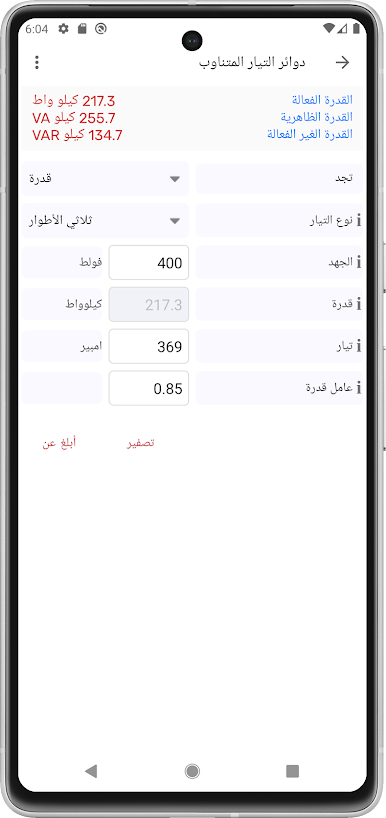
Essential Calculators: Tired of flipping through handbooks for Ohm’s Law, voltage drops, or figuring out capacitance? This app covers calculations for DC, AC, resistors, capacitors, transformers, and lots more—all ready to go in seconds.
-
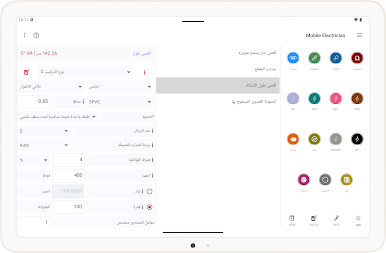
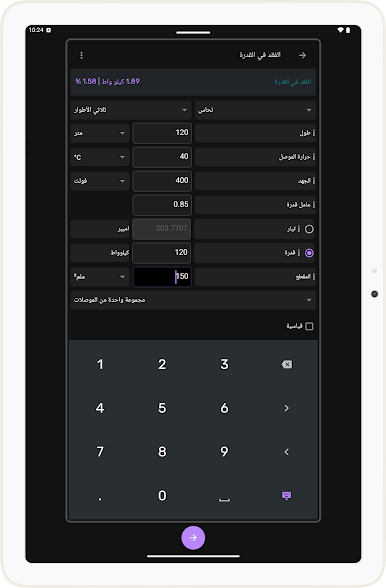
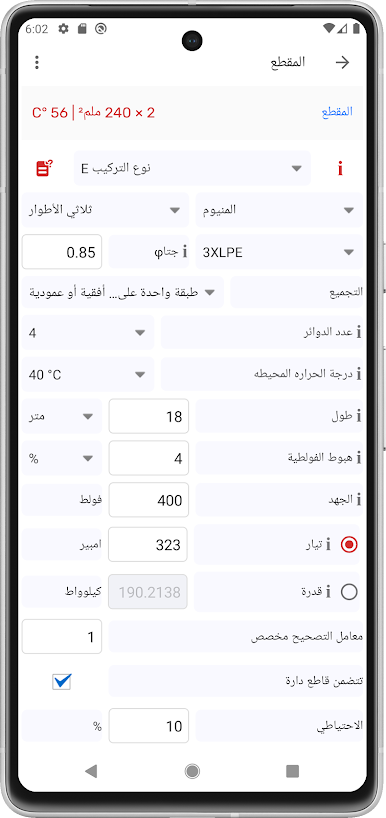
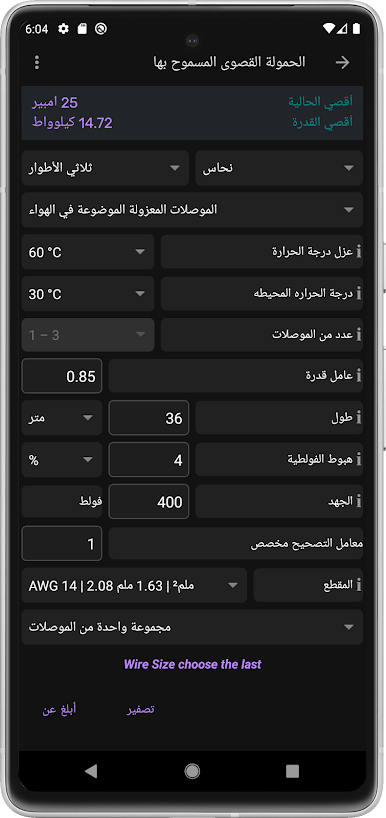
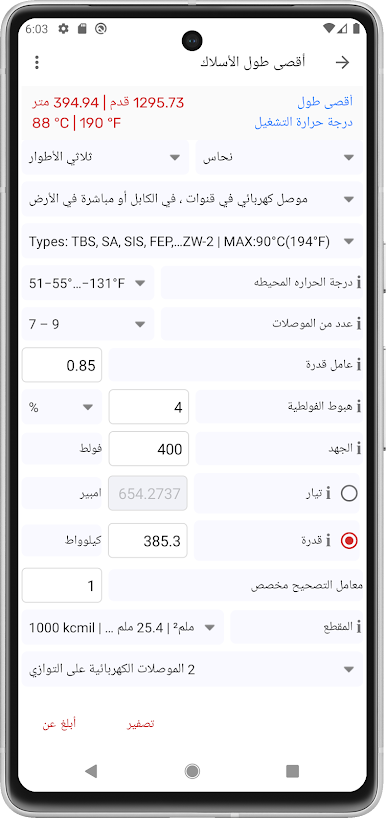
Wire and Cable Tools: Need to check wire sizes, calculate conductor resistance, or see how much copper is in that spool? Tools are built in for ampacity, cable weight, wire size (with NEC, IEC, CEC, PUE standards), cable length, and even the number of wires that’ll fit in a conduit.
-
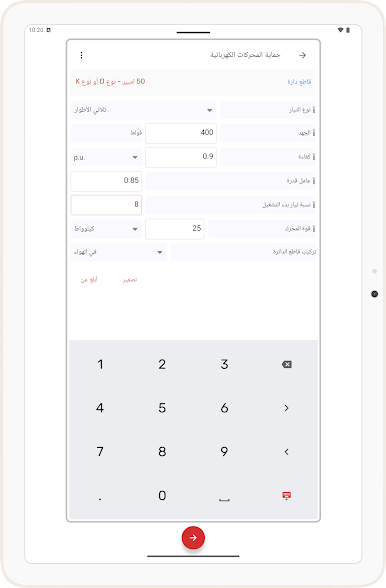
Motor & Load Calculations: From figuring out motor efficiency, slip, and torque to power factor, unbalance diagnostics, and sizing motors for pumps or compressors, there’s a tool for just about any scenario.
-
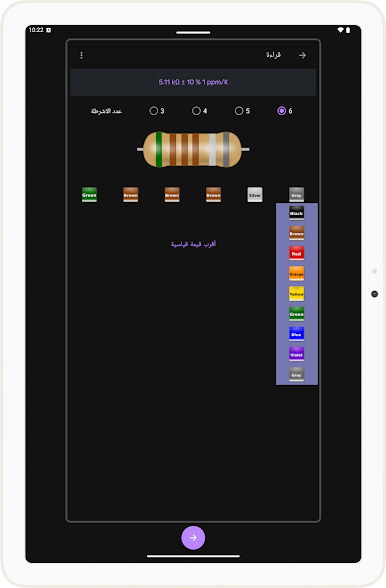
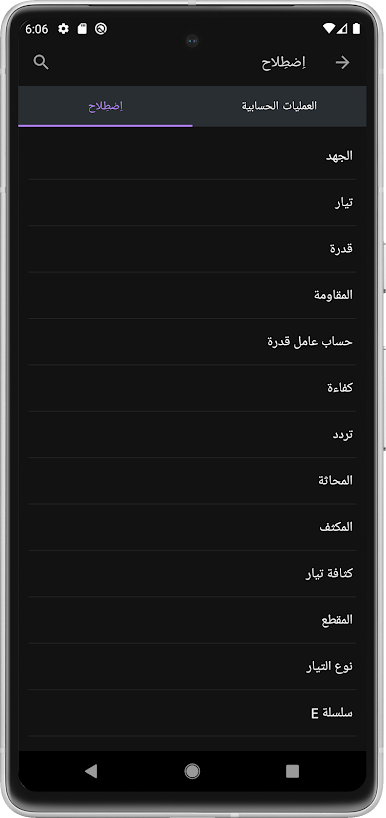
Handy Reference Guides: Decoding resistor color bands or reading wiring color codes is a breeze. There’s also support for Wheatstone bridges, LED resistor values, electrical resistivity, and more—super useful on the job or in class.
-
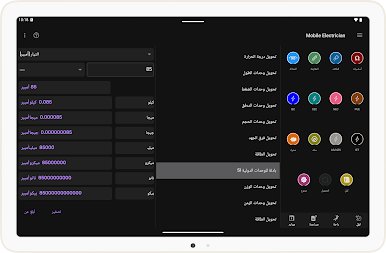
Conversion Wizards: Quickly convert units for voltage, current, power, temperature, distance, pressure, energy, and even AWG. Stop double-checking charts—just tap and go.
-
Circuit & Safety Tools: Need to size a fuse, calculate short-circuit currents, or check minimum safety levels? Plus, stuff like conduit fill and max ampacity calculations are all done for you.
-
Energy & UPS Calculations: Want to work out your electricity bill or battery runtime for the UPS? Planning a backup generator? These tools help you do the math right the first time.
-
Extra Perks: Calculate run-time for batteries, check IP codes, classify appliances, and even get help with demand factors for load calculations.
And yes, if you want a bigger workspace, Mobile electrician feels right at home running on BlueStacks, letting you use the full range of tools on your computer screen.
Switch to BlueStacks and make the most of your apps on your PC or Mac.

العب Mobile Electrician على جهاز الكمبيوتر. من السهل البدء.
-
قم بتنزيل BlueStacks وتثبيته على جهاز الكمبيوتر الخاص بك
-
أكمل تسجيل الدخول إلى Google للوصول إلى متجر Play ، أو قم بذلك لاحقًا
-
ابحث عن Mobile Electrician في شريط البحث أعلى الزاوية اليمنى
-
انقر لتثبيت Mobile Electrician من نتائج البحث
-
أكمل تسجيل الدخول إلى Google (إذا تخطيت الخطوة 2) لتثبيت Mobile Electrician
-
انقر على أيقونة Mobile Electrician على الشاشة الرئيسية لبدء اللعب

