


快速聖經 - 功能版
도구 | Wong Yu-Sheng
5억명 이상의 게이머가 신뢰하는 안드로이드 게임 플랫폼 BlueStacks으로 PC에서 플레이하세요.

Play 快速聖經 - 功能版 on PC
Thank God, Quick Bible has finally "officially" released a new version!
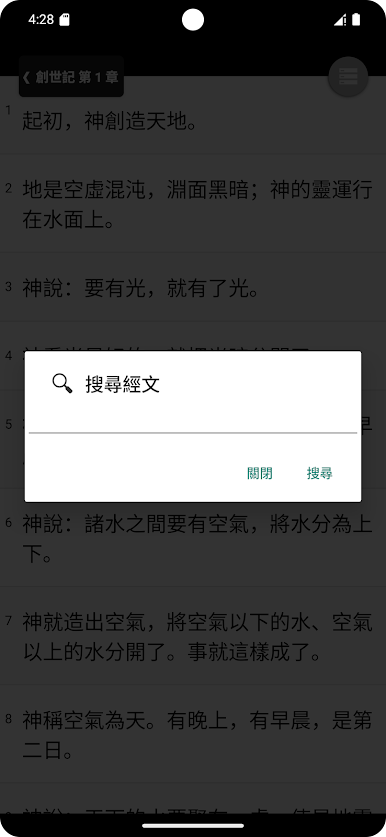
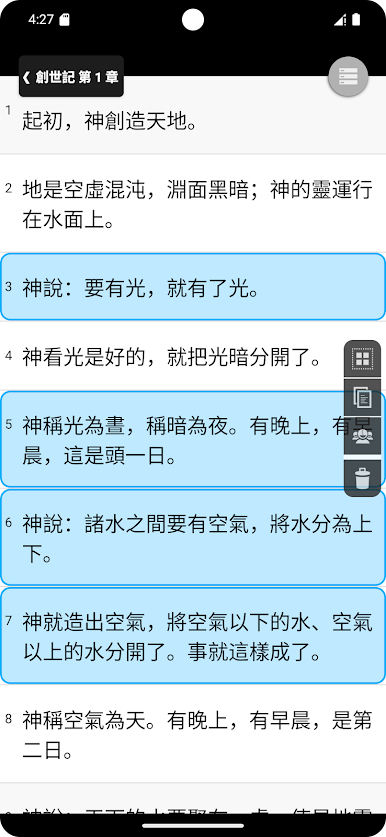
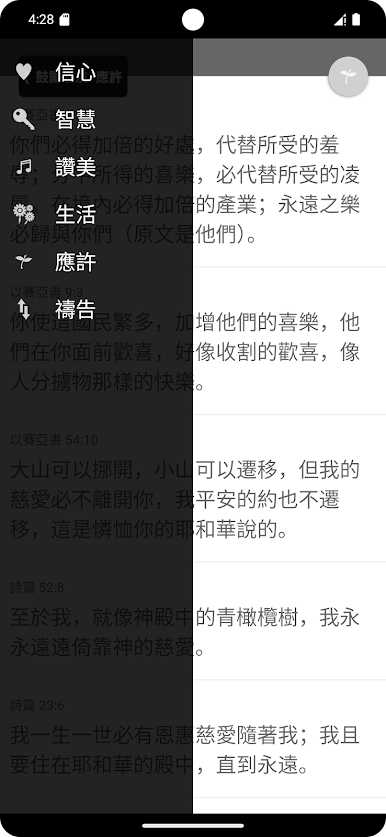
New features include: copy and share across volumes and chapters, automatic reading, Bible reading competition, encouraging friends, font size adjustment, bookmarks, search, etc... Countless powerful features are waiting for you to experience together.
1. You can use your finger to drag the function keys up, down, left, or right to see if there are unexpected effects!
2. Swiping your finger left or right on the screen may activate hidden functions!
3. Press and hold the verse to add bookmarks!
4. Use two fingers to open and close to control the font size!
5. When on the scripture page, drag the function key on the upper right downwards to activate the automatic reading function. There is also a function for upwards!
New features include: copy and share across volumes and chapters, automatic reading, Bible reading competition, encouraging friends, font size adjustment, bookmarks, search, etc... Countless powerful features are waiting for you to experience together.
1. You can use your finger to drag the function keys up, down, left, or right to see if there are unexpected effects!
2. Swiping your finger left or right on the screen may activate hidden functions!
3. Press and hold the verse to add bookmarks!
4. Use two fingers to open and close to control the font size!
5. When on the scripture page, drag the function key on the upper right downwards to activate the automatic reading function. There is also a function for upwards!
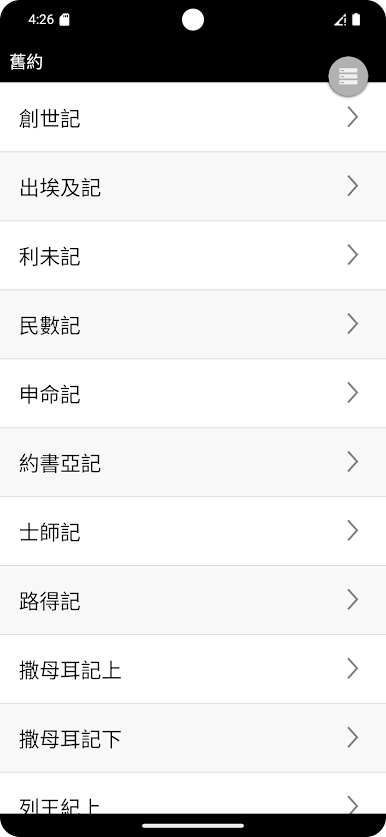
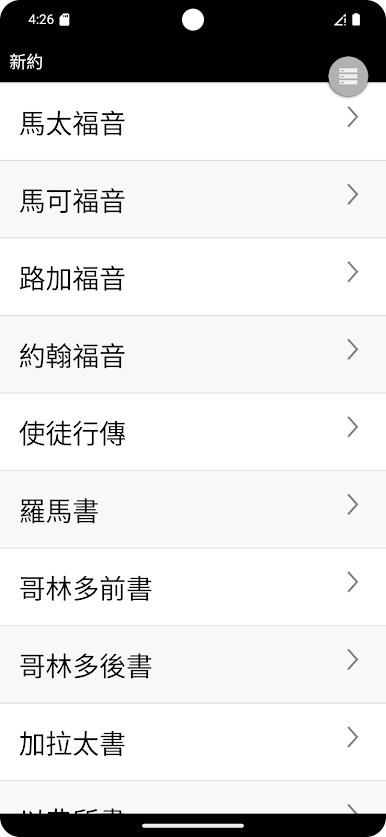
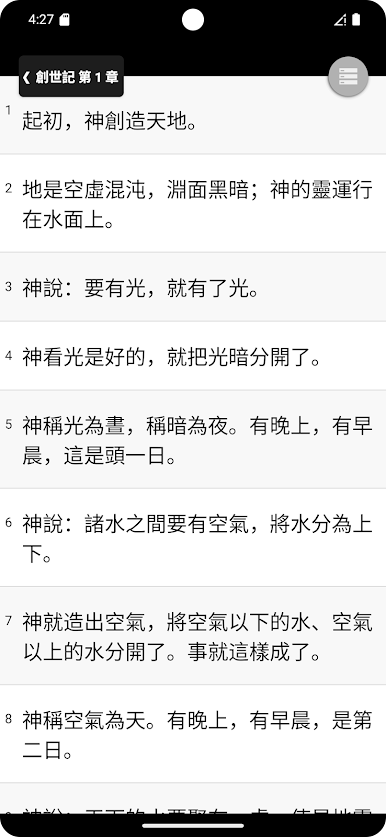
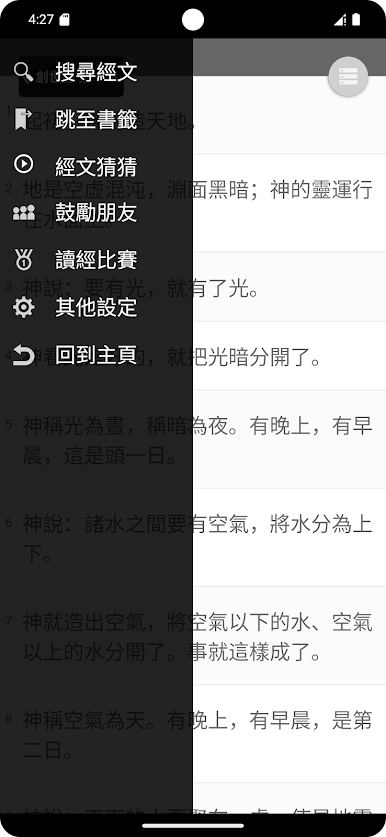

PC에서 快速聖經 - 功能版 플레이해보세요.
-
BlueStacks 다운로드하고 설치
-
Google Play 스토어에 로그인 하기(나중에 진행가능)
-
오른쪽 상단 코너에 快速聖經 - 功能版 검색
-
검색 결과 중 快速聖經 - 功能版 선택하여 설치
-
구글 로그인 진행(만약 2단계를 지나갔을 경우) 후 快速聖經 - 功能版 설치
-
메인 홈화면에서 快速聖經 - 功能版 선택하여 실행

