


防毒大師 - 清理幫手、加速大師、安全守衛、VPN
工具 | TarrySoft
在電腦上使用BlueStacks –受到5億以上的遊戲玩家所信任的Android遊戲平台。

Play Antivirus - Cleaner + VPN on PC
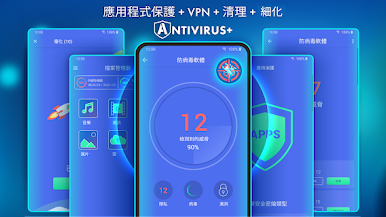
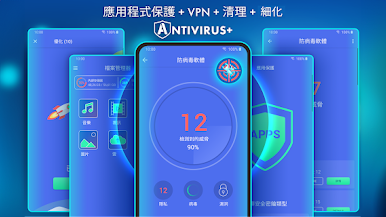
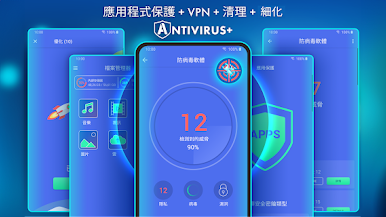
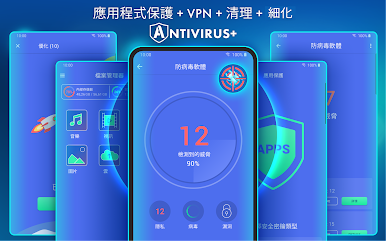
Antivirus for Android is a multi-function and convenient app that will help you protect and clean your device! Antivirus for Android – reliable protection of your device against viruses, ensuring the security of your device's and personal data.
Main features:
● Antivirus - virus removal and security improvements.
Device protection against hacker attacks. The antivirus will scan, detect and delete viruses on your device. Device protection against all potential threats: viruses, trojans, malware, spyware, and adware.
● Cleaning and device configuration by deleting needless background tasks. Disable startup apps to decrease memory usage.
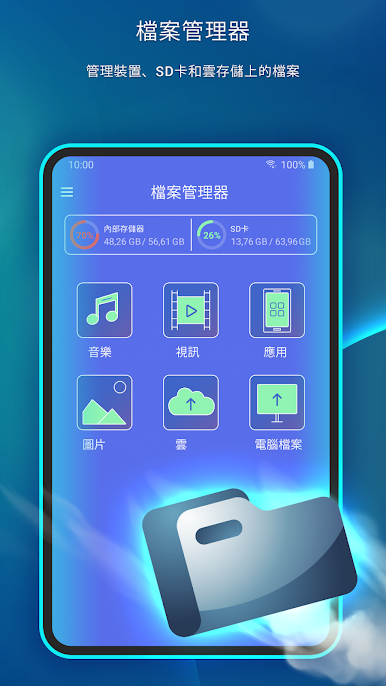
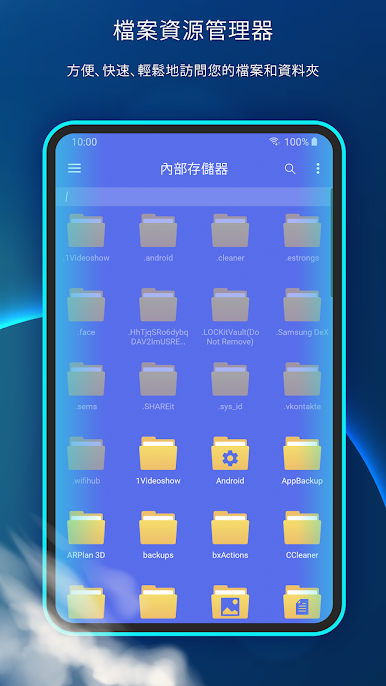
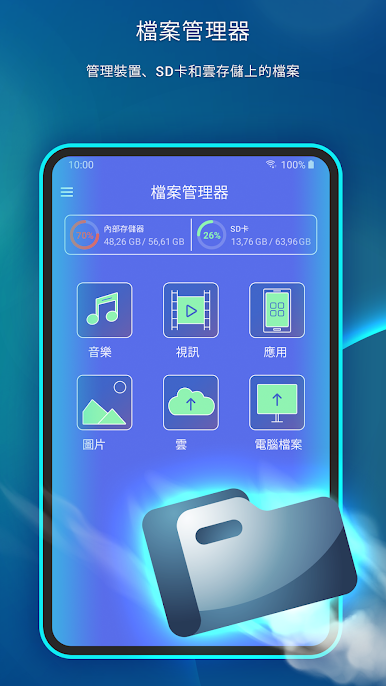
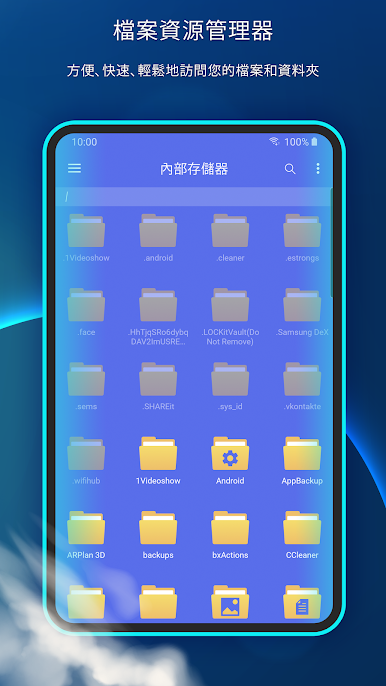
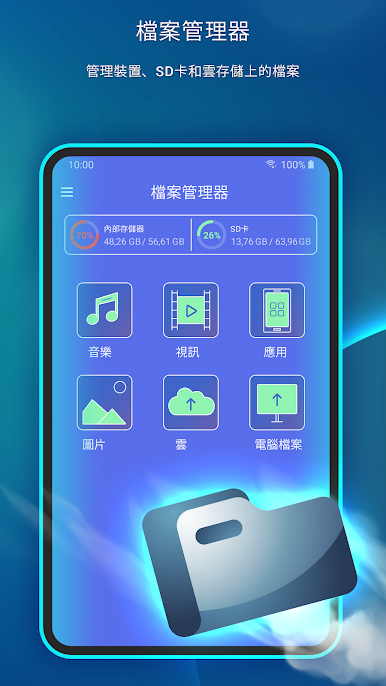
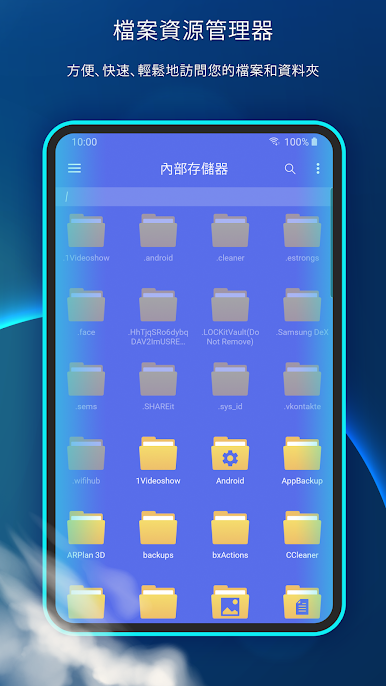
● File manager - useful instrument for file management on your device. Wireless connection to any other device.
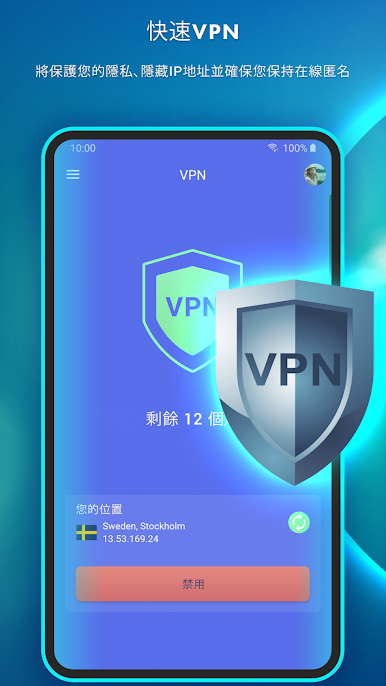
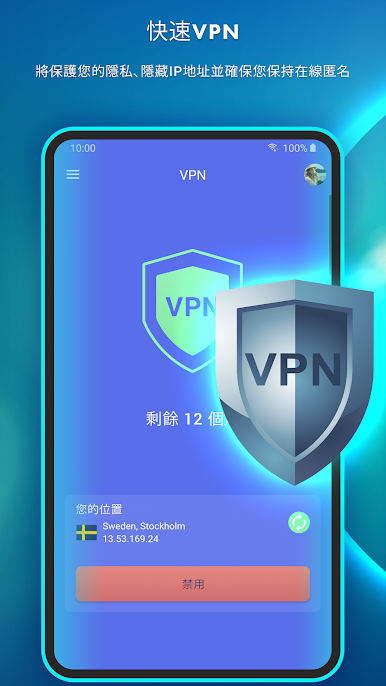
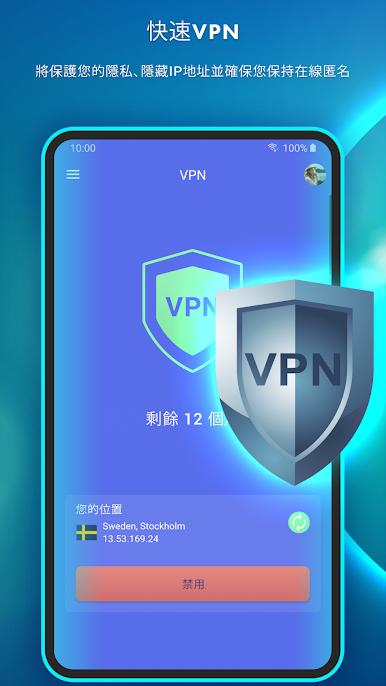
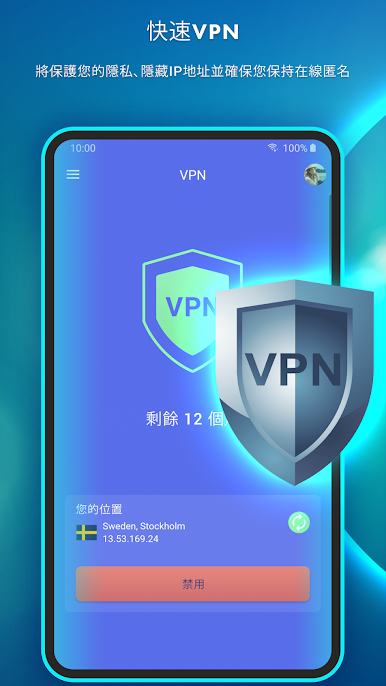
● VPN - VPN protects your privacy on the internet and hides your IP address. With our built-in VPN, you can access geo-restricted content and protect your online privacy by encrypting your internet traffic.
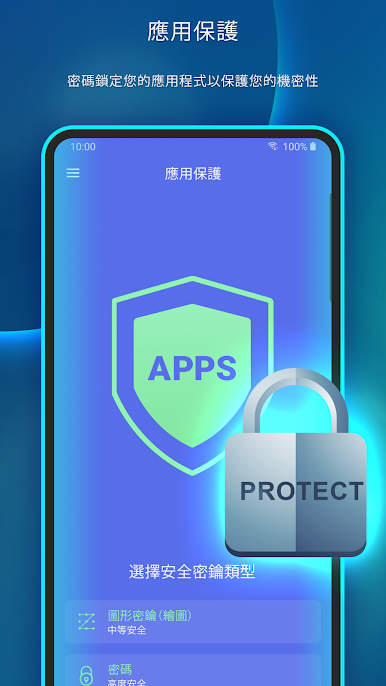
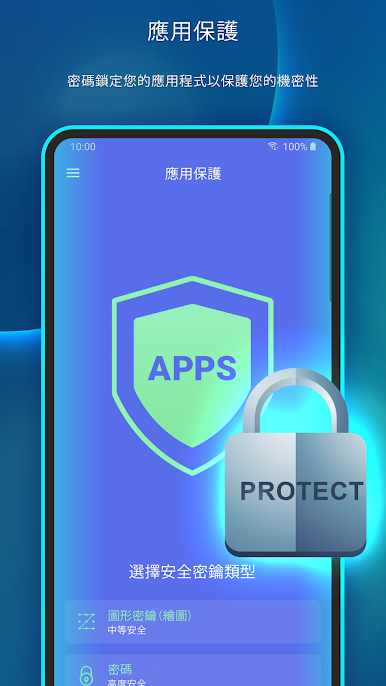
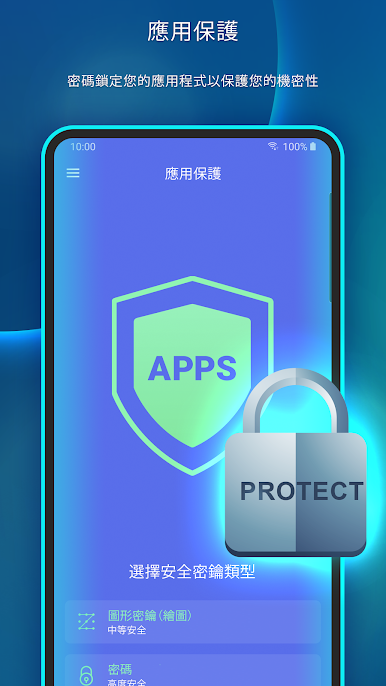
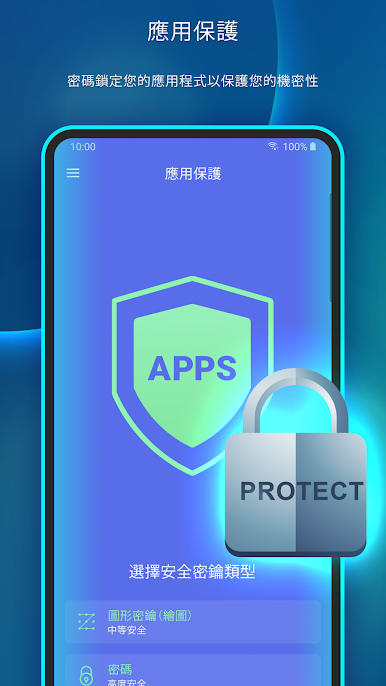
● Apps protection helps you protect your apps, personal data, and conversations from other people.
In our app, you can use the AccessibilityService API to clean and configure your device conveniently and to protect your apps and data stored on the device from access by third parties. To do so, you will need to carefully read the terms and confirm the use of this API in our app. With use of the AccessibilityService API our app does not collect, process, store or send data about the device or its owner to third parties.
Main features:
● Antivirus - virus removal and security improvements.
Device protection against hacker attacks. The antivirus will scan, detect and delete viruses on your device. Device protection against all potential threats: viruses, trojans, malware, spyware, and adware.
● Cleaning and device configuration by deleting needless background tasks. Disable startup apps to decrease memory usage.
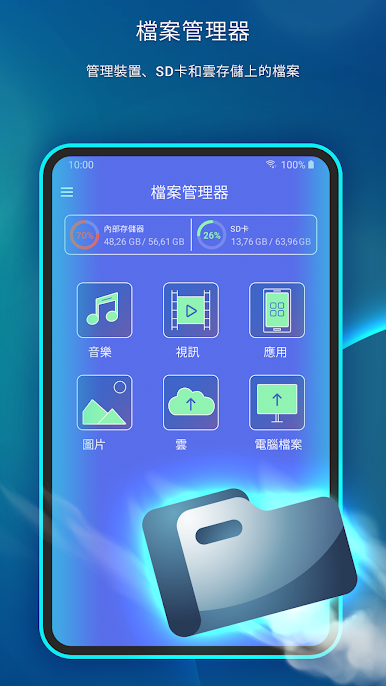
● File manager - useful instrument for file management on your device. Wireless connection to any other device.
● VPN - VPN protects your privacy on the internet and hides your IP address. With our built-in VPN, you can access geo-restricted content and protect your online privacy by encrypting your internet traffic.
● Apps protection helps you protect your apps, personal data, and conversations from other people.
In our app, you can use the AccessibilityService API to clean and configure your device conveniently and to protect your apps and data stored on the device from access by third parties. To do so, you will need to carefully read the terms and confirm the use of this API in our app. With use of the AccessibilityService API our app does not collect, process, store or send data about the device or its owner to third parties.


在電腦上遊玩防毒大師 - 清理幫手、加速大師、安全守衛、VPN . 輕易上手.
-
在您的電腦上下載並安裝BlueStacks
-
完成Google登入後即可訪問Play商店,或等你需要訪問Play商店十再登入
-
在右上角的搜索欄中尋找 防毒大師 - 清理幫手、加速大師、安全守衛、VPN
-
點擊以從搜索結果中安裝 防毒大師 - 清理幫手、加速大師、安全守衛、VPN
-
完成Google登入(如果您跳過了步驟2),以安裝 防毒大師 - 清理幫手、加速大師、安全守衛、VPN
-
在首頁畫面中點擊 防毒大師 - 清理幫手、加速大師、安全守衛、VPN 圖標來啟動遊戲

