


Ah Q Go - AlphaGo Deep Learning technology
5억명 이상의 게이머가 신뢰하는 안드로이드 게임 플랫폼 BlueStacks으로 PC에서 플레이하세요.

개요
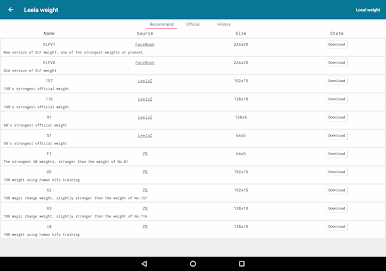
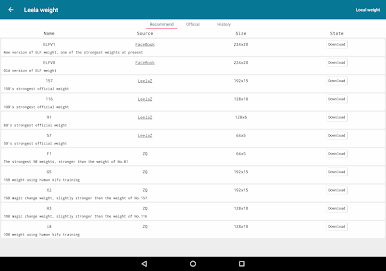
Ah Q Go(AhQ Go/AhQGo/AQ Go/AQGo) integrates 4 Go engines including LeelaZero, AQ, Ray, Pachi, that have different difficulty levels.
The highest level of LeelaZero engine has achieved 9d in KGS rating!
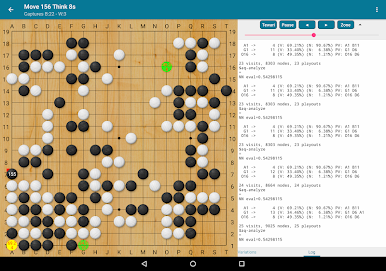
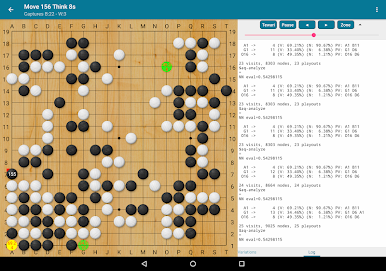
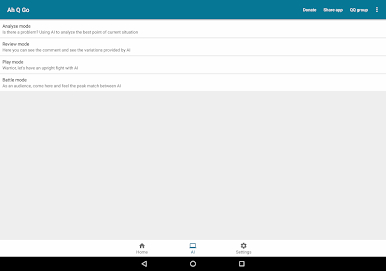
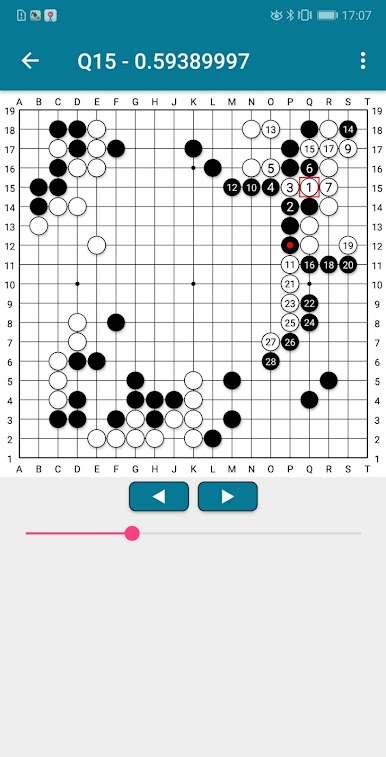
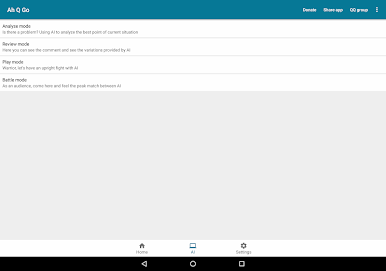
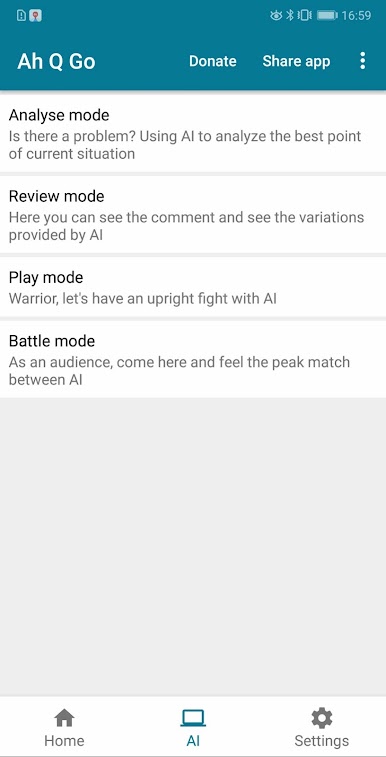
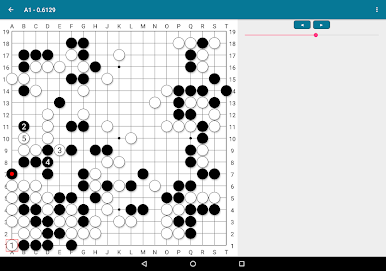
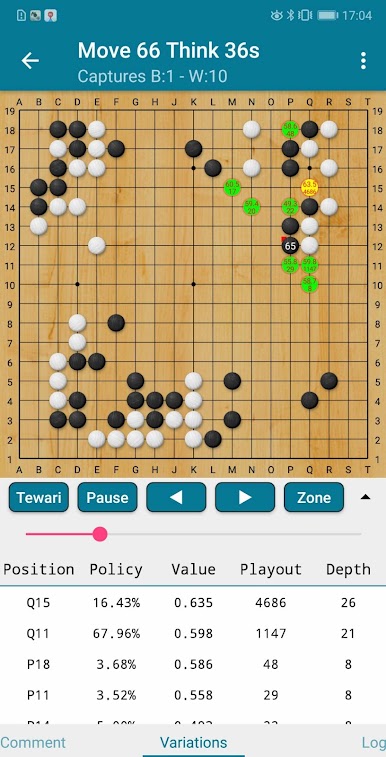
You can use Analyse/Review mode to review your games, or use play mode to play game with AI, or even use the battle mode to let two AIs play.
Enjoy it! ^_^
Features:
❖ Support 4 Go engines
You can choose Go engines of different difficulty according to your own level, then fine tune the level of AI by setting the time and other parameters.
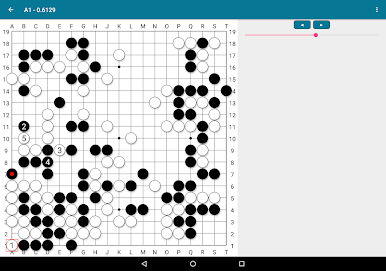
❖ Support Analyse/Review mode
You can analyse your games, look for slip or tesuji, and improve your level.
❖ Support Play/Battle mode
You can play game with AI or watch the fight between AIs
❖ Support automatic horizontal and vertical screen detection
Perfect support on mobile phones, tablets and even televisions!
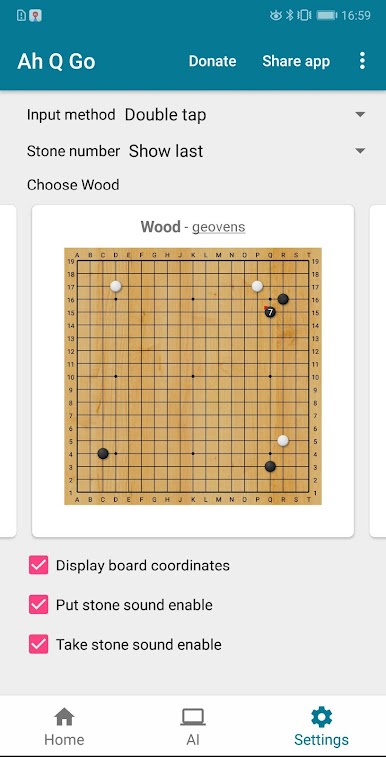
❖ Support 9 Go beautiful board and stone themes
Up to 9 pleasing Go board and stone themes, different themes even support different sound effects
❖ Support 3 input methods
You can choose from single tap, double tap or confirm button
❖ Support import and export SGF file
You can import and continue your game.
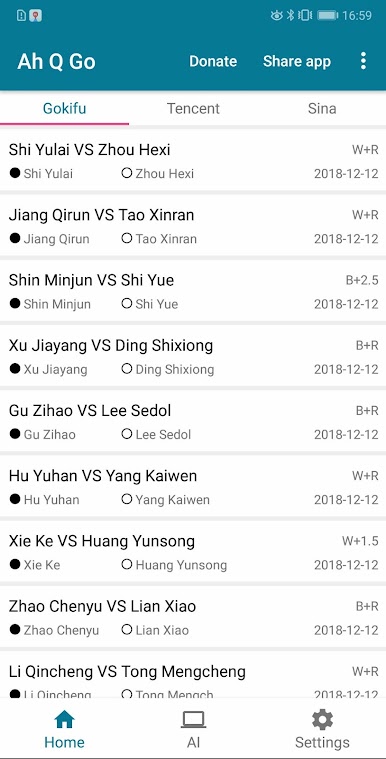
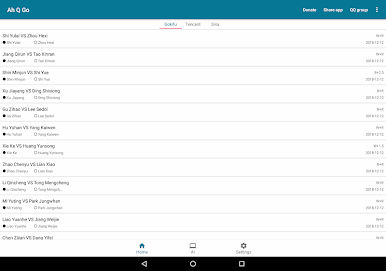
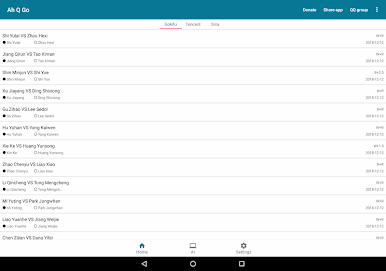
❖ Support Gokifu/Tencent/Sina online SGF
Here you can get real-time updated Go kifu
* Operation requirements of LeelaZero engine *
Android system version needs 6.0 and above, and only supports ARM architecture CPU!
PC에서 Ah Q Go - AlphaGo Deep Learning technology 플레이해보세요.
-
BlueStacks 다운로드하고 설치
-
Google Play 스토어에 로그인 하기(나중에 진행가능)
-
오른쪽 상단 코너에 Ah Q Go - AlphaGo Deep Learning technology 검색
-
검색 결과 중 Ah Q Go - AlphaGo Deep Learning technology 선택하여 설치
-
구글 로그인 진행(만약 2단계를 지나갔을 경우) 후 Ah Q Go - AlphaGo Deep Learning technology 설치
-
메인 홈화면에서 Ah Q Go - AlphaGo Deep Learning technology 선택하여 실행

