


Luzia: Assistente Virtual IA
Jogue no PC com BlueStacks - A Plataforma de Jogos Android, confiada por mais de 500 milhões de jogadores.

Página modificada em: Dec 2, 2025
Play Luzia: Your AI Assistant on PC
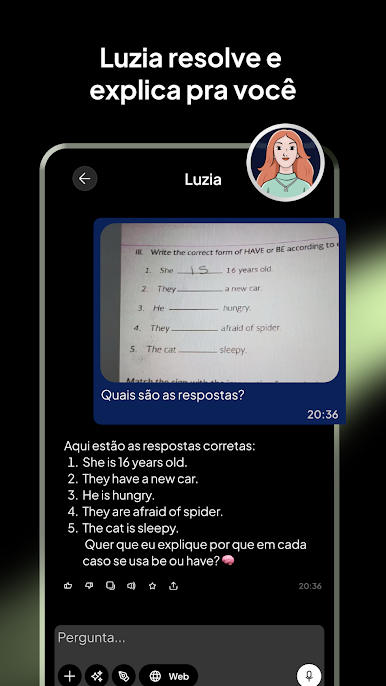
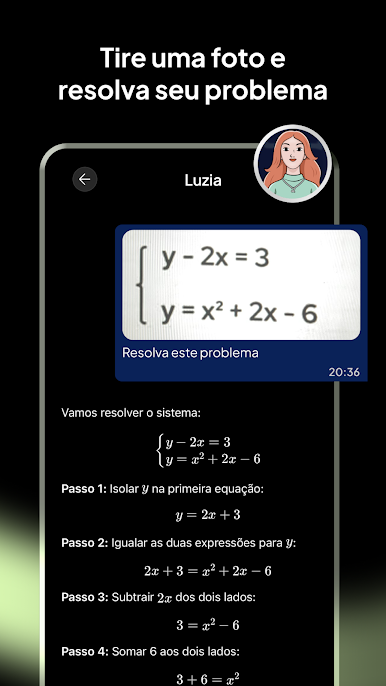
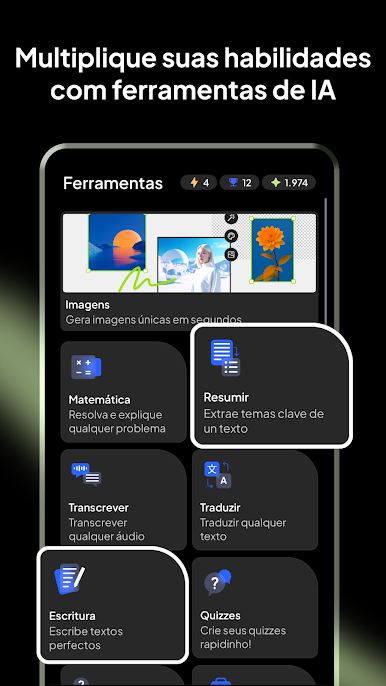
360° Assistant: From managing daily tasks to professional challenges, Luzia adapts to your needs to help you with whatever you need, optimizing your time and improving your productivity:
- Assistance with daily tasks, such as planning your weekly menu or exercise routine.
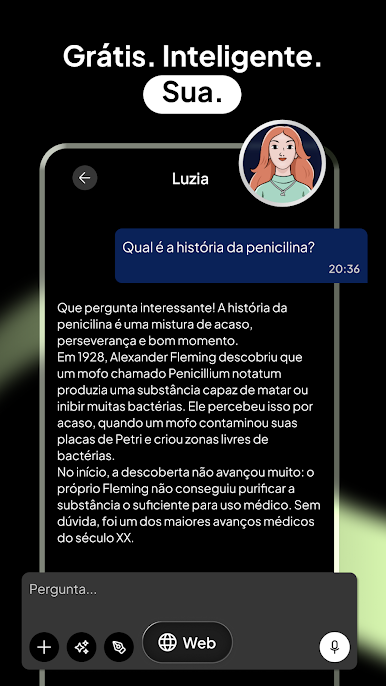
- Answers to any questions or curiosities you may have.
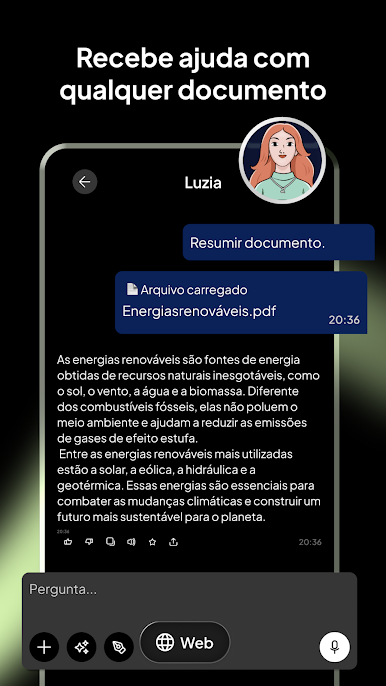
- Assistance at work, including writing and correcting emails and documents.
- Translation in hundreds of languages.
- Tools for learning or practicing languages.
- Generation of ideas and inspiration for gifts or creative projects.
- Conversations on a variety of topics, from everyday matters to more profound issues.
- Up-to-date information on the weather and recent news.
- Advice, companionship, and entertainment.
- Transcription of audio messages to text.
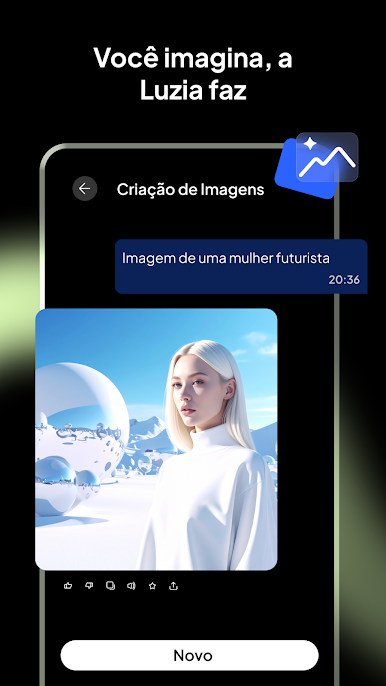
- Creation of unique and personalized images.
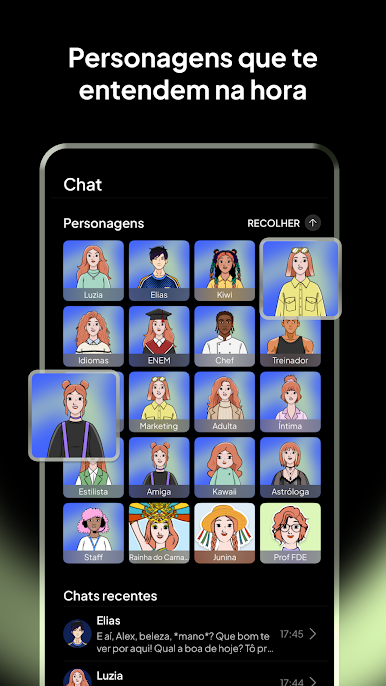
- Interaction with various personalities, from iconic figures like Don Quixote to experts like an English Teacher or a Marketing Expert.
- And much more!
Natural Interaction: Talk to Luzia via text or voice, enjoying a fluid and natural interaction, as if you were chatting with a friend.
Easy and Free Access: Luzia offers a free service; simply download the app and start talking to her.
Security and Privacy: Luzia ensures the protection and privacy of your data through end-to-end encryption. All messages are processed anonymously and securely.
Advanced Technology: Luzia integrates cutting-edge APIs like OpenAI, Llama, or Kandinsky, offering optimal and personalized solutions for each request.
Download Luzia now and discover how it can transform your day-to-day life, providing you with support, knowledge, and companionship at any time and place.
Jogue Luzia: Assistente Virtual IA no PC. É fácil começar.
-
Baixe e instale o BlueStacks no seu PC
-
Conclua o login do Google para acessar a Play Store ou faça isso mais tarde
-
Procure por Luzia: Assistente Virtual IA na barra de pesquisa no canto superior direito
-
Clique para instalar Luzia: Assistente Virtual IA a partir dos resultados da pesquisa
-
Conclua o login do Google (caso você pulou a etapa 2) para instalar o Luzia: Assistente Virtual IA
-
Clique no ícone do Luzia: Assistente Virtual IA na tela inicial para começar a jogar

