


Habit Tracker - Proddy
العب على الكمبيوتر الشخصي مع BlueStacks - نظام أندرويد للألعاب ، موثوق به من قبل أكثر من 500 مليون لاعب.

Run Habit Tracker - Proddy on PC or Mac
Let BlueStacks turn your PC, Mac, or laptop into the perfect home for Habit Tracker – Proddy, a fun Productivity app from System Two GmbH.
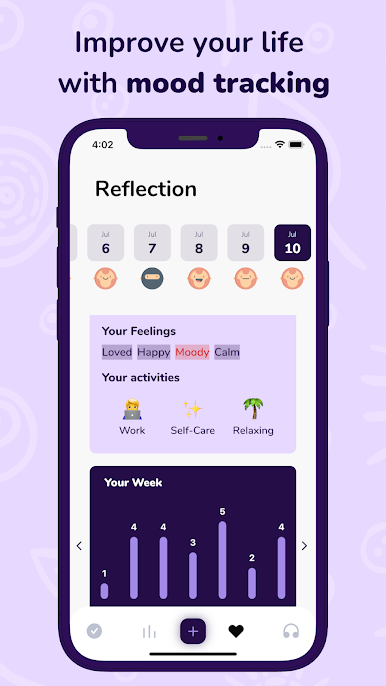
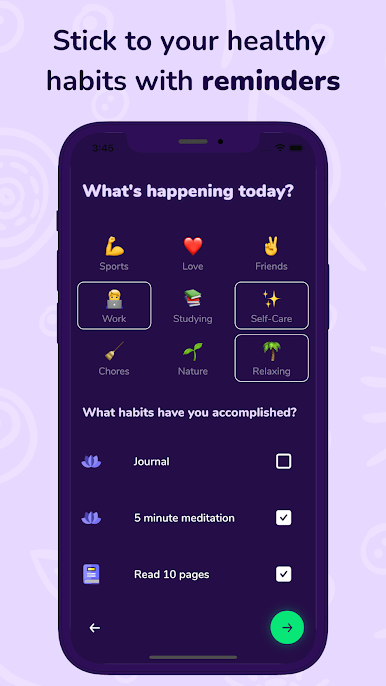
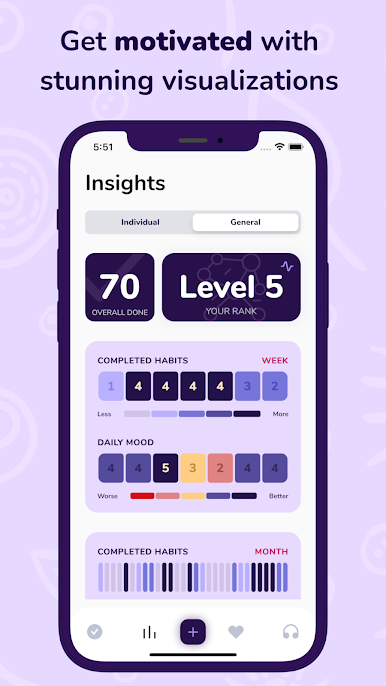
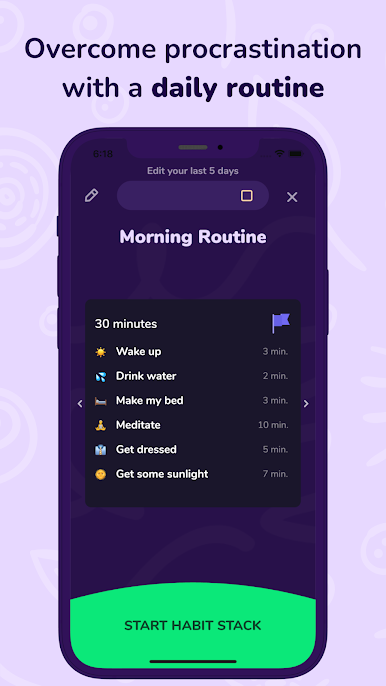
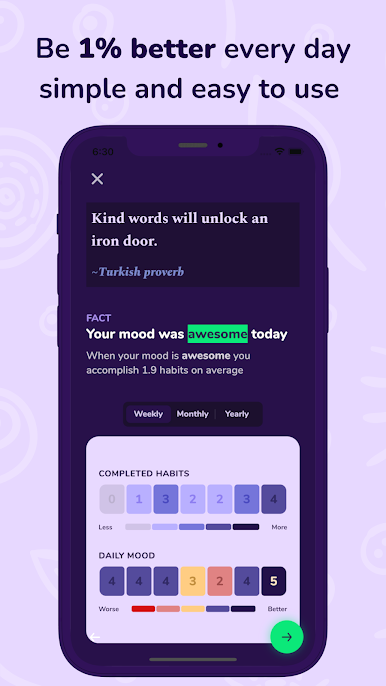
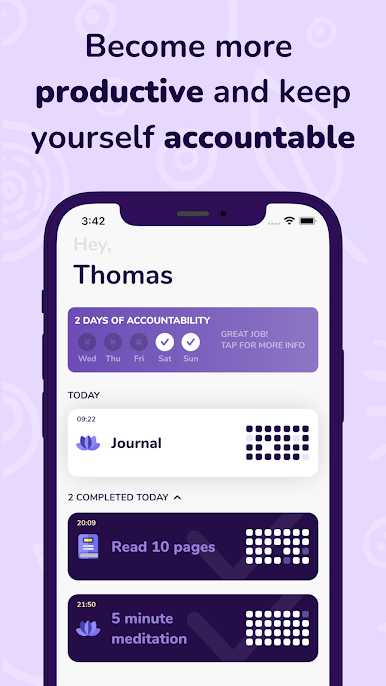
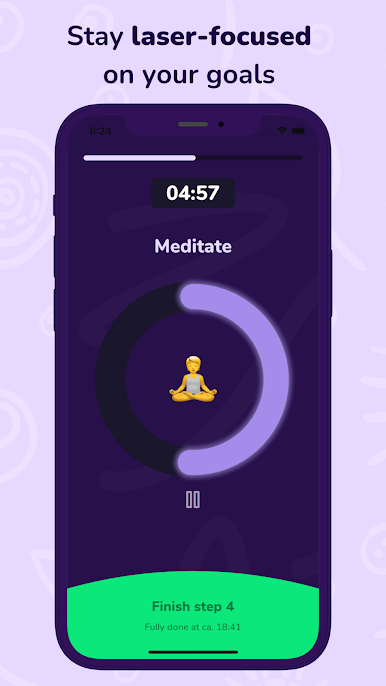
Proddy feels like a calm coach that nudges someone to do small things well, then keeps them going. The whole idea is tiny habits, like five minutes of stretching or reading, so the routine actually sticks instead of burning them out. Marking a habit done is quick and oddly satisfying, and the app shows progress with clean charts that make long term streaks feel real. It brings in helpful suggestions and short audio lessons, so a person is not left guessing what to try next. There is a mood journal and thoughtful stats that connect how the day felt with how the habits went, which is handy when motivation dips. The focus timer helps cut distractions when it is time to do the thing, and big goals can be broken into small steps so they stop feeling scary. Adding a reason to each habit is a nice touch, because the why is right there when energy is low.
On a PC with BlueStacks, it all feels a bit easier to live with. The bigger screen makes the graphs and streak history clearer, and typing journal entries with a keyboard is faster and less fussy. The interface stays minimal and does not get in the way, so checking things off, reviewing analytics, and starting a timer takes almost no thought. There is some light gamification with streaks and levels that gives a gentle push without turning life into a grind. It is not trying to do everything at once. It just helps build consistent routines, one small action at a time, and that is the part that stands out alot.
Switch to BlueStacks and make the most of your apps on your PC or Mac.

العب Habit Tracker - Proddy على جهاز الكمبيوتر. من السهل البدء.
-
قم بتنزيل BlueStacks وتثبيته على جهاز الكمبيوتر الخاص بك
-
أكمل تسجيل الدخول إلى Google للوصول إلى متجر Play ، أو قم بذلك لاحقًا
-
ابحث عن Habit Tracker - Proddy في شريط البحث أعلى الزاوية اليمنى
-
انقر لتثبيت Habit Tracker - Proddy من نتائج البحث
-
أكمل تسجيل الدخول إلى Google (إذا تخطيت الخطوة 2) لتثبيت Habit Tracker - Proddy
-
انقر على أيقونة Habit Tracker - Proddy على الشاشة الرئيسية لبدء اللعب

