


Миллионер - Библия
在電腦上使用BlueStacks –受到5億以上的遊戲玩家所信任的Android遊戲平台。

Play Миллионер - Библия on PC or Mac
Bring your A-game to Миллионер – Библия, the Trivia game sensation from BibleGameDev. Give your gameplay the much-needed boost with precise game controls, high FPS graphics, and top-tier features on your PC or Mac with BlueStacks.
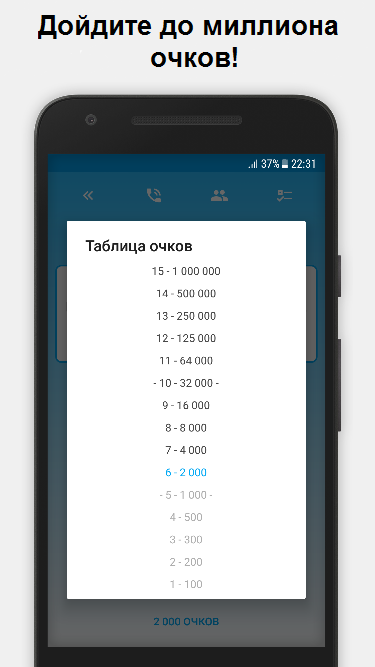
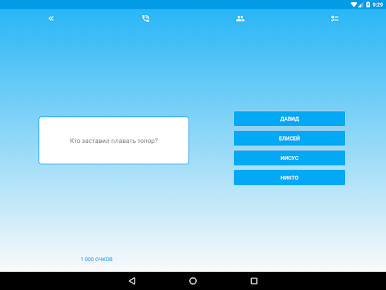
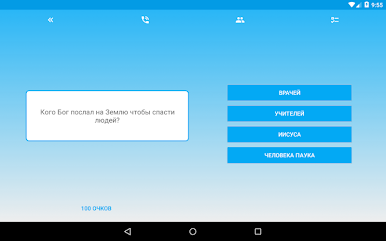
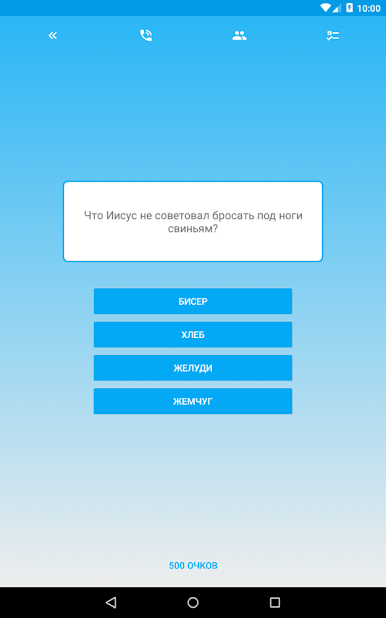
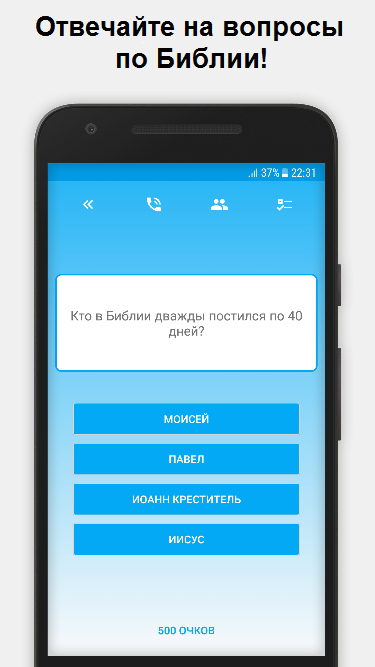
Миллионер – Библия is a straight Bible trivia game that feels like a quiz show focused entirely on Scripture. It throws questions at different tiers of difficulty, fifteen in total, starting with simple ones and creeping into detailed stuff about people, places, verses, and those small facts that slip the mind. There are thousands of questions, so it does not repeat too fast, and the mix keeps things moving. It is multiple choice, quick to read, and it rewards paying attention to wording. Someone who likes testing memory against the Old and New Testament will get that satisfying “oh right, that verse” moment a lot.
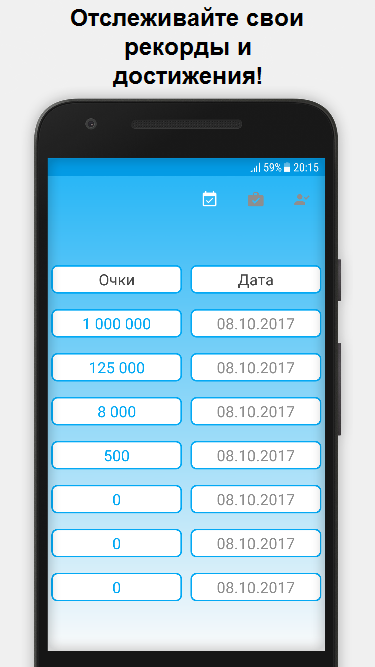
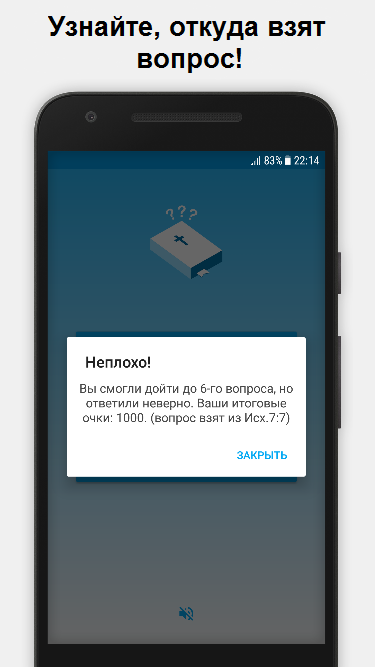
There are three helpful hints to lean on when a question feels off, and the game tracks personal bests and achievements so progress actually shows up over time. The interface is clean, readable, and the pacing is easy to chill with for ten minutes or for a longer session. A neat extra is the bonus stories that unlock as you play, and sometimes they drop a big pile of points, even the million point splash. On PC with BlueStacks it runs smooth, and the bigger screen makes long names and quotes easier to read, no squinting. It is not preachy, it is just a trivia climb that teaches a bit as it goes, which is exactly what it says on the tin.
Slay your opponents with your epic moves. Play it your way on BlueStacks and dominate the battlefield.
在電腦上遊玩Миллионер - Библия . 輕易上手.
-
在您的電腦上下載並安裝BlueStacks
-
完成Google登入後即可訪問Play商店,或等你需要訪問Play商店十再登入
-
在右上角的搜索欄中尋找 Миллионер - Библия
-
點擊以從搜索結果中安裝 Миллионер - Библия
-
完成Google登入(如果您跳過了步驟2),以安裝 Миллионер - Библия
-
在首頁畫面中點擊 Миллионер - Библия 圖標來啟動遊戲

