


EarForge: Learn Ear Training
在電腦上使用BlueStacks –受到5億以上的遊戲玩家所信任的Android遊戲平台。

Run EarForge: Learn Ear Training on PC or Mac
Upgrade your experience. Try EarForge: Learn Ear Training, the fantastic Music & Audio app from Patcharapon Phasukdee, from the comfort of your laptop, PC, or Mac, only on BlueStacks.
About the App
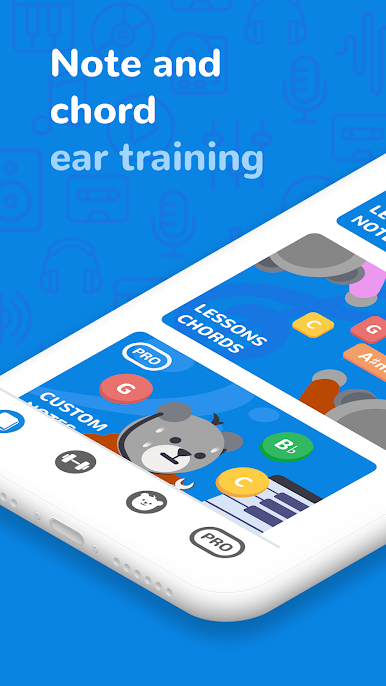
Ever wondered how musicians just seem to “get” notes and chords on the fly? EarForge: Learn Ear Training makes that possible—even if you’re just starting out. Created by Patcharapon Phasukdee, this Music & Audio app walks you through the basics of ear training and keeps things fun as you go. You’ll find yourself picking up pitch and chord recognition skills a lot faster than you’d expect.
App Features
-
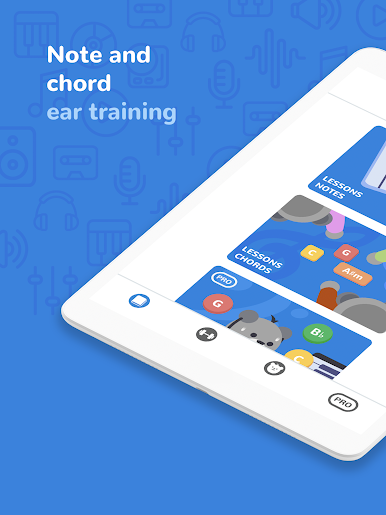
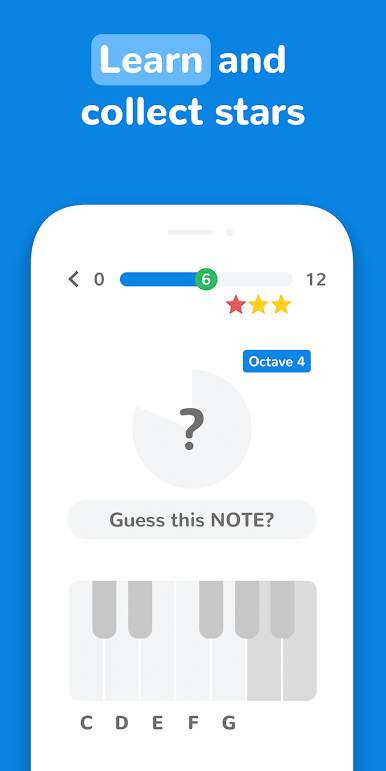
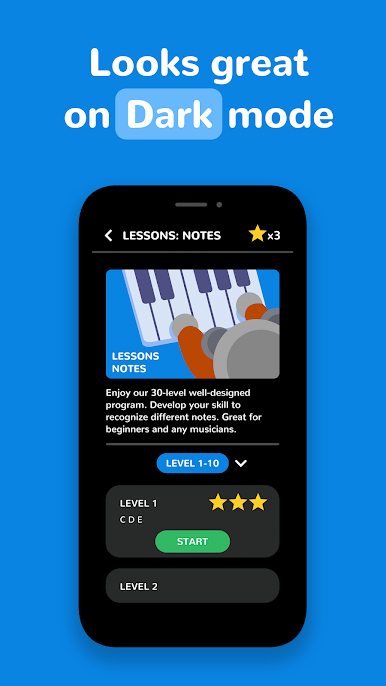
Step-by-Step Note Lessons
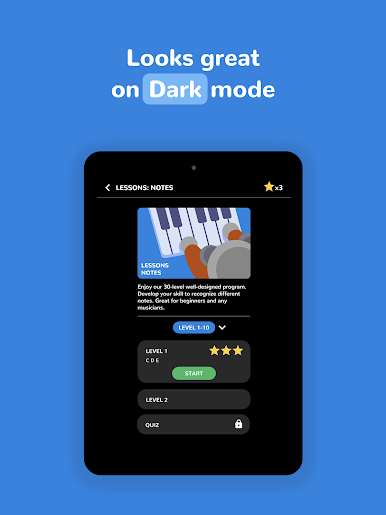
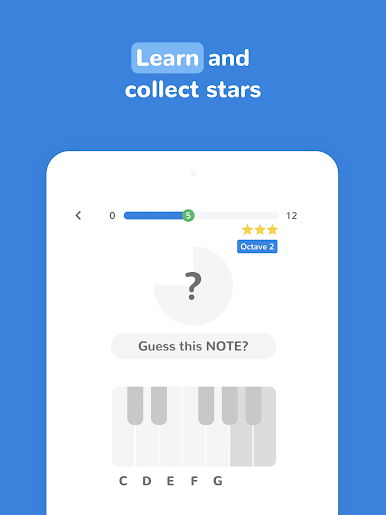
Tackle a 30-level program that introduces notes in a friendly, manageable way. Whether you’re new to music or just want to brush up on the basics, you’ll find each session easy to follow. -
Chords Training
Listen to a chord and see if you can name it. This feature sharpens your musical ear, making those “mystery” chords a thing of the past. -
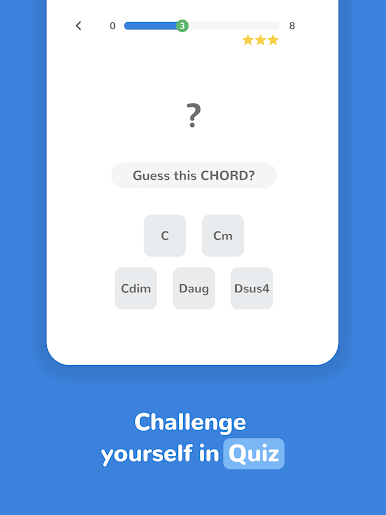
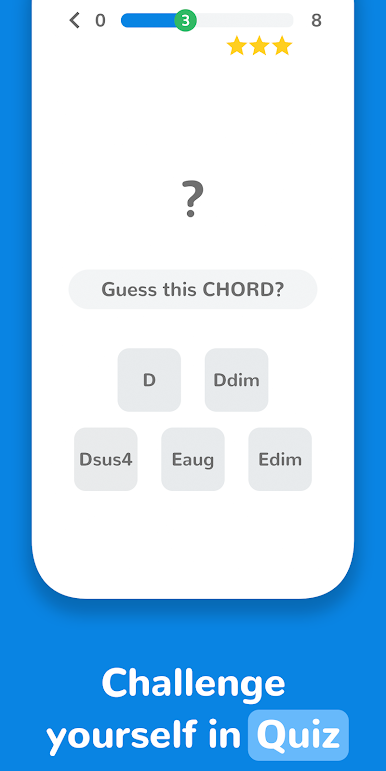
Challenging Quizzes
Ready to test your skills? Unlock quizzes that push you a little further, perfect for keeping you on your toes as you progress. -
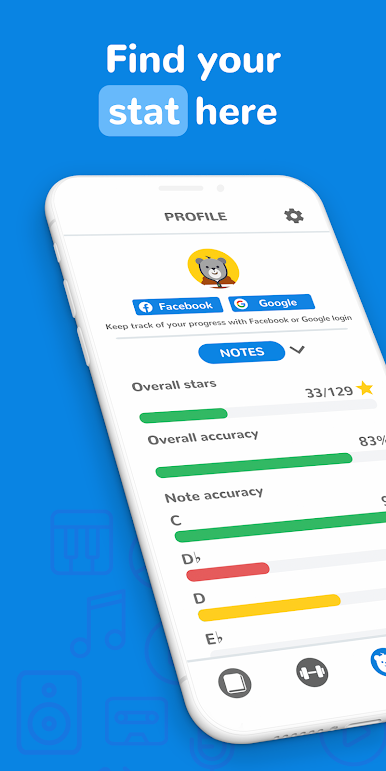
Personal Progress Tracking
Curious how you’re improving? Review your accuracy and strengths, and see exactly where you could use a bit more work. You can also sync progress through your Facebook or Google account. -
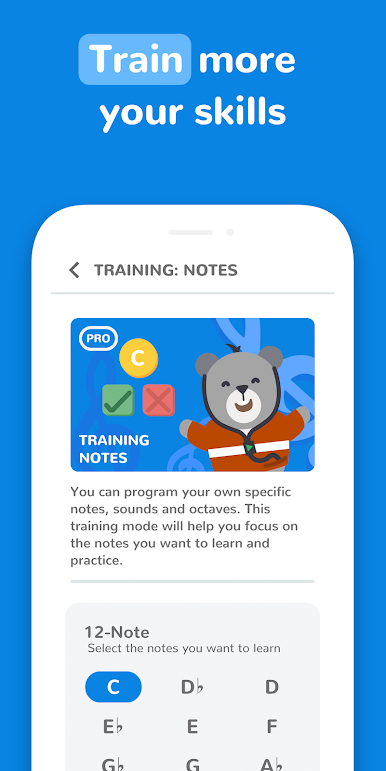
Pro Features for Focused Learning
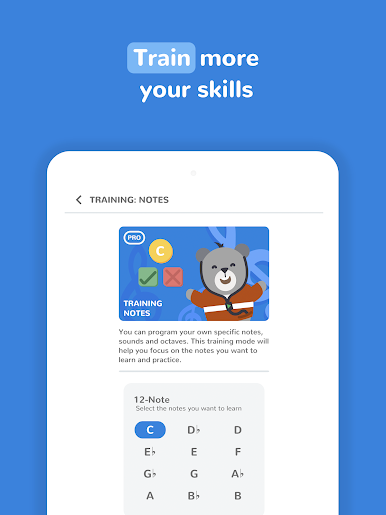
Need something more tailored? With EarForge PRO, build custom note or chord lessons, choose specific sounds, or practice octaves at your own pace. Want a fresh look or fewer ads? PRO unlocks exclusive themes and an ad-free experience. -
Smooth Experience on BlueStacks
Want a larger view or easier navigation? Try EarForge: Learn Ear Training with BlueStacks—it feels great to use on a bigger screen.
Big screen. Bigger performance. Use BlueStacks on your PC or Mac to run your favorite apps.



在電腦上遊玩EarForge: Learn Ear Training . 輕易上手.
-
在您的電腦上下載並安裝BlueStacks
-
完成Google登入後即可訪問Play商店,或等你需要訪問Play商店十再登入
-
在右上角的搜索欄中尋找 EarForge: Learn Ear Training
-
點擊以從搜索結果中安裝 EarForge: Learn Ear Training
-
完成Google登入(如果您跳過了步驟2),以安裝 EarForge: Learn Ear Training
-
在首頁畫面中點擊 EarForge: Learn Ear Training 圖標來啟動遊戲

