

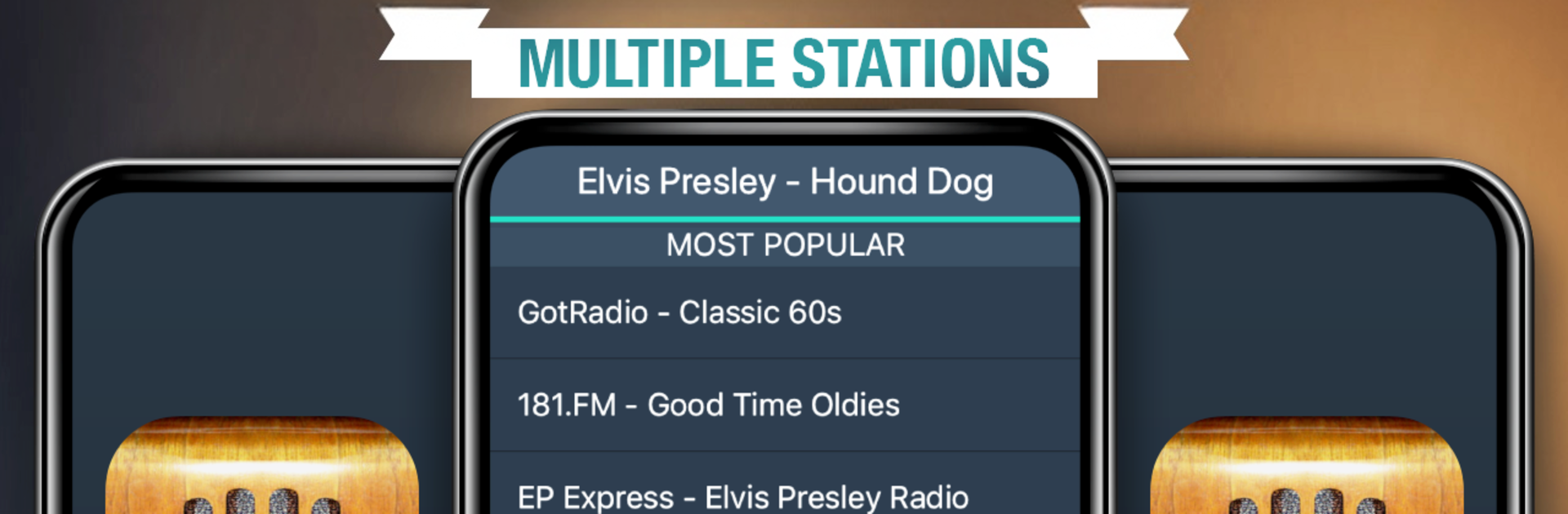
올디스라디오
5억명 이상의 게이머가 신뢰하는 안드로이드 게임 플랫폼 BlueStacks으로 PC에서 플레이하세요.

Run Free Oldies Radio on PC or Mac
Why limit yourself to your small screen on the phone? Run Free Oldies Radio, an app by MyIndieApp.com, best experienced on your PC or Mac with BlueStacks, the world’s #1 Android emulator.
About the App
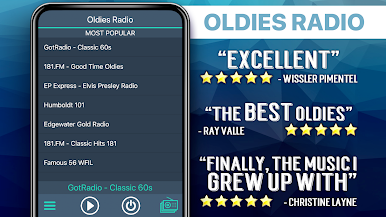
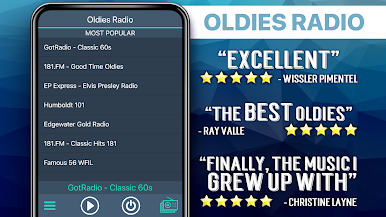
Craving that timeless sound of the ’50s, ’60s, and ’70s? Free Oldies Radio has you covered with an easy way to tune into all your nostalgic favorites, straight from your phone or, if you want, on your laptop with BlueStacks. Whether you’re a die-hard Elvis fan, you can’t stop singing The Beatles, or you simply love listening to smooth, classic hits while you work or relax, this Music & Audio app from MyIndieApp.com keeps those golden oldies spinning nonstop. Curious about what else you’ll discover? Expect endless stations, handpicked playlists, and a vibe that brings back memories—all at your fingertips.
App Features
-
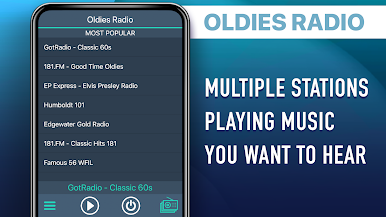
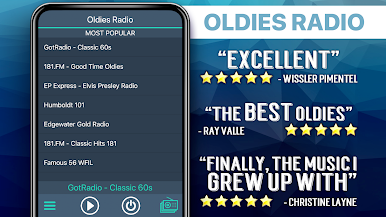
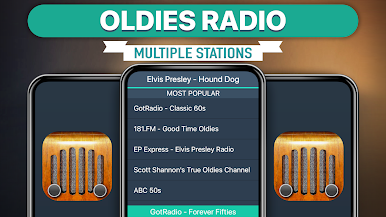
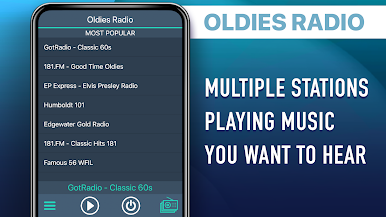
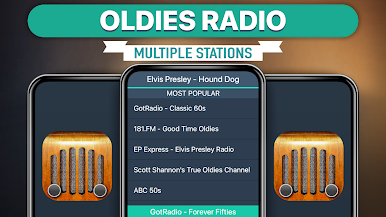
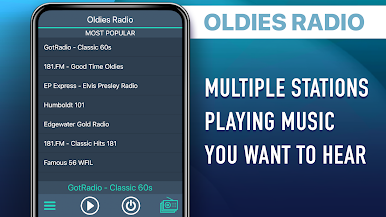
Loads of Stations: Find way more oldies channels than you’d expect—think everything from popular rock ‘n’ roll and crooners to specialty decades and even big band music. There’s seriously something for every kind of oldies lover.
-
Background Listening: Keep the tunes rolling while you browse, chat, or get stuff done—music keeps playing in the background even when you switch apps.
-
Genre Variety: Dig into themed stations like Beatles tributes, Elvis specialties, or mellow love songs, plus mixes that jump between decades and styles.
-
International Flavors: It’s not just American classics—tune into French, Italian, and other international oldies stations, all packed into one place.
-
Easy-to-Use Controls: Jump between stations with just a tap (no fussing with complicated menus), so you’re never stuck in silence waiting for the next great song.
-
Always Fresh Content: Since real DJs run many of the stations, you’ll occasionally get new surprises or even live shows. And if one channel goes quiet, there are dozens more ready to fill your speakers.
-
Smooth Streaming: Need an app that works while you’re out and about or relaxing at home? As long as your connection’s steady (WiFi works great), streams sound clear and reliable, just like you remember.
-
Use on Laptop via BlueStacks: If you’d rather kick back at your desk and listen on a bigger screen, you can also enjoy Free Oldies Radio on your laptop or PC using BlueStacks.
-
Free to Enjoy: No hidden fees or subscriptions—just pick your station and start listening whenever you want.
Switch to BlueStacks and make the most of your apps on your PC or Mac.



PC에서 올디스라디오 플레이해보세요.
-
BlueStacks 다운로드하고 설치
-
Google Play 스토어에 로그인 하기(나중에 진행가능)
-
오른쪽 상단 코너에 올디스라디오 검색
-
검색 결과 중 올디스라디오 선택하여 설치
-
구글 로그인 진행(만약 2단계를 지나갔을 경우) 후 올디스라디오 설치
-
메인 홈화면에서 올디스라디오 선택하여 실행

