


락 라디오
5억명 이상의 게이머가 신뢰하는 안드로이드 게임 플랫폼 BlueStacks으로 PC에서 플레이하세요.

Play Rock Radio Favorites on PC or Mac
From the innovators and creators at MyIndieApp.com, Rock Radio Favorites is another fun addition to the World of Music games. Go beyond your mobile screen and play it bigger and better on your PC or Mac. An immersive experience awaits you.
About the Game
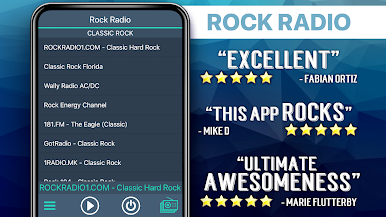
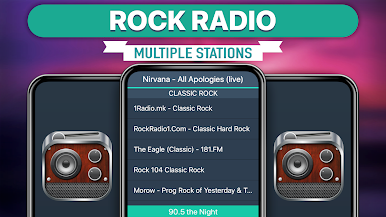
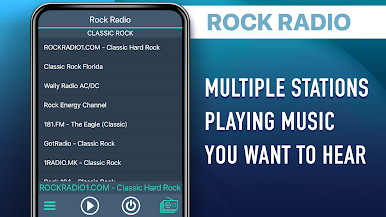
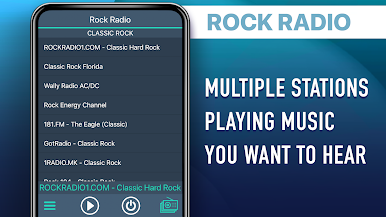
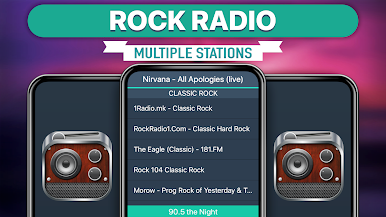
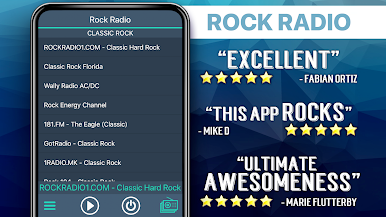
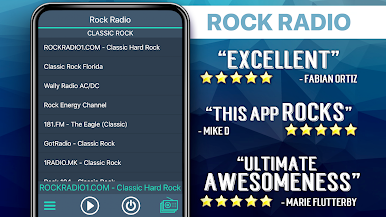
Hey, rock fans—if you’ve ever wished you could switch between classic jams, indie hits, and hard-hitting metal without jumping from app to app, Rock Radio Favorites might just be your new go-to. This Music game from MyIndieApp.com brings together a massive lineup of rock stations that stream around the clock. Whether you want to soundtrack your road trip or just mellow out at home, there’s a playlist here for every mood and moment.
Game Features
-
Huge Variety of Rock Stations
From timeless classics and rock legends to indie gems, punk, metal, and even decades-specific playlists, you’ll never run out of new sounds. The station list covers just about every flavor of rock you can think of. -
Background Audio
No need to pause the music while you’re browsing or texting—just let your favorite tracks play in the background and multitask however you like. It’s easy to keep the tunes going while you do your thing. -
Channels for Every Era
Craving ‘70s vinyl vibes, ‘80s hair bands, or ‘90s alternative? There are dedicated stations that let you relive each era, plus plenty of modern rock and current hits if you want something fresh. -
Tributes and Cover Channels
Hear some of your favorite bands reimagined with special tribute stations—check out Beatles and Pink Floyd covers, or tap into music from creative new artists paying homage to legends. -
Live and Indie Selections
Discover up-and-coming indie rockers, underground classics, and a mix of stations run by real DJs—so you never know what rare finds or live sessions you’ll stumble upon. -
Easy to Use & Lightweight
The app keeps things simple: just pick a station and start listening. It’s designed so you can get to your music faster, especially if you’re firing it up with BlueStacks for a smooth experience on your desktop. -
Something Always Playing
On the rare chance one channel is down (many are managed by real DJs), there’s a ton of others ready so you’ll never be left without a soundtrack.
If you’re looking for a no-fuss, all-rock-all-the-time music experience, Rock Radio Favorites makes it easy to stick with the classics or venture into new sonic territory—wherever you are.
Get ready for a buttery smooth, high-performance gaming action only on BlueStacks.



PC에서 락 라디오 플레이해보세요.
-
BlueStacks 다운로드하고 설치
-
Google Play 스토어에 로그인 하기(나중에 진행가능)
-
오른쪽 상단 코너에 락 라디오 검색
-
검색 결과 중 락 라디오 선택하여 설치
-
구글 로그인 진행(만약 2단계를 지나갔을 경우) 후 락 라디오 설치
-
메인 홈화면에서 락 라디오 선택하여 실행

