

Obenkyo
5억명 이상의 게이머가 신뢰하는 안드로이드 게임 플랫폼 BlueStacks으로 PC에서 플레이하세요.

Run Obenkyo on PC or Mac
What’s better than using Obenkyo by Atomusk? Well, try it on a big screen, on your PC or Mac, with BlueStacks to see the difference.
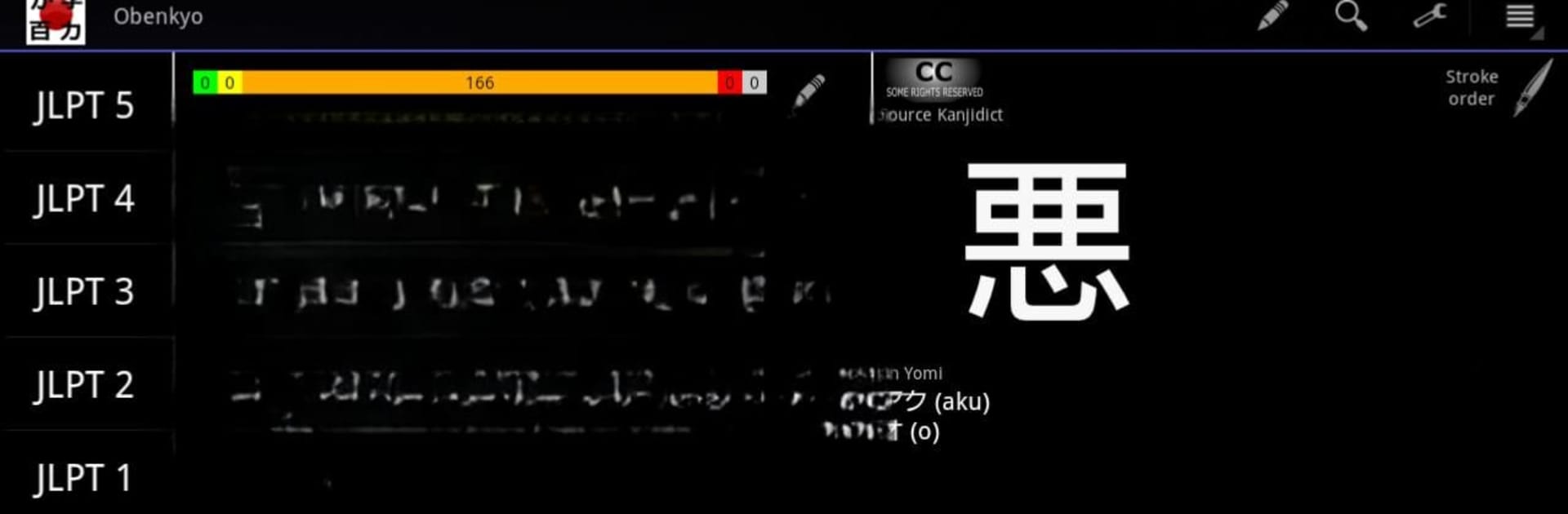
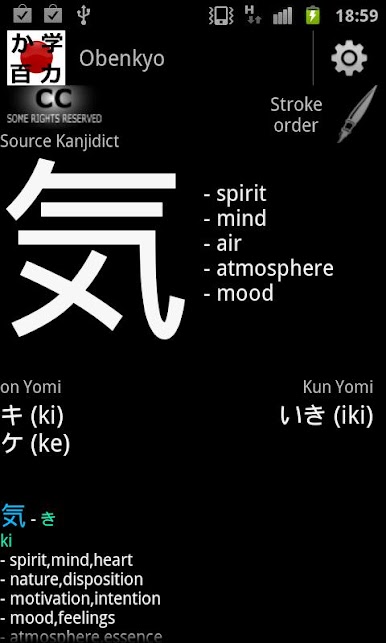
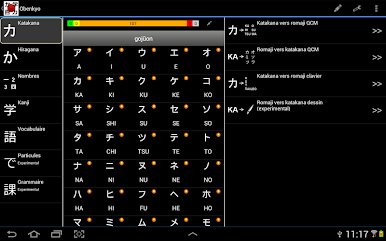
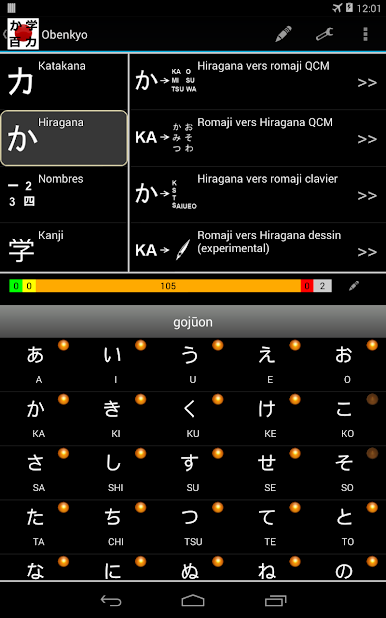
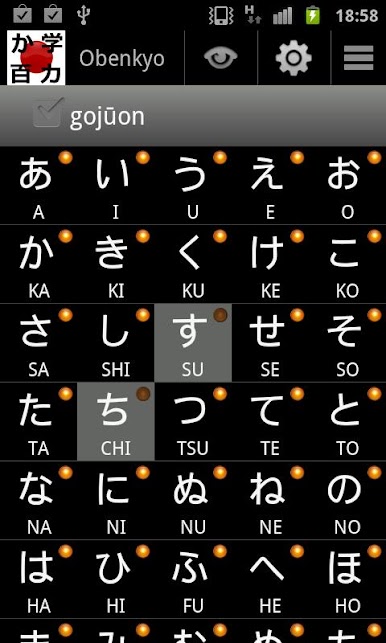
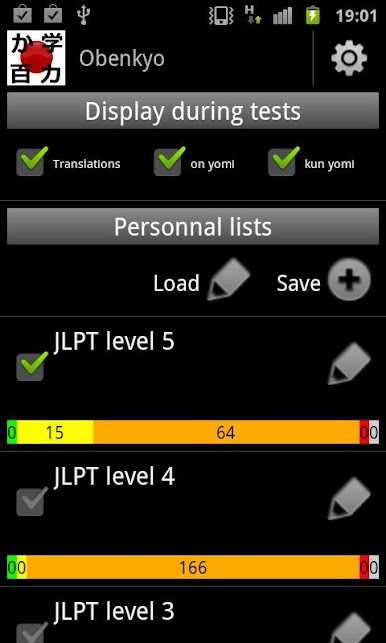
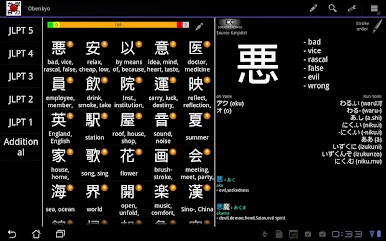
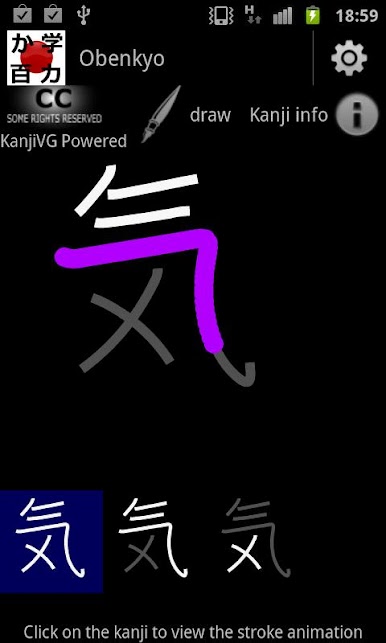
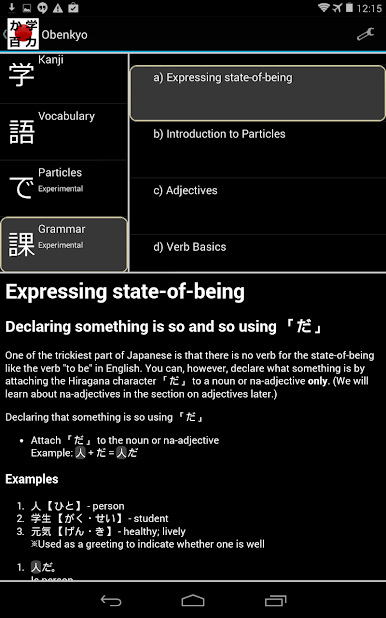
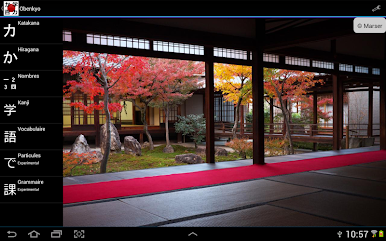
Obenkyo is this app for learning Japanese that feels almost like a toolkit—it’s got a lot packed in, but it’s straightforward to use, even when playing on PC with BlueStacks. There’s stuff for the basics like hiragana and katakana, but also tons of kanji to practice, with handy stroke order animations that make things a lot clearer if you ever get tripped up on writing. Flashcards pop up everywhere: for alphabets, for words—someone who likes just flipping through stuff to remember it would probably get a lot out of it.
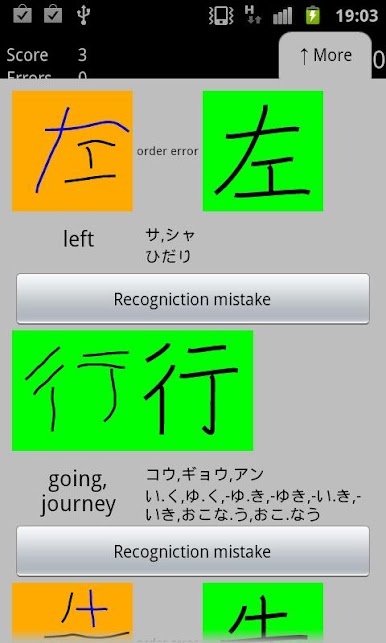
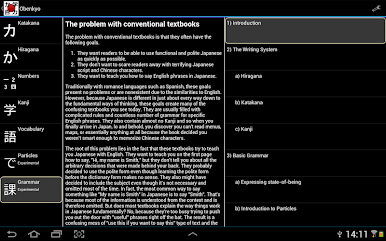
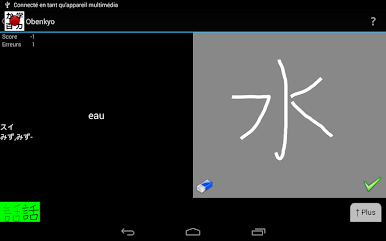
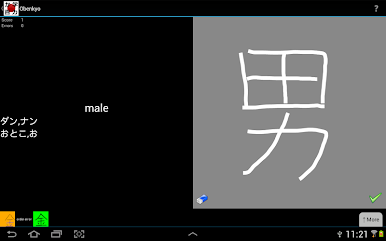
One thing that stands out is how drawing is built in, so you get to actually practice writing the characters by hand using a mouse or touchscreen. That’s not something every language app does, and it keeps it feeling interactive and not just like a quiz. There are multiple choice and typing quizzes too, and a nice stack of vocab (and not just single words, there’s even some grammar mixed in from Tae Kim’s guide). It has some extra bits, like a mini particle test with short sentences. It tries to cover a lot, sometimes with a no-frills vibe, but it’s all right there—words, kanji levels, even numbers. If you want a practice tool that’s pretty direct, not full of distractions, and don’t mind switching between a few different learning styles, it’s the kind of app you’ll keep coming back to. Plus, the ads don’t get in your way if you switch them off in settings, so it stays focused on, well, just studying.
Big screen. Bigger performance. Use BlueStacks on your PC or Mac to run your favorite apps.
PC에서 Obenkyo 플레이해보세요.
-
BlueStacks 다운로드하고 설치
-
Google Play 스토어에 로그인 하기(나중에 진행가능)
-
오른쪽 상단 코너에 Obenkyo 검색
-
검색 결과 중 Obenkyo 선택하여 설치
-
구글 로그인 진행(만약 2단계를 지나갔을 경우) 후 Obenkyo 설치
-
메인 홈화면에서 Obenkyo 선택하여 실행

