

系統領主
在電腦上使用BlueStacks –受到5億以上的遊戲玩家所信任的Android遊戲平台。

Play System Lords on PC or Mac
System Lords brings the Strategy genre to life, and throws up exciting challenges for gamers. Developed by 26horses, this Android game is best experienced on BlueStacks, the World’s #1 app player for PC and Mac users.
About the Game
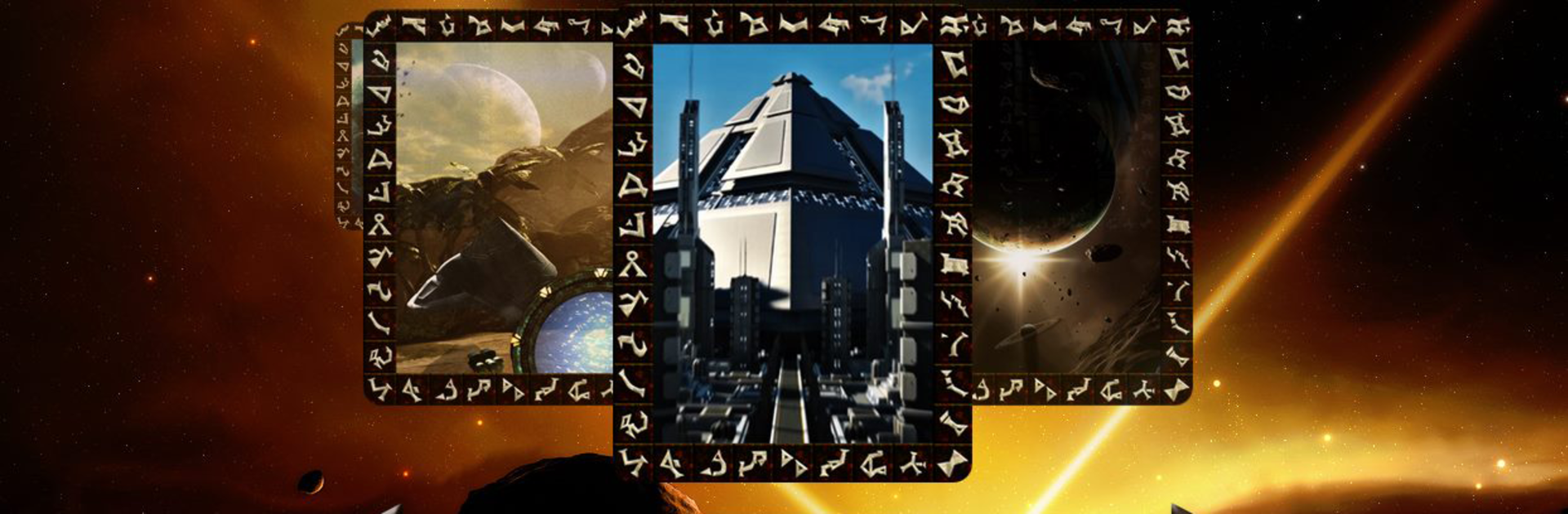
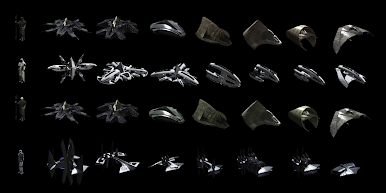
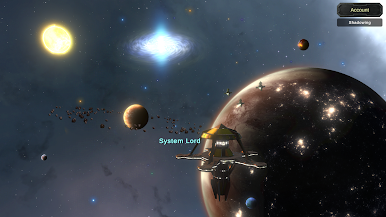
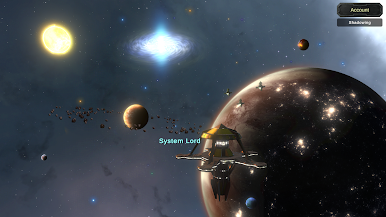
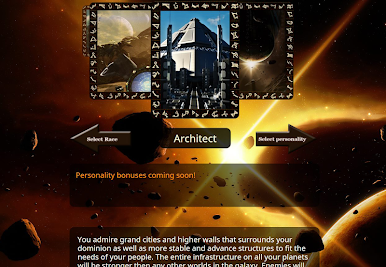
System Lords is a Strategy game from 26horses that puts you at the head of a growing star empire—and expects you to act like it. You’re charting routes across a sprawling gate network, pushing fleets into hostile space, and carving out power any way you want. It’s bold, a little ruthless, and full of moments where a smart plan pays off in a big way.
Game Features
- Command How You Want: Punch through enemy lines via interplanetary gates or send ships the long way. Mix quick strikes with slow, overwhelming pushes—it’s your call.
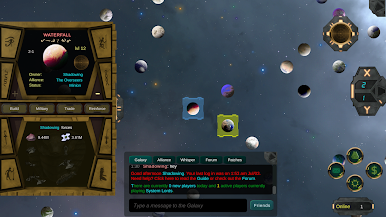
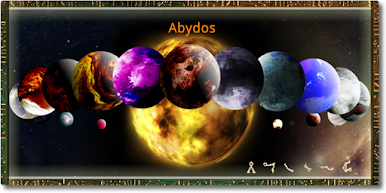
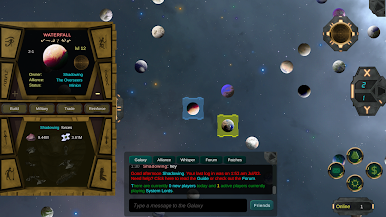
- Gate Network With Real Depth: Every world is tied to a unique gate address, and a huge chunk of the galaxy connects through them. Picking routes and timing attacks actually matters.
- Alliances That Feel Organized: Form or join an alliance, build strategies together, and use private forums and profiles with custom banners to keep your identity tight and your plans tighter.
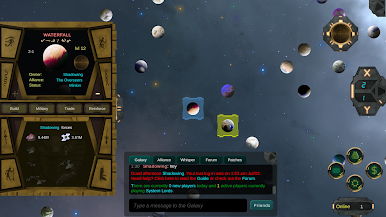
- Chat That Works for Tactics: In-game chat and messaging are built for coordination. Share targets fast with map pinging that links straight to planets and player profiles.
- Clean, Clickable UI: Navigation is straightforward, so managing a multi-planet empire doesn’t feel like work. The important stuff is always a tap or two away.
- Learn as You Play: An embedded guide and smart tooltips walk you through the systems without pulling you out of the action—great for first-timers.
- Embrace the Ruler Mindset: The game leans into that “only one authority” energy. Build your legacy across the stars and make your presence known.
- Play Big if You Want: Prefer a larger screen and keyboard? System Lords also plays nicely on BlueStacks.
Start your journey now. Download the game on BlueStacks, invite your friends, and march on a new adventure.



在電腦上遊玩系統領主 . 輕易上手.
-
在您的電腦上下載並安裝BlueStacks
-
完成Google登入後即可訪問Play商店,或等你需要訪問Play商店十再登入
-
在右上角的搜索欄中尋找 系統領主
-
點擊以從搜索結果中安裝 系統領主
-
完成Google登入(如果您跳過了步驟2),以安裝 系統領主
-
在首頁畫面中點擊 系統領主 圖標來啟動遊戲

