


Ludo - Offline Board Game
Jogue no PC com BlueStacks - A Plataforma de Jogos Android, confiada por mais de 500 milhões de jogadores.

Página modificada em: Nov 10, 2025
Play Ludo - Offline Board Game on PC or Mac
Step into the World of Ludo – Offline Board Game, a thrilling Board game from the house of SNG Games. Play this Android game on BlueStacks App Player and experience immersive gaming on PC or Mac.
About the Game
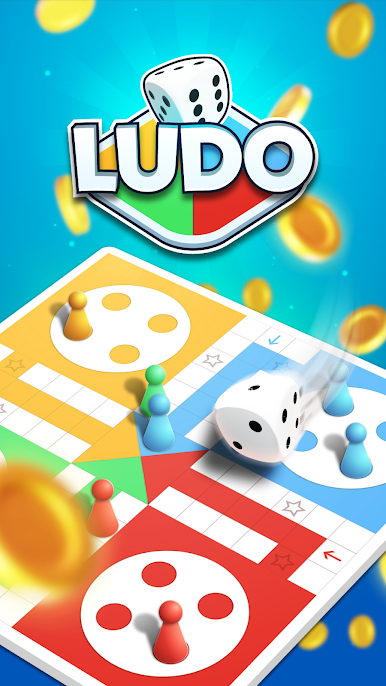
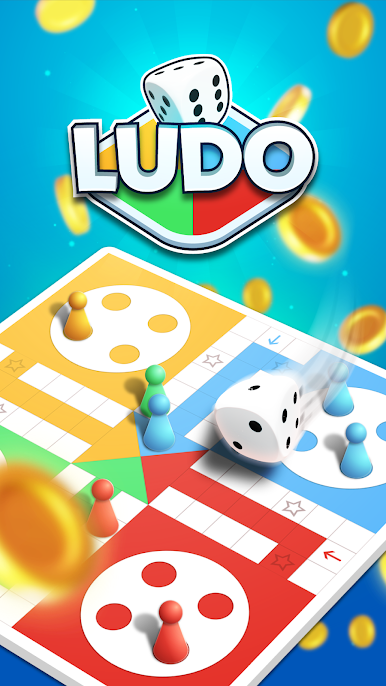
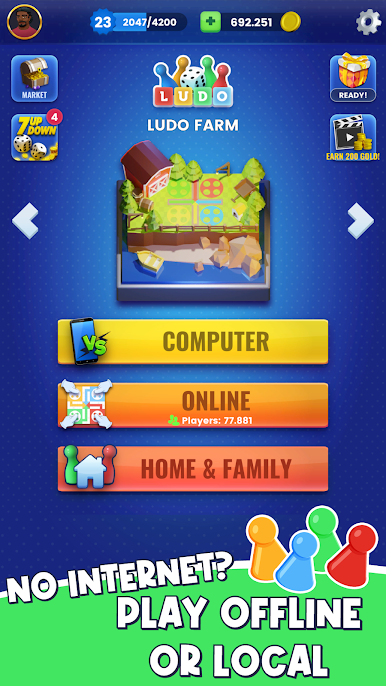
Ludo – Offline Board Game from SNG Games brings the classic roll-and-race fun to your phone with a modern touch. It’s built for quick sessions, smart competition, and zero-fuss play whether you’re online or off. Prefer a bigger screen? You can run it on BlueStacks and keep the Board action going on your PC.
Game Features
- Offline and Online Play: No connection? No worries. Play anytime against the computer, then hop online when you’re up for human rivals.
- Smart Computer Opponents: Take on AI that actually thinks. It’s powered by machine learning and neural networks, so the computer makes clever moves instead of random ones.
- Fair Dice Rolls: No weird streaks or “magic” outcomes—rolls follow real probabilities for a clean, honest game.
- Smooth, Clean Presentation: Crisp visuals and responsive animations keep the focus on strategy (and a bit of luck).
- Win to Collect Puzzles: Rack up victories to earn puzzle pieces and complete fun sets on the side, giving every match an extra goal.
- No Banner Clutter: Enjoy the board without banners blocking your view or breaking your concentration.
- Classic Roots, Modern Feel: Inspired by Pachisi and Parchís, the timeless rules are intact, refreshed for quick play on mobile.
- Free to Play: Jump in without paying a cent and start rolling right away.
Start your journey now. Download the game on BlueStacks, invite your friends, and march on a new adventure.












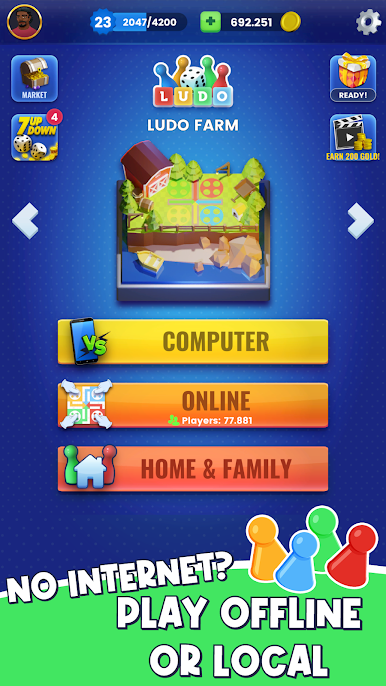


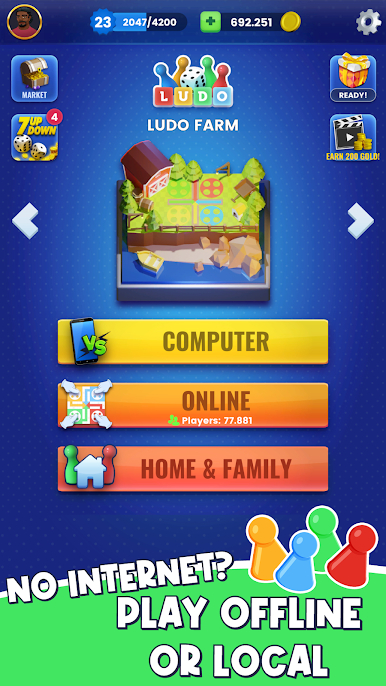



Jogue Ludo - Offline Board Game no PC. É fácil começar.
-
Baixe e instale o BlueStacks no seu PC
-
Conclua o login do Google para acessar a Play Store ou faça isso mais tarde
-
Procure por Ludo - Offline Board Game na barra de pesquisa no canto superior direito
-
Clique para instalar Ludo - Offline Board Game a partir dos resultados da pesquisa
-
Conclua o login do Google (caso você pulou a etapa 2) para instalar o Ludo - Offline Board Game
-
Clique no ícone do Ludo - Offline Board Game na tela inicial para começar a jogar

