


Parrot Voice Recorder
5억명 이상의 게이머가 신뢰하는 안드로이드 게임 플랫폼 BlueStacks으로 PC에서 플레이하세요.

Run Parrot Voice Recorder on PC or Mac
Get freedom from your phone’s obvious limitations. Use Parrot Voice Recorder, made by One Music Player, a Tools app on your PC or Mac with BlueStacks, and level up your experience.
About the App
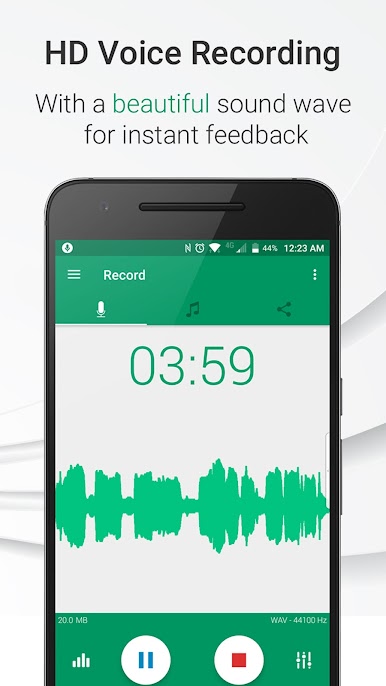
Ever needed to keep track of important calls or just wanted a reliable way to save voice notes on the go? Parrot Voice Recorder from One Music Player steps in to make capturing audio on your device feel downright simple. Whether you’re jotting down ideas, documenting meetings, or recording conversations, this Tools app keeps you organized and ready for whatever life throws at you. It’s built for effortless, crystal-clear recording right when you need it—no hassle.
App Features
-
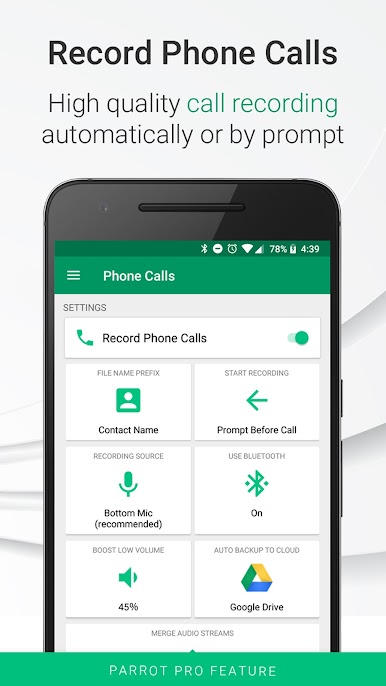
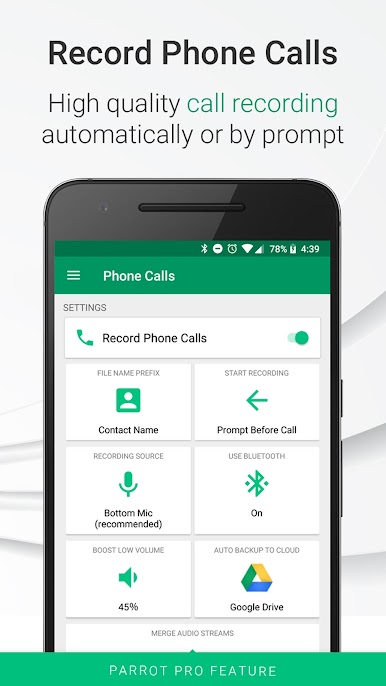
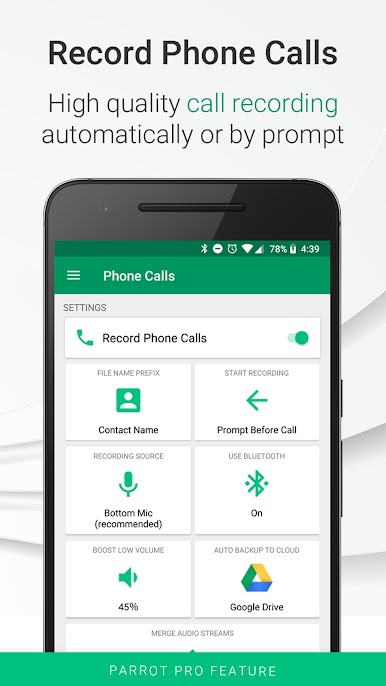
Call Recording (Incoming & Outgoing)
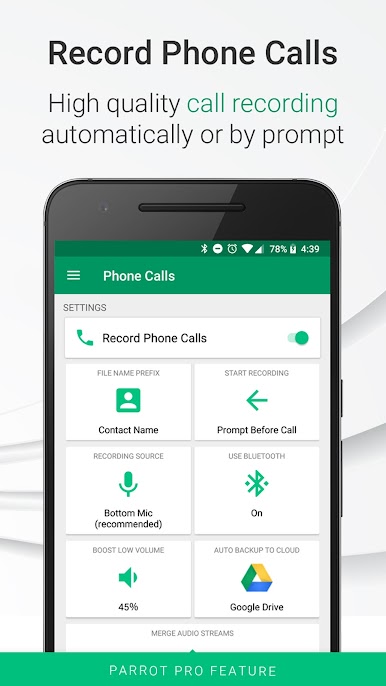
Want to save that vital phone call? Parrot Voice Recorder lets you record calls—both incoming and outgoing—so you have a backup for everything from quick chats to crucial business discussions. -
High-Quality Voice Notes
Taking notes by hand is old news. Use the app to quickly record clear voice notes, ideas, and reminders without missing a beat. -
Flexible Audio Recording
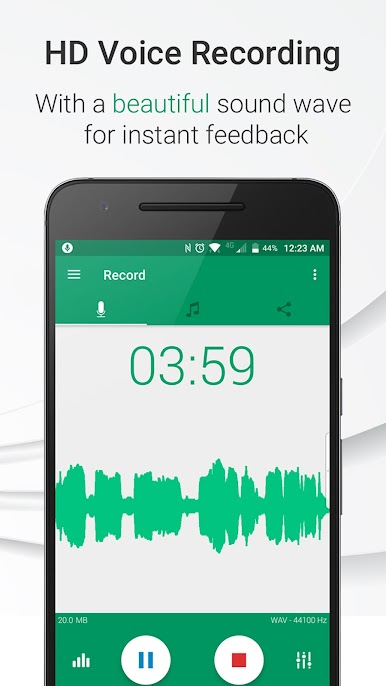
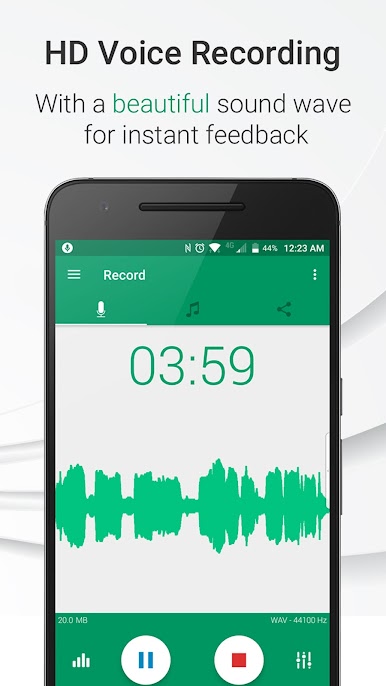
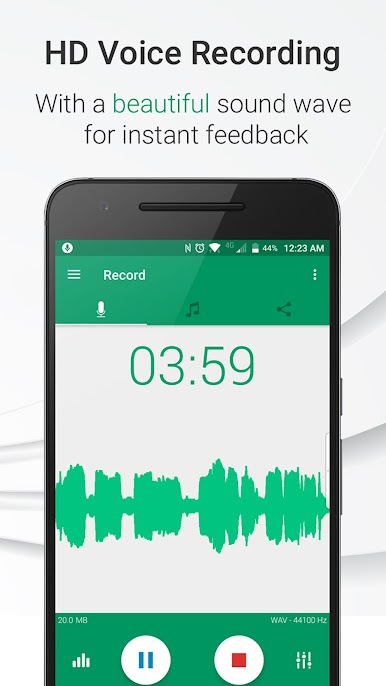
Need to capture a lecture, meeting, or random sound bite? Just hit record—easy as that. No complicated setup, no extra gear. -
Automatic & Manual Options
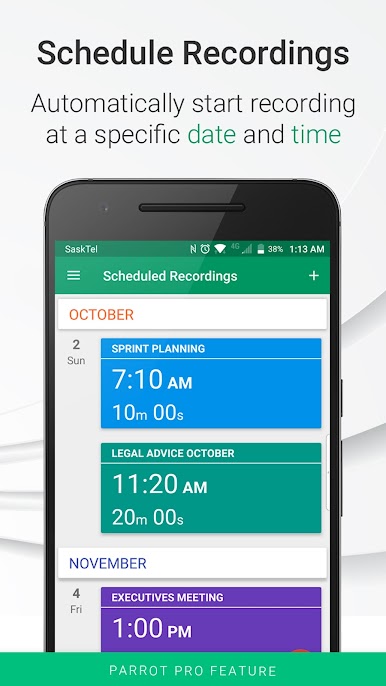
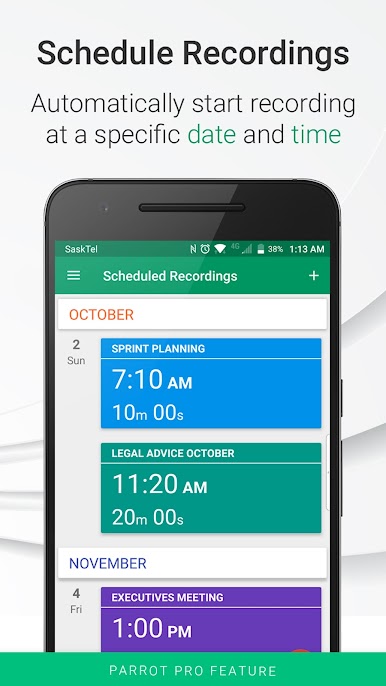
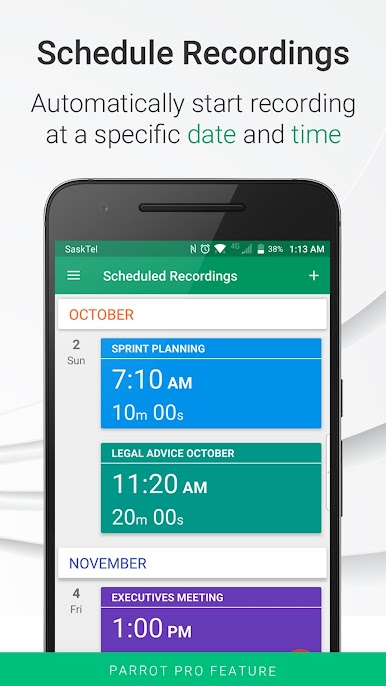
Choose what works for you: schedule recordings in advance, record phone calls automatically, or go manual for those spur-of-the-moment moments. -
Silence Skipping
Don’t want dead air cluttering your playback? The app can automatically skip over silent parts to save your time when you listen back. -
Cloud Backups
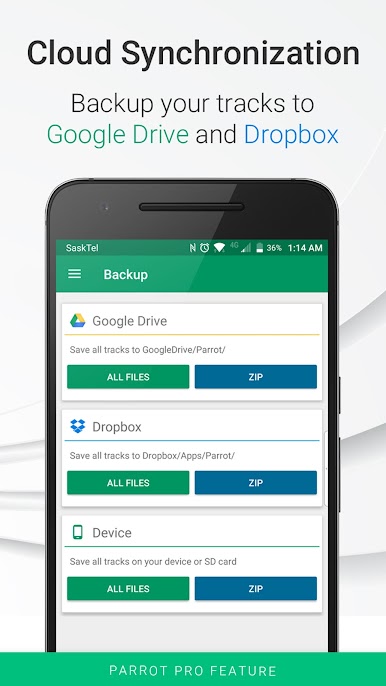
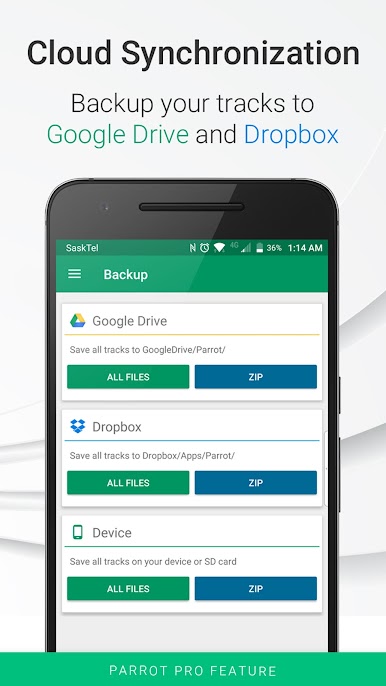
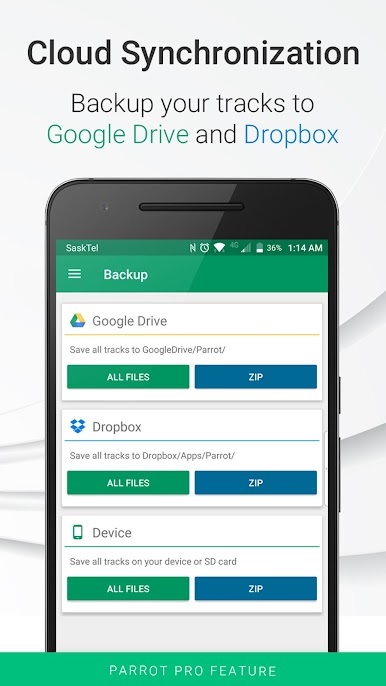
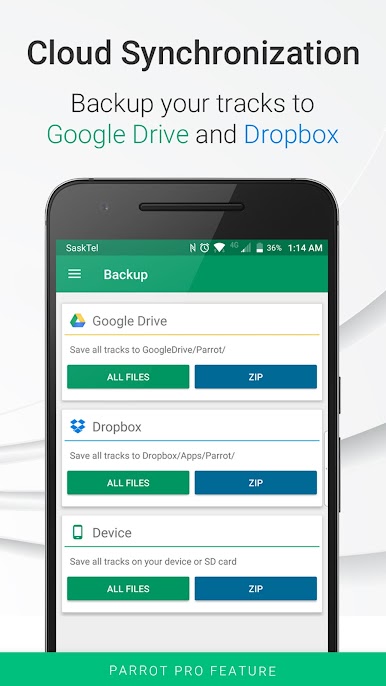
Rest easy knowing your recordings aren’t going anywhere—back them up securely with Google Drive or Dropbox so they’re always within reach. -
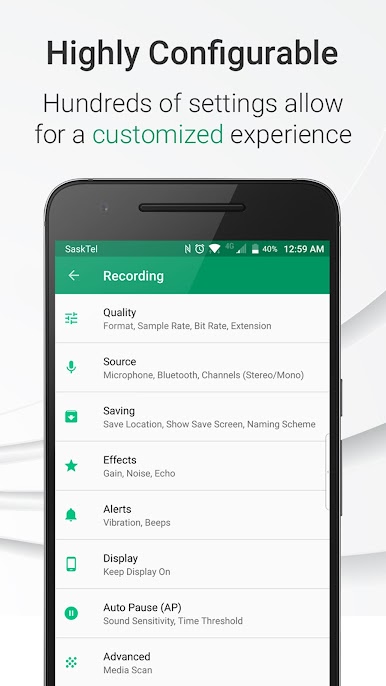
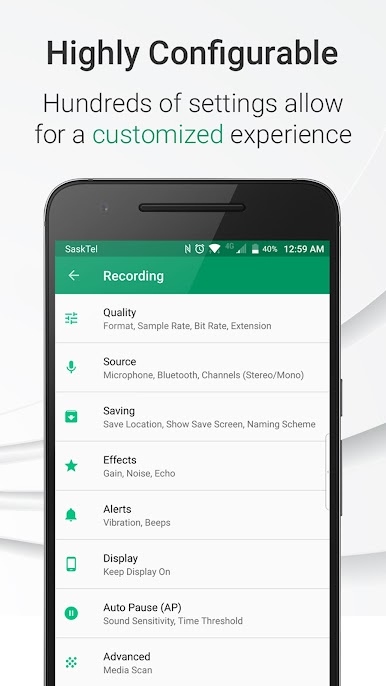
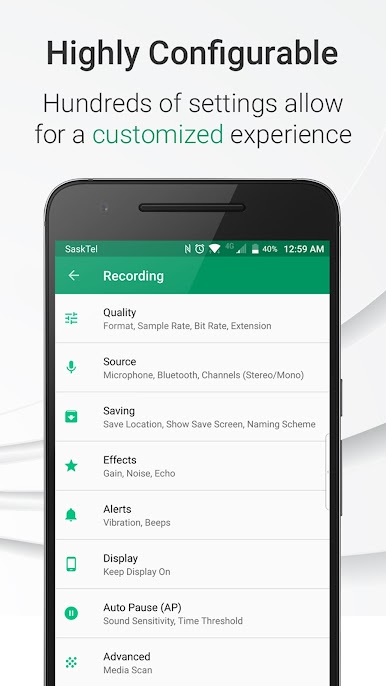
Custom Audio Settings
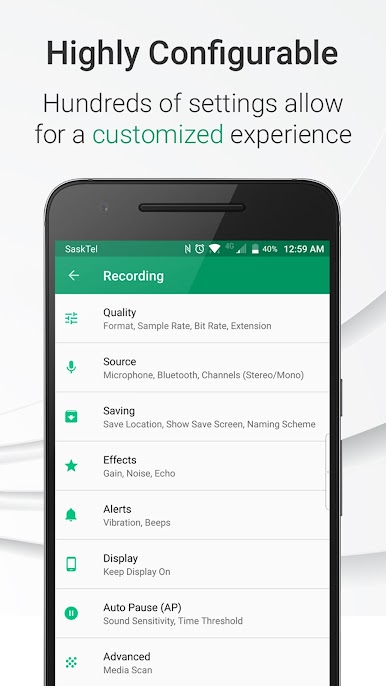
Tweak your recordings with noise reduction, echo cancellation, and gain control, so you control exactly how your audio sounds. -
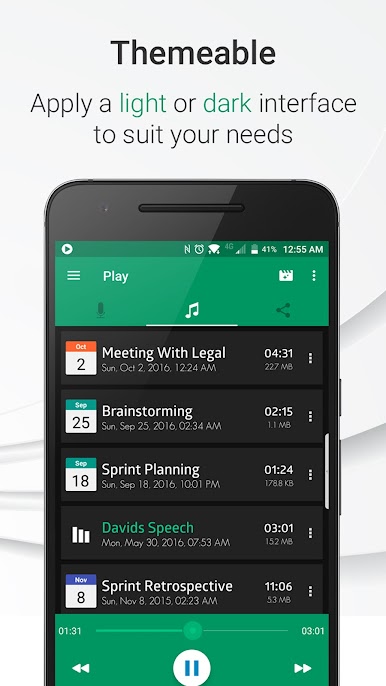
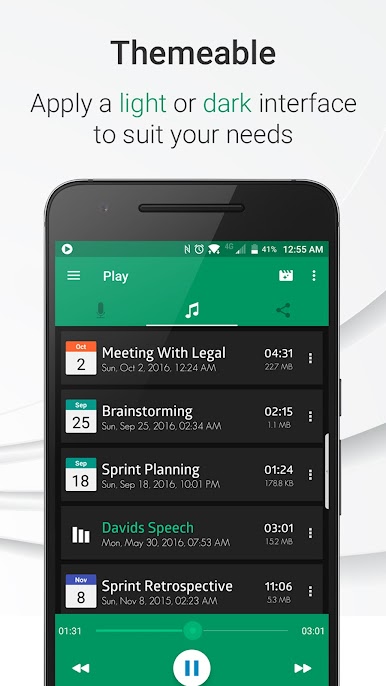
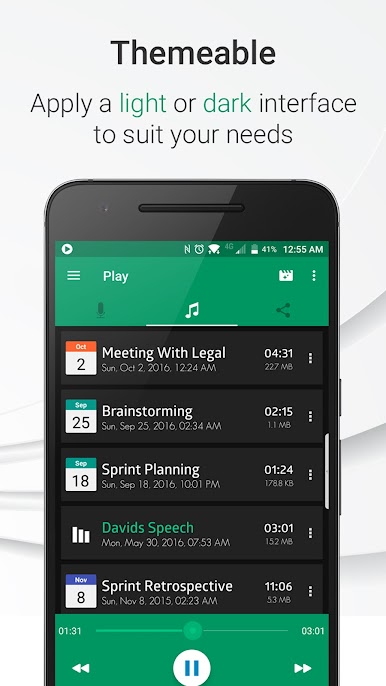
Enhanced Playback Features
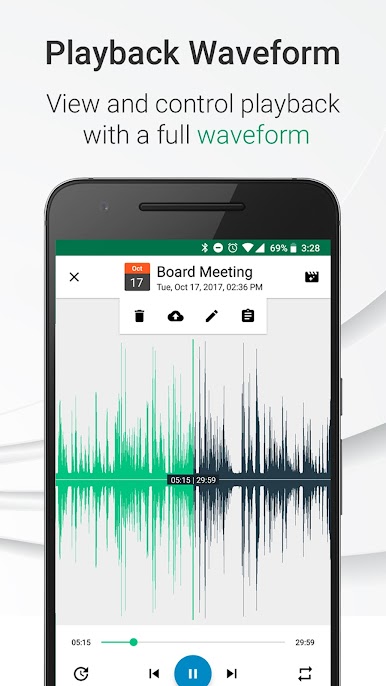
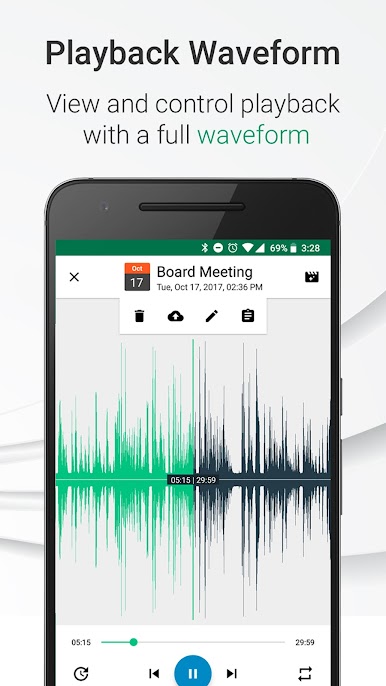
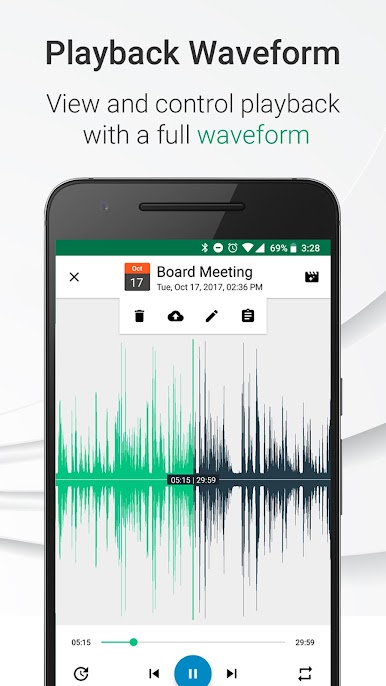
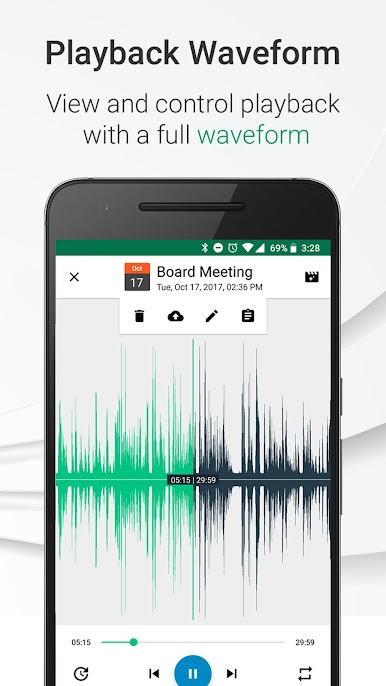
Boost the bass, crank the volume, or add some reverb. Playback comes with a handy waveform display so you can jump right to what you want to hear. -
Multiple Format Support
Save your recordings in the format that works best for you—WAV, MP4, and more. -
Easy Sharing
Send your audio files to friends, coworkers, or yourself through your favorite apps in just a few taps. -
Friendly Reminders & Vibration
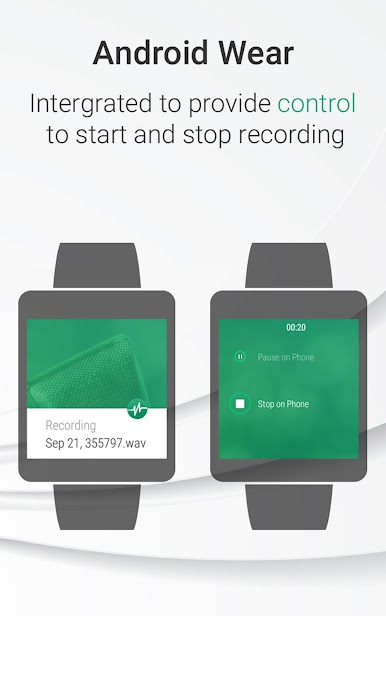
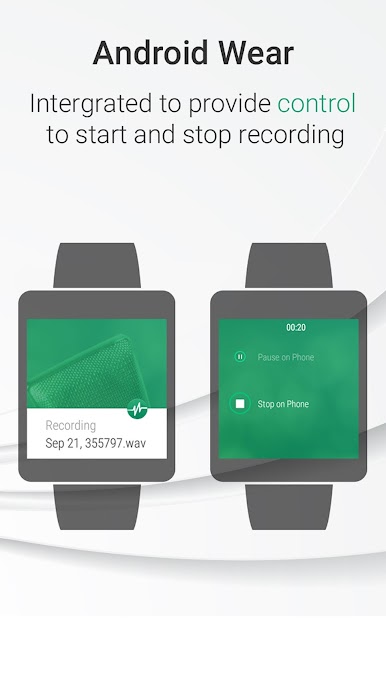
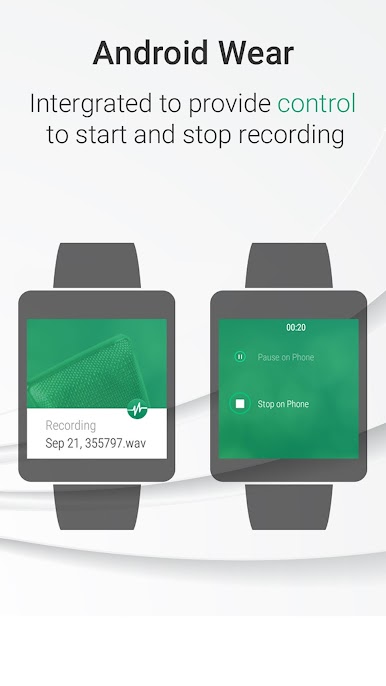
Start and stop recordings with a little buzz as confirmation, so you’re always sure when something’s being saved.
You can also run Parrot Voice Recorder on your PC with BlueStacks, expanding your recording options beyond your phone when you need more room or want to multitask.
Switch to BlueStacks and make the most of your apps on your PC or Mac.
PC에서 Parrot Voice Recorder 플레이해보세요.
-
BlueStacks 다운로드하고 설치
-
Google Play 스토어에 로그인 하기(나중에 진행가능)
-
오른쪽 상단 코너에 Parrot Voice Recorder 검색
-
검색 결과 중 Parrot Voice Recorder 선택하여 설치
-
구글 로그인 진행(만약 2단계를 지나갔을 경우) 후 Parrot Voice Recorder 설치
-
메인 홈화면에서 Parrot Voice Recorder 선택하여 실행

