

음성 입력 공책 (Pro)
5억명 이상의 게이머가 신뢰하는 안드로이드 게임 플랫폼 BlueStacks으로 PC에서 플레이하세요.

Run Voice Notes (No Ads) on PC or Mac
What’s better than using Voice Notes (No Ads) by Pacific Fisher Group? Well, try it on a big screen, on your PC or Mac, with BlueStacks to see the difference.
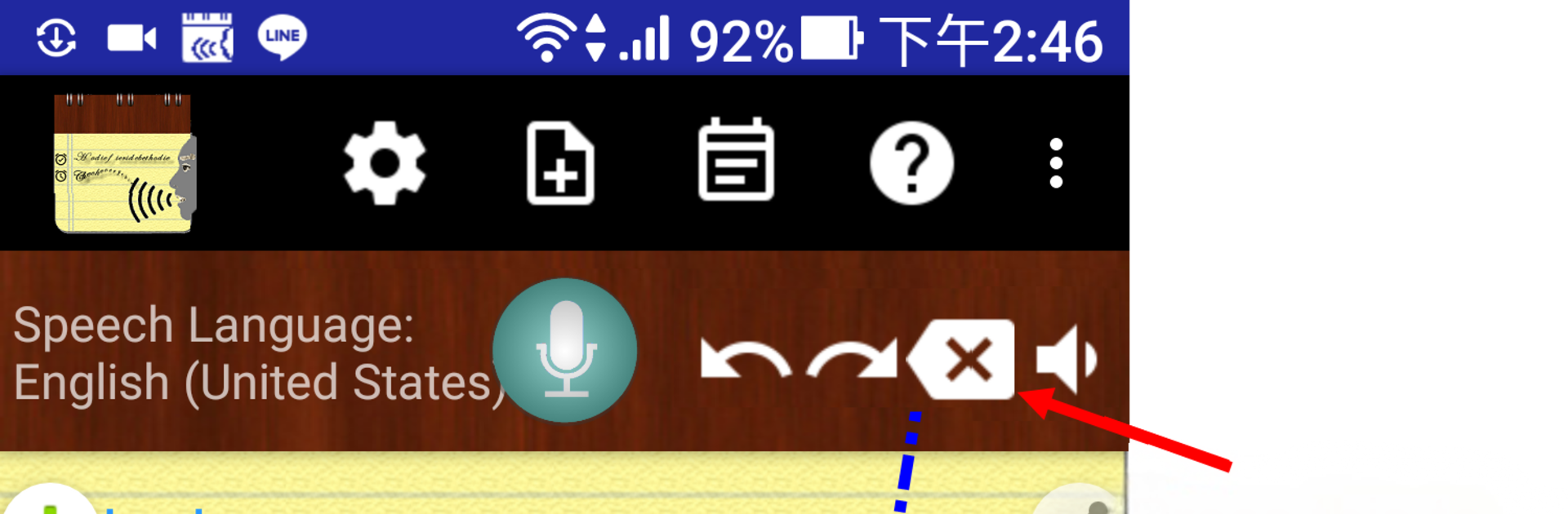
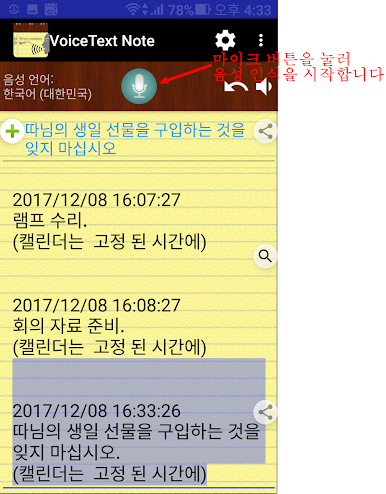
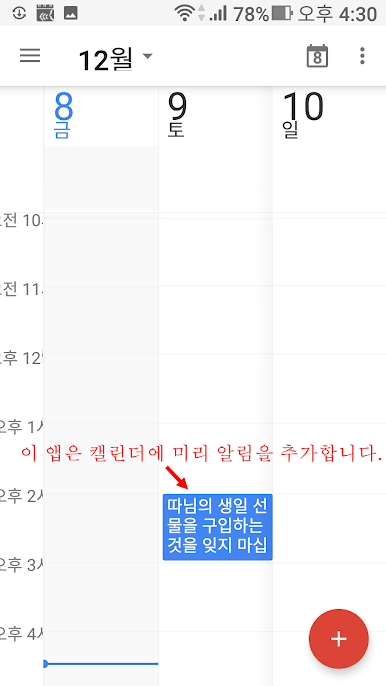
Voice Notes No Ads is one of those speak-and-it-writes tools that just gets out of the way. The paid version is a single purchase and removes the banners, plus it unlocks unlimited reminder times and the little alarm button, which is nice. If someone used the free one before, all their notes carry over. After install there is a separate icon marked No Ads, so launch that. The flow is simple. Tap the big microphone, talk, and it keeps listening, turning speech into text while letting the user set a reminder time right there. It plugs into the phone’s existing calendar, so no second calendar to juggle. Notes save to a local file automatically and can be backed up to the cloud without fuss, and organizing by project or category actually feels sane.
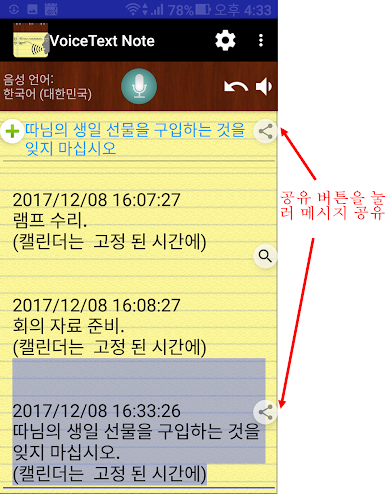
A few extras stand out. There is a Recite option to play back and check that the note was captured correctly. It still listens with the screen off, and a headset button can start or stop recognition like a push-to-talk. Sharing the text is quick. Speech recognition covers a lot of languages, and the interface itself supports many too, so switching tongues is not drama. It does rely on the Google voice engine, which most devices already have, and it will ask for microphone, storage, and calendar permissions up front. On PC with BlueStacks, the bigger view makes sorting categories and calendar events easier, and keyboard edits for titles or quick fixes feel faster, especially if a hotkey is mapped to the mic button.
BlueStacks gives you the much-needed freedom to experience your favorite apps on a bigger screen. Get it now.




PC에서 음성 입력 공책 (Pro) 플레이해보세요.
-
BlueStacks 다운로드하고 설치
-
Google Play 스토어에 로그인 하기(나중에 진행가능)
-
오른쪽 상단 코너에 음성 입력 공책 (Pro) 검색
-
검색 결과 중 음성 입력 공책 (Pro) 선택하여 설치
-
구글 로그인 진행(만약 2단계를 지나갔을 경우) 후 음성 입력 공책 (Pro) 설치
-
메인 홈화면에서 음성 입력 공책 (Pro) 선택하여 실행

