

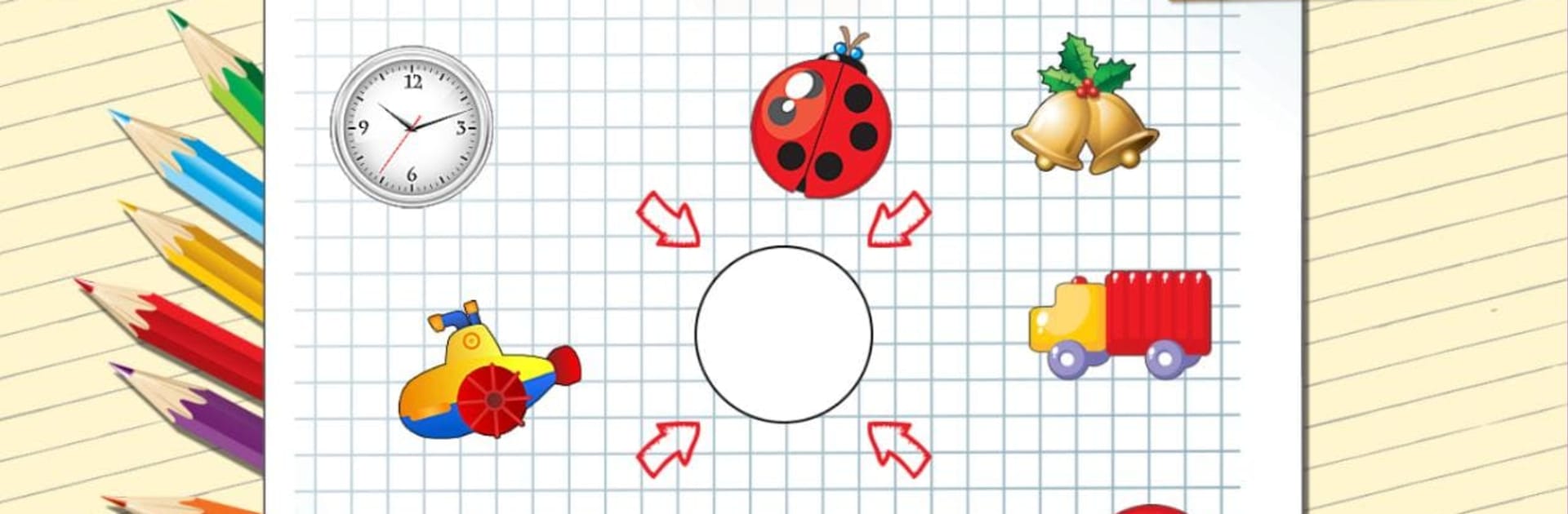
形狀和顏色的孩子
在電腦上使用BlueStacks –受到5億以上的遊戲玩家所信任的Android遊戲平台。

Run Shapes and Colors for kids on PC or Mac
What’s better than using Shapes and Colors for kids by Baby Educational Games for boys, for girls? Well, try it on a big screen, on your PC or Mac, with BlueStacks to see the difference.
About the App
Shapes and Colors for kids is a playful way for little ones to start learning about the basics—shapes and colors—while having a great time. Created with toddlers and preschoolers in mind, this Education app by Baby Educational Games for boys, for girls keeps things light and interactive, turning tricky topics into simple, hands-on games. Whether your child is just getting curious about the world or you’re looking for a fun way to help them grow, you’ll find plenty here to keep them engaged.
App Features
-
Learn Shapes the Easy Way
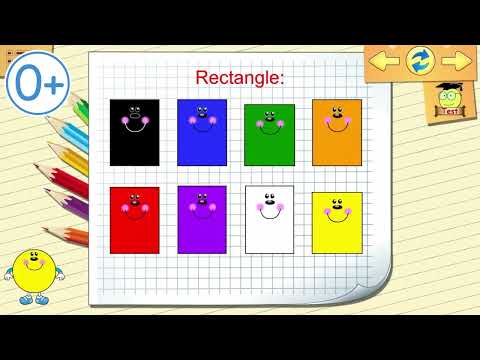
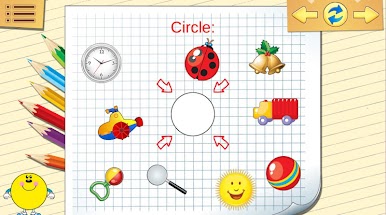
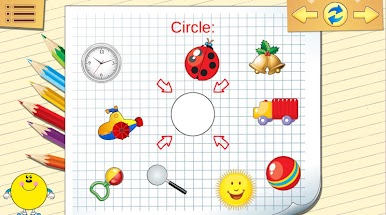
Bright, friendly shapes pop up on the screen, making it easy for kids to spot the difference between a triangle and a square. Each shape is clearly shown, so recognizing them becomes second nature. -
Colors That Pop
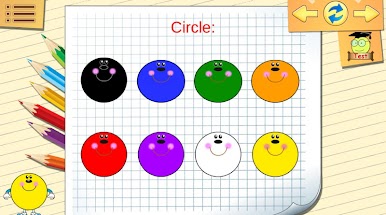
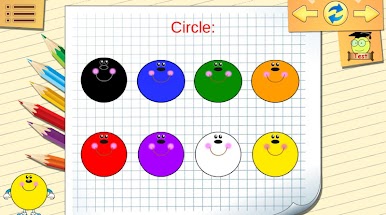
Vivid, bold colors make things exciting for little eyes. Kids get to match, sort, and identify colors in a clear, inviting way, which really helps those skills stick. -
Mini-Games for Every Mood
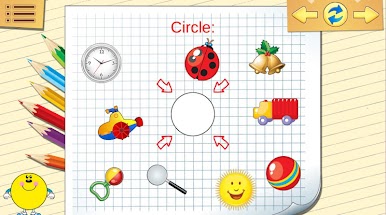
The app bundles together four different mini-games, from basic shape and color matching to surprises that reward kids for their progress. It’s always a bit of a new adventure, even after repeated play. -
Multiple Languages, Genuine Voices
Kids can play and learn in several languages, featuring real human voices in English, Russian, German, Spanish, Romanian, and French. This helps create a comfortable, friendly atmosphere for every child. -
Just Fun, No Pressure
There are no complicated menus or tricky rules—just tap, play, and watch your child discover. It’s appealing to both boys and girls, built for curious hands and minds. -
Parent-Approved Content
The activities are designed with help from child development experts, so you know your child’s playtime is also learning time. -
Play on BlueStacks
If you prefer a bigger screen or want to manage kid’s games from your desktop, Shapes and Colors for kids also works with BlueStacks, giving you more options to fit your family’s routine.
BlueStacks brings your apps to life on a bigger screen—seamless and straightforward.
在電腦上遊玩形狀和顏色的孩子 . 輕易上手.
-
在您的電腦上下載並安裝BlueStacks
-
完成Google登入後即可訪問Play商店,或等你需要訪問Play商店十再登入
-
在右上角的搜索欄中尋找 形狀和顏色的孩子
-
點擊以從搜索結果中安裝 形狀和顏色的孩子
-
完成Google登入(如果您跳過了步驟2),以安裝 形狀和顏色的孩子
-
在首頁畫面中點擊 形狀和顏色的孩子 圖標來啟動遊戲

