


餐飲系統 - W&O POS (Point of Sale)
業務 | aadhk
在電腦上使用BlueStacks –受到5億以上的遊戲玩家所信任的Android遊戲平台。

Play Restaurant Point of Sale - POS on PC
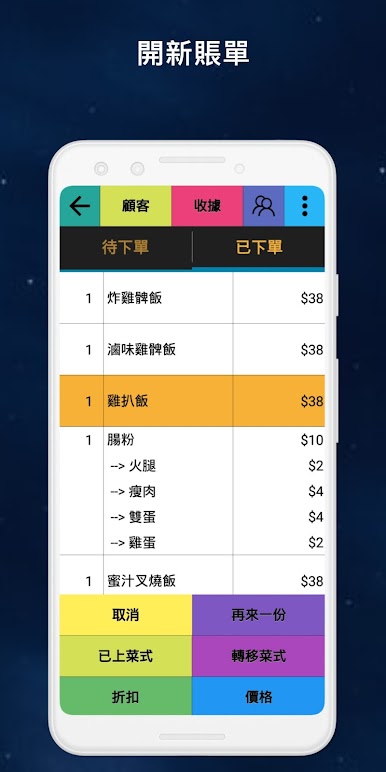
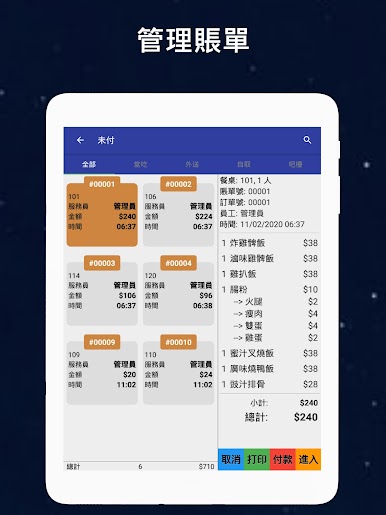
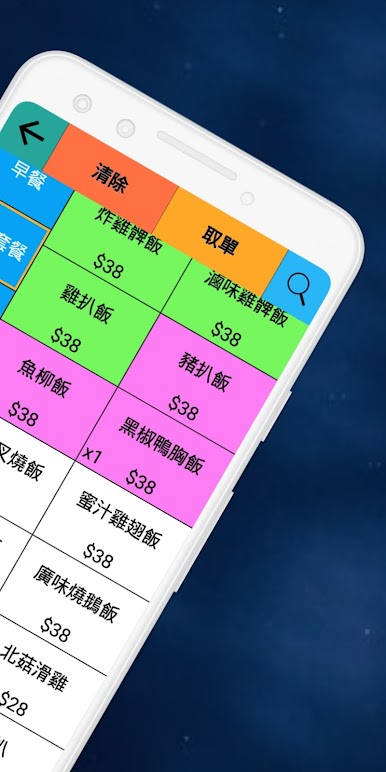
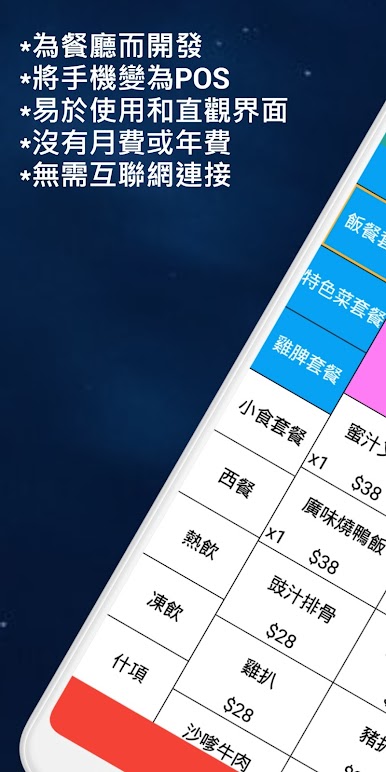
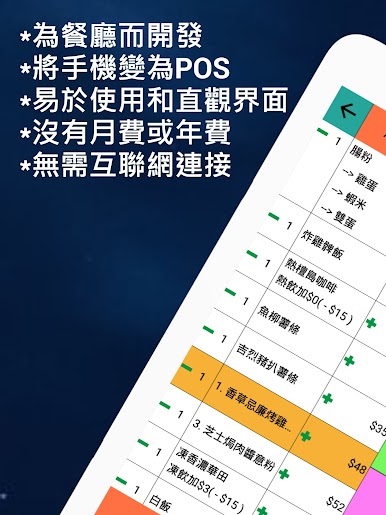
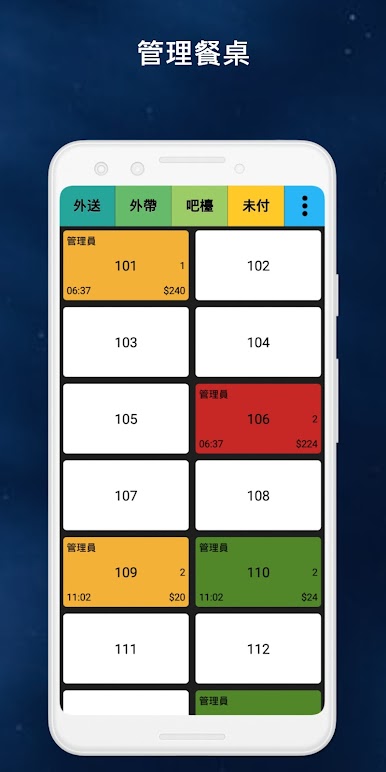
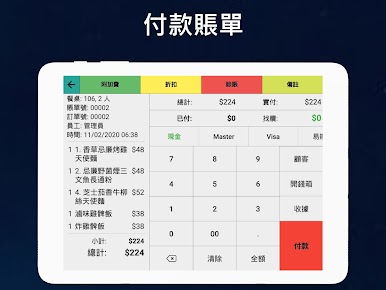
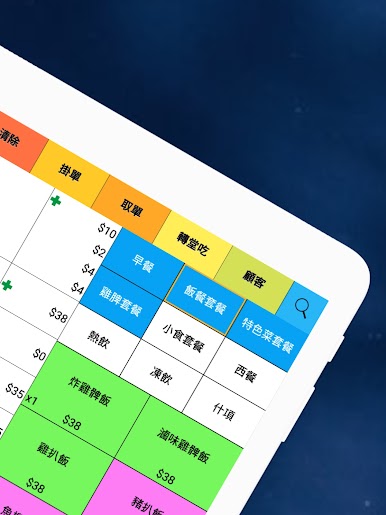
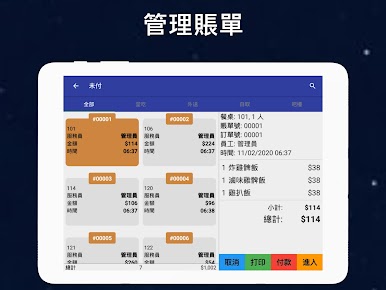
W&O POS - Restaurant Point of Sale is a phone/tablet POS built for restaurant to allow you easily use pos system.
W&O Restaurant POS - Point of Sale is perfect for dining restaurant, quick service restaurant, bar/nightclub, pizzeria and coffee shops, food trucks and food events.
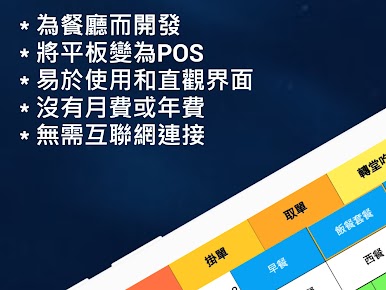
No monthly or annual fees. No need Internet connection.
* FOR U.S. CUSTOMERS PLEASE CLICK HERE
www.forknknifepos.com
Key Features
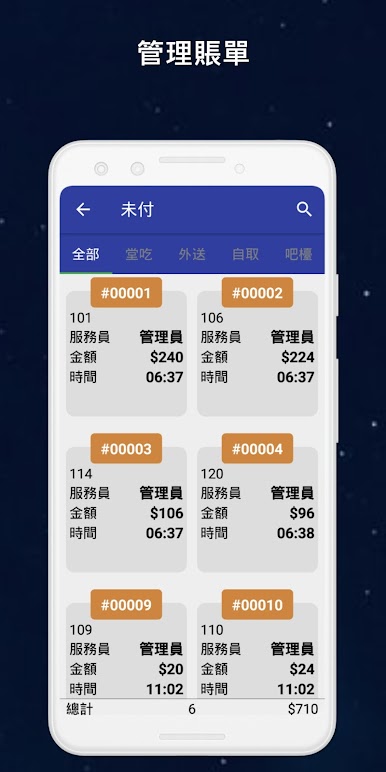
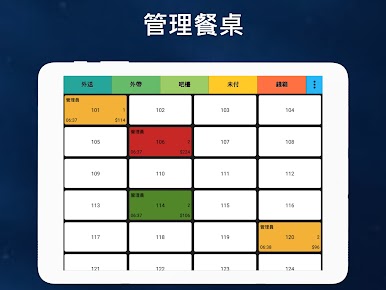
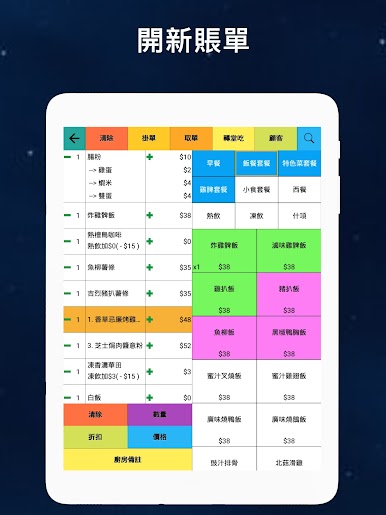
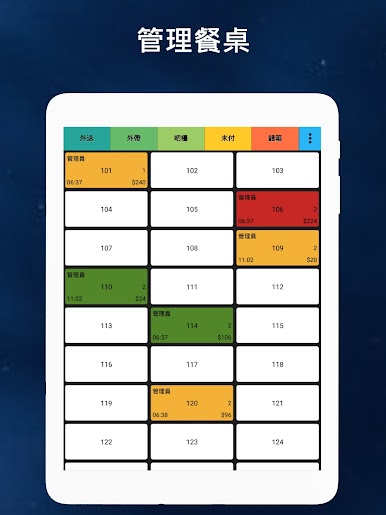
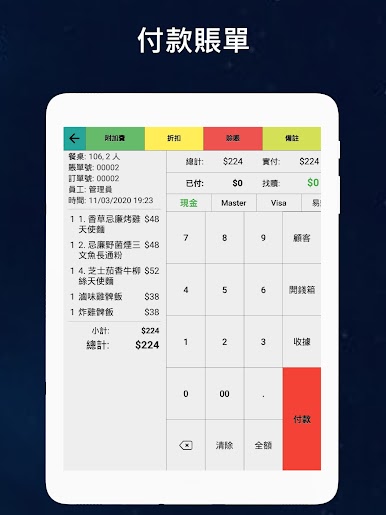
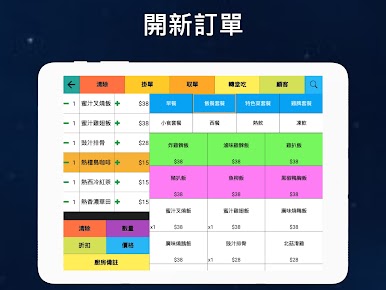
★ Support dinner in, takeout, tab and delivery ordering
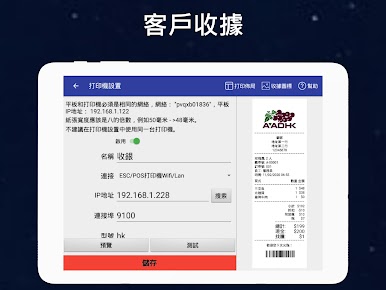
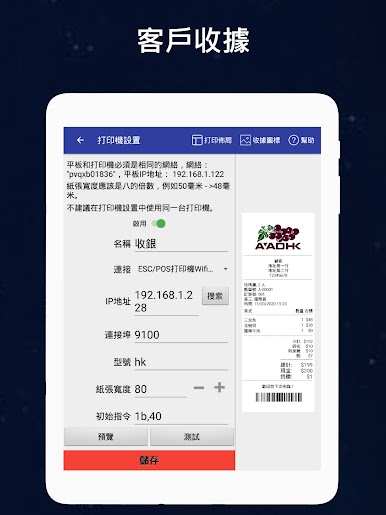
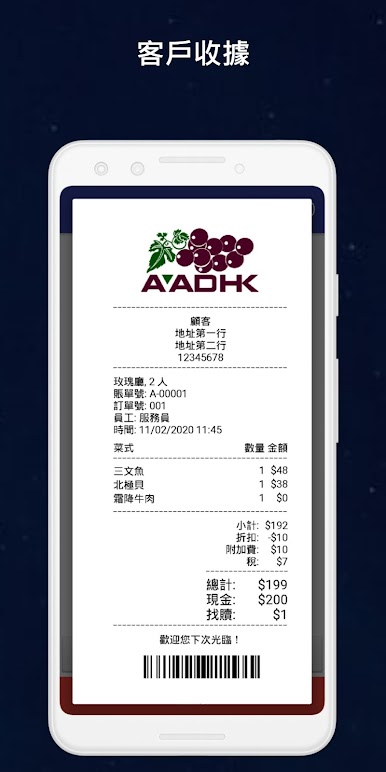
★ Print receipt, kitchen, bar, order, report
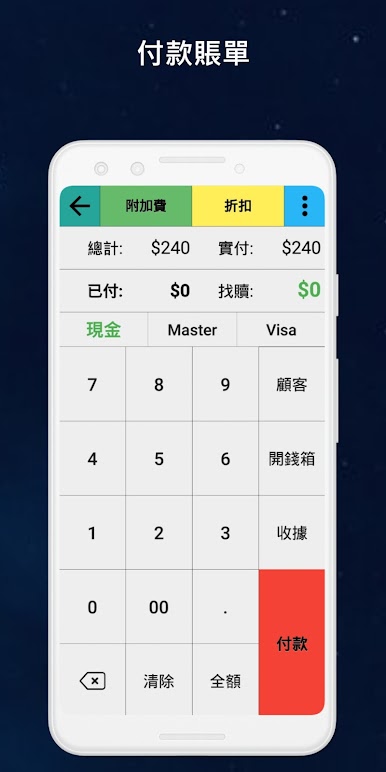
★ Various discount, gratuity, surcharge and tax
★ Flexible permissions
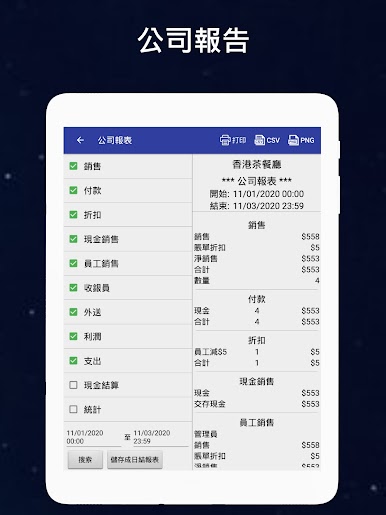
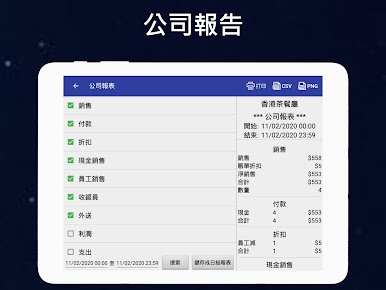
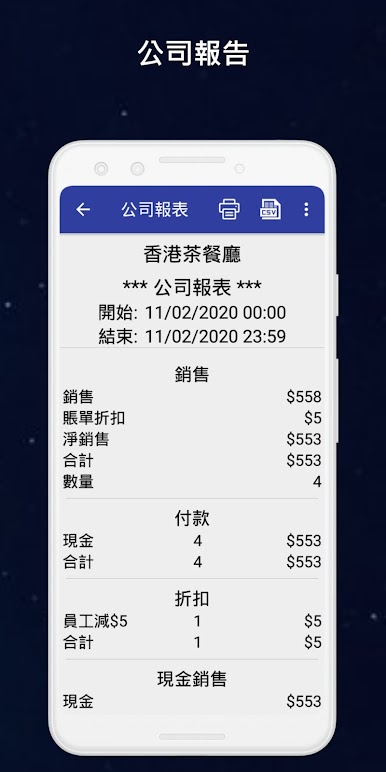
★ Sales reports
★ Table reservations
★ Pay in & pay out
★ Expense management
★ Customer membership
★ Inventory management
★ Kitchen display
★ Delivery management
* How to setup printers
Printer setup guide: http://wnopos.com/doc/Printer_Setup_Guide.pdf
Support following printers:
1. W&O POS Printer Adapter (Support all kind of printers)
Download PC-Printer Adapter http://wnopos.com/download/WnO-Printer-Adapter.zip
2. Wi-Fi/Lan or USB (Support most thermal printers with ESC/POS Command)
Best support printer: TSP143LAN (https://www.amazon.com/dp/B000FCP92C/ref=cm_sw_r_tw_dp_x_MOJqyb835K87B)
3. Bluetooth printer (Support specific printers with ESC/POS Command)
Best support printer: Star SM-L200 (https://www.amazon.com/dp/B010AFD5VK/ref=cm_sw_r_tw_dp_x_jMJqybHY3XHK2)
* W&O POS supports Fire Tablets
https://www.amazon.com/dp/B01J94SWWU/ref=fs_ods_tab_ds
More information about the hardware
http://wnopos.com/android-pos-hardware.html
* How to use with W&O Kitchen Display System
https://play.google.com/store/apps/details?id=com.aadhk.kds
* Trial our full version
https://wnopos.com/android-pos-pos.html
To support multiple phones/tablets taking order at same time, you will need server version, you can download the trial version from our website.
https://wnopos.com/android-pos-pos.html
* To get user guide
https://wnopos.com/android-pos-support.html
* To report bugs or request features
https://pos.uservoice.com
P.S.If you like the app, we will love it if you could give us a good rating. It really does help on our mission to making small business Point of Sale as fast and hassle-free as possible. Thank you for choosing our W&O POS system!
W&O Restaurant POS - Point of Sale is perfect for dining restaurant, quick service restaurant, bar/nightclub, pizzeria and coffee shops, food trucks and food events.
No monthly or annual fees. No need Internet connection.
* FOR U.S. CUSTOMERS PLEASE CLICK HERE
www.forknknifepos.com
Key Features
★ Support dinner in, takeout, tab and delivery ordering
★ Print receipt, kitchen, bar, order, report
★ Various discount, gratuity, surcharge and tax
★ Flexible permissions
★ Sales reports
★ Table reservations
★ Pay in & pay out
★ Expense management
★ Customer membership
★ Inventory management
★ Kitchen display
★ Delivery management
* How to setup printers
Printer setup guide: http://wnopos.com/doc/Printer_Setup_Guide.pdf
Support following printers:
1. W&O POS Printer Adapter (Support all kind of printers)
Download PC-Printer Adapter http://wnopos.com/download/WnO-Printer-Adapter.zip
2. Wi-Fi/Lan or USB (Support most thermal printers with ESC/POS Command)
Best support printer: TSP143LAN (https://www.amazon.com/dp/B000FCP92C/ref=cm_sw_r_tw_dp_x_MOJqyb835K87B)
3. Bluetooth printer (Support specific printers with ESC/POS Command)
Best support printer: Star SM-L200 (https://www.amazon.com/dp/B010AFD5VK/ref=cm_sw_r_tw_dp_x_jMJqybHY3XHK2)
* W&O POS supports Fire Tablets
https://www.amazon.com/dp/B01J94SWWU/ref=fs_ods_tab_ds
More information about the hardware
http://wnopos.com/android-pos-hardware.html
* How to use with W&O Kitchen Display System
https://play.google.com/store/apps/details?id=com.aadhk.kds
* Trial our full version
https://wnopos.com/android-pos-pos.html
To support multiple phones/tablets taking order at same time, you will need server version, you can download the trial version from our website.
https://wnopos.com/android-pos-pos.html
* To get user guide
https://wnopos.com/android-pos-support.html
* To report bugs or request features
https://pos.uservoice.com
P.S.If you like the app, we will love it if you could give us a good rating. It really does help on our mission to making small business Point of Sale as fast and hassle-free as possible. Thank you for choosing our W&O POS system!
在電腦上遊玩餐飲系統 - W&O POS (Point of Sale) . 輕易上手.
-
在您的電腦上下載並安裝BlueStacks
-
完成Google登入後即可訪問Play商店,或等你需要訪問Play商店十再登入
-
在右上角的搜索欄中尋找 餐飲系統 - W&O POS (Point of Sale)
-
點擊以從搜索結果中安裝 餐飲系統 - W&O POS (Point of Sale)
-
完成Google登入(如果您跳過了步驟2),以安裝 餐飲系統 - W&O POS (Point of Sale)
-
在首頁畫面中點擊 餐飲系統 - W&O POS (Point of Sale) 圖標來啟動遊戲

