

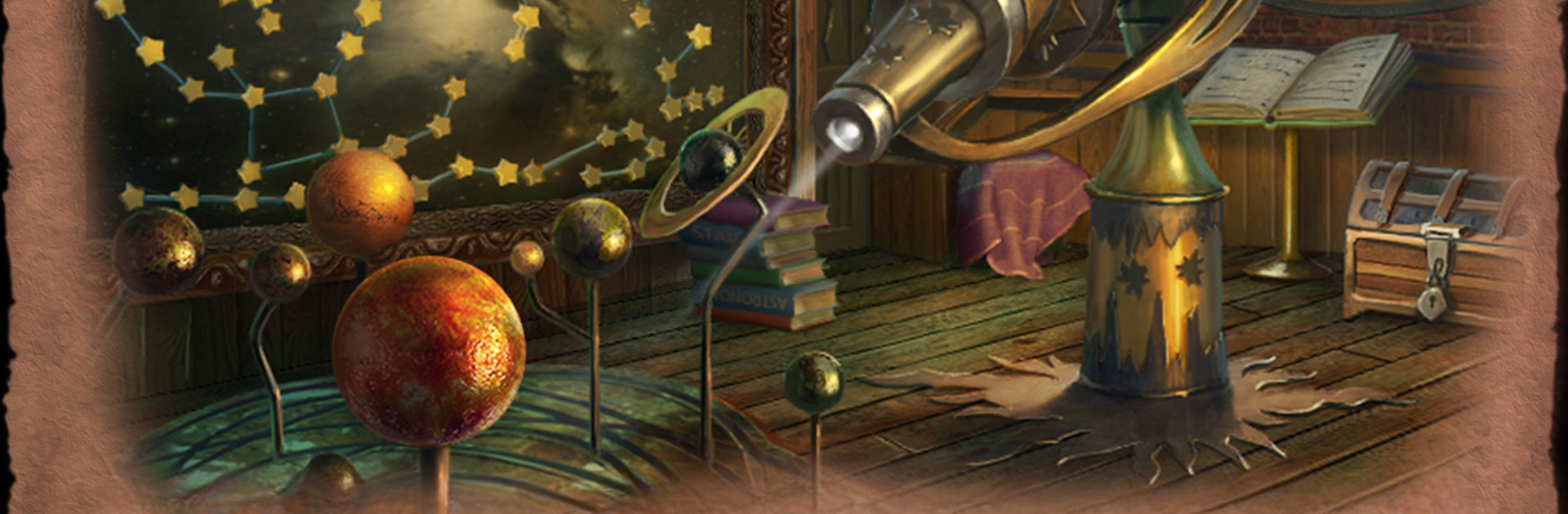
The Renaissance of Evil
在電腦上使用BlueStacks –受到5億以上的遊戲玩家所信任的Android遊戲平台。

Play Apothecarium: The Renaissance of Evil on PC or Mac
From the innovators and creators at Icestone, Apothecarium: The Renaissance of Evil is another fun addition to the World of Adventure games. Go beyond your mobile screen and play it bigger and better on your PC or Mac. An immersive experience awaits you.
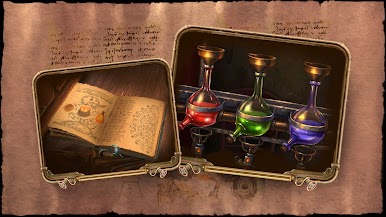
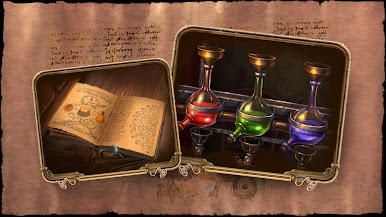
Apothecarium: The Renaissance of Evil is a hidden object game set in old-school Renaissance Italy — picture secret cities, mysterious alchemists, and some pretty elaborate old buildings to poke around in. It’s got a strong detective story running through it, where you’re basically trying to solve the disappearance of this important family who got sent to a supposed safe haven when a weird plague hit, only to run into something much more dangerous. Playing on PC with BlueStacks gives everything a boost, since the artwork and details really stand out with a bigger screen.
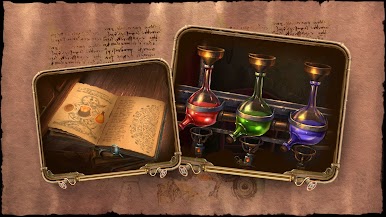
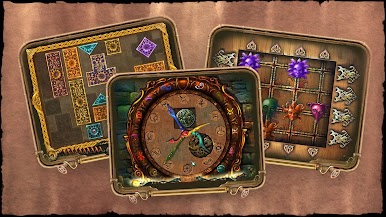
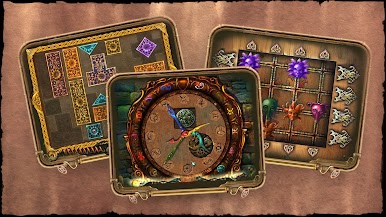
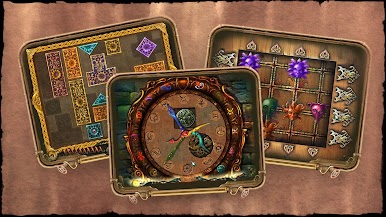
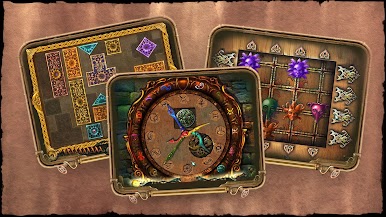
The gameplay jumps between searching through packed locations for hidden objects, figuring out clues, and all sorts of puzzles — not just standard ones either, but things like sliding puzzles, matching games, even tangram-style brain teasers and little arcade challenges. There’s a whole system where you collect coins for solving stuff, which you can use on upgrades. The cool thing is there’s also a Match 3 option if hunting for hidden objects isn’t really clicking on a certain scene. Puzzles and scenes can be replayed, so no stress if you want to go back, and there’s a guide built right in if you get stuck. It really feels like a mix of a detective story and a puzzle marathon, just with a lot more Renaissance drama and ghost town creepiness than your usual hidden object game. The voice acting and those cutscenes pull everything together and make it feel like you’re actually catching glimpses into this weird, plague-stricken city.
Ready to top the leaderboard? We bet you do. Let precise controls and sharp visuals optimized on BlueStacks lead you to victory.

























在電腦上遊玩The Renaissance of Evil . 輕易上手.
-
在您的電腦上下載並安裝BlueStacks
-
完成Google登入後即可訪問Play商店,或等你需要訪問Play商店十再登入
-
在右上角的搜索欄中尋找 The Renaissance of Evil
-
點擊以從搜索結果中安裝 The Renaissance of Evil
-
完成Google登入(如果您跳過了步驟2),以安裝 The Renaissance of Evil
-
在首頁畫面中點擊 The Renaissance of Evil 圖標來啟動遊戲

