

Total Reflexology 3D
5억명 이상의 게이머가 신뢰하는 안드로이드 게임 플랫폼 BlueStacks으로 PC에서 플레이하세요.

Run Total Reflexology 3D on PC or Mac
Multitask effortlessly on your PC or Mac as you try out Total Reflexology 3D, a Education app by GraphicViZion on BlueStacks.
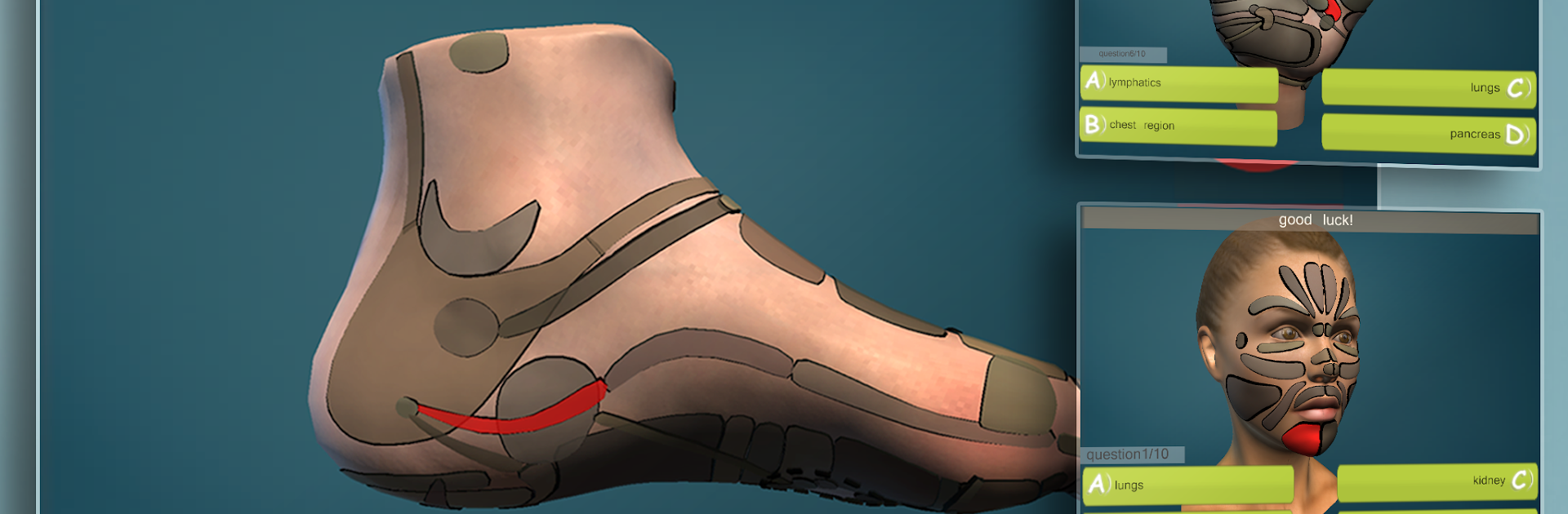
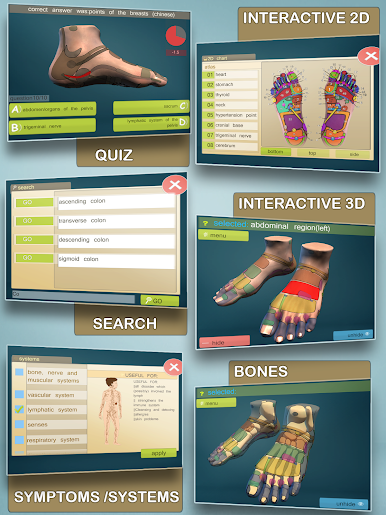
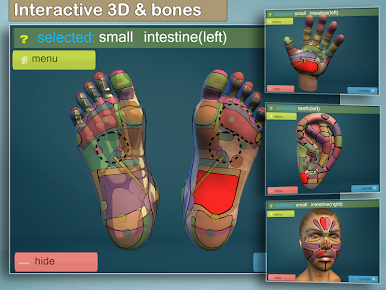
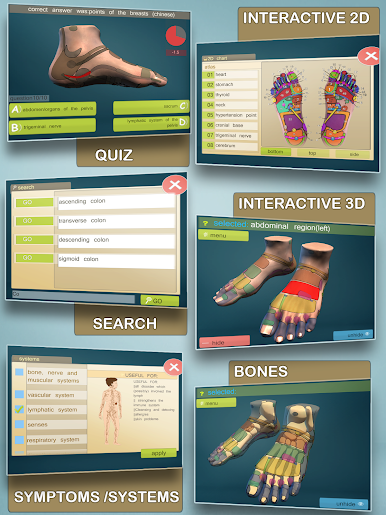
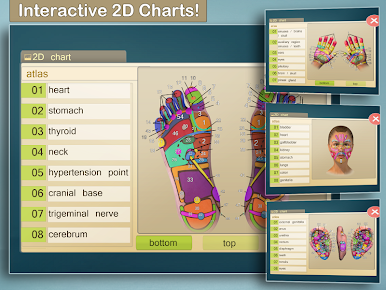
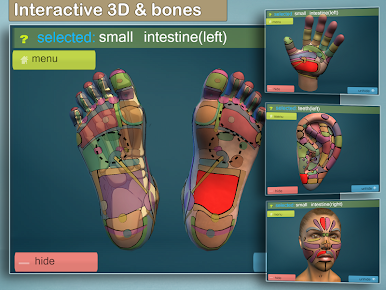
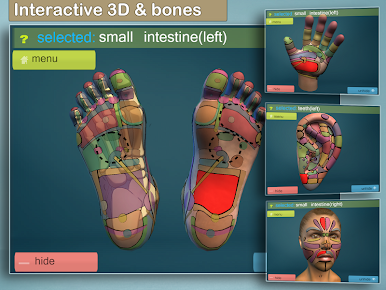
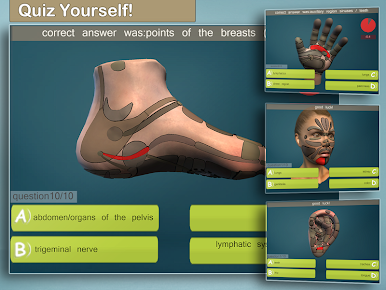
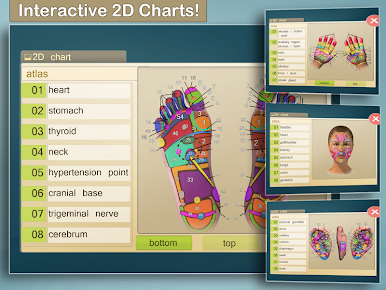
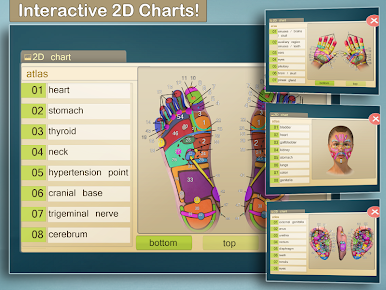
Total Reflexology 3D feels like a hands-on atlas for reflex zones. It covers feet, hands, ears, and face, and the whole thing runs in full 3D that can be spun around, zoomed, and poked at to see what is what. On a PC with BlueStacks, the mouse wheel and bigger screen make it easy to glide around the model and read labels without squinting. There are also clean 2D illustrations when a flat chart is just quicker to read, so it does not lock anyone into only one view.
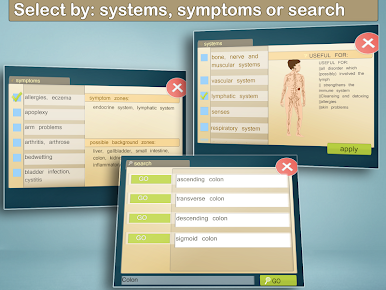
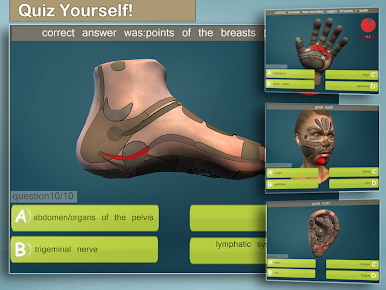
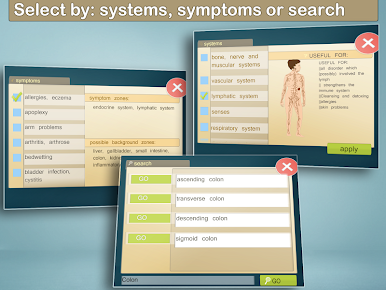
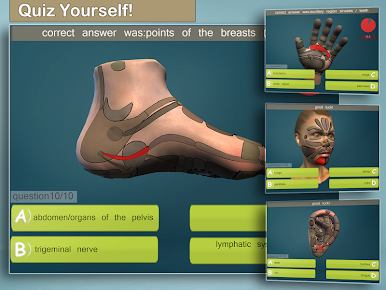
What stands out is how direct it is. Type a symptom or pick a body system, and it highlights the matching zones so users can see where to work. Tap a zone to get details. There are quick quizzes too, so it turns studying into a small challenge rather than just scrolling through charts. It is not trying to replace a full textbook, and it says so, but it fills that gap when someone needs a visual reference fast. Students or anyone who learns better by seeing and moving things around will probably get alot from it. The 3D model helps make the relationships between zones and anatomy click in a way that flipping pages rarely does. Content has been checked with a proper training center, which gives it a trustworthy feel without being all formal. No fluff, just a solid, interactive guide that is more fun to explore on a desktop where the controls feel natural.
Eager to take your app experience to the next level? Start right away by downloading BlueStacks on your PC or Mac.

PC에서 Total Reflexology 3D 플레이해보세요.
-
BlueStacks 다운로드하고 설치
-
Google Play 스토어에 로그인 하기(나중에 진행가능)
-
오른쪽 상단 코너에 Total Reflexology 3D 검색
-
검색 결과 중 Total Reflexology 3D 선택하여 설치
-
구글 로그인 진행(만약 2단계를 지나갔을 경우) 후 Total Reflexology 3D 설치
-
메인 홈화면에서 Total Reflexology 3D 선택하여 실행

