

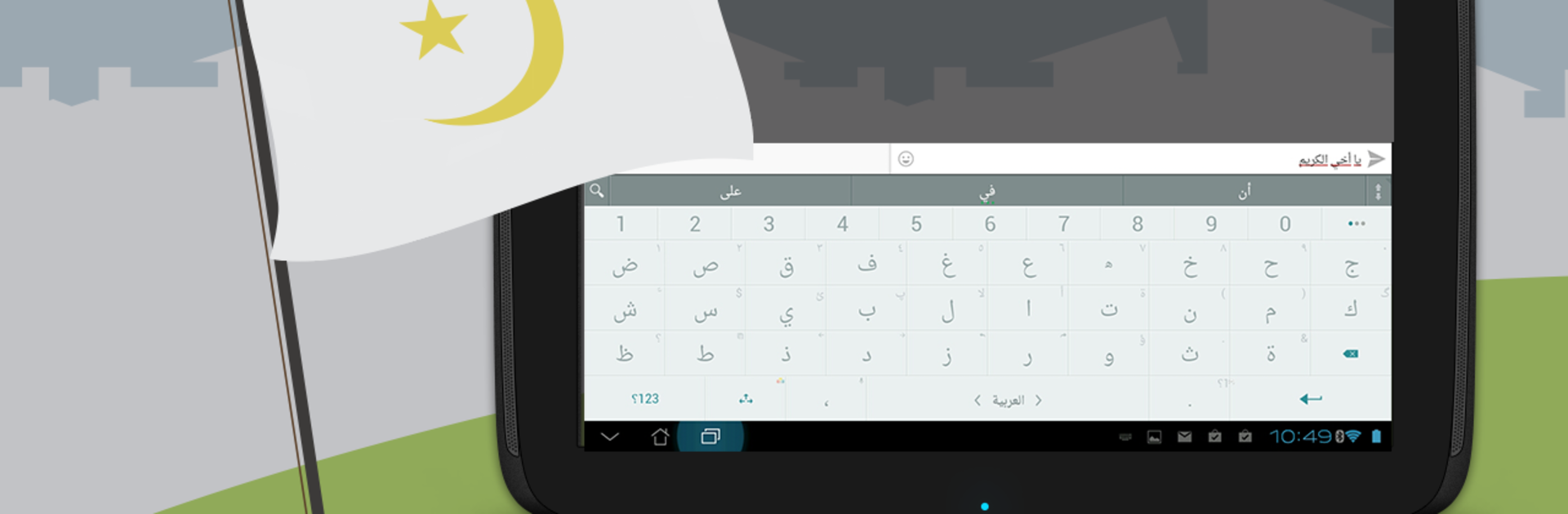
Arabic for ai.type keyboard
在電腦上使用BlueStacks –受到5億以上的遊戲玩家所信任的Android遊戲平台。

Run Arabic for ai.type keyboard on PC or Mac
Multitask effortlessly on your PC or Mac as you try out Arabic for ai.type keyboard, a Productivity app by ai.type on BlueStacks.
About the App
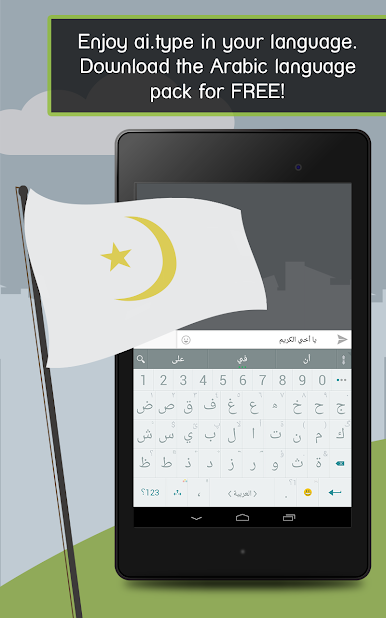
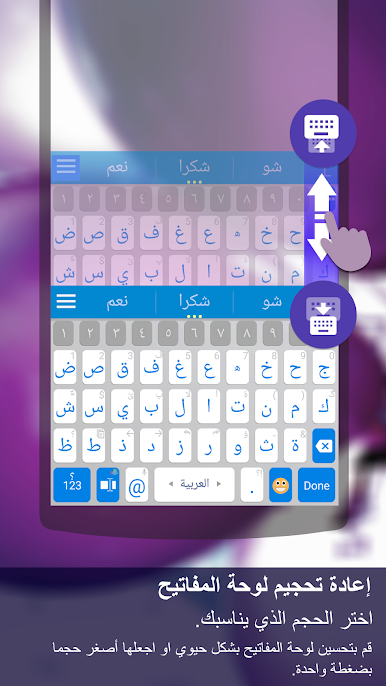
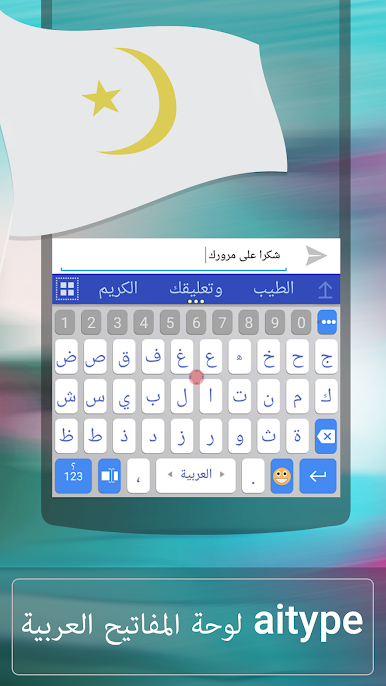
Looking for an easy way to type in Arabic on your Android device? Arabic for ai.type keyboard makes switching between English and Arabic a breeze, so you can chat, text, or write without skipping a beat. Developed by ai.type and sitting in the Productivity category, this handy add-on brings accurate predictions and smart corrections to your fingertips. Whether you’re messaging friends, writing work emails, or just browsing, this keyboard extension is all about making your typing smoother and more personal.
App Features
-
Seamless Arabic Input
Add full Arabic typing support to your ai.type keyboard. Just a simple tap lets you choose between your preferred languages and makes communication in Arabic feel second nature. -
Real-Time Suggestions
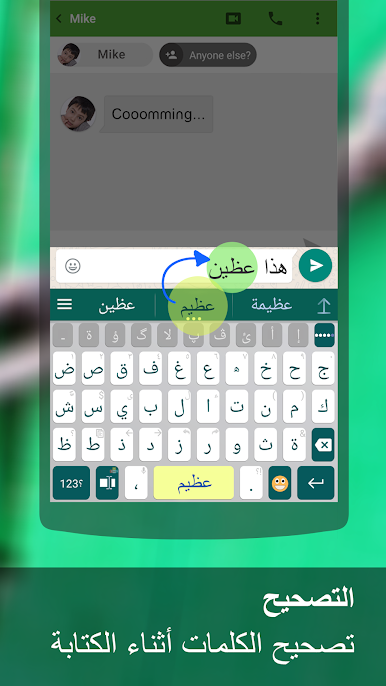
Tired of typos? This Arabic pack helps out with smart word predictions, speedy completions, and automatic corrections as you type. -
Easy Language Switching
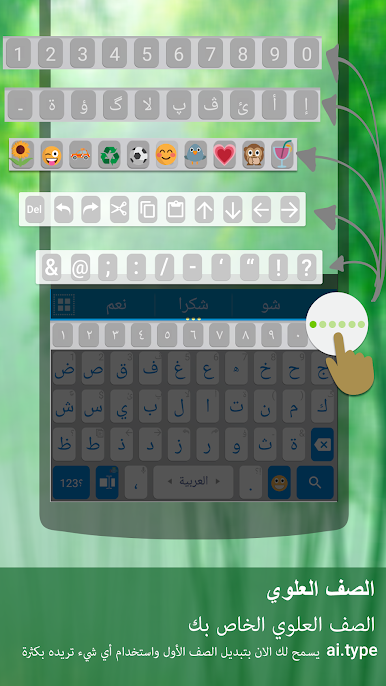
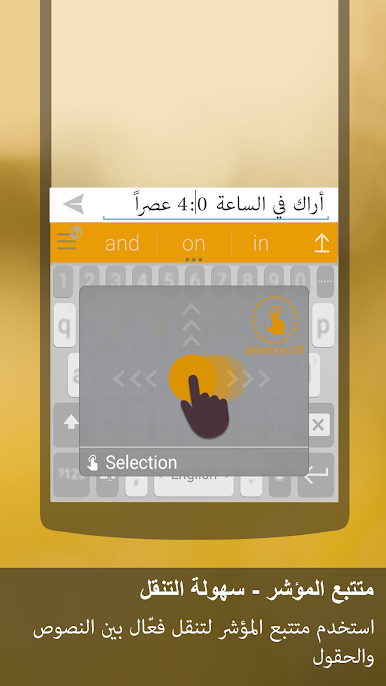
Switching between Arabic and other installed languages is simple. Just swipe the Space key and you’re set—no digging through menus. -
Customizable Experience
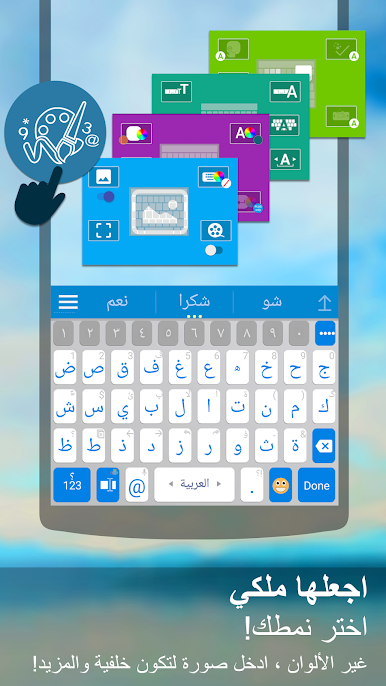
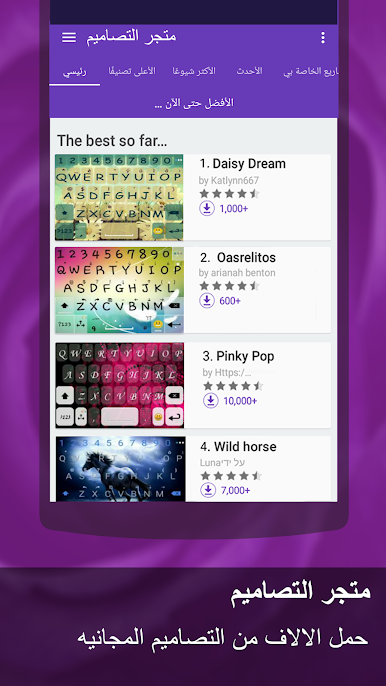
Pick from hundreds of themes or set up your own look so your keyboard actually feels like it belongs to you. -
Emoji Support
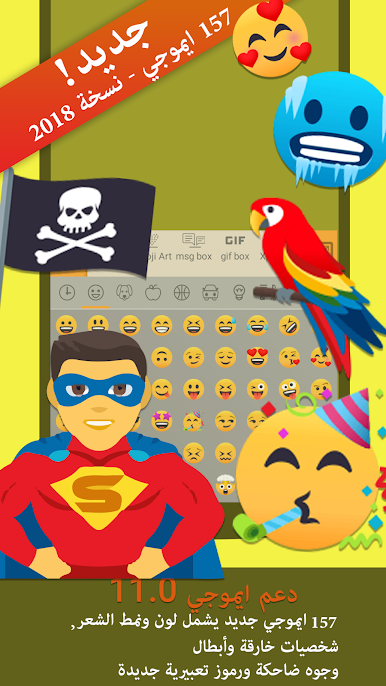
Bring conversations to life with built-in emoji features that work seamlessly alongside Arabic text. -
Self-Learning Technology
The more you type, the smarter the keyboard gets. It remembers your style and boosts both speed and accuracy over time.
You can pair Arabic for ai.type keyboard with your favorite device—and yes, using BlueStacks is one way to make it happen on your computer too.
BlueStacks brings your apps to life on a bigger screen—seamless and straightforward.
在電腦上遊玩Arabic for ai.type keyboard . 輕易上手.
-
在您的電腦上下載並安裝BlueStacks
-
完成Google登入後即可訪問Play商店,或等你需要訪問Play商店十再登入
-
在右上角的搜索欄中尋找 Arabic for ai.type keyboard
-
點擊以從搜索結果中安裝 Arabic for ai.type keyboard
-
完成Google登入(如果您跳過了步驟2),以安裝 Arabic for ai.type keyboard
-
在首頁畫面中點擊 Arabic for ai.type keyboard 圖標來啟動遊戲

