



Amazon Music: Songs & Podcasts
在電腦上使用BlueStacks –受到5億以上的遊戲玩家所信任的Android遊戲平台。

Run Amazon Music: Songs & Podcasts on PC or Mac
Amazon Music: Songs & Podcasts is a Music & Audio app developed by Amazon Mobile LLC. BlueStacks app player is the best platform to play this Android game on your PC or Mac for an immersive gaming experience.
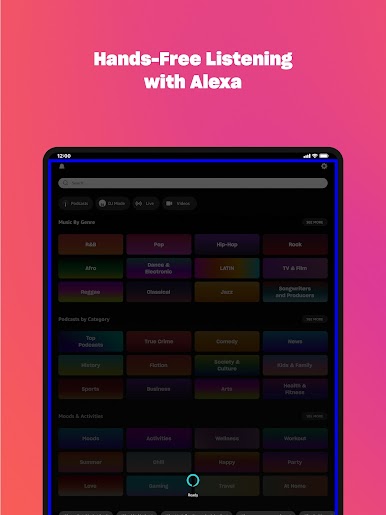
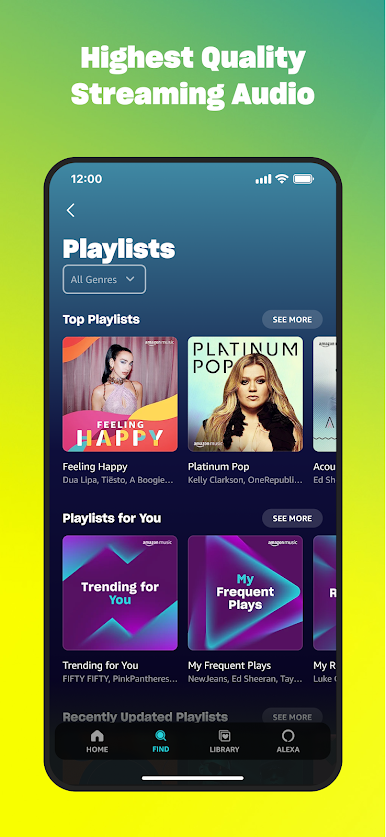
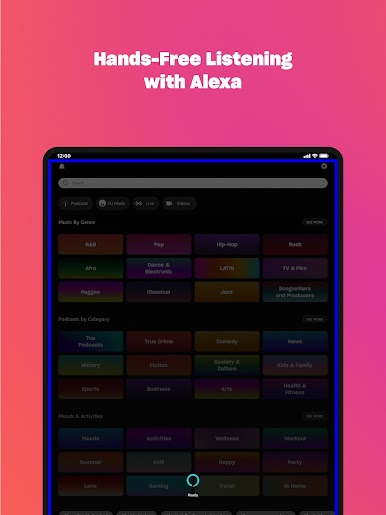
Amazon Music: Songs & Podcasts is the music app that is changing the way you listen to your favorite songs and podcasts. With no credit card required, you can listen to your favorite music and podcasts for free with ads. If you’re a Prime member, you can enjoy all the music and top podcasts ad-free, along with other amazing benefits.
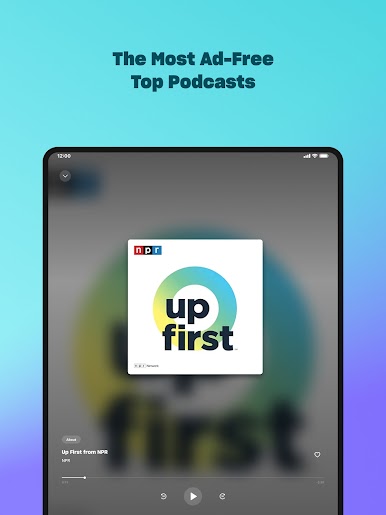
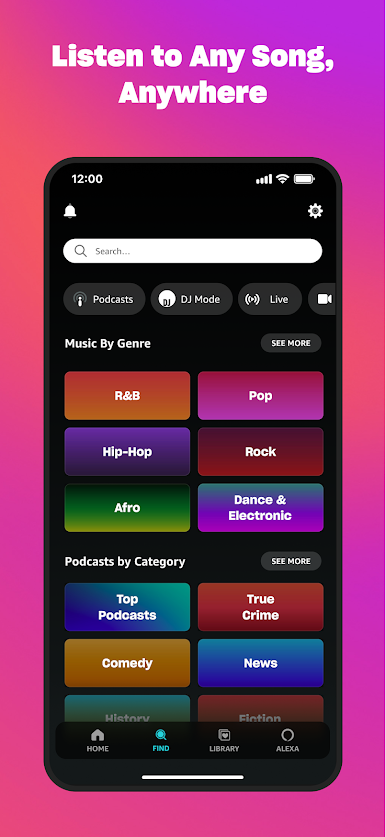
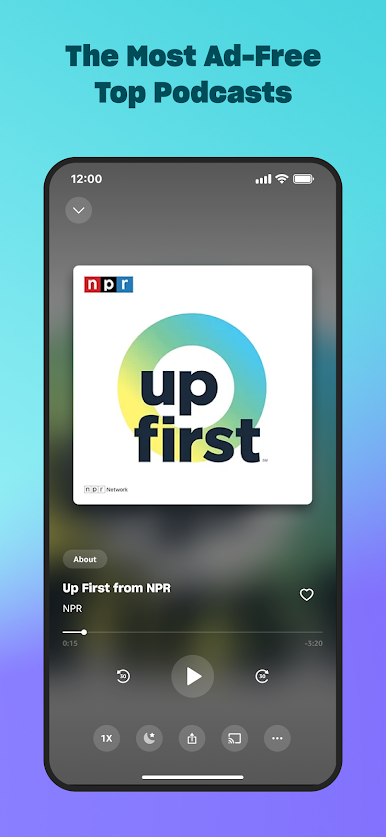
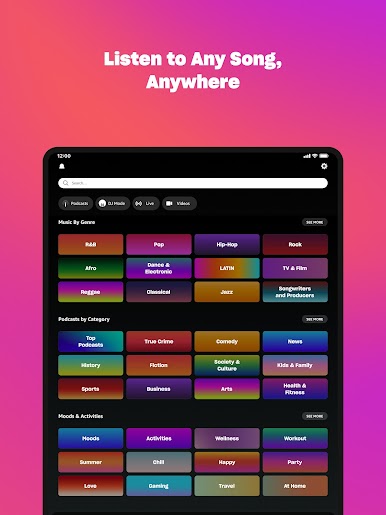
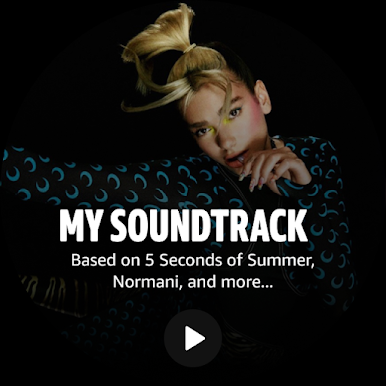
Discover new music and podcasts based on your likes, and shuffle play any artist, album, or playlist. And with the largest catalog of ad-free top podcasts, you can stay up to date on your favorite shows without any interruptions.
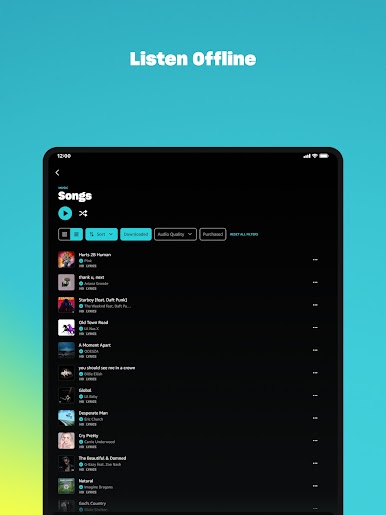
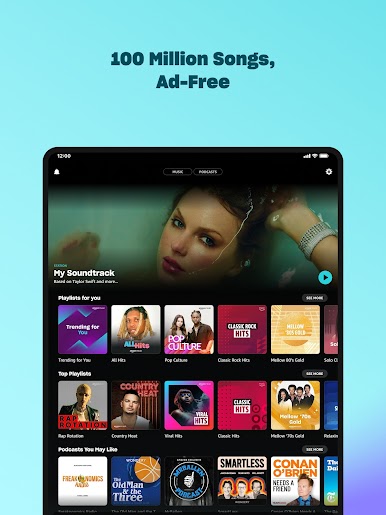
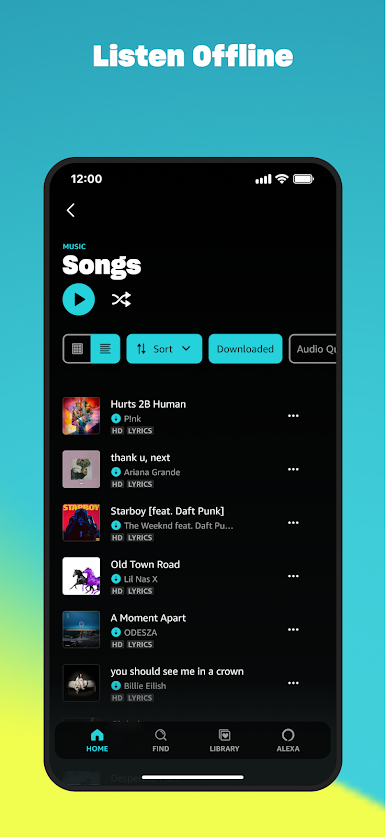
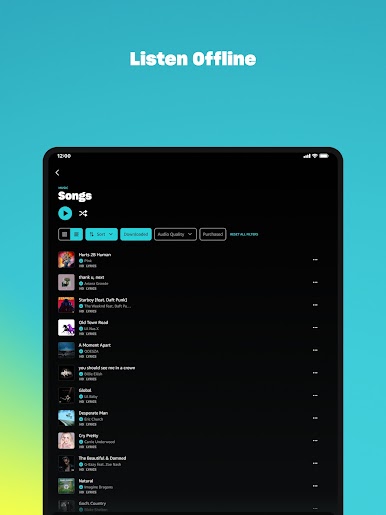
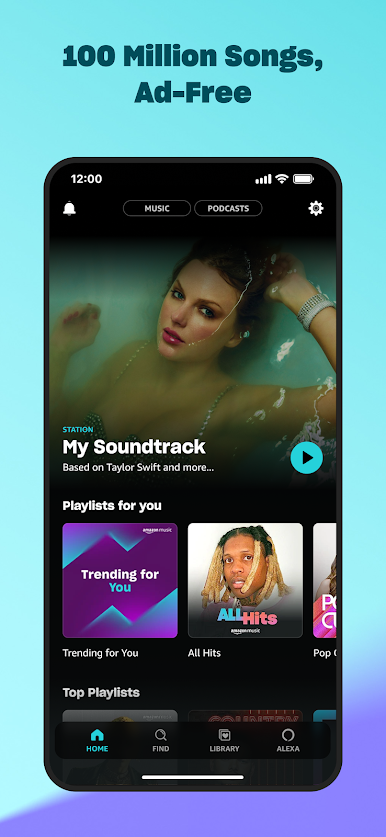
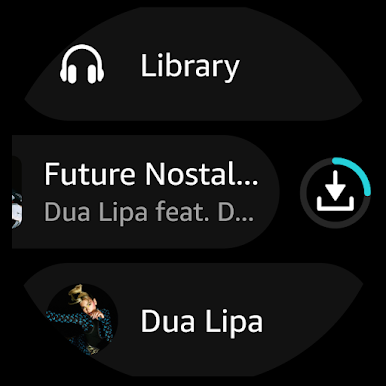
If you want unlimited access to music and podcasts, you can upgrade to Amazon Music Unlimited. With over 100 million songs to choose from, you can pick and play any song ad-free, listen offline, and experience the app’s fast-growing collection of spatial audio.
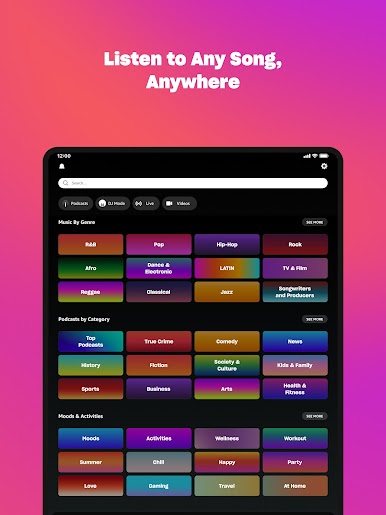
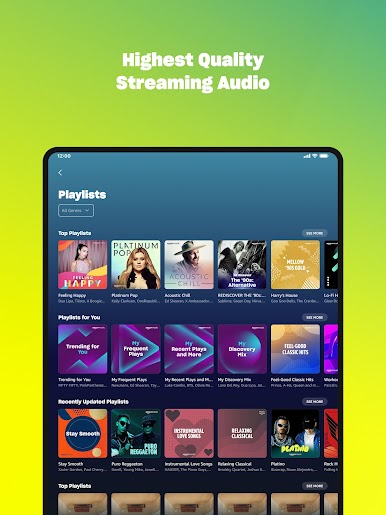
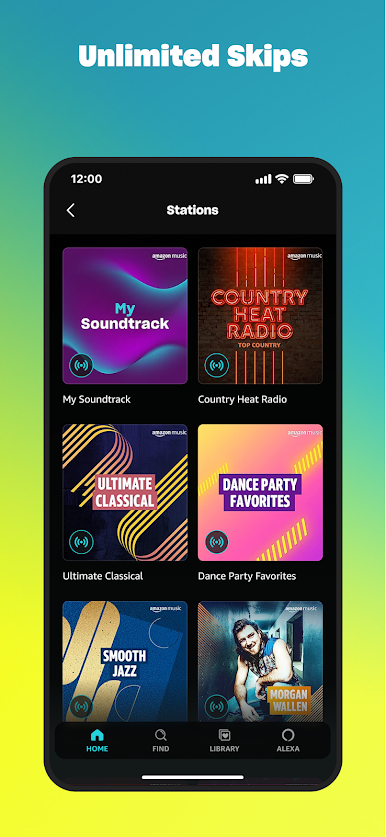
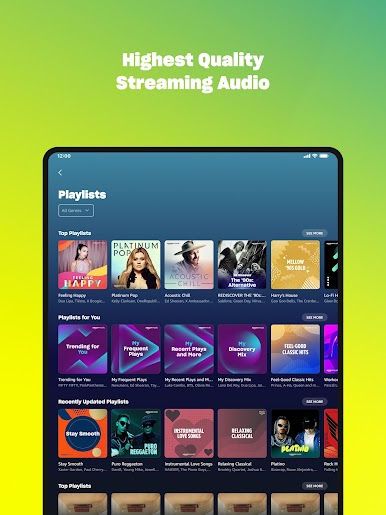
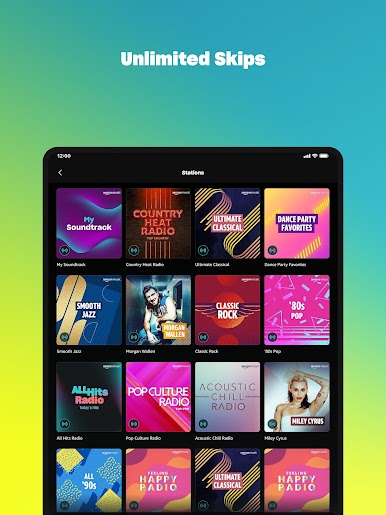
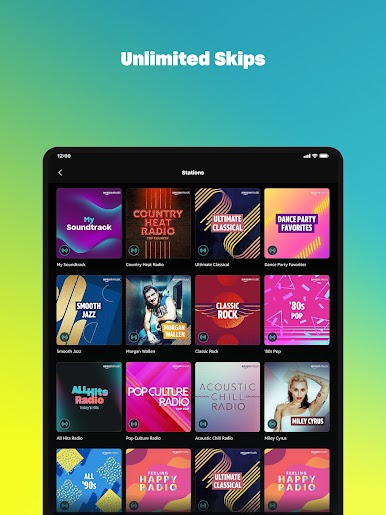
And if you’re worried about missing out on free streaming music, don’t be. Amazon Music: Songs & Podcasts offers thousands of stations and top playlists, along with millions of podcast episodes. You can even discover new music and podcasts based on your likes, without needing a credit card.
If you already have playlists on other music platforms, you can easily move them to Amazon Music in just a few quick steps. And with the My Music feature, you can listen to music you’ve purchased from Amazon, including MP3s and AutoRip CDs/Vinyl, which are stored for free in the Amazon cloud.
Download Amazon Music: Songs & Podcasts on PC with BlueStacks and discover, listen, and enjoy your favorite music and podcasts.
在電腦上遊玩Amazon Music: Songs & Podcasts . 輕易上手.
-
在您的電腦上下載並安裝BlueStacks
-
完成Google登入後即可訪問Play商店,或等你需要訪問Play商店十再登入
-
在右上角的搜索欄中尋找 Amazon Music: Songs & Podcasts
-
點擊以從搜索結果中安裝 Amazon Music: Songs & Podcasts
-
完成Google登入(如果您跳過了步驟2),以安裝 Amazon Music: Songs & Podcasts
-
在首頁畫面中點擊 Amazon Music: Songs & Podcasts 圖標來啟動遊戲

