


Sim-Ex Practice Test:A+ Core 2
العب على الكمبيوتر الشخصي مع BlueStacks - نظام أندرويد للألعاب ، موثوق به من قبل أكثر من 500 مليون لاعب.

Play Sim-Ex Practice Test:A+ Core 2 on PC
Main Features;
1. Question Types : Multiple choice single answer, Multiple choice multiple answer.
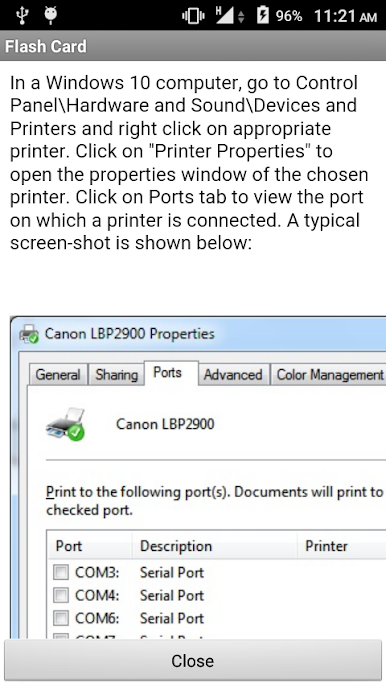
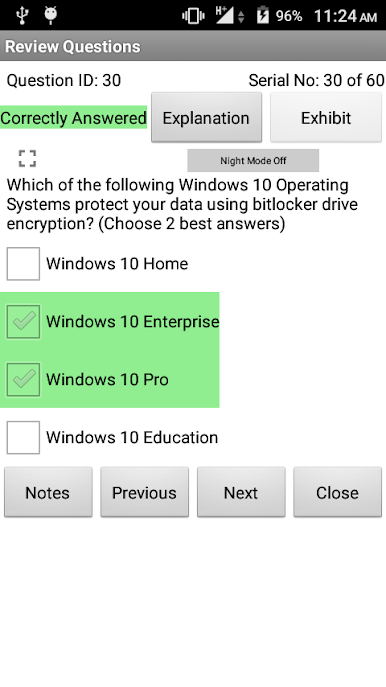
2. Learn mode : Lets you view all questions with correct answers and explanation for each question.
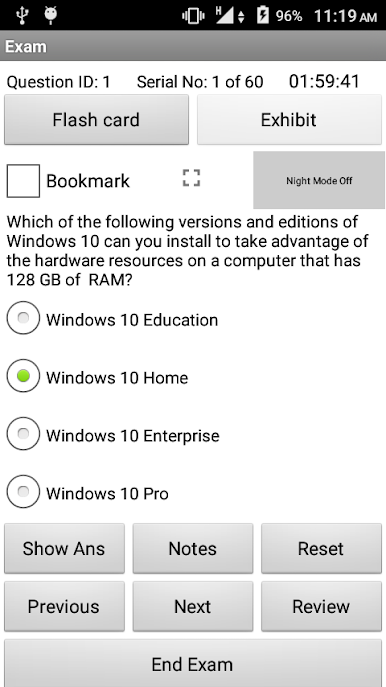
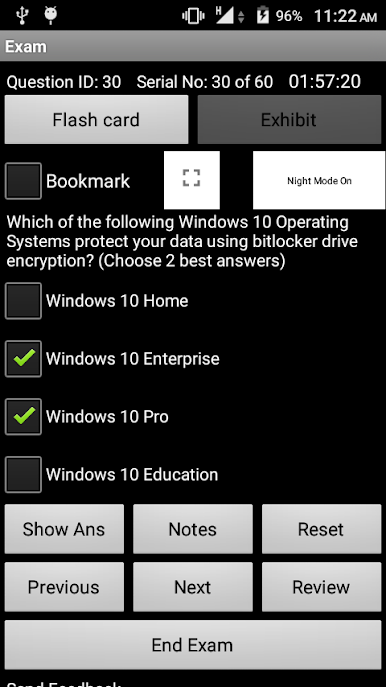
3. Exam mode : Simulates actual exam environment.
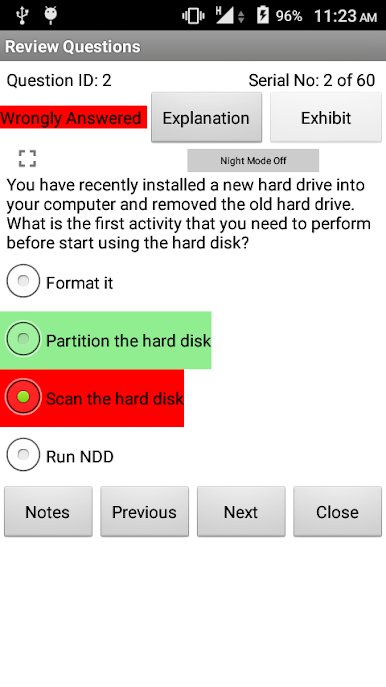
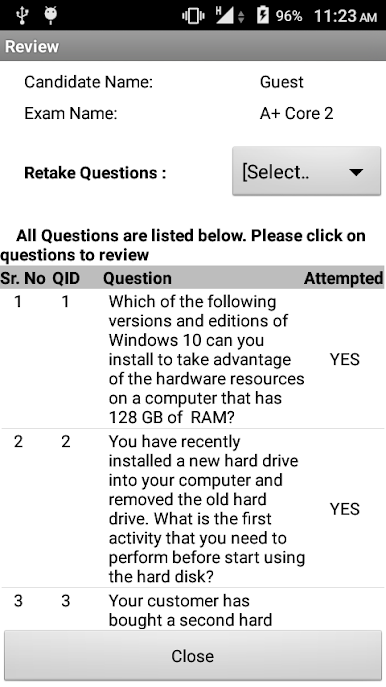
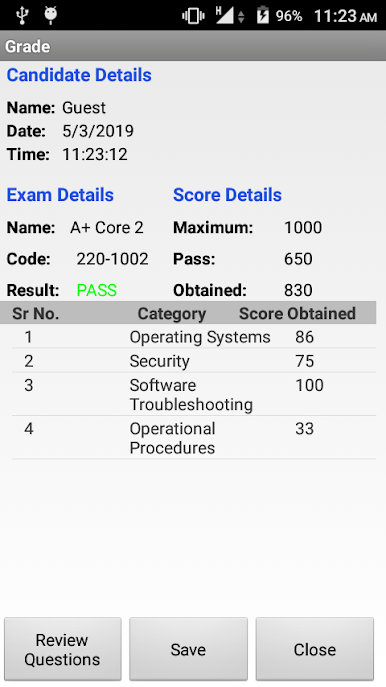
4. Saving Results : Allows to save results of practice exam and view correct and incorrect questions with explanation.
Visit our website for desktop version of the exam simulator with 250+ questions at http://www.simulationexams.com/exam-details/aplus-core2.htm
Disclaimer: Simulationexams.com is not associated with CompTIA organization and A+ is a trademark of CompTIA duly acknowledged.
العب Sim-Ex Practice Test:A+ Core 2 على جهاز الكمبيوتر. من السهل البدء.
-
قم بتنزيل BlueStacks وتثبيته على جهاز الكمبيوتر الخاص بك
-
أكمل تسجيل الدخول إلى Google للوصول إلى متجر Play ، أو قم بذلك لاحقًا
-
ابحث عن Sim-Ex Practice Test:A+ Core 2 في شريط البحث أعلى الزاوية اليمنى
-
انقر لتثبيت Sim-Ex Practice Test:A+ Core 2 من نتائج البحث
-
أكمل تسجيل الدخول إلى Google (إذا تخطيت الخطوة 2) لتثبيت Sim-Ex Practice Test:A+ Core 2
-
انقر على أيقونة Sim-Ex Practice Test:A+ Core 2 على الشاشة الرئيسية لبدء اللعب

