


GPSTest
5억명 이상의 게이머가 신뢰하는 안드로이드 게임 플랫폼 BlueStacks으로 PC에서 플레이하세요.

Run GPSTest on PC or Mac
Multitask effortlessly on your PC or Mac as you try out GPSTest, a Tools app by Sean Barbeau on BlueStacks.
About the App
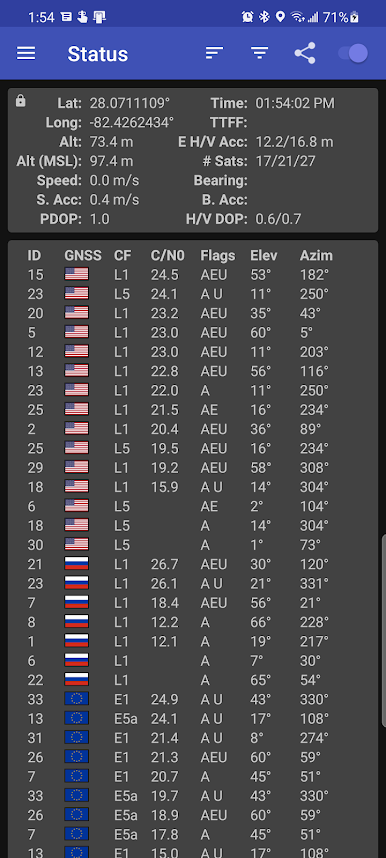
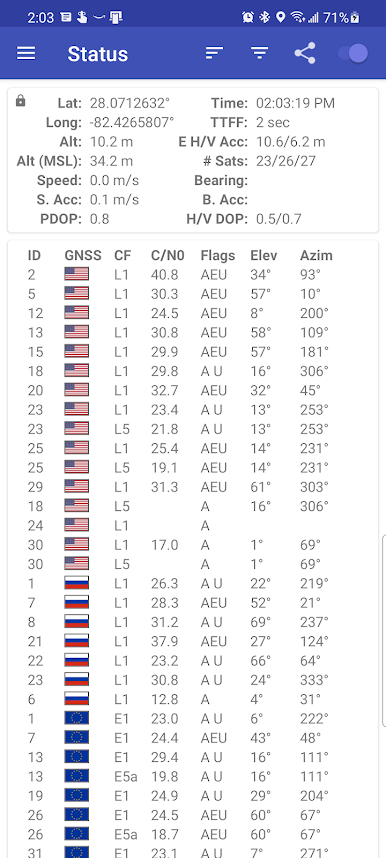
Ever wonder exactly how your GPS is working—or why it sometimes isn’t? GPSTest by Sean Barbeau is a hands-on tool that gives you a deep look into your device’s satellite connections, all in real time. Whether you’re an engineer, a developer, or just someone curious about the nuts and bolts of location tracking, you’ll find plenty of useful info packed inside. GPSTest serves up satellite data with no ads or trackers, letting you troubleshoot, analyze, and understand your device’s performance without any distractions.
App Features
-
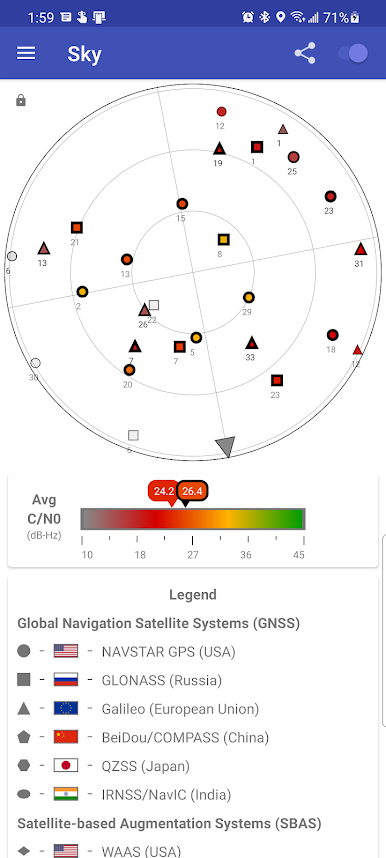
Satellite Insight
See live information from a range of global navigation satellite systems (GNSS) and satellite-based augmentation systems (SBAS), including GPS, Galileo, GLONASS, BeiDou, QZSS, and NavIC. The app lays out which satellites your device is talking to, and even supports dual-frequency GNSS if your hardware allows. -
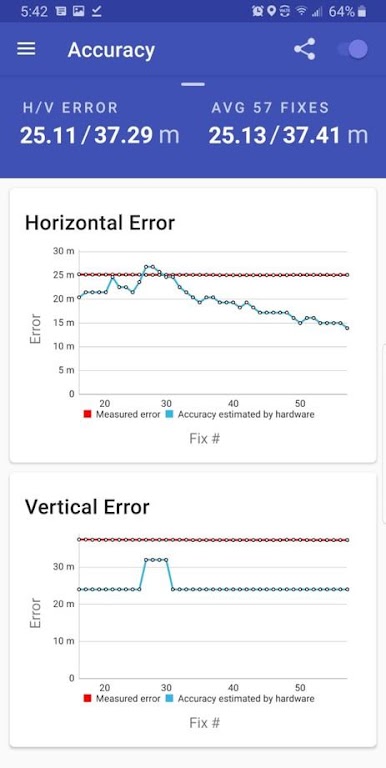
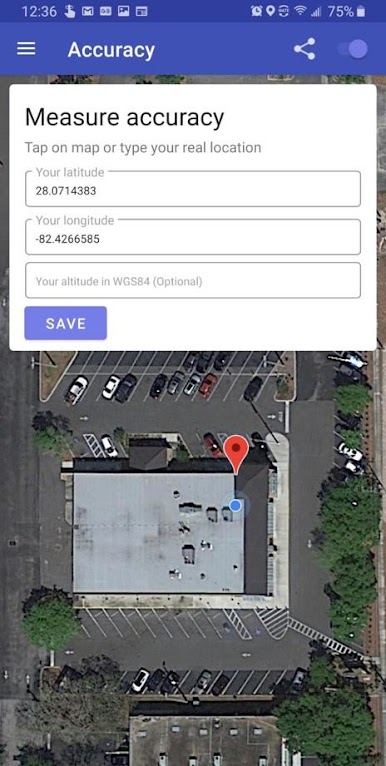
Actual Accuracy Test
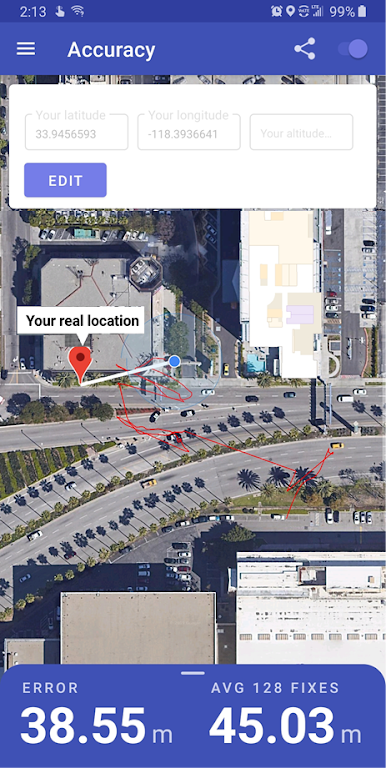
Instead of relying only on your device’s estimated accuracy numbers, GPSTest lets you enter your real location—then compares it to the device reading. This way, you can measure the actual error and get a real sense of your GPS’s true accuracy. -
Assistance Data Controls
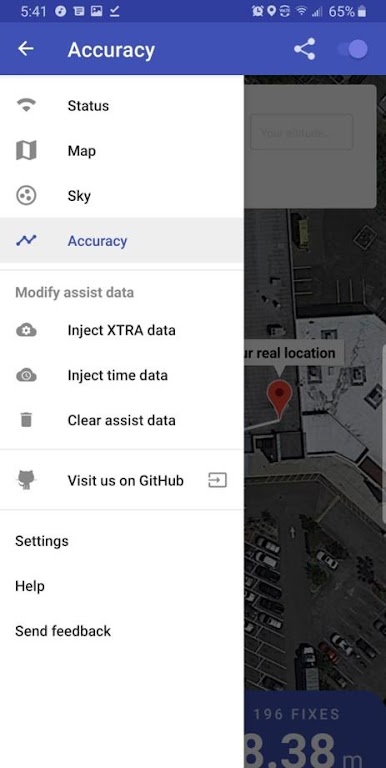
Tweak your device’s satellite data with menu options to inject time or predicted satellite data. If your GPS seems off, you’ve even got the power to clear out all assistance data and start fresh—ideal for troubleshooting (but approach with care since fixes may take some time!). -
Customizable Settings
Pick between light and dark themes, choose your map tile style, set GPS update intervals, or keep your screen on during use. This flexibility makes it great for different preferences and scenarios. -
Open-Source and Community-Driven
GPSTest is completely open-source, so advanced users and tinkerers can dive deeper or contribute. Plus, there’s a lively discussion forum and plenty of community support if you ever get stuck. -
Runs Seamlessly on BlueStacks
Want to monitor location data or run diagnostics on a bigger screen? GPSTest works well with BlueStacks, offering a different perspective when you use it on your PC or Mac.
BlueStacks brings your apps to life on a bigger screen—seamless and straightforward.
PC에서 GPSTest 플레이해보세요.
-
BlueStacks 다운로드하고 설치
-
Google Play 스토어에 로그인 하기(나중에 진행가능)
-
오른쪽 상단 코너에 GPSTest 검색
-
검색 결과 중 GPSTest 선택하여 설치
-
구글 로그인 진행(만약 2단계를 지나갔을 경우) 후 GPSTest 설치
-
메인 홈화면에서 GPSTest 선택하여 실행

